
Überblick
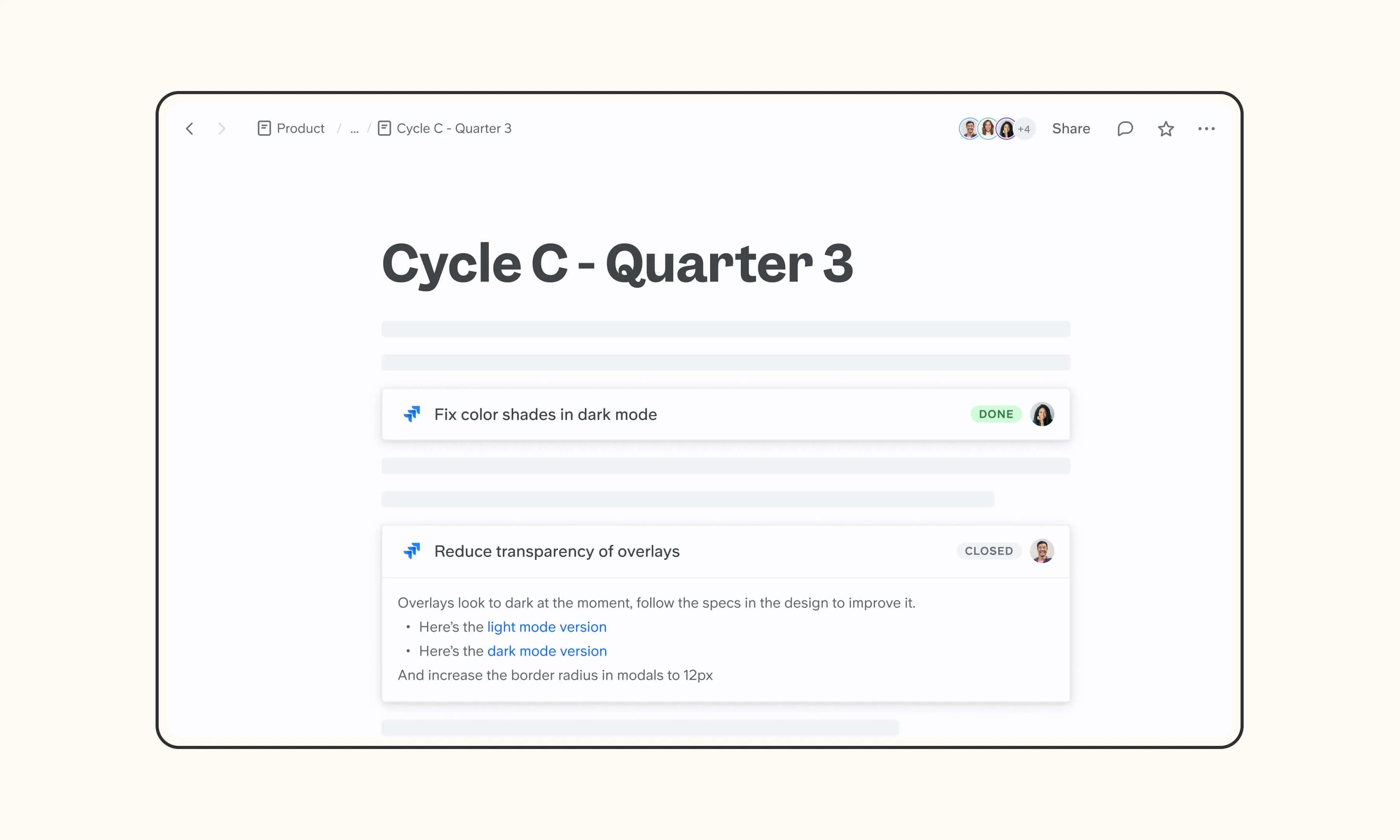
Jira is where engineering teams track tickets, epics, and sprints. The Slite integration brings Jira issues into your docs as rich live previews, so PRDs, sprint plans, and engineering retros reference the current ticket state (title, status, priority, assignee) and update in real time as Jira does.
So funktioniert's
To embed: Paste a Jira issue URL into your Slite doc, or use /jira to insert it. The link transforms into a live preview showing the issue title and status. Expand the preview to see project, priority, and description. Changes in Jira update the preview instantly — no refresh required.
To connect as a source: Go to Sources in Slite, click "Add external source," and select Jira. Authenticate, choose which projects to sync, and Slite Agent will start including relevant issues, comments, and project updates in its answers. Content syncs every 6 hours, or manually on demand.
Need help setting up your Jira integration with Slite? Read the Jira integration guide or contact support .
🔒 We take privacy seriously. Slite is SOC 2 Type II certified, GDPR and HIPAA compliant, with all data encrypted in transit and at rest on EU-based infrastructure. Your data is never used to train, nor retained by, third-party LLMs. See our security page for more information.
Erstellt von
Slite
Ressourcen
Kategorien
Automatisierungen
Engineering
Zusammenarbeit