
Aperçu
Claude is the AI model many teams use to write, research and think through problems. Connect Slite to Claude and you can ask questions answered from your Slite docs and connected sources, and create or edit docs, without leaving the conversation.
Comment ça marche
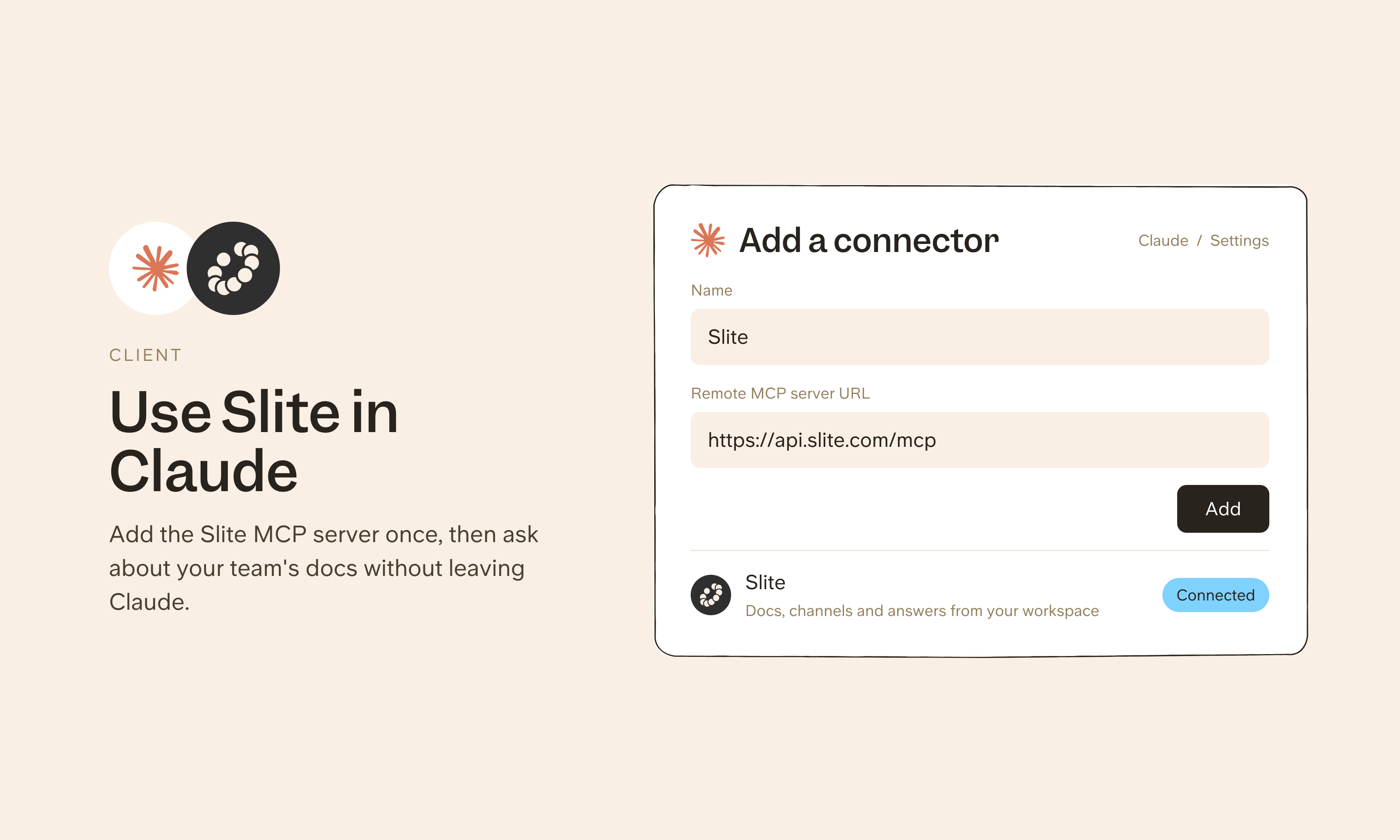
In the Claude desktop app, open Settings, go to Connectors and click Discover, then search for Slite. You can also find Slite in Claude's connector directory. Click Connect to Claude, sign in to Slite and authorize access. There are no API keys or config files to set up.
Claude connects through Slite's MCP server at https://api.slite.com/mcp. Once connected, Claude can search your docs and connected sources to answer questions, and draft, edit, move or verify docs when you ask.
Need help setting up your Claude integration with Slite? contact support .
🔒 We take privacy seriously. Slite is SOC 2 Type II certified, GDPR and HIPAA compliant, with all data encrypted in transit and at rest on EU-based infrastructure. Your data is never used to train, nor retained by, third-party LLMs. See our security page for more information.