6 tips to get started with Slite

So you signed into Slite and created your organization. Now what? 🤔
Here are 6 simple and useful tips to setting up Slite in the best way possible for your team:
Tip #1: Set up channels the right way
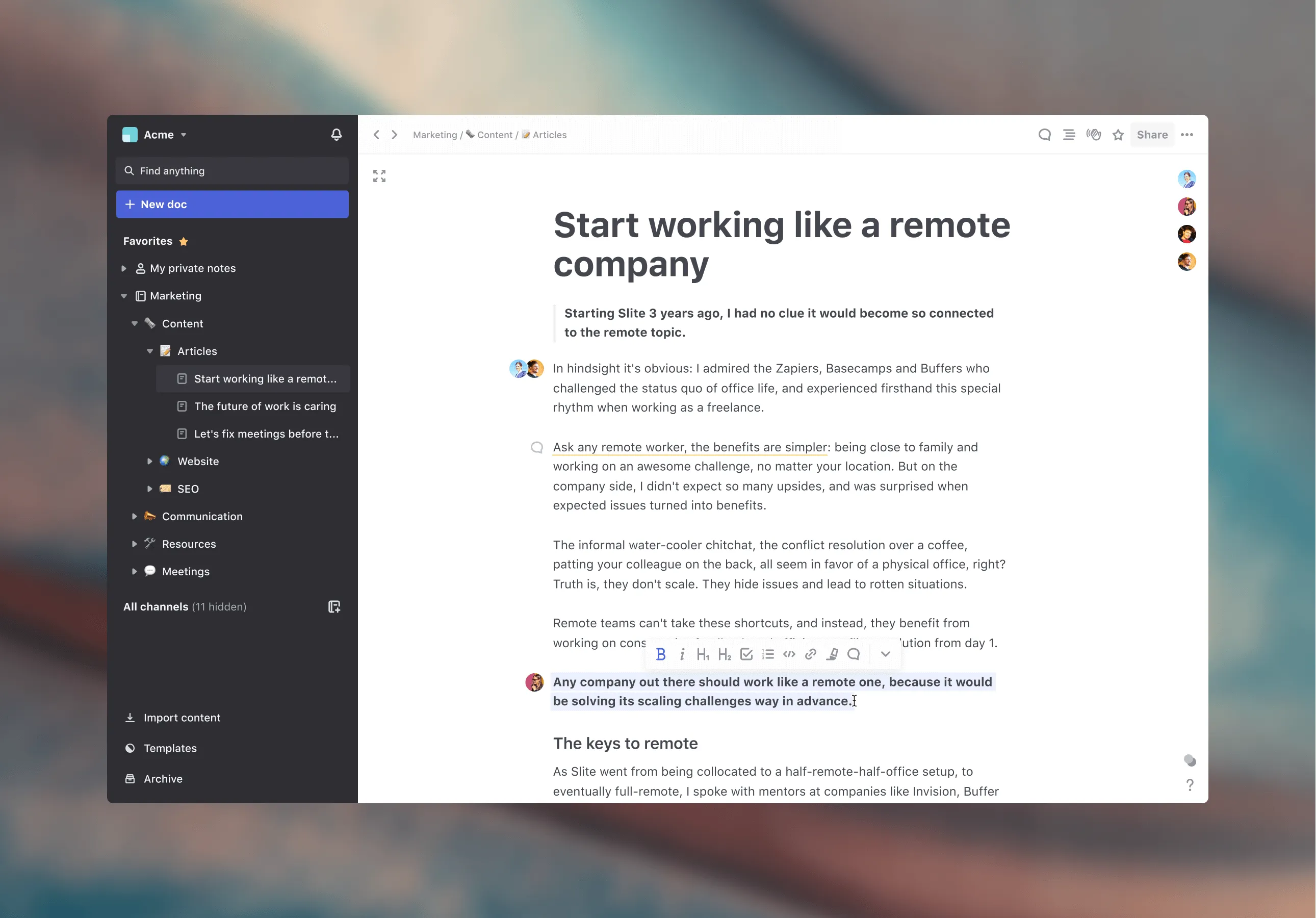
The best part about Slite is how visible and accessible all your docs are thanks to the channels sidebar. The hardest part is to map out how to organize all your team's content in a scalable way. So here are some best practices we swear by to speed up the process:
One channel, one topic
✅ Create your channels around topics, departments or projects.
🚫 Don't create multiple Marketing channels, for example. You'll risk duplicate content.
Stock vs. Flow
Tip #2: Sort your docs
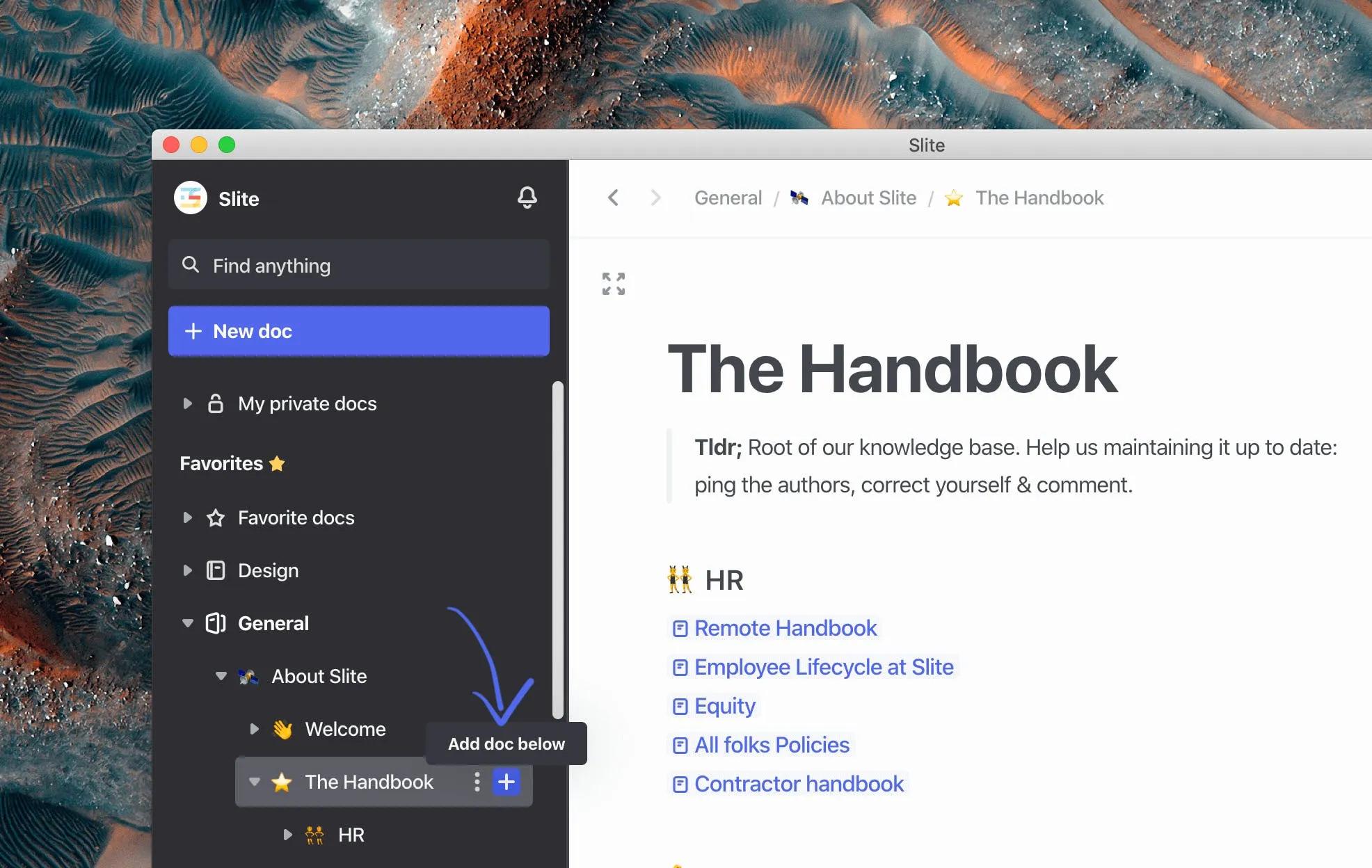
Each new doc can contain multiple docs under it, so you can easily create clusters of information within your channels, around more specific topics.
Tip #3: Stay synthetic
Because Slite is a note taking app, it lets teams create synthetic and standardized content. The editor is minimalist and has everything you need while letting you create rich content by adding images, files, links etc.
✅ Use your private docs to draft a personal wiki
✅ Come up with standard rules for how to write docs as a team
✅ Use private channels for collaborating on content with specific team members, use public channels for stock (processes, how tos...) that the entire team needs to access
Tip #4: Use templates
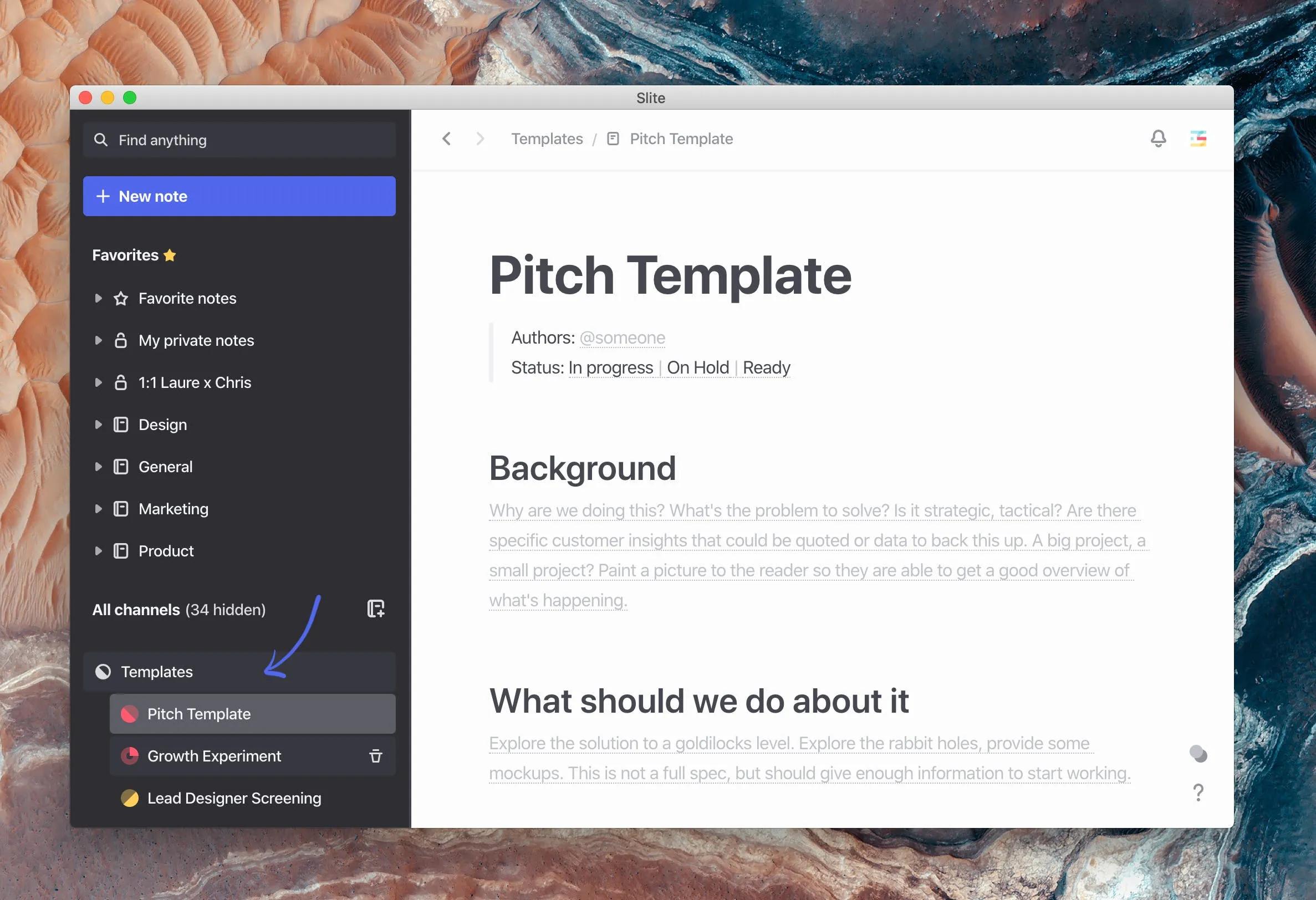
Slite's a great place for repeated formatted content that your entire team needs to produce (meeting note agendas, newsletters...). To make it more efficient, you can create templates and pin them to the top of your appropriate channels. Check templates out here!
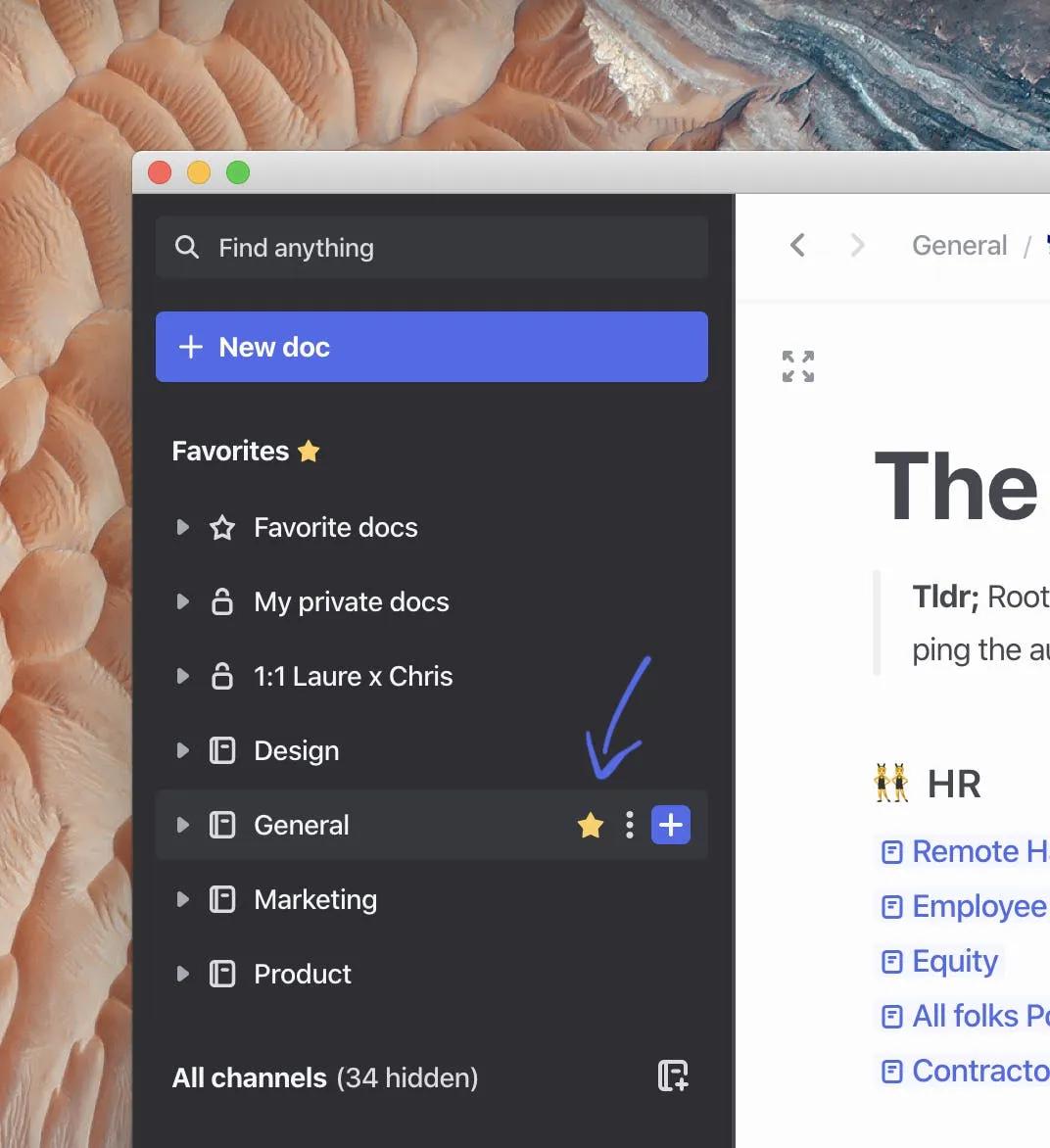
Tip #5: Favorite your channels docs
Keepy your most important channels at the top of your left sidebar by favoriting them.
Tip #6: Connect your docs
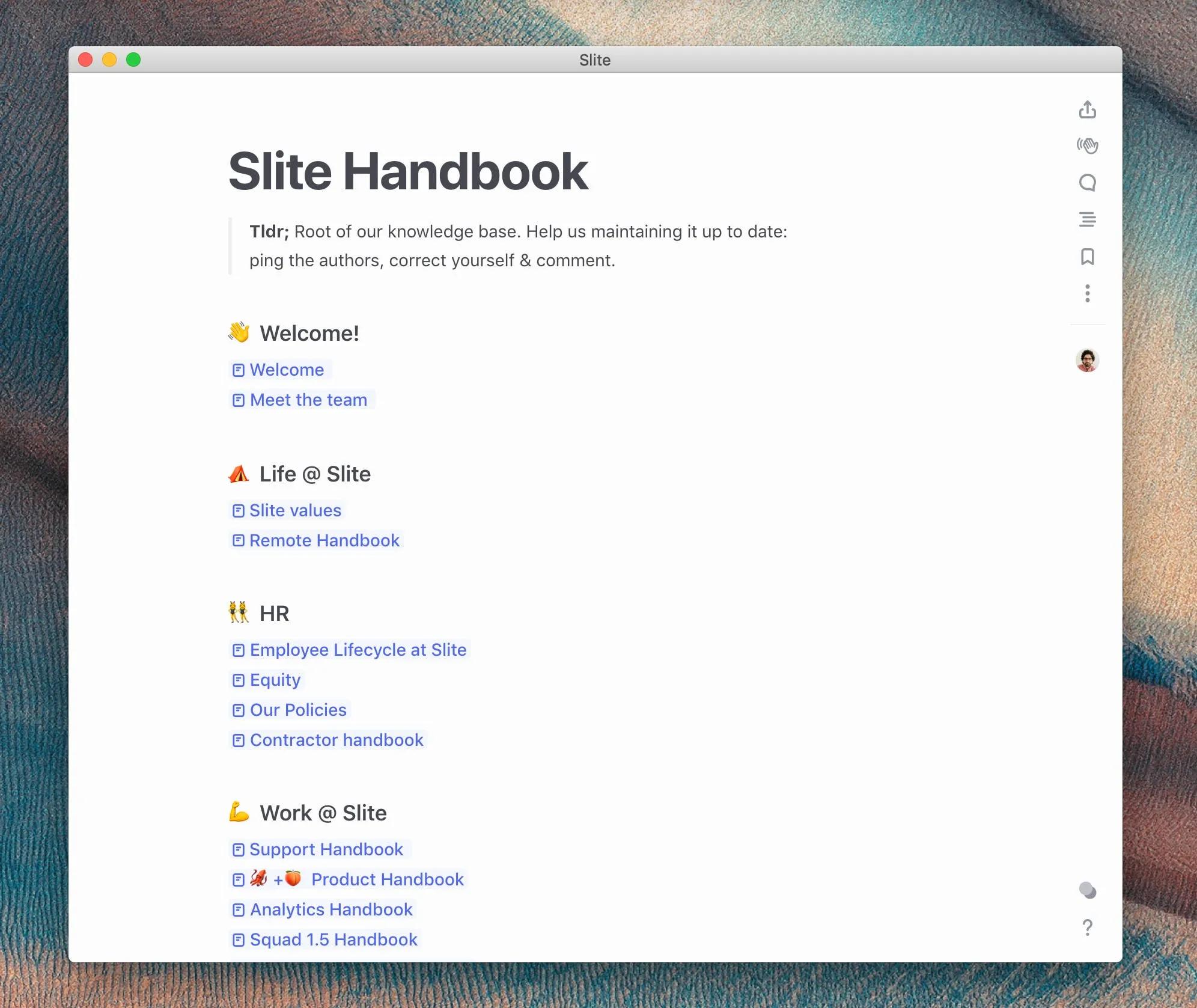
The idea of Slite is to share and enrich all the knowledge your team produces daily. Slite lets you build a web of your team's work, take full advantage of it! Use @+title of the note to connect docs to each other.
Alright, now go crazy and share all your knowledge with your team ✨

Escrito por Laure Albouy
Laure Albouy is Slite's first marketing hire and in charge of Product Marketing. Her role? Making sure our users get the most out of Slite —including guides, product announcements, market research and more. Laure lives in Paris and is a pasta afficionada.