Aperçu
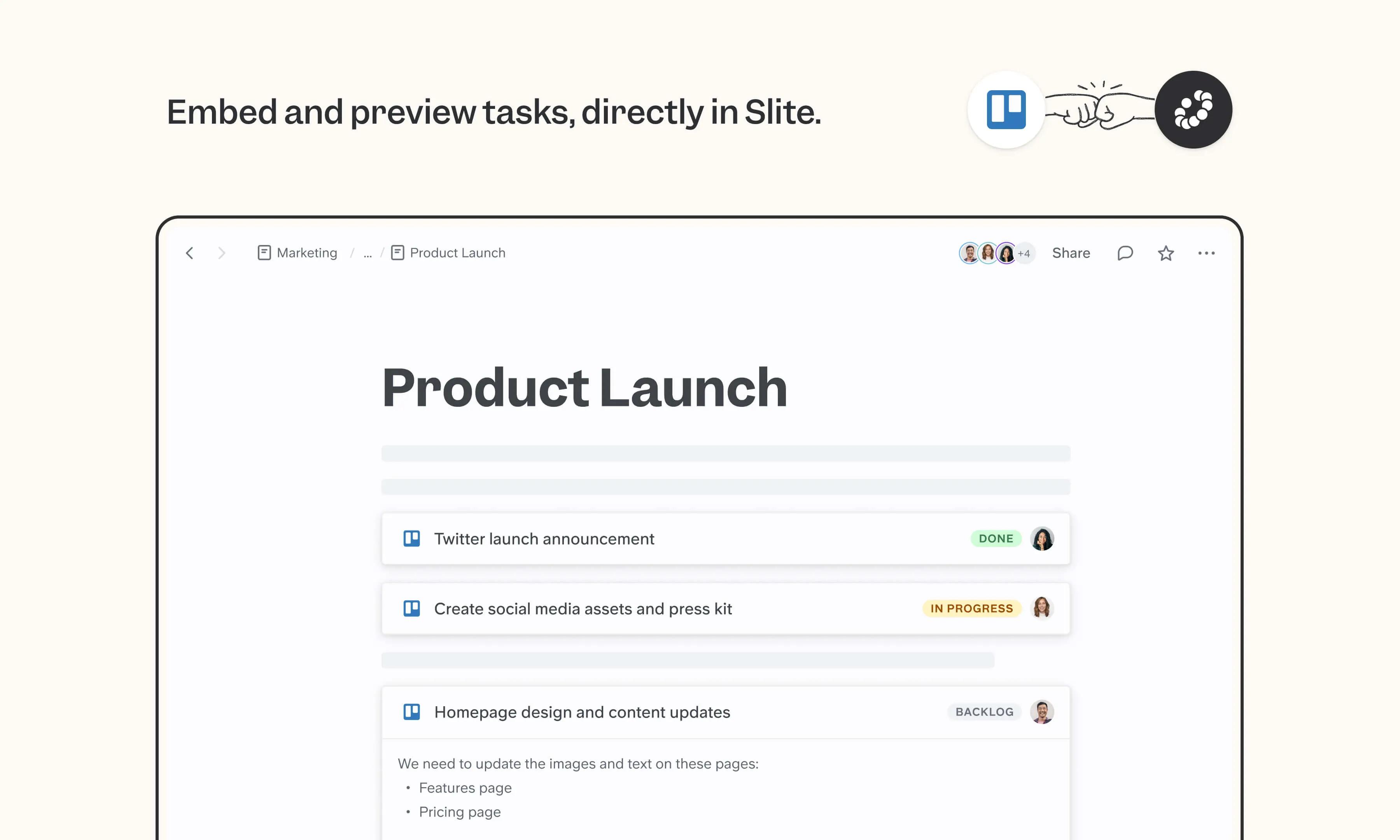
Trello's Kanban-style boards are still where many teams run product planning, content calendars, and lightweight project tracking. The Slite integration embeds Trello cards in your docs as live previews, so project pages, briefs, and retros reference the current card state (assignees, due dates, status) kept in sync automatically.
Comment ça marche
Paste a Trello card share URL into your Slite doc, or use /trello to insert it. The card appears as a live preview that updates as the card changes. Click the preview to reveal full details (title, description, assignees, status, and due date) all reflecting the current state of the card.
Need help setting up your Trello integration with Slite? Read the Trello integration guide or contact support .
We take privacy seriously. Slite is SOC 2 Type II certified, GDPR and HIPAA compliant, with all data encrypted in transit and at rest on EU-based infrastructure. Your data is never used to train, nor retained by, third-party LLMs. See our security page for more information.