Most employee handbooks start as a PDF. It gets emailed to new hires, saved to a shared drive, and updated by adding "v3" to the filename. A year later, three versions are in circulation and HR answers the same questions in Slack every week.
Only 48% of HR professionals feel very confident their handbook reflects current law.
Employee handbook software fixes this. Some tools are built to collect signatures, some to answer employees' questions, and some to reach staff who have no desk, so the right pick depends on which of those you need most.
Key takeaways
- Slite is the strongest choice for teams that need a handbook employees can ask questions of, with an owner and a review date on every policy.
- AirMason fits US companies that want a designed, branded handbook with e-signature built in.
- Blissbook is built for compliance-led HR teams that need legally binding signatures and an audit trail.
- BambooHR fits teams already running HR on it that mainly need the handbook signed.
- Rippling makes sense for multi-state US companies that already run HR on it and want policies applied by location or level.
- Connecteam is best for retail, hospitality, field and shift teams whose staff have no work email.
- Confluence fits companies standardized on Atlassian with people assigned to keep pages current.
- Book a demo to see how Slite keeps a handbook findable and current.
What is employee handbook software?
Employee handbook software is a tool for writing, publishing and maintaining a company handbook online instead of in a PDF.
It comes in four categories: dedicated handbook builders, handbook modules inside HR systems, frontline apps for staff without a desk, and wikis or knowledge bases, where the handbook is one part of the company's wider documentation.
| Kind of tool | Getting it read | Getting it signed | Keeping it current | Examples |
|---|---|---|---|---|
| Dedicated builders | Strong (designed, mobile) | Strong (e-sign, reminders) | Partial (versioning, paid law alerts) | AirMason, Blissbook |
| HR system modules | Partial (often a file with e-sign) | Strong | Partial (law alerts in some) | BambooHR, Rippling, Gusto |
| Frontline apps | Strong on mobile | Partial (capped e-sign) | Weak | Connecteam |
| Wikis and knowledge bases | Strong (search, AI answers) | Weak or none | Strong in some (owners, review dates) | Slite, Confluence |
You can buy specialized handbook software, or keep the handbook in a tool people already open every day, such as a wiki. Handbook-only tools get opened at onboarding and at the yearly sign-off, while a wiki gets visited daily for other work, so a handbook kept there is read more often.
What goes inside the handbook, the legal must-haves, and how to run one handbook across several countries are covered in our employee handbook guide.
What to look for in employee handbook software
Start from the need that matters most, then test the features that serve it in a vendor demo.
Getting it read
A handbook only helps if employees read it, so check how each tool gets the handbook in front of them and whether they can find a specific policy when they need it. The main channels are:
- Search inside the tool: an employee types a question and gets the policy, even when their wording differs from the handbook's.
- AI answers in Slack or Teams: people ask where they already work and get the answer with a link to the policy, which also suits personal HR questions nobody wants to post in a public channel.
- A mobile app: the only channel that reaches staff without a work email or a desk.
- Email and onboarding flows: the handbook is sent once, which works for sign-off but rarely for finding a policy months later.
For the wider self-service setup, see our guide to building an HR knowledge base.
Most employees only ever read the handbook, so check whether a tool offers cheaper read-only seats or charges every reader a full seat before you set the budget.
If you have offices in several countries, check that each person sees only their own location's version, and ask how translation works.
Getting it signed
In some countries and US states, employers have to show employees the handbook and keep proof that each one signed it, so if that applies to you the software needs e-signature built in. Look for e-signature tied to the exact version someone signed, reminders that escalate, and a record you can export for an audit.
A signature proves receipt. It doesn't show that someone found or understood the policy later, so signing and reading often end up in two different tools.
Keeping it current
A handbook goes out of date every time a policy, a law or a benefit changes, and an outdated handbook is worse than none because employees act on it. Keeping it current takes a named owner and a review date for each policy, so someone is reminded to re-check it, plus version history so you can see what changed, when, and who approved it.
Approval before changes go live stops half-finished edits reaching employees, and alerts when something new contradicts the handbook catch the changes nobody thought to write down. HR system sync matters too: when someone transfers to another office, the version they see should change with them.
Our guide to the self-maintaining knowledge base covers how to set up those maintenance routines.
The best employee handbook software at a glance
The table below compares the seven tools on what they're strongest at, whether they handle signatures and AI answers, and what they cost.
| Tool | Kind of tool | Strongest at | E-signature / acknowledgment | AI answers | Starting price | Best for | Not for you if |
|---|---|---|---|---|---|---|---|
| Slite | Knowledge base | Read, current | No (export and sign elsewhere) | Yes, cited, with "no answer found" | $10/user/month, billed yearly | 50 to a few thousand people | You need proof every employee signed a version |
| AirMason | Dedicated builder | Signed, read | Yes, with reminders and version tracking | None shown | $999/year (1–99 employees) | US companies wanting a polished handbook | You want employees asking it questions daily |
| Blissbook | Dedicated builder | Signed | Yes, with due dates and manager escalation | No | $249/month, billed annually (301–400 employees) | Compliance-led HR teams | Employees need answers in the moment |
| BambooHR | HR system module | Signed | Yes, uploaded file with e-sign and reminders | Yes, on Pro and above | $10/employee/month (Core) | Small US teams already on BambooHR | The handbook needs regular, owned updates |
| Rippling | HR system module | Policy rules | Check in demo | Check in demo | $8/employee/month plus base fee | Multi-state US teams on Rippling | You're not already on Rippling |
| Connecteam | Frontline app | Read on mobile | Yes, capped by plan | Check in demo | Free up to 10 users; $29/month billed yearly (first 30 users) | Retail, hospitality, field and shift teams | Most of your team works at a desk |
| Confluence | Wiki | Read at scale | No | Check in demo | Free up to 10 users; $5.78/user/month | Atlassian-standardized companies | Nobody owns ongoing maintenance |
Prices checked October 2026 on each vendor's site.
Slite
Slite is an AI knowledge base that holds the handbook together with the rest of the company's documentation. Employees ask questions in plain language and get answers that cite the policy, and every policy has a named owner and a review date.
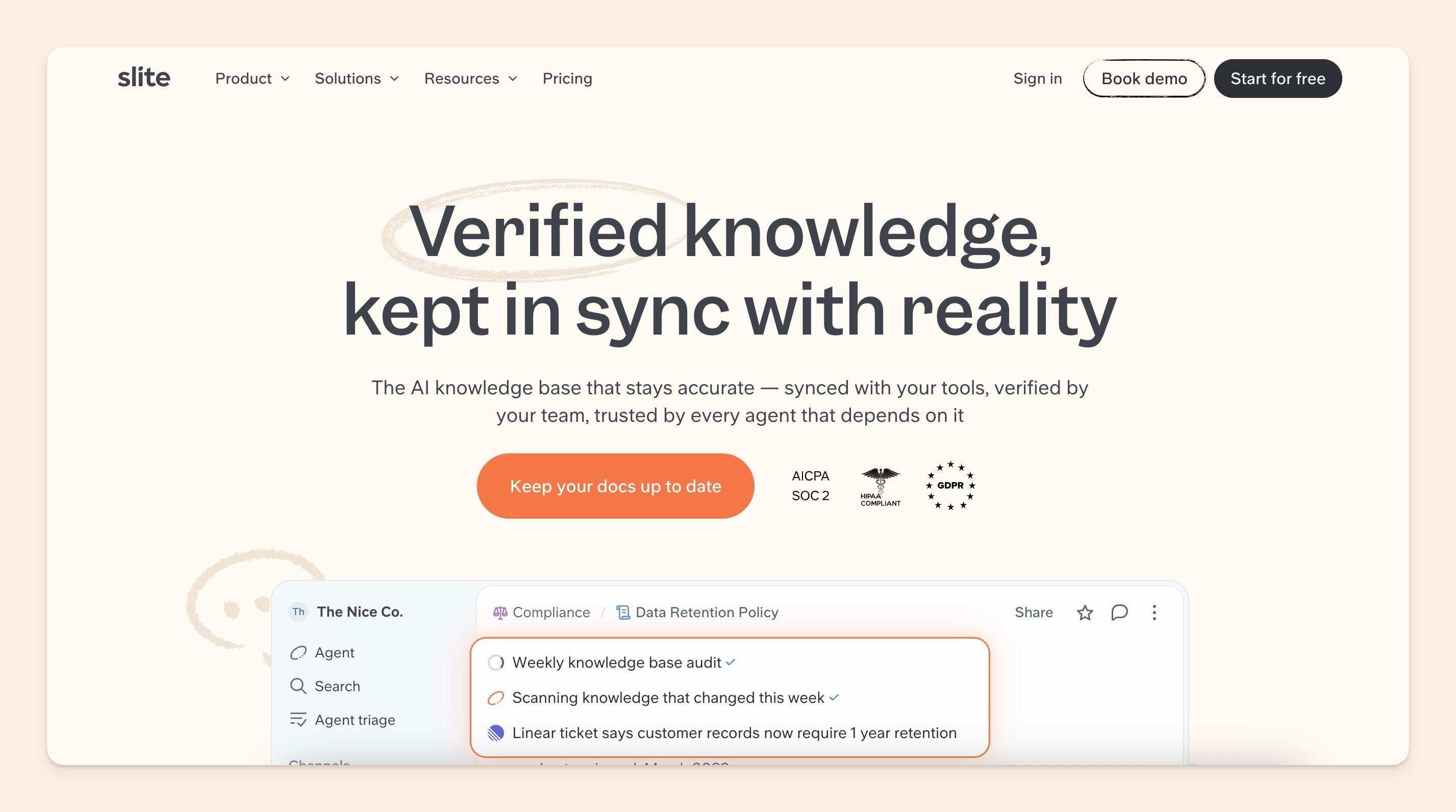
Slite starts at $10 per user per month, billed yearly, with a 14-day trial.
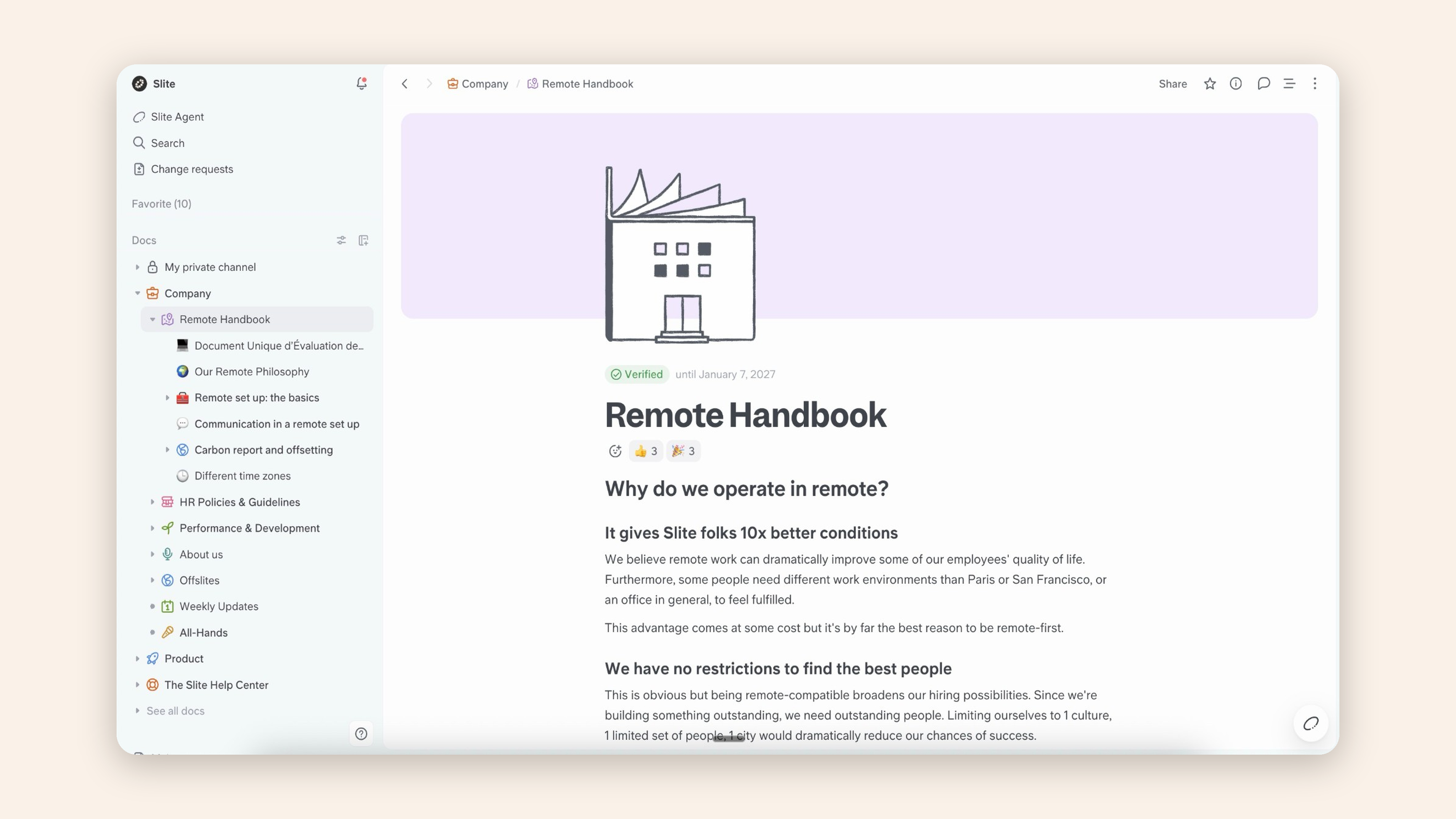
- Owners and review dates: every policy gets an owner and a verification date with expiry reminders, and the Knowledge Management Panel lists what has expired. Outdated docs are left out of AI answers.
- Cited answers: Ask returns the answer with its source, or "no answer found" instead of a guess. It also works in Slack, including DMs, which suits personal HR questions.
- One version per location: doc permissions and user groups show each office only its own version. Answers come back in the asker's language, and AI translate handles the docs themselves.
- Gap reports: Ask Insights shows HR the most-asked questions and the ones the handbook can't answer yet.
Slite Agent adds a maintenance layer on top. It checks handbook pages against newer information, such as a Slack announcement that changes a leave policy, flags the conflict and routes it to the policy owner. Nothing changes until a person approves it.
Downsides: no acknowledgment tracking or e-signature, so teams export the policy and collect signatures elsewhere. No quizzes, public links can't be restricted by password or domain, and there's no HR system connector or legal content. Every reader needs a seat, which adds up when most employees only read. Teams of tens of thousands or those that need attorney-written policies are better served elsewhere.
Best for: companies of roughly 50 to a few thousand people whose real problem is people not finding answers and policies going stale.
AirMason
AirMason is a dedicated builder for designed, branded handbooks with e-signature built in.
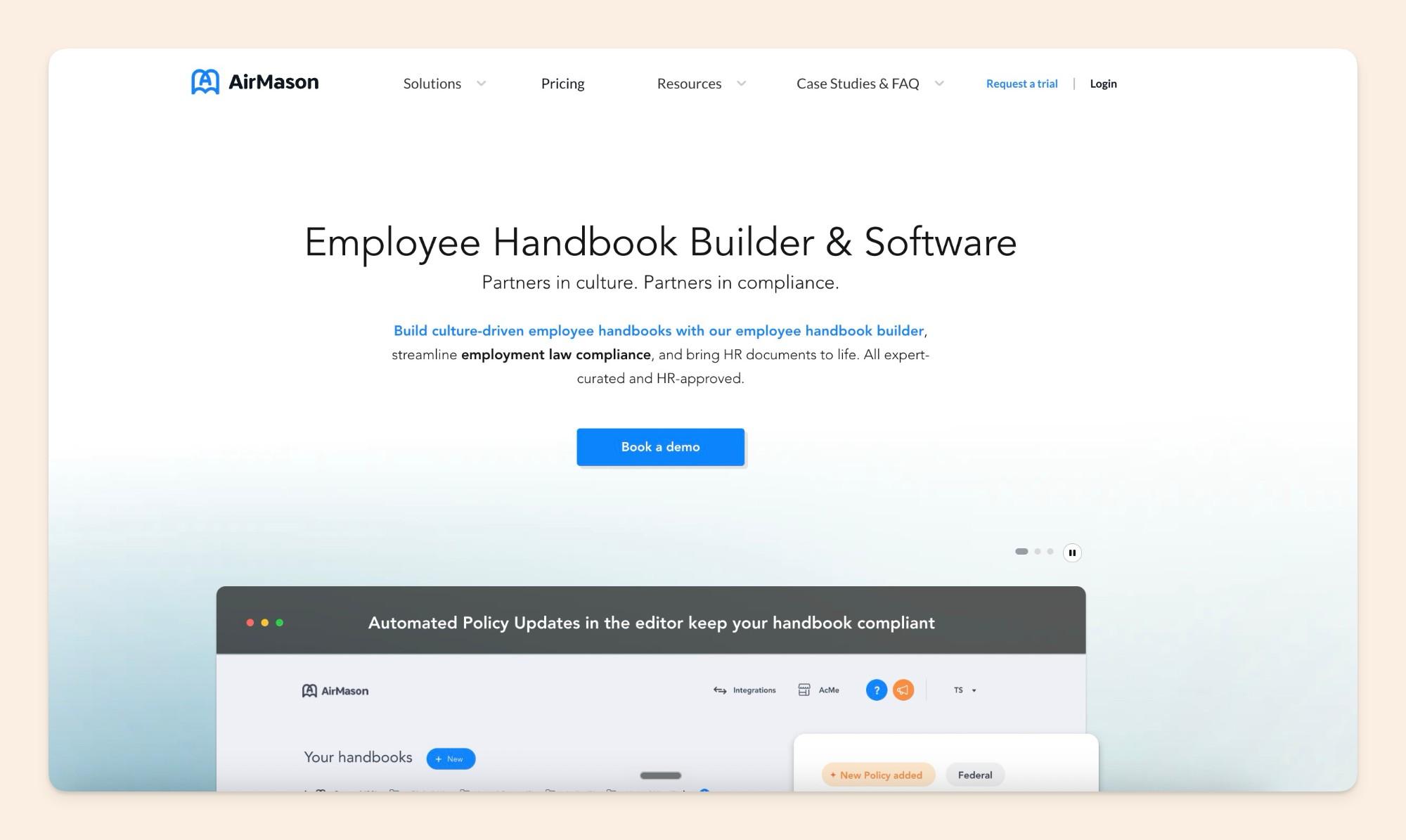
Pricing is flat by employee band. Startup (1–99 employees) costs $999 a year, or $149 a month billed monthly. Small Business (100–199) costs $1,499 a year, or $199 a month, and Enterprise (200+) is custom.
- Signatures by version: e-signatures with reminders, tracked for each version of the handbook.
- Versioning and approvals: versioning with restore, plus approval workflows before changes go out.
- Integrations: HR system integrations and SSO.
Downsides: no AI answers shown, and it's a separate tool people rarely open between onboarding and the yearly sign-off, so it suits teams that don't expect employees to ask the handbook questions day to day.
Best for: US companies that want a polished handbook with sign-off built in.
Blissbook
Blissbook is a compliance-first handbook builder built around legally binding signatures and audit trails.
Pricing is flat by audience size, starting at $249 a month billed annually, with PRO at $349 a month. The Labor Law Change Updates add-on is listed at "$49/mo for 1 state and up".
- Signature tracking: due dates, reminders and escalation to managers.
- Audit trails: a record of every version and every signature.
- Personalized handbooks: different content for different groups of employees.
- Integrations: more than 80 HR system integrations.
Downsides: no AI answers, and law updates are priced by state, which adds up for employers in many states. Employees get a document to sign rather than answers in the moment.
Best for: compliance-led HR teams that need an audit trail above everything else.
BambooHR
BambooHR is an HR system, and its handbook is a file you upload and send out for e-signature. A Signed Documents report and reminders show who still has to sign, and a compliance add-on adds handbook creation and law-change alerts.
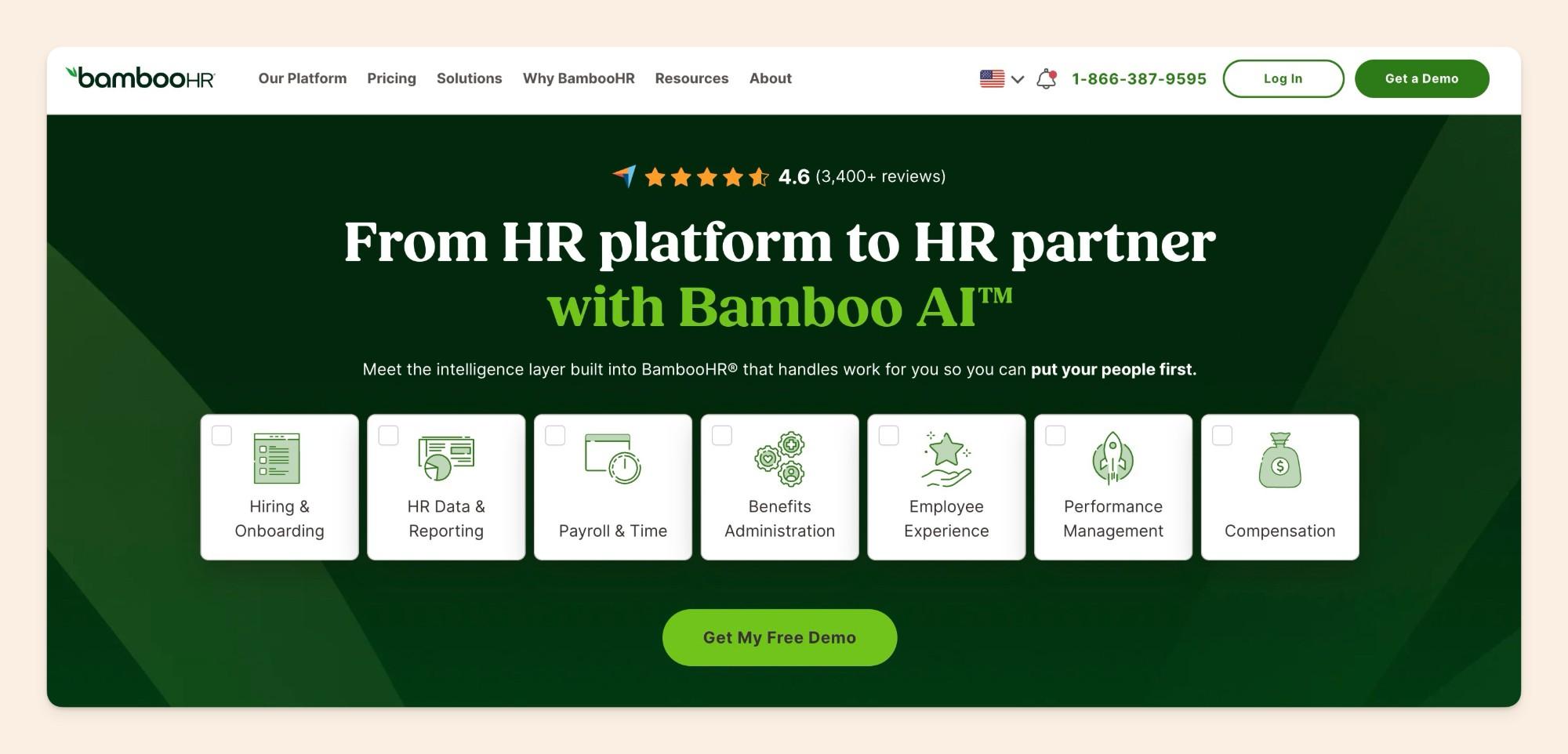
Core costs $10, Pro $17 and Elite $25 per employee per month, billed monthly. Teams of 25 employees or fewer pay a flat $250, $425 or $650 a month.
- Signatures where records live: e-signature and reminders inside the HR system employees already use.
- Policy Q&A: its AI answers policy and handbook questions on Pro and above.
- Compliance add-on: handbook creation and alerts when employment law changes.
Downsides: the handbook stays an uploaded document rather than an editable knowledge base, so regular updates with a named owner per policy are hard to run.
Best for: small and growing US teams already on BambooHR that mainly need sign-off.
Rippling
Rippling is an HR and IT platform where policies sit in each employee's record.
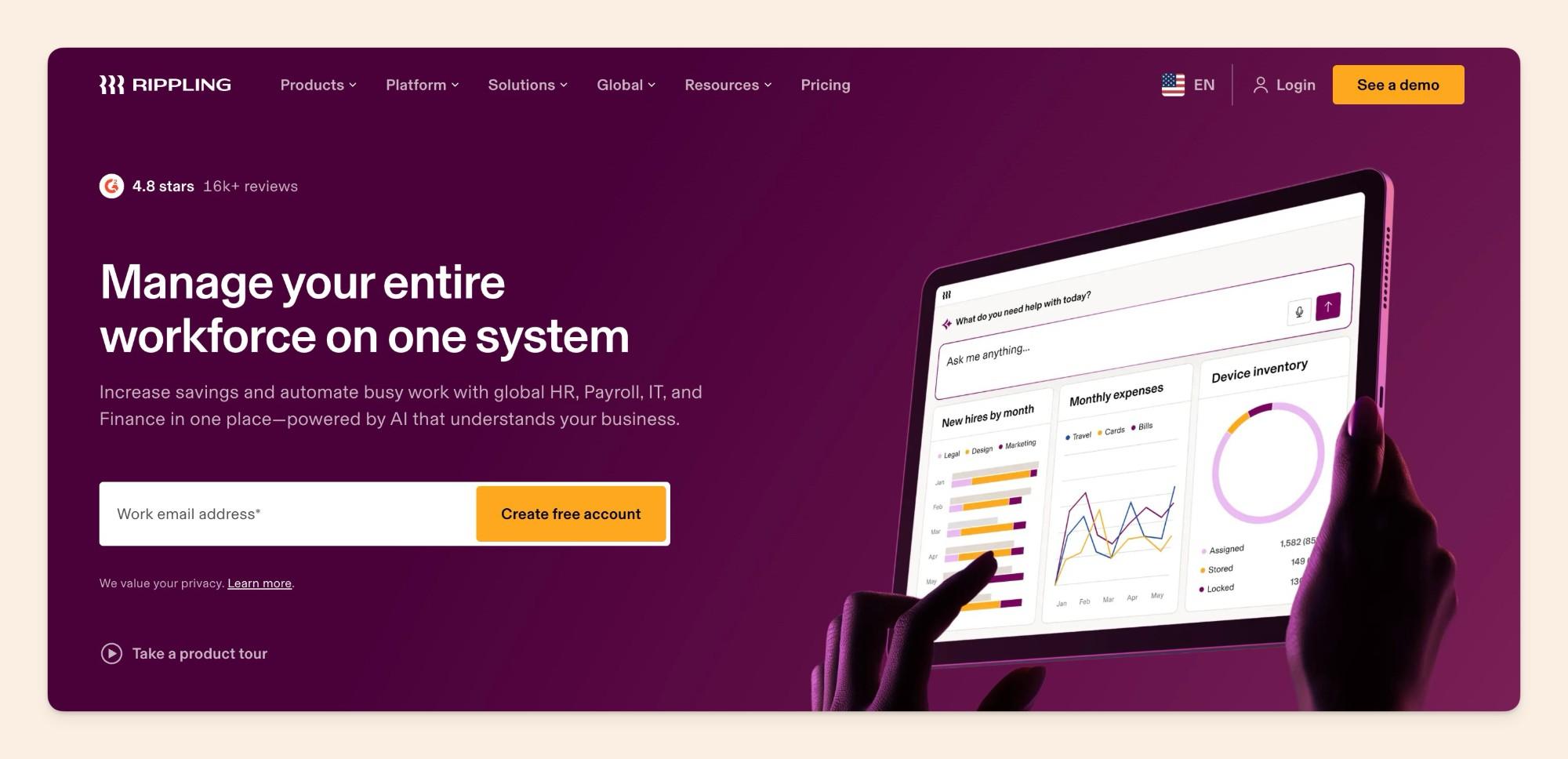
It starts at $8 per employee per month plus a monthly base fee, and pricing beyond that is quote-based.
- Policy rules by attribute: "Supergroups" apply policies by attributes such as level or location.
- Automatic inheritance: when someone moves roles, they pick up the policies that apply to their new group.
- One record: policies are stored with the rest of the employee's HR data.
Downsides: these work as enforced policy rules, and the handbook is one feature inside a large platform, so people rarely go there to look something up. It only makes sense if you already run HR on Rippling.
Best for: US companies with staff in several states that already run HR on Rippling.
Connecteam
Connecteam is a mobile app for deskless and frontline teams, with handbook, communication and sign-off features. One in four deskless workers don't know where to find critical information.
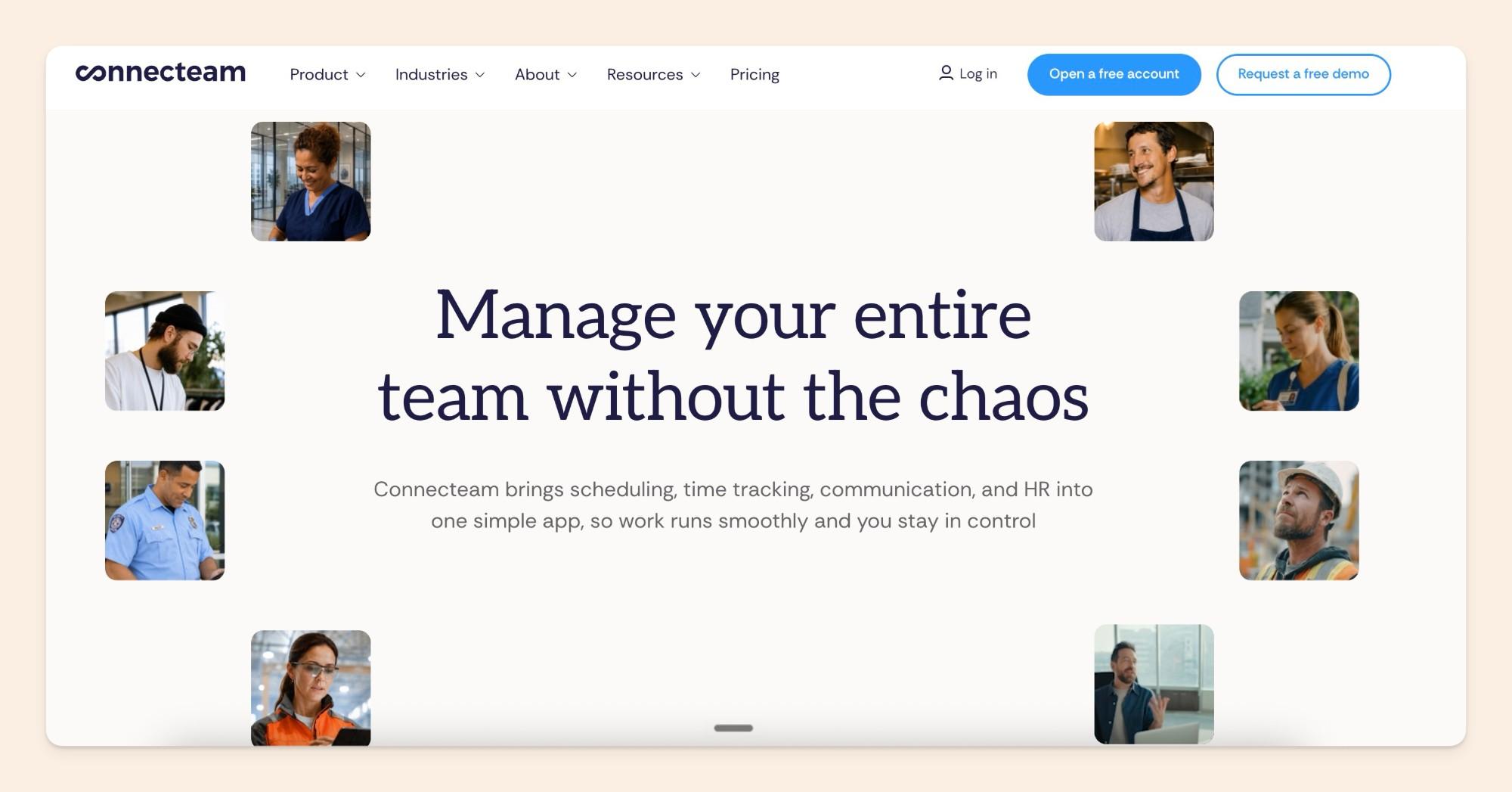
It's free for up to 10 users. Communications Basic costs $29 a month billed yearly, or $35 billed monthly, for the first 30 users.
- No work email needed: the handbook reaches staff on their phones.
- Auto-translate: available on the Expert and Enterprise plans.
- Sign-off on mobile: employees sign documents in the app.
Downsides: e-signature is capped by plan (2 documents on Advanced, 10 on Expert, 30 on Enterprise), and keeping versions up to date is limited. Desk-based teams get little from it.
Best for: retail, hospitality, field and shift teams.
Confluence
Confluence is Atlassian's wiki, and it's common where engineering already runs on Atlassian tools.
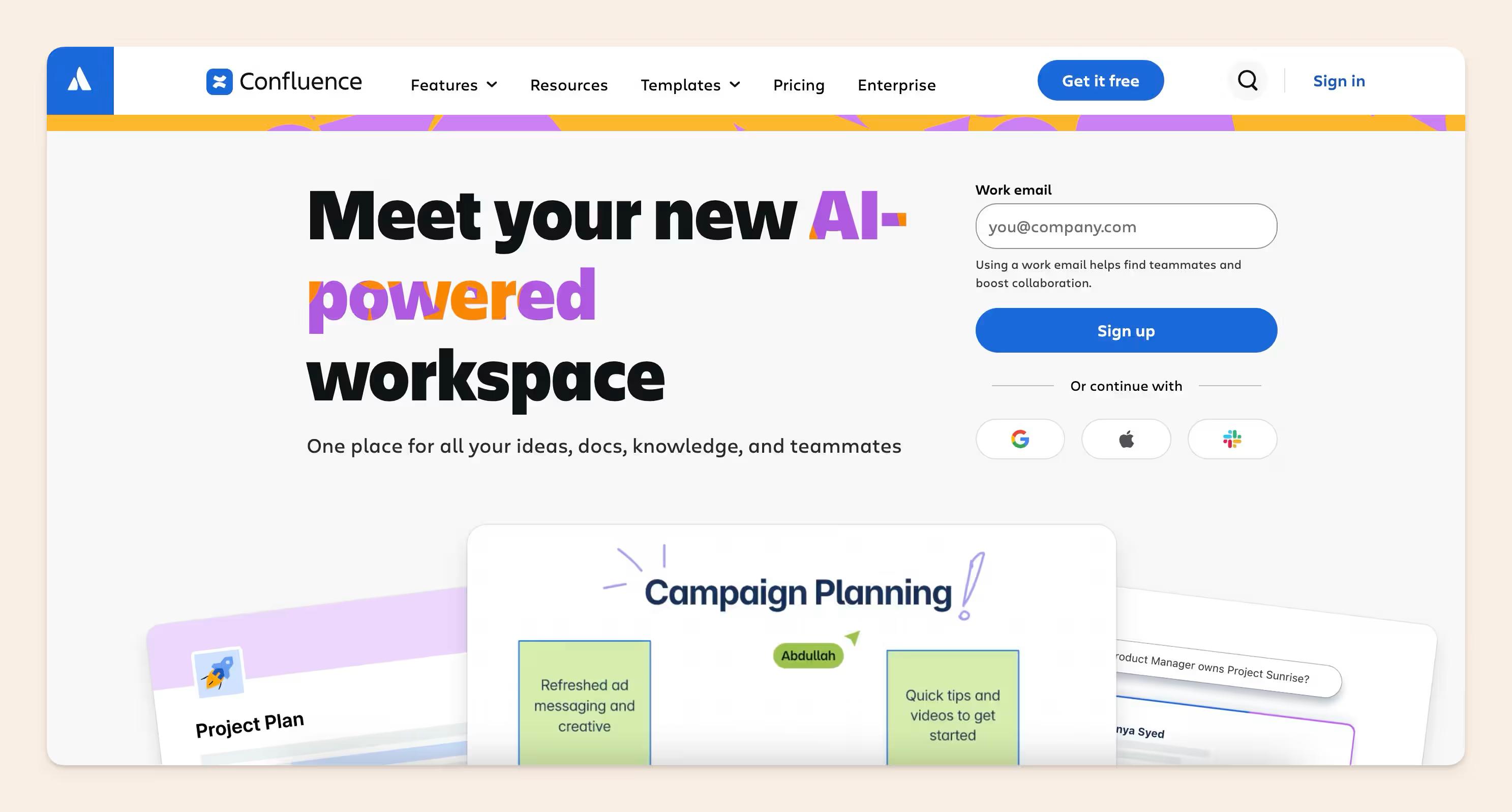
It's free for up to 10 users (with 2 GB of storage). Standard costs $5.78 and Premium $11.16 per user per month, and Enterprise is custom.
- Permissions: mature controls over who sees and edits each space and page.
- Ecosystem: a large marketplace of apps and integrations.
- Scale: it scales to very large organizations.
Downsides: no acknowledgment, and large handbooks go stale unless someone is staffed to keep them current.
Best for: companies standardized on Atlassian that have people assigned to keep pages current.
How to choose employee handbook software
Start from what hurts most:
- If you have to prove every employee signed, choose a dedicated builder or your HR system.
- If people can't find answers or policies go stale, choose a knowledge base with owners and cited answers. If your team works on the floor rather than at a desk, choose a frontline app.
Many teams combine two, keeping the living handbook in a knowledge base and running formal sign-off in a separate tool.
We do this at Slite: our policies live in Slite, where people search and ask about them, and acknowledgments are collected in BambooHR.
Final thoughts
Drafting the handbook is the easy part. What you're protecting is its reputation, because once people stop trusting it, they go back to messaging HR.
If keeping the handbook findable and current is your priority, start from our employee handbook template, or book a demo to see owners, review dates and cited answers working on a handbook like yours.
FAQ
Is there free employee handbook software?
Yes, a few tools have free tiers for small teams: Connecteam and Confluence are both free for up to 10 users, and most other tools offer a trial. A shared doc is free too, but it stops working once you need more than one version. Slite has a 14-day trial, and the employee handbook template gives you a starting structure.
Can AI write my employee handbook?
AI can write a first draft, and legal review turns it into a finished handbook. Employment law firm Breazeale, Sachse & Wilson warns that AI drafts can miss state rules, cite made-up law or add wording that reads like a contract.
Who should own the employee handbook?
HR or People Ops owns the handbook overall, with a named owner and a review date for each policy. Legal reviews changes before they go live.
Is a Google Doc or PDF enough for an employee handbook?
For a small team in one location, yes. It stops being enough once you need versions for different locations, records of who signed which version, or answers people can search.