The support knowledge base that maintains itself
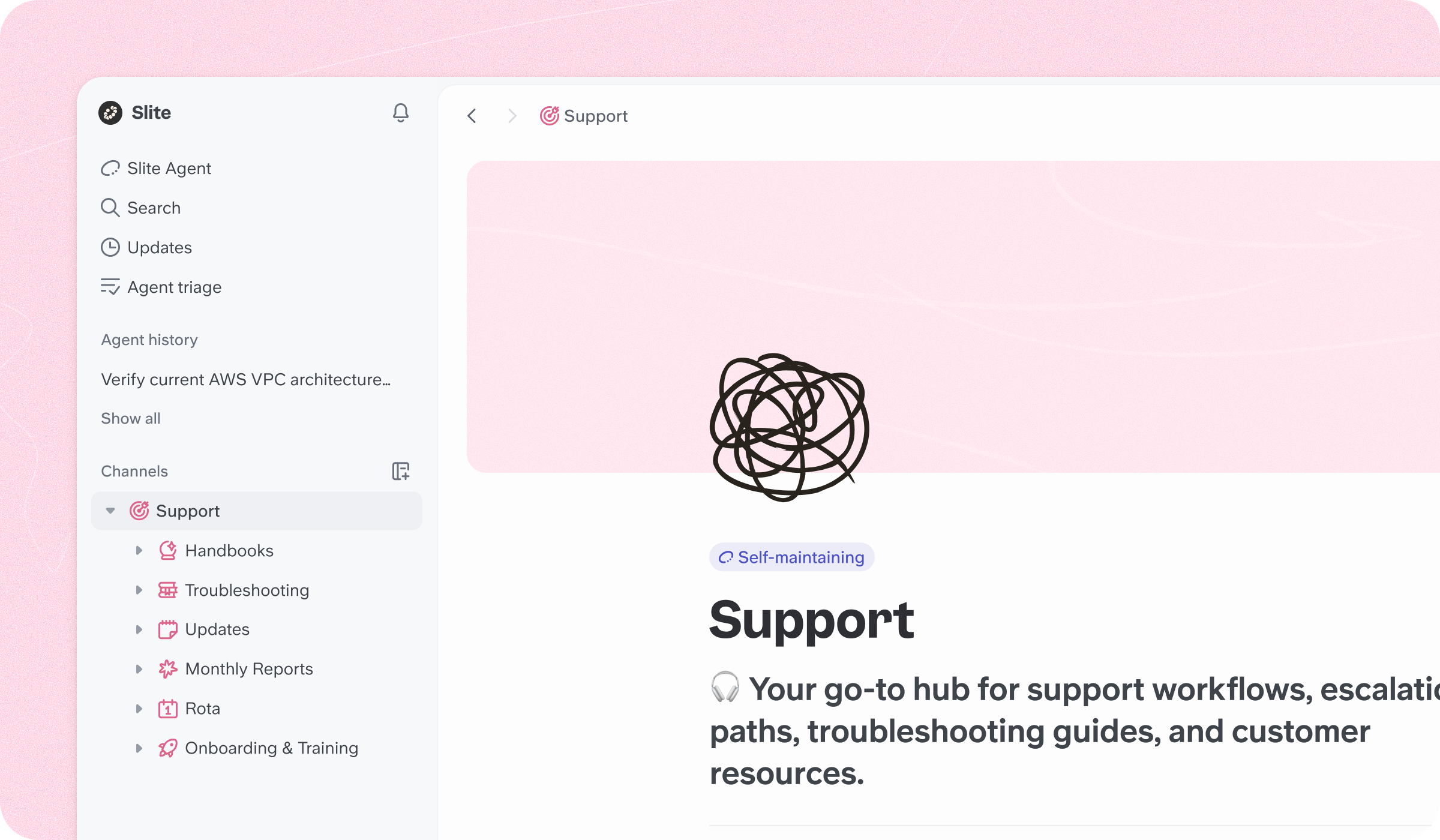
Keep troubleshooting guides, product answers, and escalation docs in one place. The Slite Agent drafts what's missing, answers questions mid-ticket, and flags content the moment the product moves on.



1,700社以上のリーディングカンパニーが唯一の情報源としてSliteを信頼しています。
Slite Agent
Help content, drafted for you
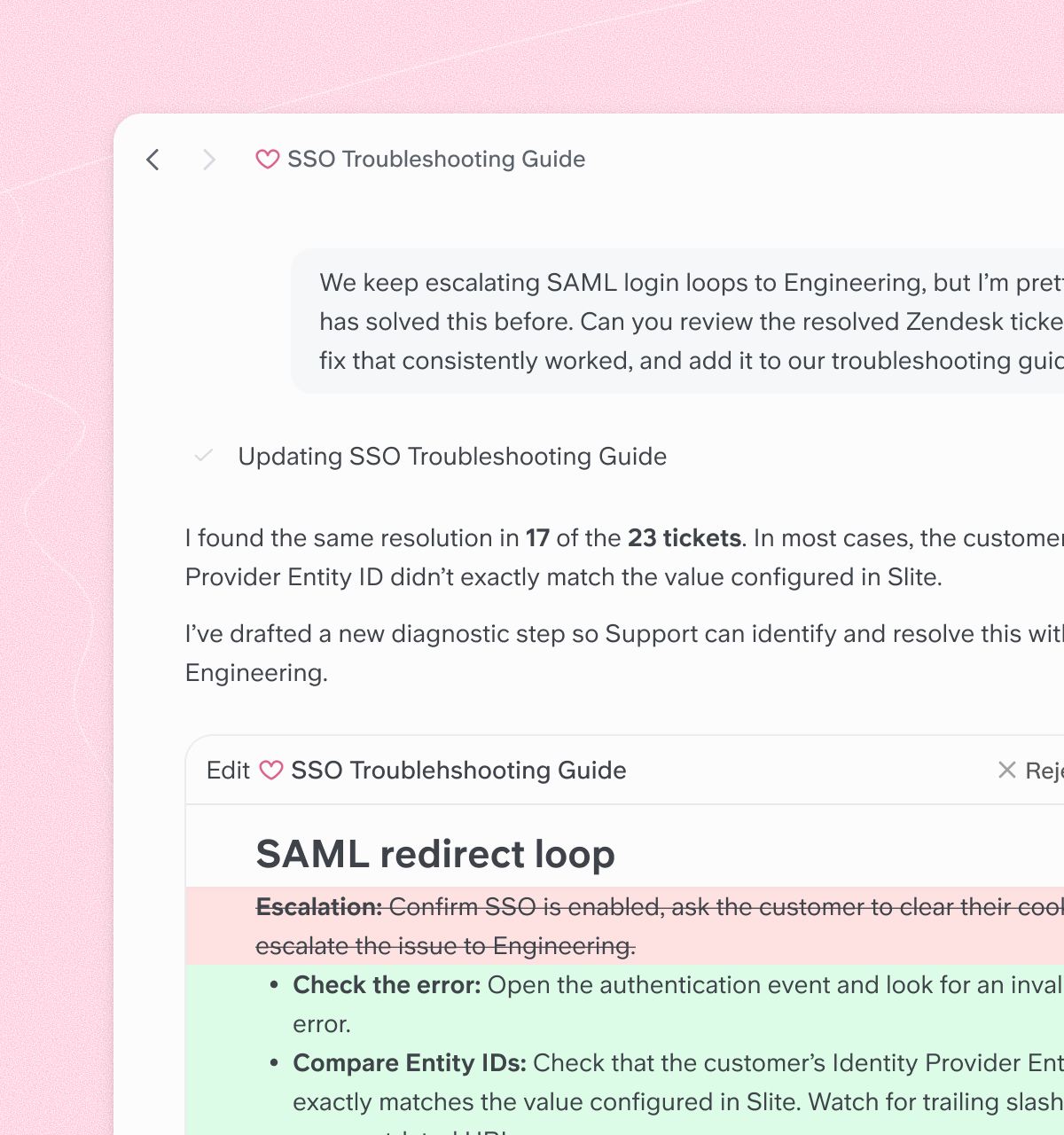
Hand the Slite Agent a Slack thread or a rough note and it turns it into a proper support doc — troubleshooting steps, product answers, escalation guidelines. It pulls the context that already lives in your tools, so documentation keeps up with your product.

Claire Villet
Operations Manager at Displayce
Ask
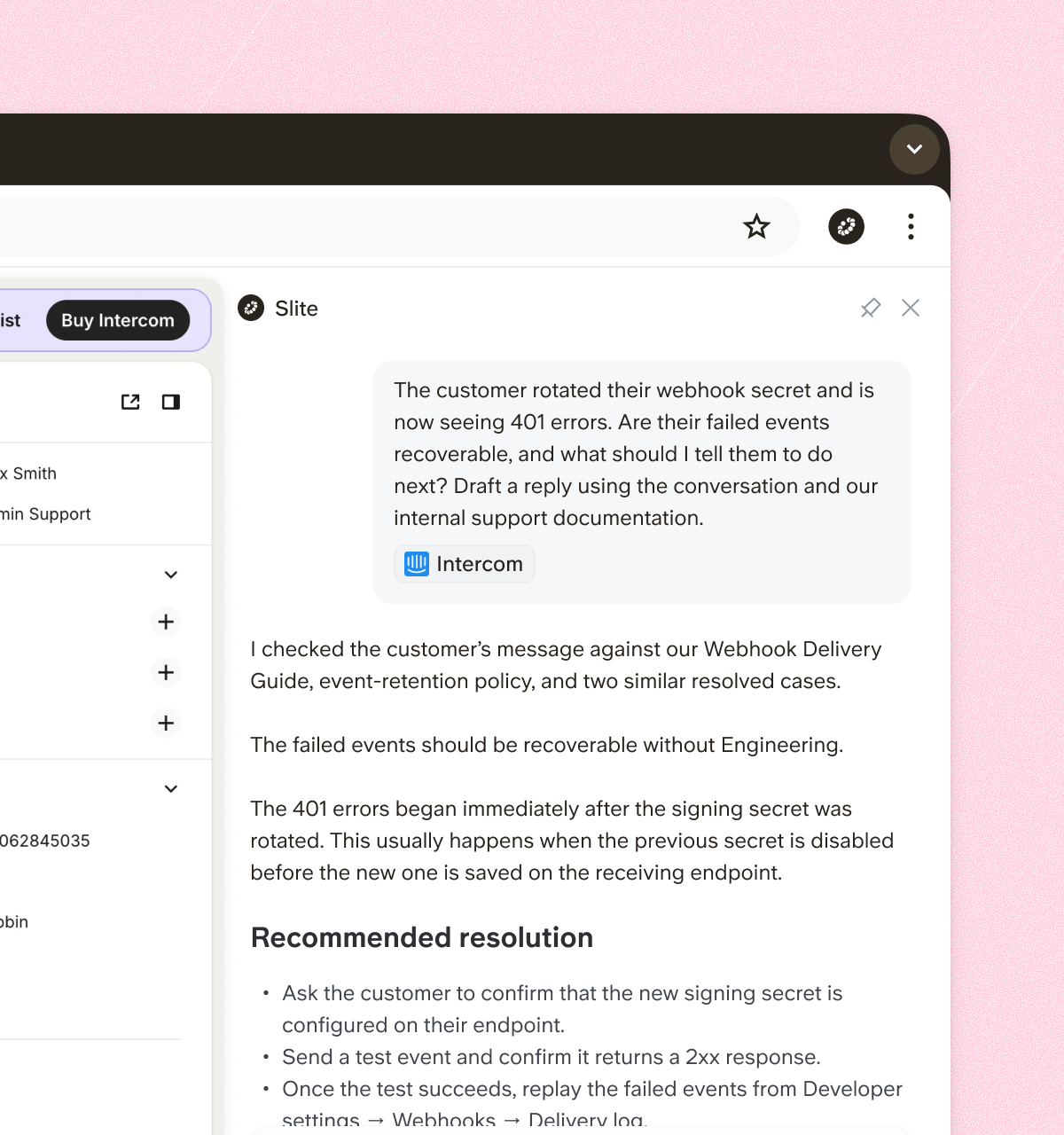
Answers mid-ticket, with citations
While talking to a customer, your team asks and gets the actual answer with a citation — in Slack, through the Chrome extension, or in Slite. Verified docs rank first, so the reply a customer gets matches the doc your team signed off on.

Geoff Rochford
Operations Lead at GrandPad
Knowledge Maintenance
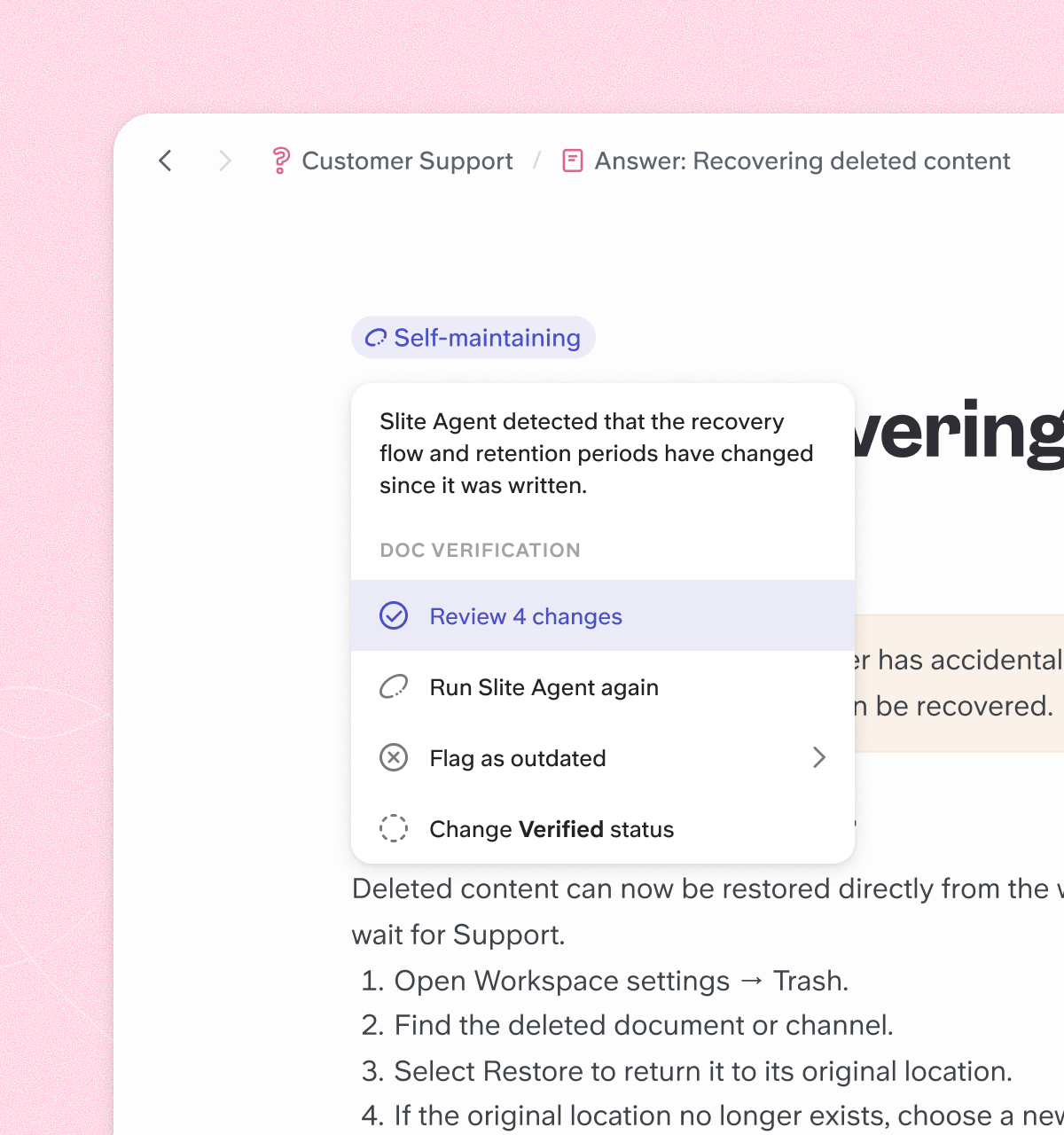
Support answers that update when the product ships
Features ship and help content goes stale. The Slite Agent flags outdated answers by comparing your docs against activity in Slack, GitHub, and Linear — and proposes the fix: drafted updates you review and approve from one triage view, with a verification stamp your support team can trust.

Donald Sipe
Principal Engineer at JobTarget




よくある質問
Can Slite keep our support documentation up to date automatically?
Yes. The Slite Agent compares your docs against activity in connected tools like Slack, GitHub, and Linear, flags answers the product has outgrown, and proposes a drafted fix you review and approve.
How do agentic workflows work for support teams?
The Slite Agent handles documentation work on its own: drafting help content from context in your tools, flagging stale answers, and answering your team's questions with citations. Your team reviews and approves — the Agent does the legwork.
Does Slite work as a help desk knowledge base?
Yes — Slite is the internal knowledge base behind your help desk. With the Chrome extension and Slack integration, your team gets cited answers inside the tools where they already handle tickets.
Can call center teams use Slite?
Yes. Call scripts, escalation guidelines, and product answers live in one verified knowledge base that agents can query mid-call and get an answer with a citation.
Can I import our existing support docs?
Yes. Slite has dedicated importers for Confluence, Notion, Google Docs, and markdown files, and your structure and formatting are preserved.
Can I get started with Slite for free?
Every plan starts with a 14-day free trial, no credit card required. Basic is $10/user/month billed yearly; Pro at $20/user/month adds the Slite Agent, cross-tool search, and agent workflows.