
概要
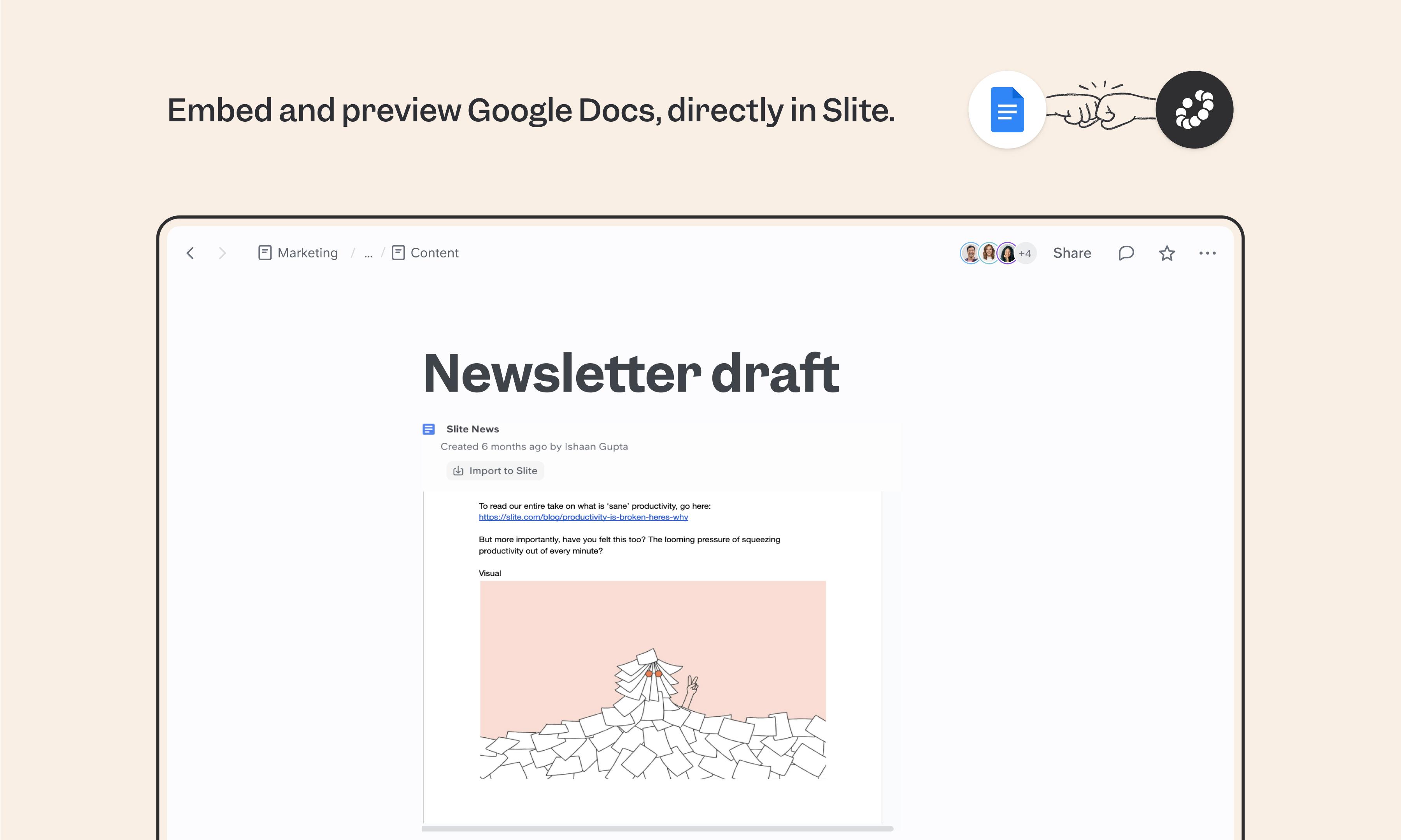
Google Docs is everywhere — even teams using Slite as their source of truth still have Google Docs around for legal, HR, and external collaboration. The Slite integration embeds those docs directly in your pages, so you can reference them in context instead of dropping a bare link and hoping someone clicks through.
使い方
Paste a Google Doc URL directly into your Slite doc, or use /embed to insert it. The doc appears as a live preview that updates as the source changes. Make sure your Google Doc sharing settings allow access for everyone who needs to see the embed in Slite.
Need help setting up your Google Docs integration with Slite? Contact support .
🔒 We take privacy seriously. Slite is SOC 2 Type II certified, GDPR and HIPAA compliant, with all data encrypted in transit and at rest on EU-based infrastructure. Your data is never used to train, nor retained by, third-party LLMs. See our security page for more information.