Most teams looking past Confluence in 2026 land here for one of three reasons.
First reason is the one we’ve seen the most among AI-savvy teams, and that is that Atlassian's Rovo AI returns inconsistent answers and feels slow against ChatGPT-grade expectations.
Second reason and one that is very important for the knowledge managers is that Confluence stays trapped inside engineering, while finance, ops, and people teams refuse to open it.
And third reason, but definitely not the least important for Confluence users is that the bill keeps stacking, between Atlassian Guard, Marketplace add-ons. The October 2025 Cloud price hike has left some teams paying many times what they used to.
So, to help you on your search, here are ten Confluence alternatives we've tested in 2026, with starting price, best-fit, and where each one beats Confluence.
We've also written a deeper knowledge base software guide if you want the broader category view first.
Why teams are leaving Confluence in 2026
If you're already shopping for an alternative, you probably recognize one of these four pains. They're the ones we hear most often from teams switching off Confluence this year.
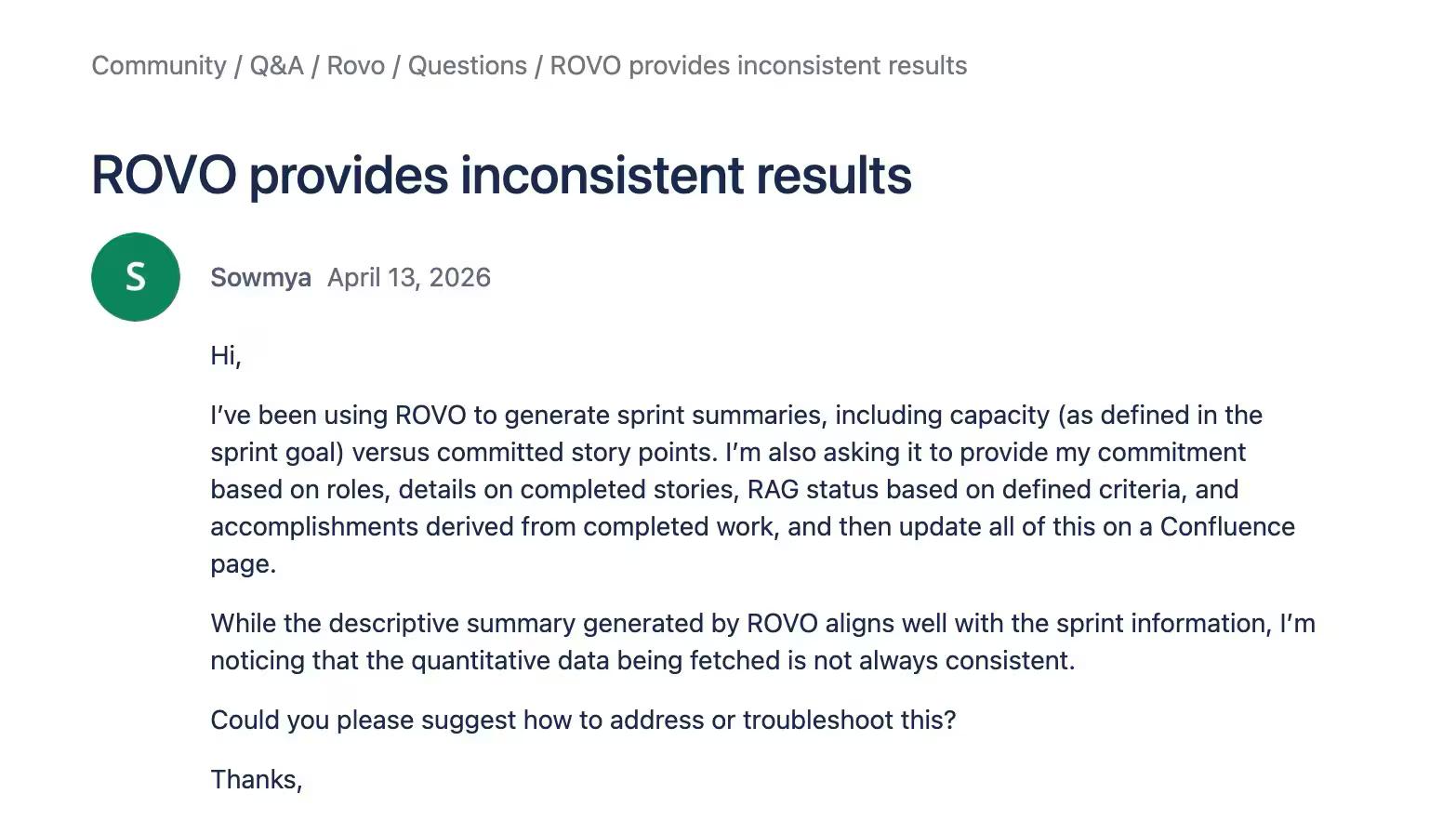
Rovo AI returns inconsistent results
Atlassian's Rovo is the AI layer most teams expected to fix Confluence's search. In practice, the answers come back uneven, slow, and often missing the source citations that make AI search trustworthy in the first place.
Confluence stays siloed inside engineering
Confluence ships with a Jira-native posture, which is exactly why the rest of the company avoids it. Finance, people ops, and customer teams open Google Docs or Notion instead, and the wiki ends up as an engineering archive instead of a company-wide source of truth.
If Notion is on your shortlist for that reason, our Confluence vs Notion comparison covers the same axes.
Cost stacks: Atlassian Guard, Marketplace add-ons, and the October 2025 price hike
Atlassian raised Cloud prices in October 2025, and most teams hit the real number once Guard, Marketplace add-ons, and per-seat overages compound.
The "$5 a user" entry price stops being the price you actually pay. This has many team concerned whether staying with Confluence makes economic sense, as this thread from the Atlassian community summarizes.
Search and stale-doc decay at scale
Past a few thousand pages, Confluence search struggles to surface the right doc, and nothing in the platform flags that four versions of the same onboarding guide are all live at once. Stale and duplicate docs pile up faster than teams can prune them.
Confluence is a very smart tool and at the same time it is complex for new users. It has range of business management tools and operation handling systems. One of the main challenge while working with this software was that whenever I tried searching for old files and folders it always got messy and took a lot of time and this is something on which they need to work on
— G2 Review
Confluence alternatives at a glance
Here is the quick scan of the ten tools based on best-fit, starting price, AI features, and free-plan status before the deep dives below.
| Tool | Best for | Starting price | AI features | Free plan |
|---|---|---|---|---|
| 1. Slite | All-company AI knowledge base | $8/user/mo | Ask AI search with citations, doc verification, KM panel | No |
| 2. Nuclino | Unified workspace for small teams | $6/user/mo | Sidekick AI on Business tier | Yes |
| 3. Featurebase | Modern customer support + product feedback | $29/seat/mo | AI search, auto translations, AI inbox | Yes (public help center) |
| 4. Archbee | Software / API documentation | $80/mo (Growing tier) | AI writer and Q&A bot | 14-day trial |
| 5. Bloomfire | Sales/marketing knowledge engagement | Custom | AI-powered semantic search | No |
| 6. YNAW | Google Drive native flat-rate wiki | $19/mo (≤10 users) | None | Yes |
| 7. Papyrs | Customizable intranet wiki | $89/mo (≤20 users) | None | Yes |
| 8. Tettra | Q&A workflow + Slack | $8/user/mo (10-user min) | Kai AI answers from your KB | Yes |
| 9. GitBook | Developer + product docs | $65/site/mo + $12/user/mo | GitBook AI assistant | Yes |
| 10. Zoho Learn | Wiki within Zoho ecosystem | ~$1/user/mo (5-user min) | Zia AI across Zoho suite | Yes |
Top 10 Confluence Alternatives: Exploring Your Options
A short word on how this list came together before you scroll into it.
How we picked these alternatives
We weighted six criteria when deciding which tools earn a spot on this list and how to describe their fit:
- Ease of use, because adoption outside engineering is where Confluence loses the room.
- Pricing transparency, so the entry price is the price you actually pay.
- Integrations with the stacks teams already run, especially Slack, Linear, Jira, GitHub, and Google Drive.
- Real-time collaboration that doesn't fight you.
- Search and AI quality, because in 2026 that's the line between just a company wiki and a useful knowledge base.
- And fit for non-engineering teams, since most of the Confluence pain we hear about is a finance or people-team avoidance pattern, not a developer one.
1. Slite — Best for AI-powered, all-company knowledge sharing
Slite is the AI-powered knowledge base built for the entire company, not just engineering. It's a Confluence alternative designed so finance, people ops, and customer teams open the wiki on the same week as the engineers do.
Key Features
- Ask, AI search with cited answers: ask a question in natural language, get an answer pulled from your docs with the underlying sources cited inline.
- Document verification: assign owners to critical pages, set review cycles, and surface verification status next to the title so readers know what's current.
- Knowledge management panel: detect duplicate, similar, and inactive docs across the workspace before they stack up into the four-versions-of-onboarding problem.
- Real-time editing: collaborate on the same doc with your team, see edits as they happen.
What's Different
Slite is the modern Confluence alternative for the entire company. Ask AI search is included on every paid plan, doc verification and KM tools keep content trustworthy at scale, and Enterprise Search reaches across Slack, Jira, Drive, and more, capabilities Confluence either gates behind Rovo and Premium tiers or doesn't ship at all.
Slite's Knowledge Suite tier extends the wiki across connected tools, Slack, Linear, Jira, GitHub, Google Drive, Confluence, and more, so a single Ask query returns cited answers from your knowledge base and from the discussions, tickets, and files where work actually happens.
"We switched from Confluence to Slite because Slite is easy to use for the entire company, not just the product team. Now, our entire company writes and organizes content in Slite." — Donald Sipe, Principal Engineer, JobTarget (G2)
Pricing
Slite offers following tiers:
- Standard is $8/user/month,
- Knowledge Suite is $20/user/month and bundles enterprise search across Slack, Jira, Drive, and connected tools,
- Enterprise is custom-quoted.
2. Nuclino — Best for small teams that want a unified workspace
Nuclino is more than a knowledge base. It's a unified workspace that brings your team's notes, docs, and projects together in one place, which makes it a fit for teams that want to brainstorm, manage projects, and document processes without juggling three tools.
Key Features
- Real-time collaboration: edit alongside teammates and see changes as they land.
- Drag-and-drop interface: structure pages by dragging blocks into place, so docs come together visually.
- Internal linking: link related pages together to build a navigable web of knowledge.
- Version history: track revisions and roll back to a previous version when you need to.
What's Different
Nuclino's pull is its flexibility. It's not just a wiki, it's a hub for notes, docs, and lightweight project management, which makes it useful for small teams that want one tool instead of three.
Pricing
Nuclino offers a free plan with limited features.
Paid plans start at:
- Starter at $6/user/month (billed annually)
- Business with AI features steps up to $10–$12.50/user/month.
3. Featurebase — Best for modern customer support and product feedback
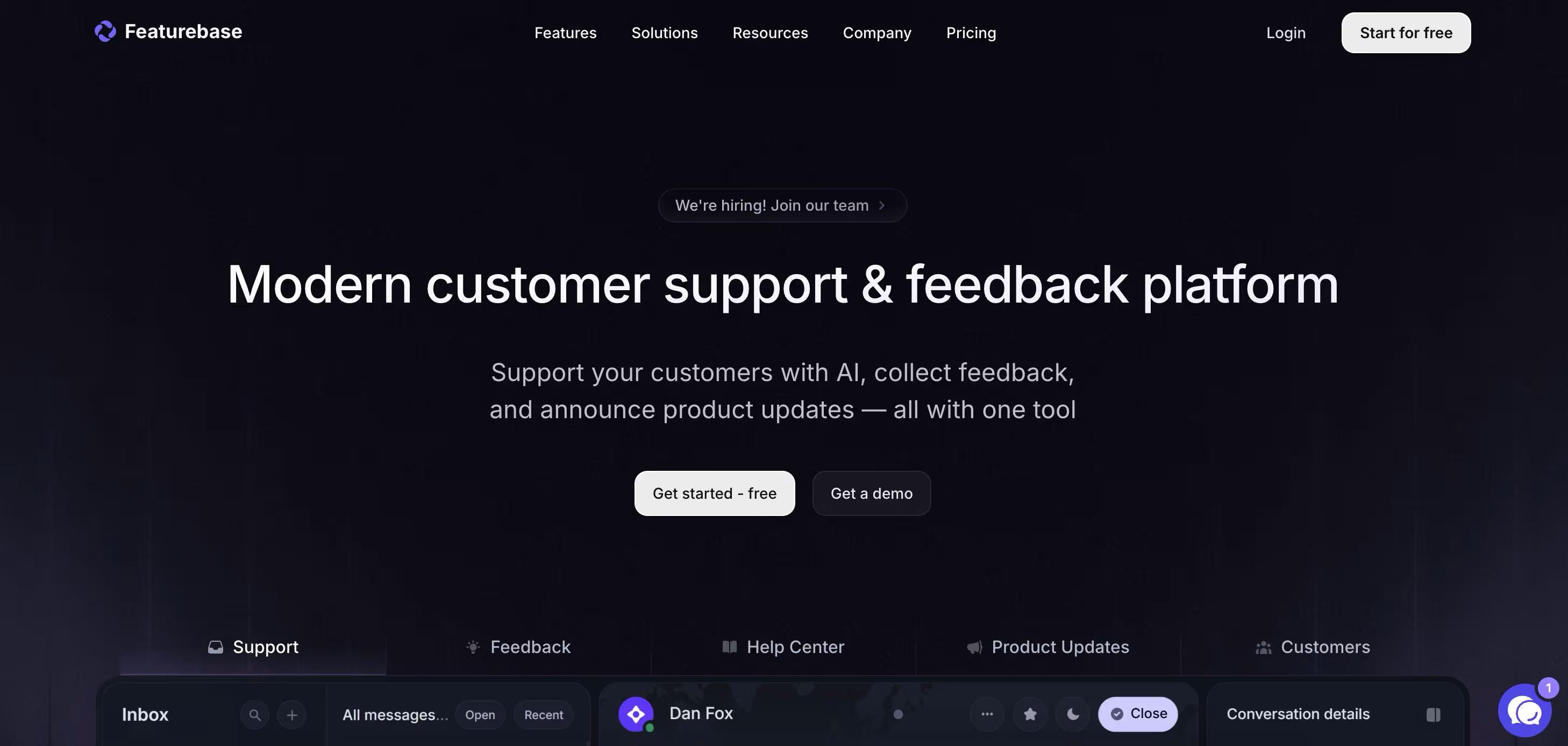
Featurebase is a modern support platform for SaaS companies that combines a help center, AI support tools, feedback collection, roadmaps, and product updates in one platform. Unlike Confluence, which mainly focuses on internal documentation, Featurebase gives support, product, and customer success teams a customer-facing platform that helps users find answers, submit feedback, and stay updated without switching tools.
It's used by SaaS companies like Lovable, Raycast, and n8n that want a cleaner alternative to managing support docs, changelogs, and feature requests across multiple disconnected products.
Key Features
- Public & internal help center: Create branded documentation portals for both customers and internal teams, complete with custom domains and flexible design options.
- Embeddable in-app widget: Show help articles directly inside your product so users can get answers without leaving the app.
- AI-powered search answers: Let users search naturally and receive summarized answers instantly from your knowledge base.
- Automatic AI translations: Translate help center content automatically and display docs in your users' native languages.
- Multi-brand support: Manage multiple help centers and live chat experiences from one workspace.
- AI-powered support inbox: Handle chat, email, and Slack conversations from a single support view.
- Feedback & roadmap tools: Collect feature requests, prioritize ideas, and share public roadmaps with customers.
- Product updates: Publish release notes through changelog pages, widgets, and email notifications.
- Integrations: Connect with tools like Slack, Linear, Jira, and HubSpot.
What's Different
Featurebase combines documentation, customer support, product feedback, and release communication in one platform. That makes it very different from Confluence, which still relies heavily on integrations and Marketplace add-ons to cover the same areas.
The platform also feels far more customer-oriented. Instead of becoming an internal engineering wiki that other teams rarely open, Featurebase helps product and support teams create a central place where customers can get support, request features, and follow product updates.
Pricing
Featurebase offers a fully free plan for public help centers. Paid plans start at $29/seat/month for unlimited articles and advanced features.
4. Archbee — Best for product / API documentation teams
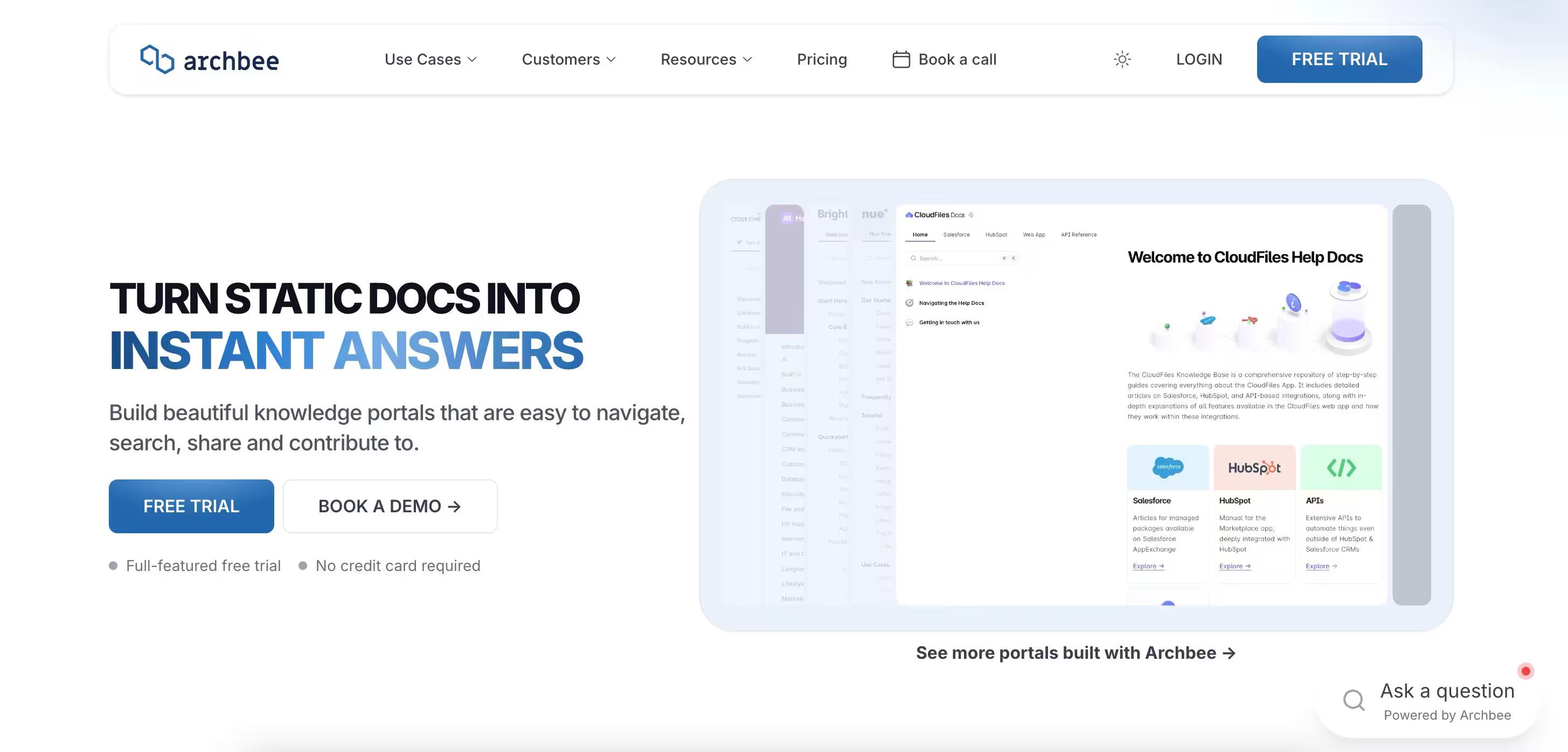
Archbee is a knowledge base and documentation platform built for software teams. It goes past a generic wiki with features tooled for developers, product managers, and the people who write technical documentation, API references, and software-related content.
Key Features
- API documentation: generate API references, interactive docs, and code samples so developers can read and use your APIs without leaving the page.
- Code snippets: embed snippets with syntax highlighting across most major languages.
- Version control: track changes and manage doc versions, with a clean rollback path when you need to revert.
- Team collaboration: leave comments, suggest edits, and review docs in-flow.
What's Different
Archbee plays directly to software-team workflows. While general wikis cover docs broadly, Archbee ships specialized tooling for API references, code samples, and version-aware documentation.
Pricing
Archbee's paid plans:
- Growing tier starts at $80/month for the unlimited readers; you only pay for contributors,
- Scaling tier at $350/month
- Enterprise for custom pricing.
5. Bloomfire — Best for sales and marketing knowledge engagement
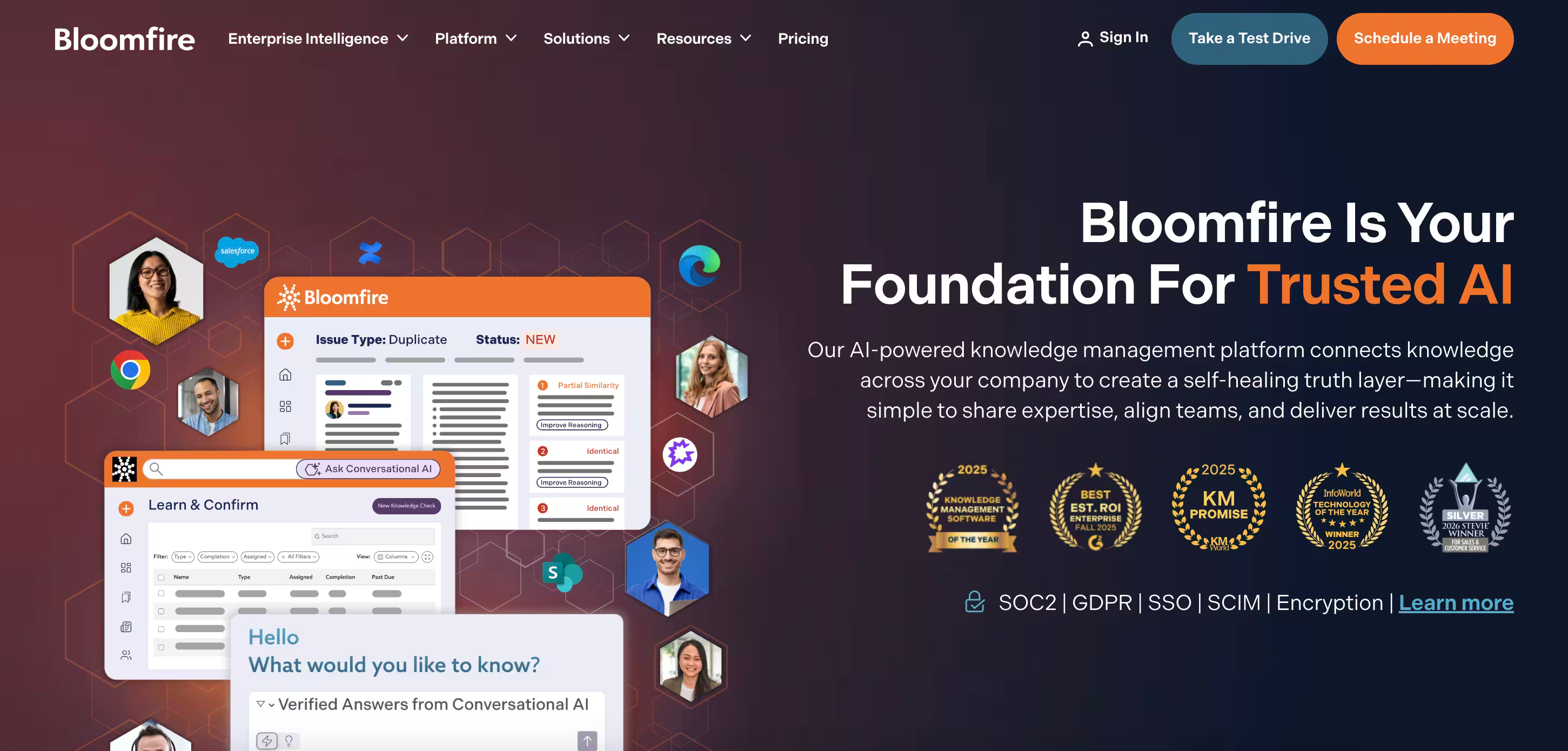
Bloomfire is a knowledge engagement platform. It's less about storing docs and more about getting employees to find them, ask questions, and connect with the colleague who has the answer, which makes it a fit for sales, marketing, and onboarding-heavy teams.
Key Features
- AI search: Bloomfire's search engine handles natural language queries and surfaces results based on context and prior searches.
- Q&A: employees post questions, subject-matter experts answer, and the answers stay searchable for everyone after.
- Content organization: categories, tags, and custom content types help structure the library at scale.
- Integrations: connect Bloomfire to Slack, Salesforce, and Zendesk to keep knowledge flowing across the stack.
What's Different
Bloomfire leans into knowledge engagement instead of static storage. The platform encourages employees to contribute and learn from each other, which fits sales and marketing teams that need fresh, consultable answers more than archived ones.
Pricing
Bloomfire's pricing is custom-quoted based on team size and use case. Contact their sales team for a quote.
6. You Need A Wiki (YNAW) — Best for Google Drive native flat-rate wikis
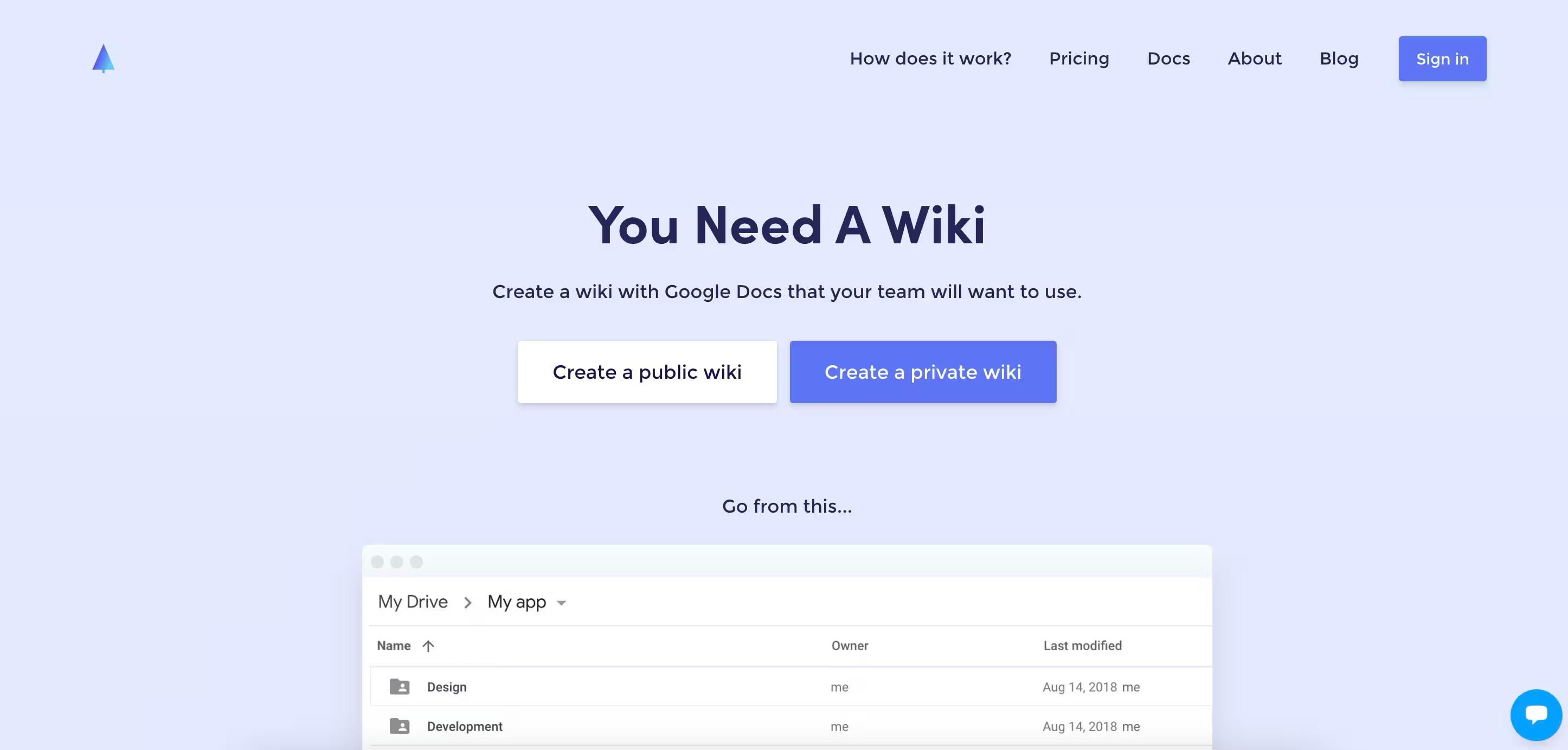
You Need A Wiki (YNAW) lives up to its name. It's a no-frills wiki built on top of Google Drive, which makes it a fit for teams that already live in Drive and want a wiki layer on top without paying per seat.
Key Features
- Easy editing: a WYSIWYG editor lets anyone format text, add images, and create links without HTML.
- Revision history: track changes and revert to previous versions when you need to.
- Access controls: manage who can view and edit, so sensitive pages stay locked down.
- File attachments: attach docs, images, and spreadsheets to wiki pages for context.
What's Different
YNAW's pitch is simplicity and a flat rate. It doesn't try to be a knowledge engagement platform or a doc IDE. It's a wiki built on Drive, priced for small teams that don't want a per-seat bill.
Pricing
YNAW offers a free plan for a single user.
Paid plans bundle users by tier:
- Starter (≤10 users) $19/month,
- Professional (≤25 users) $49/month,
- Business (≤75 users) $99/month.
7. Papyrs — Best for customizable internal intranets
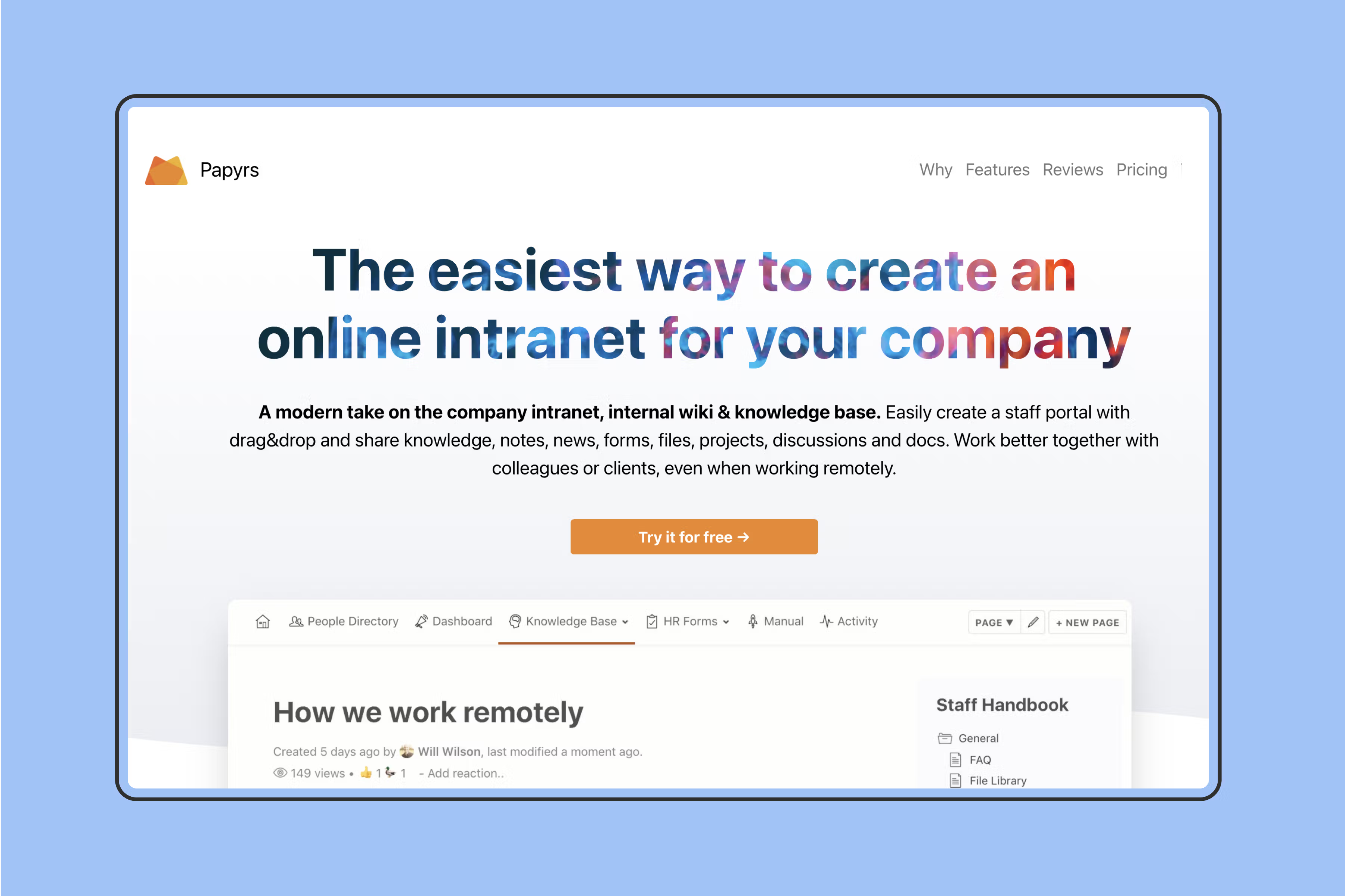
Papyrs is a flexible platform that works as a wiki, knowledge base, or intranet. The customization options are what set it apart, which makes it useful for teams that want full control over the look, feel, and structure of their knowledge hub.
Key Features
- Customizable interface: change the color scheme, fonts, and layout to match your brand.
- Content organization: build categories, sub-categories, and tags to give the platform structure.
- Access control: set granular user permissions so the right people see the right pages.
- Integrations: Papyrs connects to Slack, Google Drive, and Dropbox to centralize files and conversations.
What's Different
Papyrs gives teams more design and structural control than most knowledge tools. It's a fit for organizations with specific branding or workflow needs that an off-the-shelf wiki can't quite cover.
Pricing
Papyrs offers a free Personal Wiki for one user.
Paid plans use bundled tiers:
- Team Wiki (≤20 users) $89/month,
- Company Wiki (≤60 users) $347/month,
- Company Intranet (unlimited users) $899/month.
8. Tettra — Best for Slack-first Q&A workflows
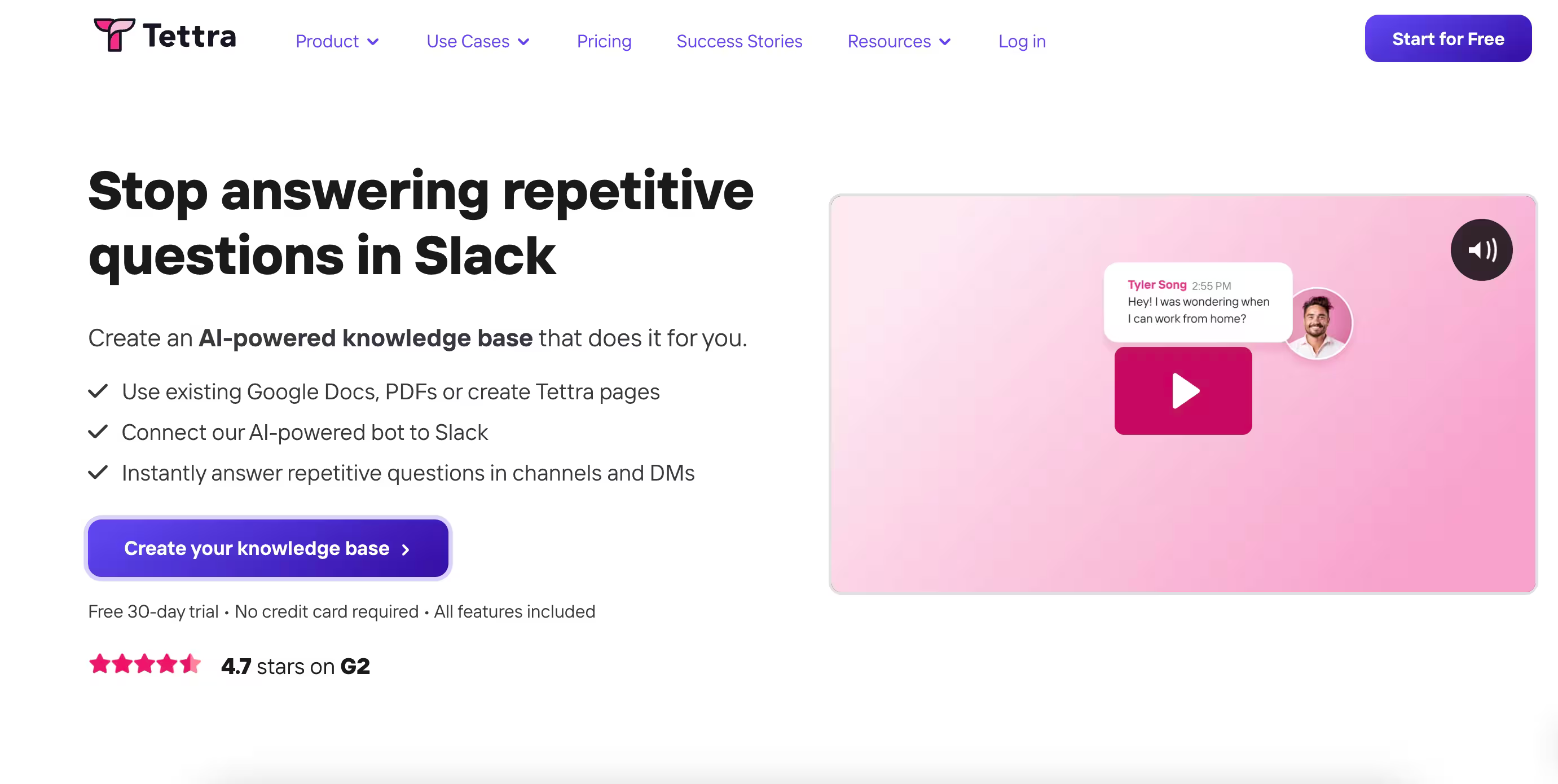
Tettra is an internal knowledge base wired around a Q&A workflow. It plugs into Slack so teams can capture, share, and access knowledge without leaving the conversation, which makes it a fit for Slack-first teams that want to cut down on repeated questions.
Key Features
- Q&A workflow: ask a question in Tettra or directly in Slack, route it to a subject-matter expert, and store the answer in the knowledge base for next time.
- Knowledge management: categorize info, create tags, and use search to land on the right answer fast.
- Integrations: Tettra connects to Slack, Google Drive, Microsoft Teams, and GitHub.
- Content verification: assign reviewers and run review cycles so answers stay accurate.
What's Different
Tettra's distinguishing move is the Q&A workflow plus deep Slack integration. Knowledge gets captured the moment a question gets asked, instead of waiting for someone to write a doc later.
Pricing
Tettra's Scaling plan starts at $8/user/month with a 10-user minimum (an $80/month floor); Enterprise is custom-quoted. Free plan up to 10 users.
9. GitBook — Best for developer-led product documentation
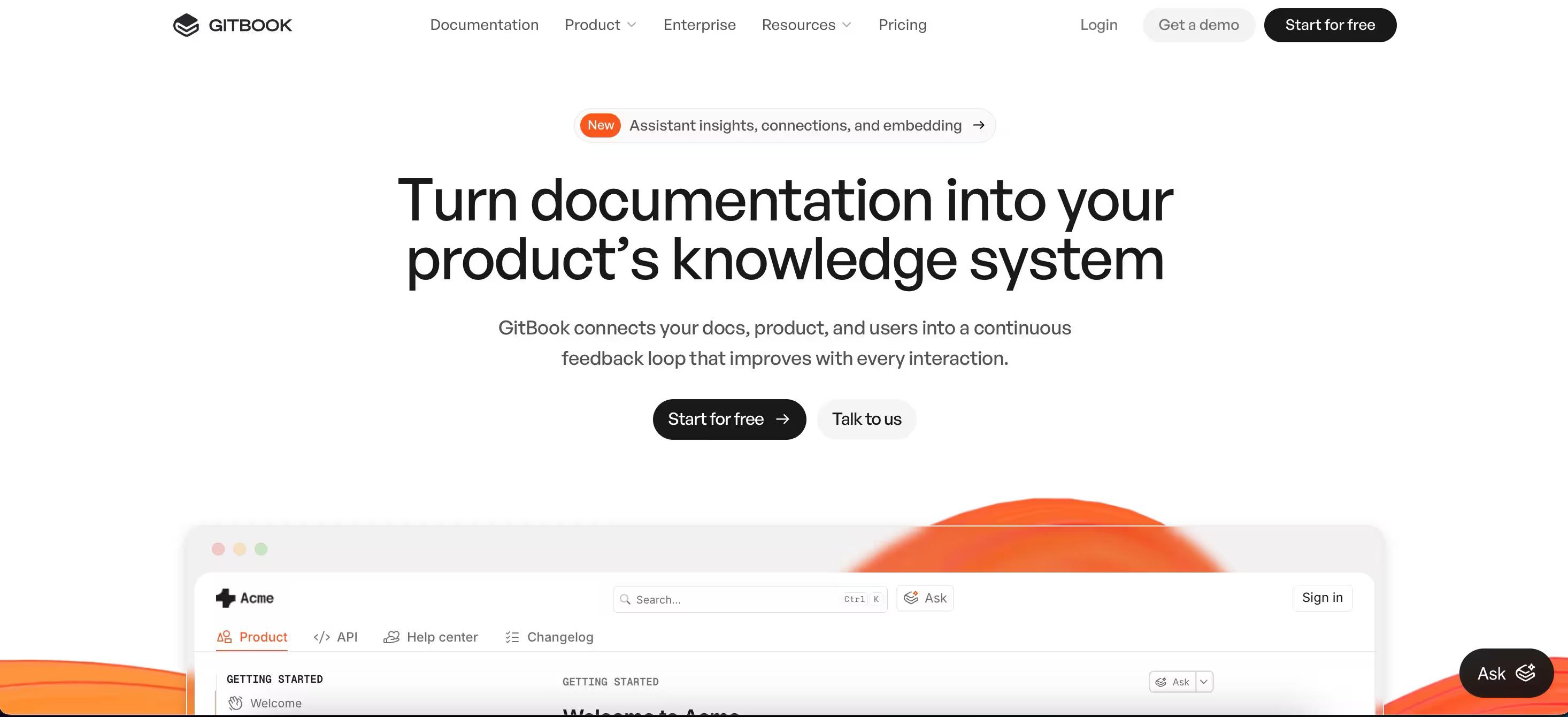
GitBook is a documentation platform popular with open-source projects and developer communities, and it's adaptable enough to cover internal knowledge bases, product documentation, and educational content. It pairs Git-style version control with collaborative editing and Google Drive integration, which is what makes it stick for technical teams.
Key Features
- Version control: GitBook is built on Git, so tracking changes, reverting versions, and collaborating on doc projects works the way developers expect.
- Collaboration features: assign roles, leave comments, suggest edits, and manage contributions from multiple authors. Code snippets are first-class in the editor.
- Publishing tools: ship docs publicly or keep them private. Export to PDF or ebook for offline reading.
- API documentation: generate interactive API references, include code samples, and keep docs in sync with the codebase.
What's Different
GitBook's roots in the developer community make it a natural pick for technical documentation and open-source projects. The interface is approachable enough to cover non-developer use cases, but the Git posture is the reason developer-led teams pick it.
Pricing
GitBook offers a free plan for individuals and small teams. Paid plans now use a per-site + per-user model: Premium starts at $65/site/month plus $12/user/month, Ultimate at $249/site/month + $12/user/month, Enterprise on custom pricing.
10. Zoho Learn — Best for teams already on the Zoho suite
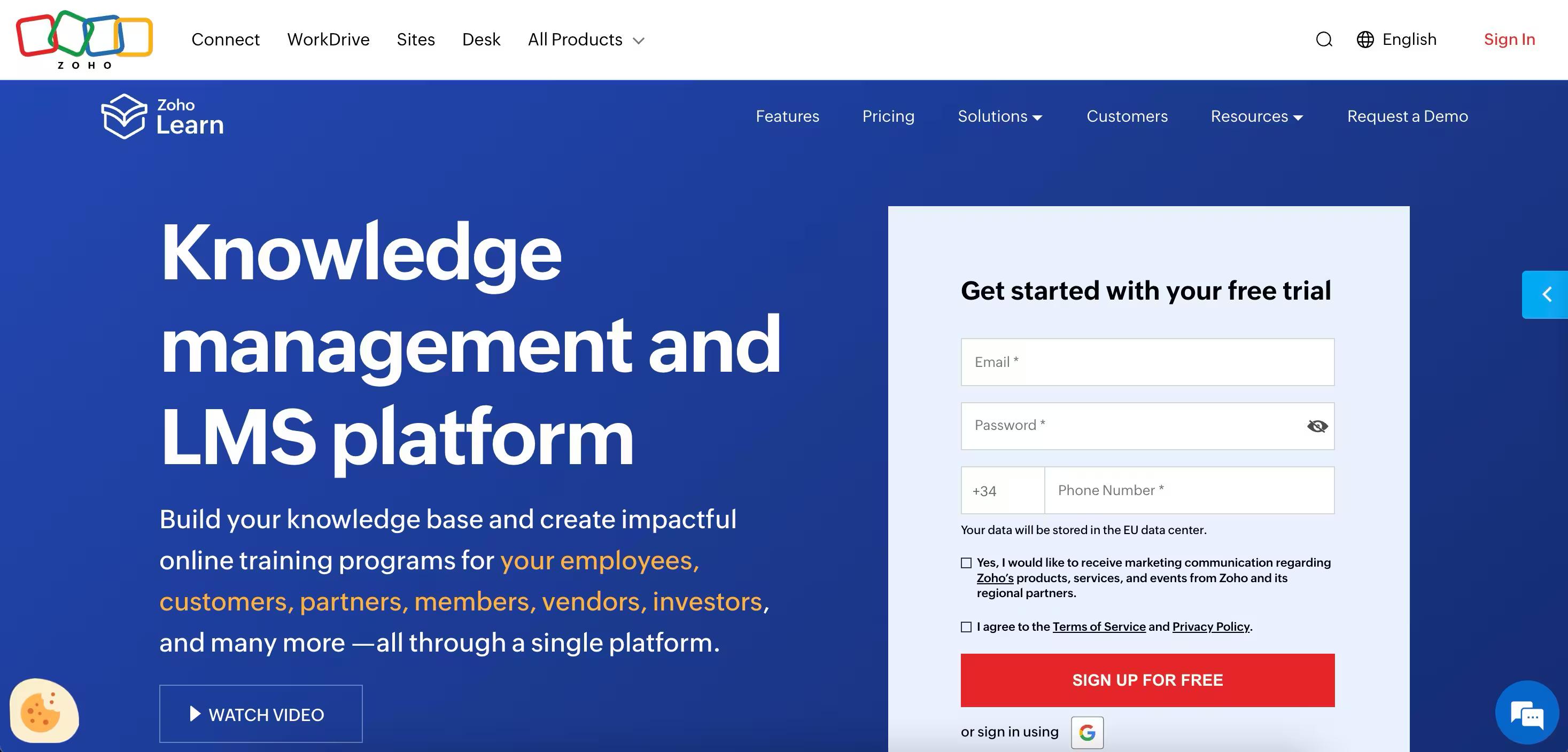
Zoho Learn is part of the Zoho productivity suite. It offers a straightforward wiki for teams already running Zoho, with native integration into the rest of the ecosystem, which makes it convenient for managing and sharing knowledge inside an existing Zoho deployment.
Key Features
- WYSIWYG editor: Zoho Learn provides a friendly editor, so anyone can format text, add images, and create links without touching HTML.
- Access control: manage user permissions and lock down sensitive pages with granular rules.
- Revision history: track changes and revert to previous page versions when you need to.
- Search: find pages across the wiki without bouncing through the navigation tree.
What's Different
Zoho Learn's main draw is its tie-in to the wider Zoho suite. If your team already runs Zoho CRM or Zoho Projects, Zoho Learn keeps knowledge inside the same ecosystem instead of routing it through a separate tool.
Pricing
Zoho Learn offers a free plan for up to 5 users. Paid plans start at roughly $1/user/month for Express and $3/user/month for Professional, both with a 5-user minimum.
Free and open-source Confluence alternatives
If you're self-hosting, want to skip per-seat pricing, or need full control over the deployment, the open-source side of the category is worth a look.
Here is a quick rundown of some of the open source knowledge bases we recommend as a substitute for Confluence:
- XWiki is an extensible enterprise wiki with strong access controls and an active plugin ecosystem.
- BookStack is an opinionated, book-and-chapter-shaped wiki with a clean UI and a low setup bar.
- Wiki.js works as a modern Node.js wiki with markdown editing, Git sync, and a polished interface.
- MediaWiki is the engine behind Wikipedia, mature and battle-tested for large public knowledge bases.
The most important trade-off you need to consider is the engineering overhead.
Self-hosting means you own the upgrades, the auth, and the backups, so weigh the per-seat savings against the operations cost before you commit.
Migrating from Confluence: a quick checklist
Most teams we work with sit somewhere between a few hundred and a few thousand pages, and the migration order tends to look the same regardless of the destination tool.
| Step | What to do |
|---|---|
| 1. Audit and inventory | Pull a full page list and last-edited dates so you can see what's actually in use. |
| 2. Prioritize active vs. archive | Most workspaces split roughly 70/30. Move active pages first, archive the rest into a read-only space or export. |
| 3. Pick the destination tool | Against the criteria you already know matter — AI search, non-engineering adoption, integrations, pricing model. |
| 4. Export from Confluence | Use the XML space export for full fidelity, or the REST API for a more programmatic move. |
| 5. Reorganize information architecture | Don't recreate Confluence's structure 1-to-1; take the chance to flatten it. |
| 6. Set the Atlassian access cut-off date | Give the team a week of read-only Confluence access during the cutover, then revoke it so the new tool sticks. |
How to choose the right Confluence alternative
Bottom line is: the right Confluence alternative is the one your non-engineering team will actually open on Monday morning. Tooling fit comes second.
- Stay on Confluence if: you're already deep in Jira, you're 500+ people with formal governance needs, and Atlassian's hidden costs aren't a blocker.
- Switch to Slite if: you want one wiki for the whole company, AI search out-of-the-box, and document verification.
- Pick Nuclino if: small team, want a unified workspace.
- Pick Archbee if: product or API documentation is the use case.
The Confluence-alternative category is shifting fast, AI search, document verification, and cross-tool retrieval are now table-stakes, and the gap between tools that have them and tools that don't is widening every quarter.
If Slite looks like the right fit, book a demo and we'll walk you through Ask, verification, and the KM panel against your real workspace.
FAQ
Is Confluence being discontinued?
Atlassian Confluence is not being discontinued. The Confluence Server self-hosted product reached end-of-life in February 2024, but Confluence Cloud and Confluence Data Center remain actively developed. Most teams shopping for alternatives are responding to pricing changes, the AI experience, or low adoption outside engineering, not a discontinuation.
What is replacing Confluence?
The most common replacements in 2026 are Slite and Notion for general team wikis, GitBook and Archbee for developer-focused documentation, and the Microsoft 365 / Google Workspace stack for teams that prefer to keep everything inside their existing productivity suite. The right replacement depends on whether the priority is AI search, non-engineering adoption, or developer workflows.
What is the best free alternative to Confluence?
Among hosted tools, Nuclino, Featurebase, and GitBook all offer free plans suitable for small teams. Among self-hosted options, BookStack and XWiki are the most popular free alternatives. Free plans typically cap user count, storage, or advanced features like AI search and verification, so check the limits against team size before committing.
What is Google's equivalent to Confluence?
Google does not ship a direct Confluence equivalent. Teams using Google Workspace typically combine Google Docs, Drive, and Sites for lightweight knowledge sharing, or layer a wiki tool like You Need A Wiki on top of Drive. For teams that want a true wiki experience with Google's collaboration model, a dedicated knowledge base like Slite is usually the better fit.