Document-generation tools use templates and business data to create finished documents such as proposals, contracts, invoices, reports, and PDFs. A good number of them can pull customer details from a CRM, insert the right clauses, apply the company's branding, and produce a document that is ready for review or delivery.
But the quality of the finished document still depends on the source data and company knowledge used to create it. If the information a document-generation tool pulls from is outdated, that outdated information can show up in the finished document:
- A project proposal that still quotes an old price.
- An RFP response that repeats a security answer that no longer reflects the product.
- A regulatory submission that includes technical information that should have been updated months ago.
Slite keeps the company knowledge those documents draw from organized, verified, and up to date. Teams can use Slite to assemble and export internal documents directly, or move approved company knowledge downstream into external document-generation workflows through the API or MCP.
This guide covers both sides of the category:
- External document generation, where dedicated tools turn business data and templates into contracts, proposals, reports, and other finished documents.
- Internal document generation, where teams assemble company knowledge into documents they can export directly or pass downstream into an external document-generation workflow.
Key takeaways
- Document generation creates formatted documents from templates, business data, rules, prompts, or company knowledge.
- External document-generation tools produce contracts, proposals, invoices, reports, presentations, and other recipient-facing files.
- Slite can assemble and export internal documents directly and serve as the source of company knowledge for external document-generation workflows. It does not provide proposal design, e-signatures, or contract management.
- Slite Agent can retrieve and assemble relevant information before it enters a document generator or publishing pipeline.
- Slite customers can also use exports and APIs for regulatory documents, release notes, RFPs, recurring documents, technical-documentation pipelines, and PDF distribution.
What is document generation?
Document generation is the process of creating a formatted document from existing data or content, typically using templates, rules, or AI to determine what information appears and how it is presented.
Traditional document generation usually combines three things:
Template + data + rules = generated document
- The template defines the structure, branding, standard wording, and required sections.
- The data supplies the details that change between documents. These may include a customer name, selected product, price, employee start date, reporting period, or technical specification.
- The rules control how the final document is assembled. They determine which clauses appear, how values are formatted, whether rows repeat, and what should happen when required information is missing.
For example, a project proposal template may keep the company overview, legal terms, and pricing-table structure fixed. Customer details and selected products come from the CRM, while rules decide which implementation package and contract language should appear.
External vs internal document generation
Contracts, technical guides, release notes, proposals, PDFs, and internal documentation such as onboarding materials often appear under the same "Document generation" label. The workflow looks different depending on whether a dedicated generator is producing the document or a team is assembling company knowledge into one.
| External document generation | Internal document generation | |
|---|---|---|
| Typical outputs | Contracts, proposals, quotes, invoices, reports, presentations | RFP answers, release notes, technical documents, recurring reports, internal guides |
| Main sources | CRM records, forms, spreadsheets, pricing tables, approved templates | Knowledge base, company chat, support conversations, code repositories, project tools |
| Main job | Produce a polished document for a recipient or transaction | Assemble company knowledge into documents for review, export, or downstream generation |
| What happens next | Approval, e-signature, payment, delivery, and tracking | Review, verification, export, distribution, and future updates |
There is some overlap.
An RFP response eventually goes to a prospect, while a regulatory submission leaves the company entirely. Both workflows, however, begin with an internal task: finding the approved answers, technical specifications, policies, and supporting evidence that belong in the final document.
How document generation works
Most document-generation workflows follow five steps.
1. Define the finished document
Start by deciding what the system should produce.
Consider:
- Who will read the document
- Which sections it must contain
- Which information should remain fixed
- Which details will change
- Which sources the system may use
- Which format the final document requires
A proposal may need a cover page, executive summary, product description, pricing table, legal terms, and signature section.
A technical submission may include hundreds of sections with strict formatting requirements. A recurring project report may use the same headings each month while the figures and commentary change.
The system needs a clear assignment before it starts retrieving and assembling information.
2. Identify the source information
Next, establish where the facts live.
For a standard external document, the information may come from:
- A CRM
- An HR platform
- A form
- A spreadsheet
- A database
- An ERP
- A pricing catalogue
Knowledge-heavy documents usually draw from more places.
The required information may be spread across Slite, Slack, GitHub, Linear, Jira, Intercom, Google Drive, meeting notes, and previous RFP responses.
A dependable workflow retrieves information from the systems where it is maintained. Otherwise, someone still has to hunt through the company's tools and paste everything into the generator manually, which brings the original problem back into the process.
3. Map the information and set the rules
Template-based generators map each value to a specific field.
For example:
- The company name fills the proposal heading.
- Selected products create rows in the pricing table.
- The employee's location determines which benefits section appears.
- The reporting period fills the title and date range.
Rules can also calculate totals, insert legal clauses, hide irrelevant sections, or stop the workflow when required data is missing.
AI workflows need clear boundaries too.
The prompt, approved sources, permissions, required sections, and exclusions all shape the result. Exact details such as prices, legal terms, security claims, and technical specifications should come from approved company information rather than the model's best guess.
4. Generate and review the document
The system produces the first version.
A reviewer should confirm:
- The correct sources were used
- Every required section is present
- Names, dates, figures, and prices are accurate
- Claims reflect approved company information
- Conflicting sources have been resolved
- Sensitive information has not appeared where it should not
- The writing suits the intended reader
Source citations make this review easier. The reviewer can inspect the evidence behind a claim instead of trying to work out where the generator found it.
5. Export or send the document into the next workflow
The assembled content still needs somewhere to go.
- A proposal may move into PandaDoc for design, approval, signature, and tracking.
- A regulatory document may be rendered through a LaTeX template.
- A release note may enter a publishing workflow through an API.
- A recurring report may be exported as PDF or HTML.
The system that manages the source information and the product that creates the finished document do not have to be the same tool.
External document generation
External document generators create finished documents such as:
- Proposals
- Contracts
- Quotes
- Order forms
- Invoices
- Offer letters
- Reports
- Presentations
- Certificates
- Regulatory forms
These documents tend to follow predictable structures. The template stays mostly fixed, business data fills the changing fields, and rules determine which clauses, products, prices, or sections appear.
Some external document generators are restricted to file creation only. Others also cover approval, e-signature, payment, delivery, and tracking.
Document generation tools to consider
This is not an exhaustive list, and the tools do not solve identical problems. Check which one matches the document and workflow you actually have.
PandaDoc
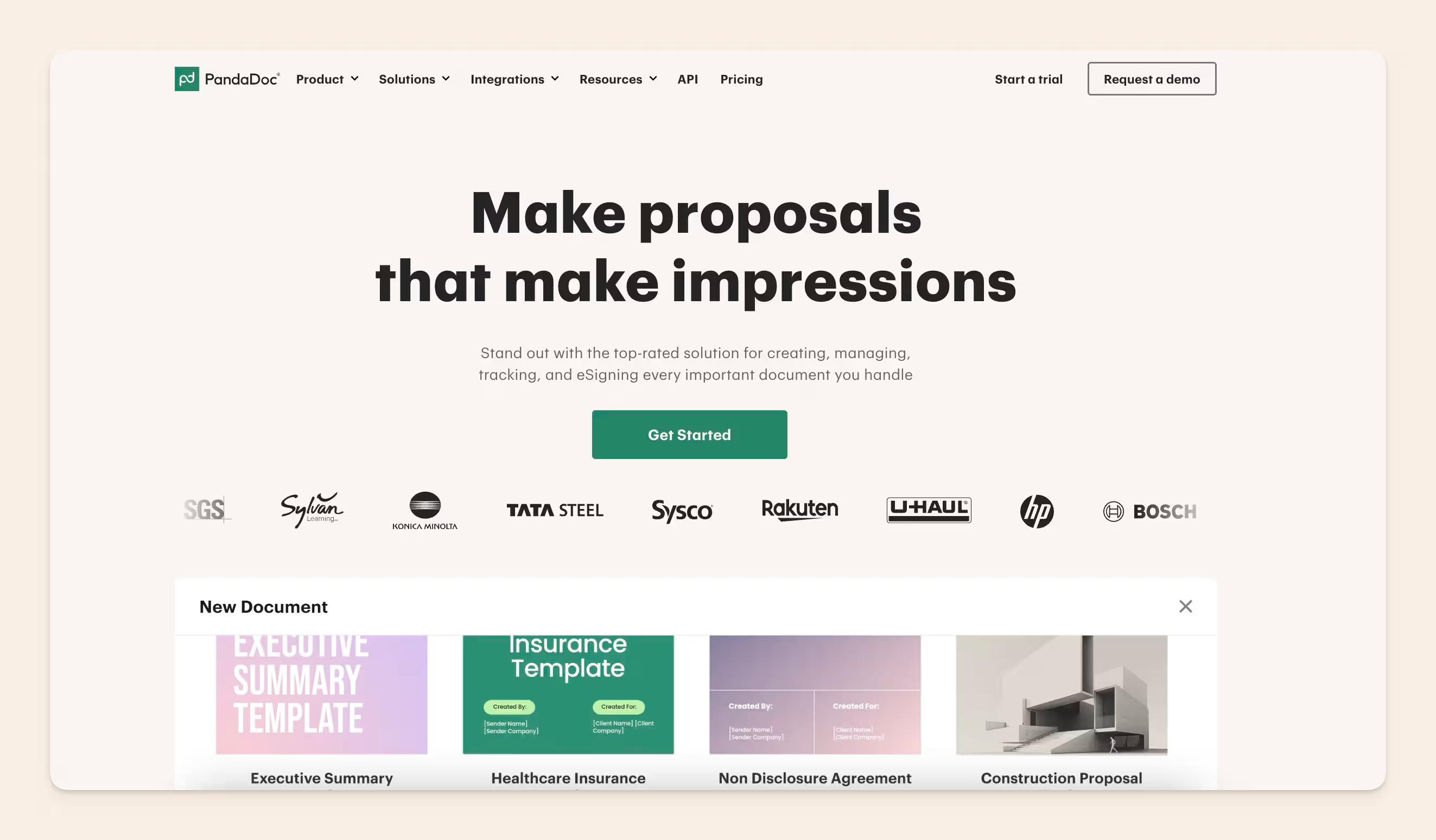
PandaDoc creates proposals, quotes, contracts, order forms, and other sales documents. Teams can pull customer and product information from their business systems, route documents for approval, collect signatures and payments, and track what happens after sending. Its document-generation API can also create documents inside other applications.
Templafy
Templafy helps enterprises generate controlled, on-brand documents and presentations. It combines approved templates, company content, business data, and compliance rules, and works inside tools such as Microsoft 365, Google Workspace, and Salesforce.
Formstack Documents
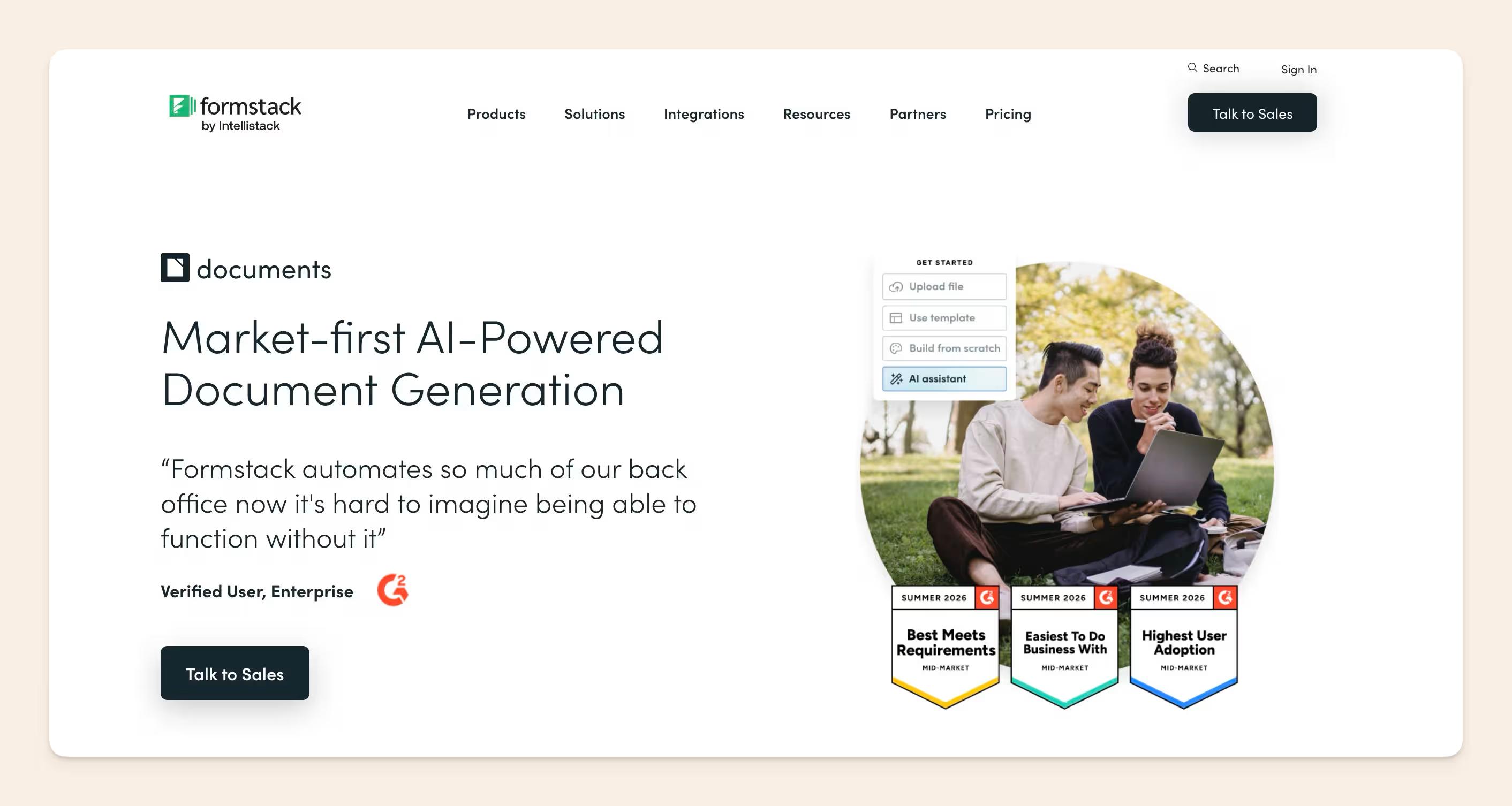
Formstack Documents creates documents from information stored in forms, CRMs, databases, APIs, and other business systems. Teams can use existing DOCX, PPTX, PDF, or CSV templates and connect document generation with data collection and e-signature workflows.
Plumsail Documents
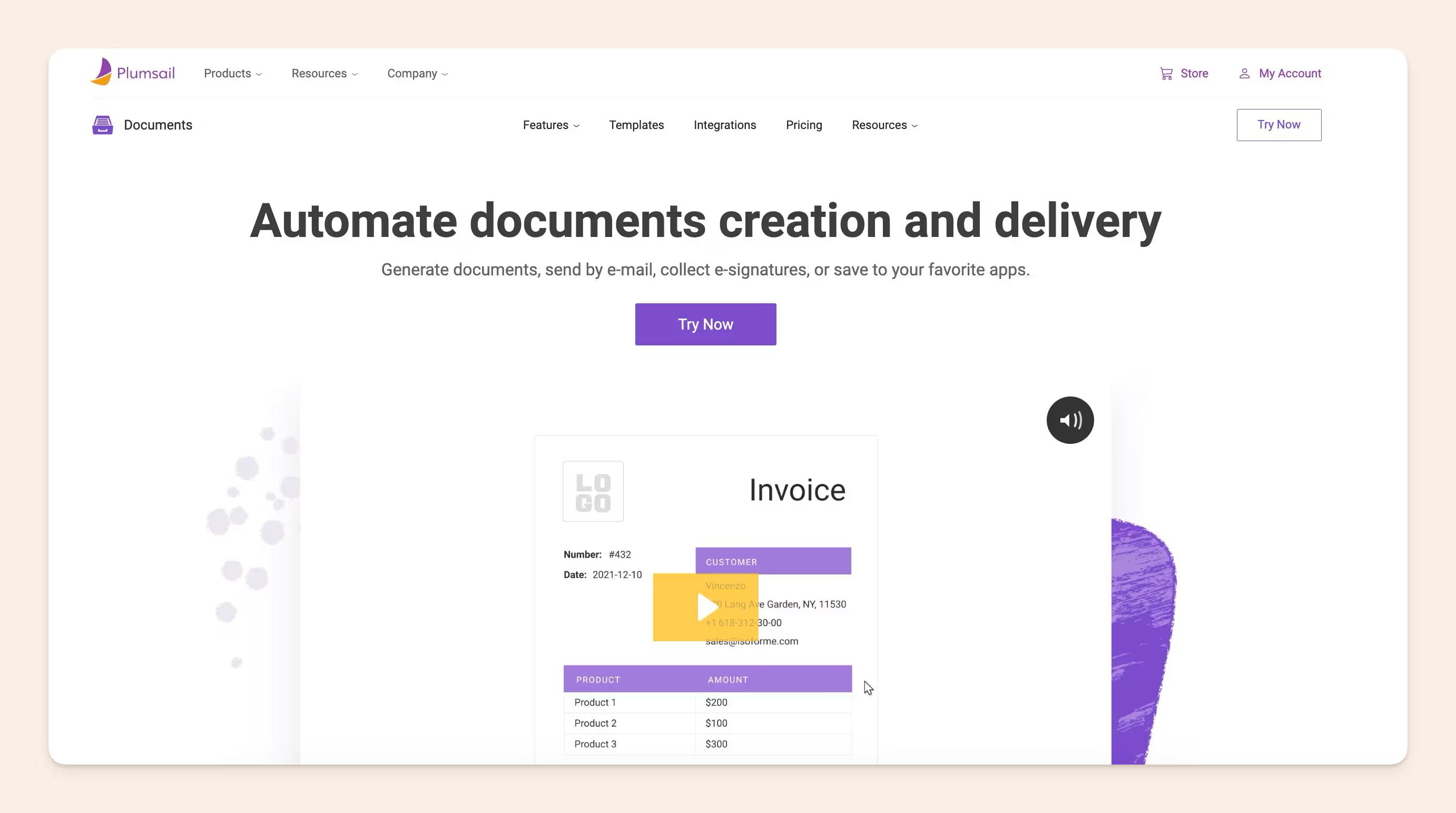
Plumsail Documents generates Word, Excel, PowerPoint, PDF, and HTML files from templates and structured data. Its integrations with Power Automate and other workflow tools make it useful for teams building document generation into a broader automation workflow.
These tools still need accurate source information to generate the document.
A proposal generator needs approved product descriptions, pricing guidance, legal terms, customer stories, implementation details, and responses to common objections. An RFP workflow needs previous answers, security information, policies, technical specifications, and supporting evidence.
That knowledge often lives across several company systems.
Slite as the source of truth for document generation
Slite gives people, AI agents, and downstream tools a reliable place to retrieve company knowledge before generating a document.
Teams can keep product information, policies, technical details, standard answers, previous decisions, templates, and supporting evidence in the self-maintaining knowledge base.
Slite Agent can search this knowledge alongside connected sources such as Slack, Google Drive, Linear, GitHub, Jira, HubSpot, and Intercom. It returns sourced information for review rather than asking the team to trust an unsupported answer.
From there, teams can export the document directly from Slite or use Slite's API to pass the approved content into another product for final formatting, generation, or delivery.
Store and verify the source knowledge
Approved company information lives in Slite.
Documents have owners, verification dates, permissions, version history, and a visible freshness state. Verified information ranks more prominently in Slite's search, while stale or unverified sources carry lower trust signals.
This gives document-generation workflows a clearer starting point: information that has been reviewed, assigned an owner, and checked for freshness before it is used to create another document.
Ask Slite Agent to assemble the relevant information
A person or external agent can ask Slite to gather what a document needs.
For example:
- Find our approved security answers for this RFP.
- Compile every product update completed since the last release.
- Gather the current technical specifications for a regulatory submission.
- Assemble the approved product information and customer stories for a proposal.
- Find the latest policy and process details for a recurring report.
Slite Agent searches the knowledge base and connected systems, then returns the relevant information with its sources.
Review the supporting evidence
A subject-matter expert can inspect those sources, fill any gaps, and confirm that the information is ready to use.
That review happens before the content enters the final document or submission workflow.
Correcting one outdated source in Slite is considerably easier than finding the same incorrect answer across several proposals, RFP responses, and technical documentation.
Export or send the content downstream
Slite supports PDF, Markdown, and HTML exports.
Teams can also use Slite's API and MCP servers to move knowledge into other applications and agent workflows.
The downstream product can then handle:
- Final formatting
- PDF rendering
- Template application
- Signatures
- Delivery
- Publishing
- Storage
The exports and API provide the bridge between Slite and dedicated document generators.
Keep the source useful for future documents
Company knowledge is rarely used once.
The same product description may appear in proposals, Request for Proposals (RFPs), reports, onboarding resources, and technical documents. The same security answer may be reused many times.
Slite Agent can compare documentation with activity across connected tools, identify knowledge drift, and prepare updates for human review. Nothing changes until the document owner reviews and approves the update.
The next generated document can then draw from the corrected source rather than repeating the same outdated answer.
How teams use Slite in document-generation workflows
Here are some document-generation workflows Slite customers have used:
A 600-page regulatory document
One customer uses the Slite API, a SliteML/XML export, and a LaTeX template to produce a document of roughly 600 pages for submission to a notified body.
Slite holds the structured source material, while the LaTeX workflow produces the final submission-ready document.
The customer is using Slite as the controlled knowledge source.
Automated changelogs and release notes
Teams also use Slite and its export API to support recurring release documentation.
Approved product and engineering information can be assembled into the required structure, reviewed, and passed into a publishing workflow.
The system reduces the repeated assembly work without asking AI to invent what changed.
RFPs and recurring documents
RFPs repeatedly ask about security, compliance, implementation, architecture, product capabilities, and company policies.
Those answers should not have to be recreated from memory whenever a new spreadsheet arrives.
Teams can keep approved answers and supporting evidence in Slite. Slite Agent assembles the relevant information, the team reviews it, and the content moves into the required RFP template or submission platform.
The same approach works for other documents the company creates repeatedly.
Technical-documentation pipelines
One customer exports Slite content to Markdown and feeds it into a vendor prototype for automated technical-documentation generation.
Slite provides the organized and reviewed source material. Then the external system transforms that content into the required technical output.
PDF and multichannel distribution
Some customers organize information in Slite and export it as PDF for distribution through other channels.
Others use HTML, Markdown, API-based workflows, or customer-specific exports when the same information needs to appear in several places.
The source remains centralized even when the finished documents are distributed elsewhere.
How Slite and a document generator work together
When a dedicated document generator is needed, Slite can manage and assemble the source material while the other tool handles the document-generation workflow.
Take a sales proposal, for example.
- Approved product information, customer stories, implementation guidance, policies, and commercial context live in Slite.
- Slite Agent gathers the information relevant to the opportunity.
- A team member checks the sources and approves the content.
- The approved material is passed downstream through the API, MCP, or another integration, or exported from Slite.
- A tool such as PandaDoc or Templafy applies the customer data, templates, and final formatting. Depending on the product, the workflow may also include approvals, signatures, or delivery.
Teams can use the same process for regulatory submissions, RFPs, recurring reports, technical publications, and customer-facing presentations: gather the approved source material, review it, then generate or export the document.
Which setup do you need?
Use a dedicated document generator when you need:
- Customer-facing design
- Templates and field merging
- Contracts and proposals
- E-signatures
- Payments
- Recipient tracking
- Advanced PDF or document rendering
Use Slite when you need:
- A single source of truth for company knowledge
- Information gathered across several company systems
- Source citations and human review
- Reusable RFP and technical content
- PDF, Markdown, and HTML exports
- API and MCP access
- Ownership and verification
- Maintenance of information reused across documents
Dedicated document generators can automate much of the process of creating a document, but they still depend on the information they're given. Slite gives teams a place to maintain and assemble the company knowledge those documents draw from.
Document generation should start with a reliable source
Before a document can be generated reliably, the company has to organize its knowledge, approve it, retrieve the relevant information, verify the evidence, and keep the source current.
Slite can serve as that source for external document-generation workflows while handling internal document generation directly. Teams can assemble and export documents from Slite as PDF, Markdown, or HTML, or pass that knowledge into dedicated tools for contracts, proposals, e-signatures, and other specialized documents.
Book a demo to see how Slite works.
FAQ
What is automated document generation?
Automated document generation is the process of creating a formatted document from templates, business data, rules, prompts, or company knowledge without assembling every section manually.
What is an example of document generation?
A common example of document generation is creating a proposal by combining an approved template with customer information from a CRM, product details, pricing, and standard legal terms.
Another example is retrieving approved technical information from a knowledge base and using an API and template to produce a regulatory document.
What is the difference between document generation and document automation?
The difference between document generation and document automation is how much of the workflow each one covers.
Document generation creates the document. Document automation may also handle approval, e-signature, payment, delivery, tracking, and storage.
Can a knowledge base be used for document generation?
Yes. A knowledge base can serve as the source of company information used in document generation.
It stores approved knowledge, templates, policies, technical information, and previous answers. People or AI agents can retrieve that information, review it, and send it into a document generator through an API, export, or integration.
What documents can be generated automatically?
Documents that can be generated automatically include proposals, contracts, invoices, quotes, offer letters, reports, certificates, RFP responses, release notes, technical documents, regulatory submissions, and recurring internal documents.
Can ChatGPT generate business documents?
ChatGPT can draft a business document from a prompt and the information provided to it.
A repeatable company workflow also needs trusted sources, permissions, approved templates, human review, and a process for keeping reused information current.