Let me guess. You've landed here because you've likely:
- Outgrown the patchwork of GitHub READMEs, Markdown files, internal wikis, and scattered docs your engineering team has been relying on
- Grown frustrated with a documentation workflow that makes it harder than it should be to contribute, publish, find, or keep technical docs current
- Been tasked with finding a better tool for API docs, runbooks, changelogs, internal engineering knowledge, or whatever mix your team actually maintains
Did I get at least some of it right?
Of those, the second one kept coming up in developer discussions on Reddit.
According to a developer in r/softwarearchitecture:
"The part I hate in most setups is not the renderer. It is trust decay. Confluence, Notion, GitBook, markdown repos all fail the same way if nobody knows which page owns the truth. Search gets worse, stale pages look just as official as current pages, and new engineers learn to ask Slack instead."
And Reddit wasn't the only place I saw this come up. Engineering teams we speak with at Slite describe much the same thing.
Nikita Chepanov, Head of Developer Experience at Plaid, put it pretty simply:
"We don't have anything today that would look at docs asynchronously and tell us if they're out of date."
For example, whenever an API changes, someone merges a different implementation, or a deployment process shifts, the related page can still sit there looking perfectly current because nothing on the page itself tells you the underlying system has moved on.
And when you get to the point where stale pages look just as official as the right ones, engineers stop trusting search and everyone drifts back to asking the same questions in Slack.
But keeping docs current is only one part of choosing technical documentation software. API references, runbooks, changelogs, architecture records, and internal engineering docs all come with different workflows, contributors, and publishing needs. A tool can work brilliantly for one of those jobs and be a pain for another.
Whatever brought you here, you're about to get eight solid technical documentation tools to choose from, with a clear look at where each one fits and what it does well.
Key takeaways
- Whichever tool you pick should fit the kind of documentation you're creating. API docs, runbooks, changelogs, architecture decision records (ADRs), and internal engineering docs all come with different workflows.
- Whoever is in charge of updating the docs should shape the setup too. Git and pull requests work well when engineers own everything. Once product, support, or operations need to contribute regularly, that workflow can get annoying fast.
- Don't stop at publishing. Look at who owns the page, how you know it's still accurate, and what happens when the underlying work changes but the documentation doesn't.
- Slite is an ideal fit for internal engineering knowledge, runbooks, changelogs, and other team-facing docs. For API and SDK documentation, Mintlify, ReadMe, GitBook, or Docusaurus may make more sense.
- Documentation agents can help draft and update docs, but someone should still review the change before it becomes the version everyone else relies on.
What is technical documentation software?
Technical documentation software gives engineering and technical teams a place to create, organize, publish, and find documentation about a product, system, codebase, API, or technical process.
That can include API references, SDK docs, runbooks, changelogs, architecture decision records, onboarding docs, and other forms of technical documentation.
Some tools keep documentation close to the codebase, with Markdown, Git, branches, and pull requests built into the workflow. Others give engineers and the wider team a shared workspace where they can create and update technical docs without going through Git.
What to look for in technical documentation software
There's a lot to compare, but the quickest and easiest way to narrow your options is to choose a tool based on the job you want the software to handle.
That means asking:
- What are you documenting? API references, release notes, runbooks, design records, and internal engineering knowledge all come with different workflows.
- Who needs to update it? A Git-first setup can work brilliantly when engineers own the docs. It gets more awkward when product, support, operations, or another non-engineering team needs to contribute regularly.
- How are changes reviewed and published? Look at branches, previews, approvals, version history, and how closely the publishing flow matches the way your team already ships.
- How do you know when a document is outdated? Check for owners, verification, source monitoring, and whatever gets a stale page back in front of the right person.
- Can your AI tools use the documentation properly? Model Context Protocol (MCP), cited answers, and permission-aware access become useful when engineers already work in Claude, Cursor, ChatGPT, or similar tools.
- Who approves AI-generated changes? An agent can draft the fix. Your team should still be able to inspect it before it becomes the version everyone trusts.
So before you start comparing tools one by one, here are the tools that make the most sense depending on the type of technical documentation you're managing:
| Technical doc type | Top options | Key capabilities |
|---|---|---|
| API / SDK reference docs | Mintlify, ReadMe, GitBook, Docusaurus | OpenAPI support, versioning, Git workflows, interactive references |
| Release notes / changelogs | Slite | Pulling changes from engineering tools, drafting updates, review before publishing |
| Internal engineering wiki | Slite, Confluence, Notion | Easy contribution, search, ownership, verification |
| Runbooks / incident docs | Slite, Confluence | Fast access, clear ownership, keeping procedures current |
| Design docs / ADRs | Slite, Git-based workflows | Capturing decisions and preserving the context behind them |
| Visual click-by-click SOPs | Scribe | Automated screenshots and step-by-step capture |
The best technical documentation software for engineering teams
Before we get into each tool, here are the basics on all eight, including what each one is best for and where pricing starts. Then we'll go through them one by one, with the features, pros, cons, and pricing.
| Tool | Best for | Pricing |
|---|---|---|
| Slite | Internal engineering docs, changelogs, and runbooks | From $10/user/month |
| Mintlify | API and SDK documentation | Free; Pro from $450/month |
| GitBook | Developer docs with Git and visual editing | Free; Premium from $65/site/month + users |
| Docusaurus | Open-source docs-as-code | Free and open source |
| ReadMe | Interactive API documentation | Free; Pro from $250/month |
| MadCap Flare | Professional technical-writing teams | From $3,150/author/year |
| Confluence | Engineering teams already using Atlassian | Free; paid plans from about $5.42/user/month |
| Notion | Flexible internal documentation | Free; paid plans from $10/member/month |
1. Slite
Best for: Internal engineering docs, changelogs, and runbooks.
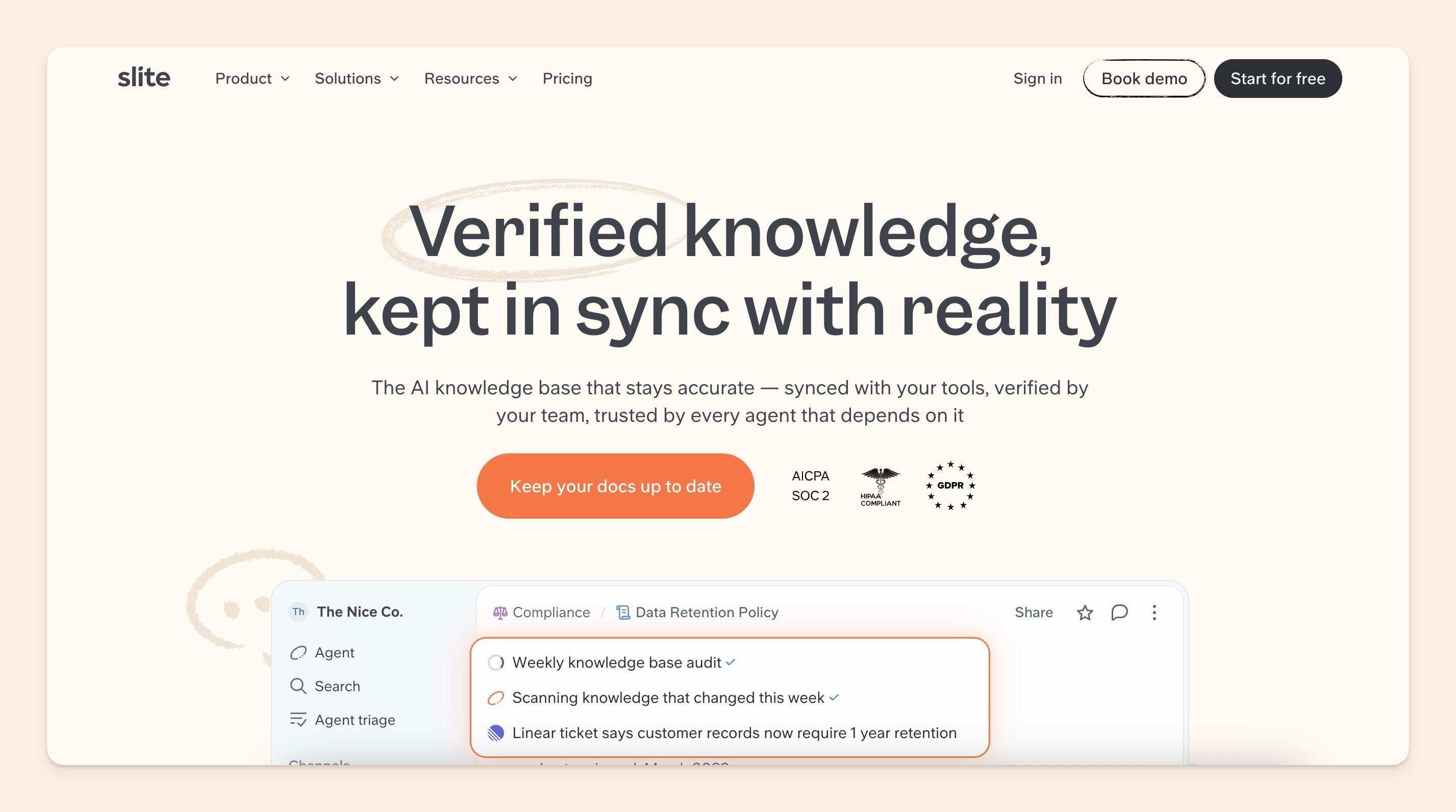
Slite is an AI knowledge base for the technical documentation that usually sits around the codebase. Think runbooks, changelogs, technical decisions, onboarding docs, SOPs, and the context engineers, product, support, and operations need to share.
We also built Slite Agent because getting the first draft live is only half the job. It can check what's changing across tools like GitHub, Linear, Jira, and Slack, flag documentation that may have drifted out of date, and draft an update for someone to review before anything changes.
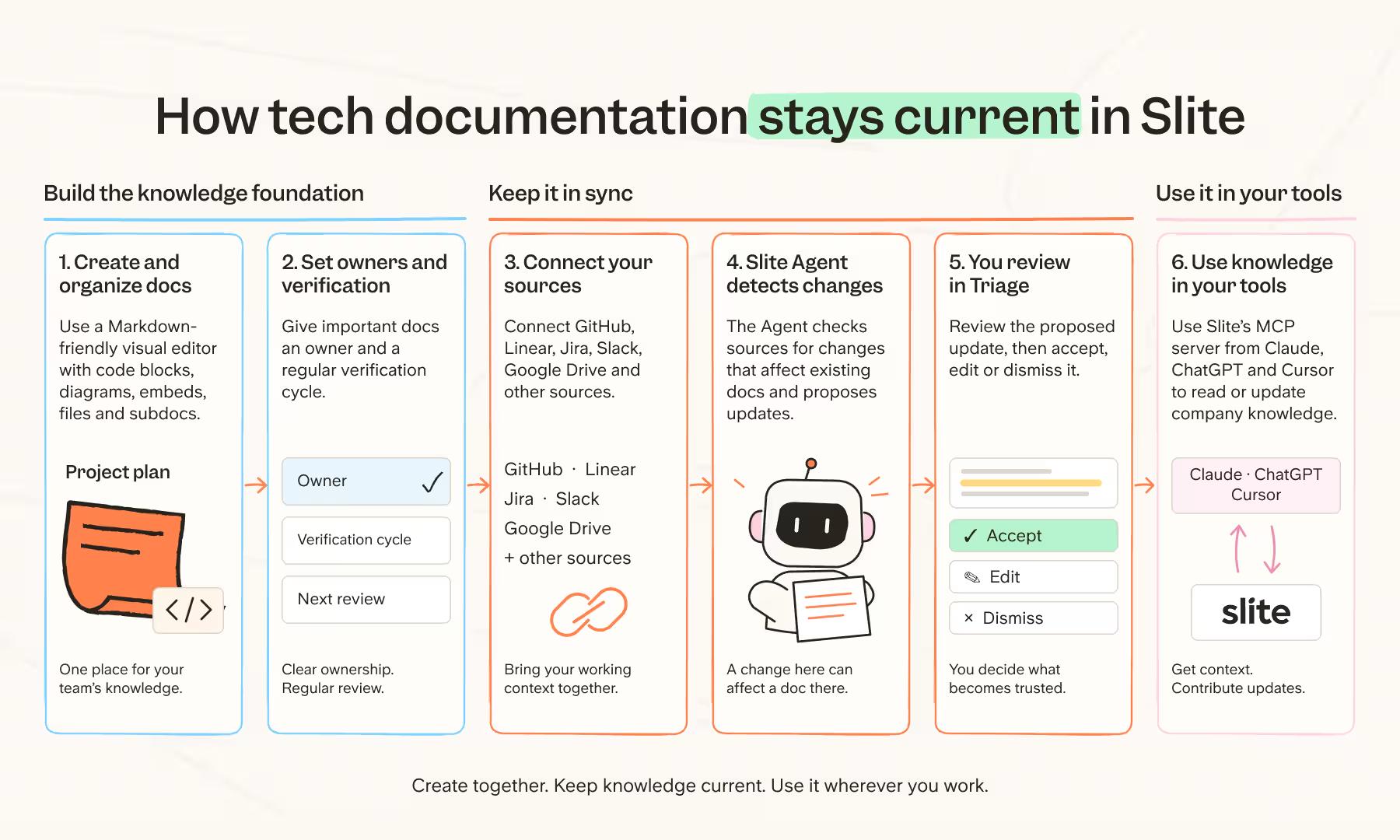
With Slite, a typical workflow looks like this:
- Create and organize documentation using the Markdown-friendly visual editor, code blocks, diagrams, embeds, files, and subdocs.
- Give important docs an owner and verification cycle.
- Connect GitHub, Linear, Jira, Slack, Google Drive, and other sources your team works from.
- Slite Agent checks those sources for changes that affect existing documentation.
- Review the proposed update in Triage before accepting, editing, or dismissing it.
- Use Slite's MCP server to access or update company knowledge from tools such as Claude, ChatGPT, and Cursor.
Key features
- Markdown-friendly editor: Write technical docs without forcing every contributor through a raw Markdown or Git workflow.
- Document ownership: Assign responsibility for important documentation.
- Verification: Set review cycles and see which docs are verified, expired, outdated, or waiting for review.
- Slite Agent: Check documentation against activity across connected tools and prepare updates when something has changed.
- Triage: Review the current document and suggested change side by side before anything is accepted.
- MCP and API: Let external tools and AI assistants search, create, and work with knowledge in Slite.
- AI search: Ask questions across company knowledge and connected sources.
Slite pros
- Easy for engineers and non-engineers to contribute.
- Ownership and verification are available across the knowledge base.
- Slite Agent can surface documentation drift without waiting for someone to notice it manually.
- Proposed changes stay under human review.
- MCP lets engineers use company knowledge from tools where they already work.
Slite cons
- Slite is cloud-only.
- There is no native Microsoft Teams integration.
- It is not the specialist tool I'd pick for an OpenAPI-generated API reference.
Slite pricing
- Basic: $10/user/month billed annually.
- Pro: $20/user/month billed annually.
- Enterprise: Custom pricing.
- Free trial: 14 days with no credit card required.
What do Slite customers say?
G2 rating: 4.6/5 (275 reviews at the time of writing).
But enough from us. Here's how teams are actually using Slite for their product, engineering, and company documentation.
At Agorapulse, product documentation, processes, discovery work, and roadmap communication all live in Slite. Sébastien Gendreau, Head of Product, explains:
"All the processes we have, they're on Slite. All the product documentation we have about new features… they are in Slite."
Donald Sipe, Principal Engineer at JobTarget, describes the reason his team moved away from Confluence:
"We switched from Confluence to Slite because Slite is easy to use for the entire company, not just the product team. Now, our entire company writes and organizes content in Slite."
2. Mintlify
Best for: API and SDK documentation.
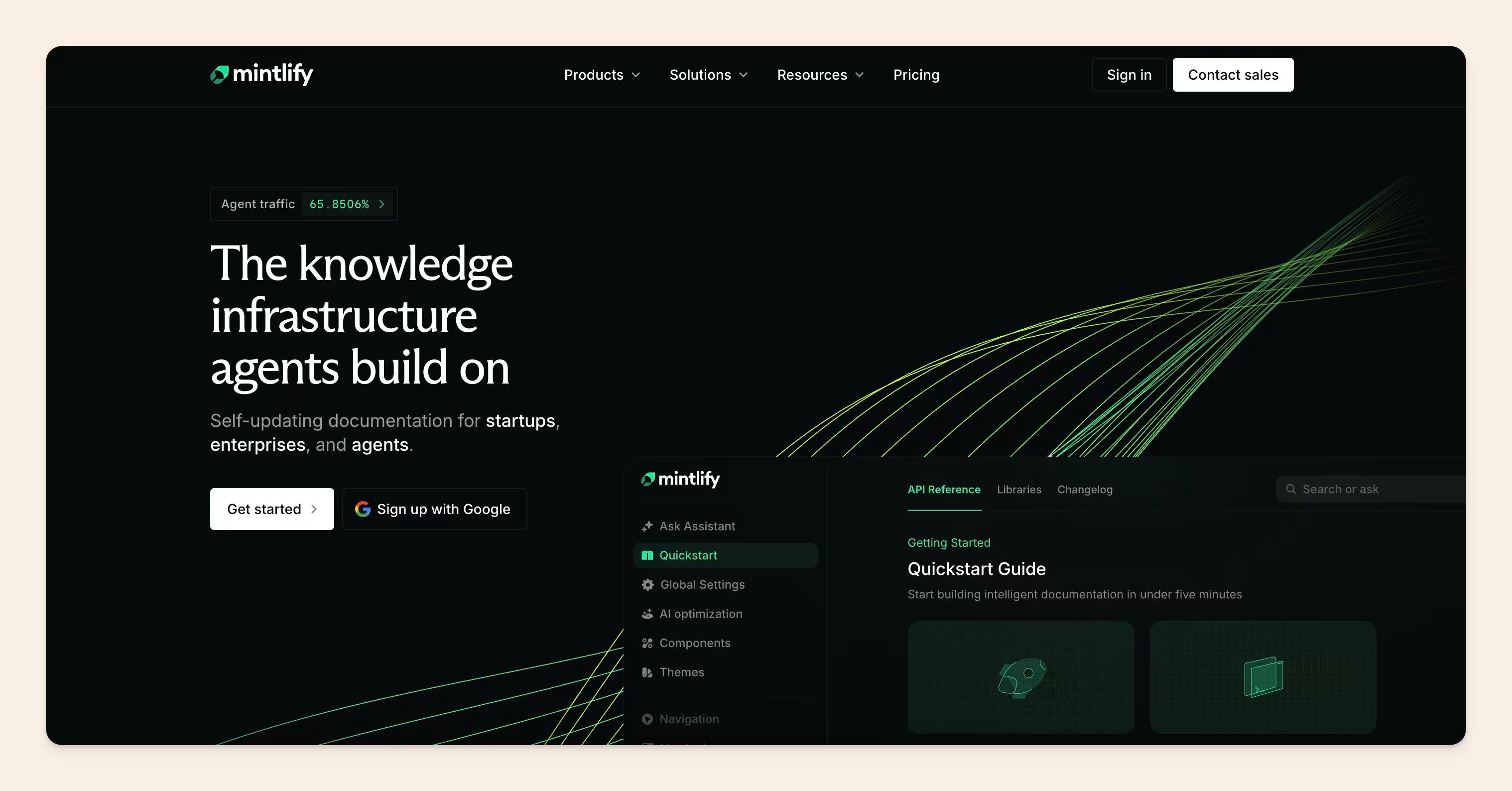
Mintlify is a documentation platform for creating and publishing developer-facing documentation. Teams can sync docs with Git, generate API references from OpenAPI, work from a web editor or locally, and publish everything as a hosted documentation site.
It also comes with an API playground, preview deployments, MCP support, and AI features for answering questions, writing documentation, and keeping published content updated.
By the way: At Slite, we don't think you need to choose between Slite and Mintlify. It's not an either/or, and the two can complement each other really well. We actually use Mintlify ourselves for our API reference. Mintlify is great for developer-facing API and SDK docs that need to stay close to the code, while Slite is where teams can keep runbooks, changelogs, technical decisions, onboarding docs, and the other internal engineering knowledge the wider team needs.
Key features
- OpenAPI support: Generate interactive API references from your OpenAPI specification.
- Git sync: Keep documentation connected to GitHub or GitLab.
- Local and web editing: Engineers can work locally while other contributors use the browser editor.
- Preview deployments: Review changes before they reach the live docs.
- API playground: Let developers test endpoints directly from the documentation.
- MCP and AI tools: Connect documentation to AI clients and use Mintlify's Assistant, Agent, and Automations on paid plans.
Mintlify pros
- Strong API documentation features: OpenAPI support, interactive references, and the API playground cover the core developer-docs workflow.
- Works well with Git: Engineers can version and review documentation using a workflow they already know.
- Polished publishing out of the box: You can ship a good-looking developer portal without building the frontend from scratch.
- Other contributors still have a way in: The web editor means every documentation change does not have to start inside the repo.
Mintlify cons
- There's a big jump from Free to Pro: The first paid plan starts at $450/month.
- AI features use credits: Pro includes 10,000 credits each month, and additional usage is billed separately.
- More ambitious customization can still mean code: Custom CSS, JavaScript, and components are available when the standard setup is not enough.
Mintlify pricing
- Starter: Free for up to five editor seats.
- Pro: $450/month with unlimited editor seats, Agent, Assistant, Automations, preview deployments, and 10,000 AI credits per month.
- Enterprise: Custom pricing.
One thing to watch out for with Mintlify's pricing is the AI credit model. Pro includes 10,000 credits per month, after which overages are billed separately. If your team plans to use Assistant and Automations heavily, the $450 subscription may not be the final monthly bill.
3. GitBook
Best for: Developer documentation with Git-based workflows and collaborative editing.
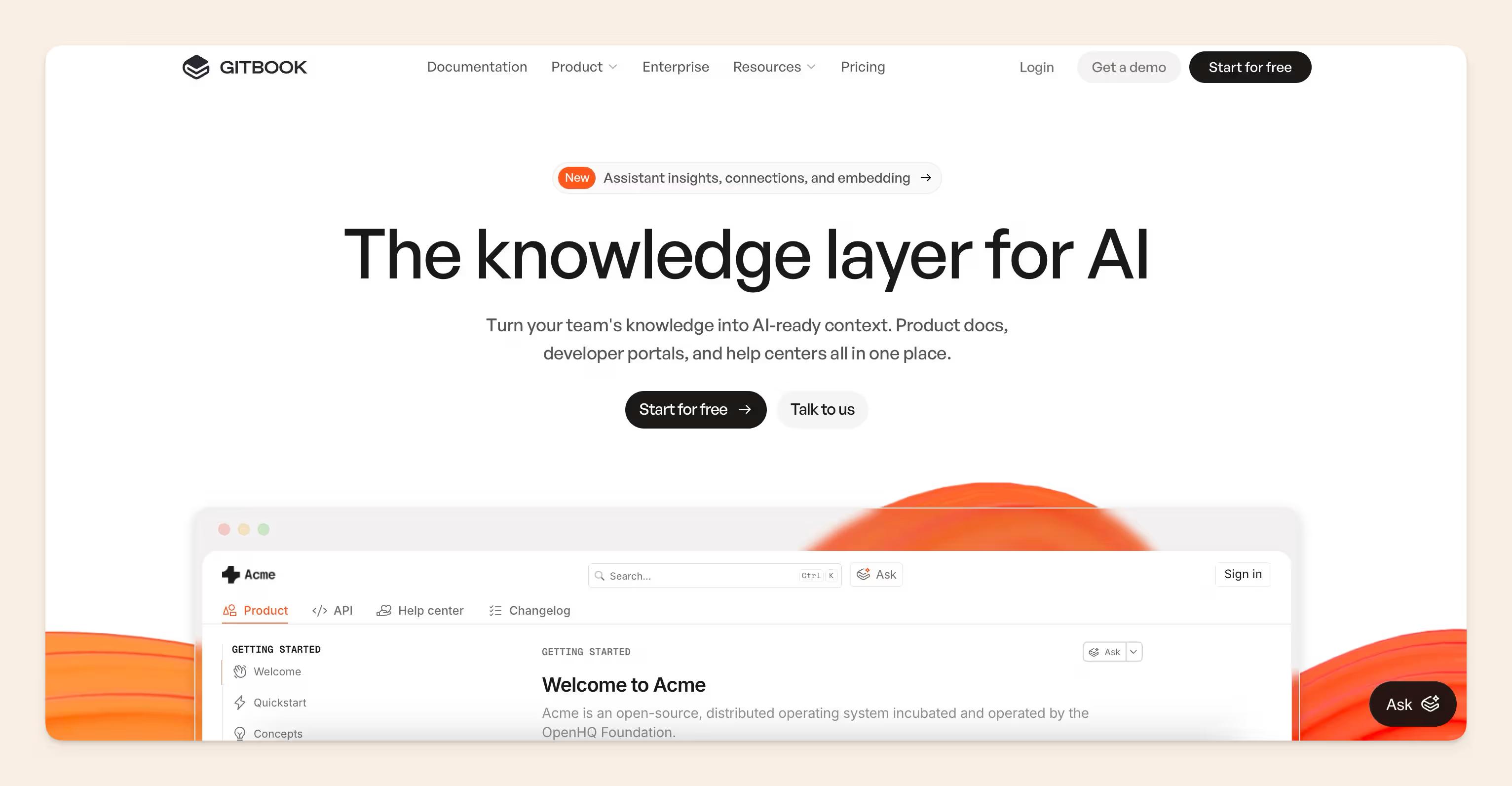
GitBook is a documentation platform for creating, managing, and publishing technical documentation. Teams can write in its visual editor or sync documentation with GitHub or GitLab, then publish the finished docs as a hosted site.
GitBook is also moving toward self-maintaining documentation with GitBook Agent. It can identify outdated or missing content, pull signals from connected sources, and draft changes for someone to review before they're published. It also supports API documentation, change requests, preview environments, and MCP, so engineers and other contributors can work on the same documentation without necessarily using the same editing workflow.
Key features
- Bi-directional Git sync: Keep GitBook and your repository in sync.
- Visual editor: Let contributors edit docs without working directly in Git.
- Change requests: Review documentation changes before publishing.
- Preview environments: Check updates before they go live.
- API documentation: Publish API references alongside guides and other docs.
- MCP server: Make published documentation available inside compatible AI tools.
GitBook pros
- Git and visual editing work side by side: Engineers can stay in Git while technical writers, product teams, and other contributors use the editor.
- Built-in review workflow: Change requests and previews make it easier to check changes before publishing.
- Hosted publishing: You get a developer documentation site without having to build and maintain the frontend yourself.
- Works well for mixed teams: Different contributors can use the workflow they're most comfortable with.
GitBook cons
- Heavier pages can slow down the editor: Recent users have mentioned lag on image-heavy pages.
- Git sync can still create friction: Merge conflicts and formatting differences can show up when people edit from both Git and GitBook.
- Pricing scales with both sites and collaborators: Paid plans charge for the site itself and the people working on it.
GitBook pricing
- Free: $0 for one user.
- Premium: $65 per site/month when billed annually, plus $12 per user/month.
- Ultimate: $249 per site/month, plus $12 per user/month.
- Enterprise: Custom pricing.
Worth noting: GitBook charges for both the site and the people editing it. A Premium site starts at $65/month, then you add $12 for every user who needs editing access.
4. Docusaurus
Best for: Open-source docs-as-code.
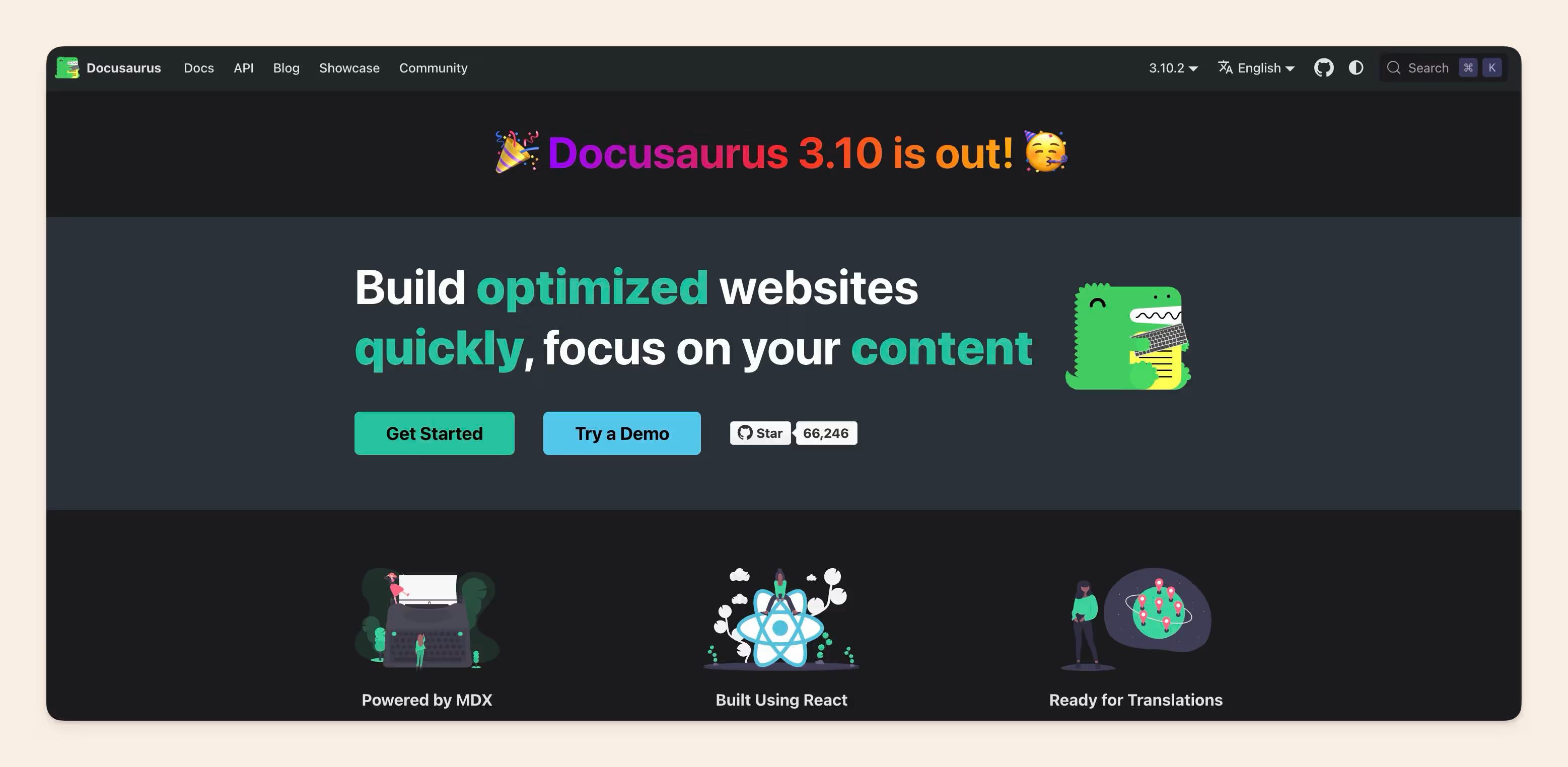
Docusaurus is an open-source static site generator built by Meta for documentation websites. Teams write their docs in Markdown or MDX, keep everything in Git, and Docusaurus turns those files into a publishable React-based documentation site.
Your docs can follow much the same workflow as your code: branch, edit, review the pull request, merge, and deploy. Your team also controls the hosting, deployment setup, plugins, styling, and any custom React components you add.
Key features
- Markdown and MDX: Write docs in Markdown and add React components when needed.
- Git-native workflow: Version and review documentation alongside the codebase.
- Versioned docs: Maintain documentation for different product releases.
- React customization: Build custom layouts and components.
- Plugin ecosystem: Extend search, analytics, API generation, and other functionality.
- Static-site generation: Build the docs into a site you can deploy wherever you want.
Docusaurus pros
- Free and open source: There is no SaaS subscription.
- Fits developer workflows: Git, Markdown, pull requests, and CI/CD already map neatly to the way many engineering teams work.
- Highly customizable: React and MDX give you plenty of control over the finished site.
- Works with generated documentation: Teams can combine hand-written content with OpenAPI, TypeDoc, and similar outputs.
Docusaurus cons
- Your team owns the upkeep: Hosting, CI/CD, upgrades, plugins, and custom code all stay with engineering.
- There is no built-in collaborative visual editor: Non-technical contributors will usually need another workflow.
- Complex layouts take more work: Anything beyond straightforward documentation pages can require custom React or CSS.
By the way: A docs-as-code setup can work perfectly for developer-facing documentation and still be less practical for wider company knowledge. We've seen teams with solid Docusaurus and GitHub documentation still default to Slack for internal questions because the rest of the company simply wasn't working in those tools.
Docusaurus pricing
Docusaurus itself is free and open source, so there is no per-user or monthly software fee.
But running it is not necessarily free. Your actual cost can include:
- Hosting: Potentially $0 for a smaller static docs site on a free hosting tier, with costs increasing as your infrastructure requirements grow.
- Domain: Your normal domain-registration cost if you're publishing on your own domain.
- Search and other services: Hosted search, analytics, monitoring, or other third-party services depending on your setup.
- Engineering time: Someone still has to set up deployment, maintain CI/CD, handle upgrades, fix broken plugins, and build custom components or layouts.
So while Docusaurus has a $0 license cost, you still need to account for the engineering time and infrastructure involved in owning the documentation site.
5. ReadMe
Best for: Interactive API documentation and developer portals.
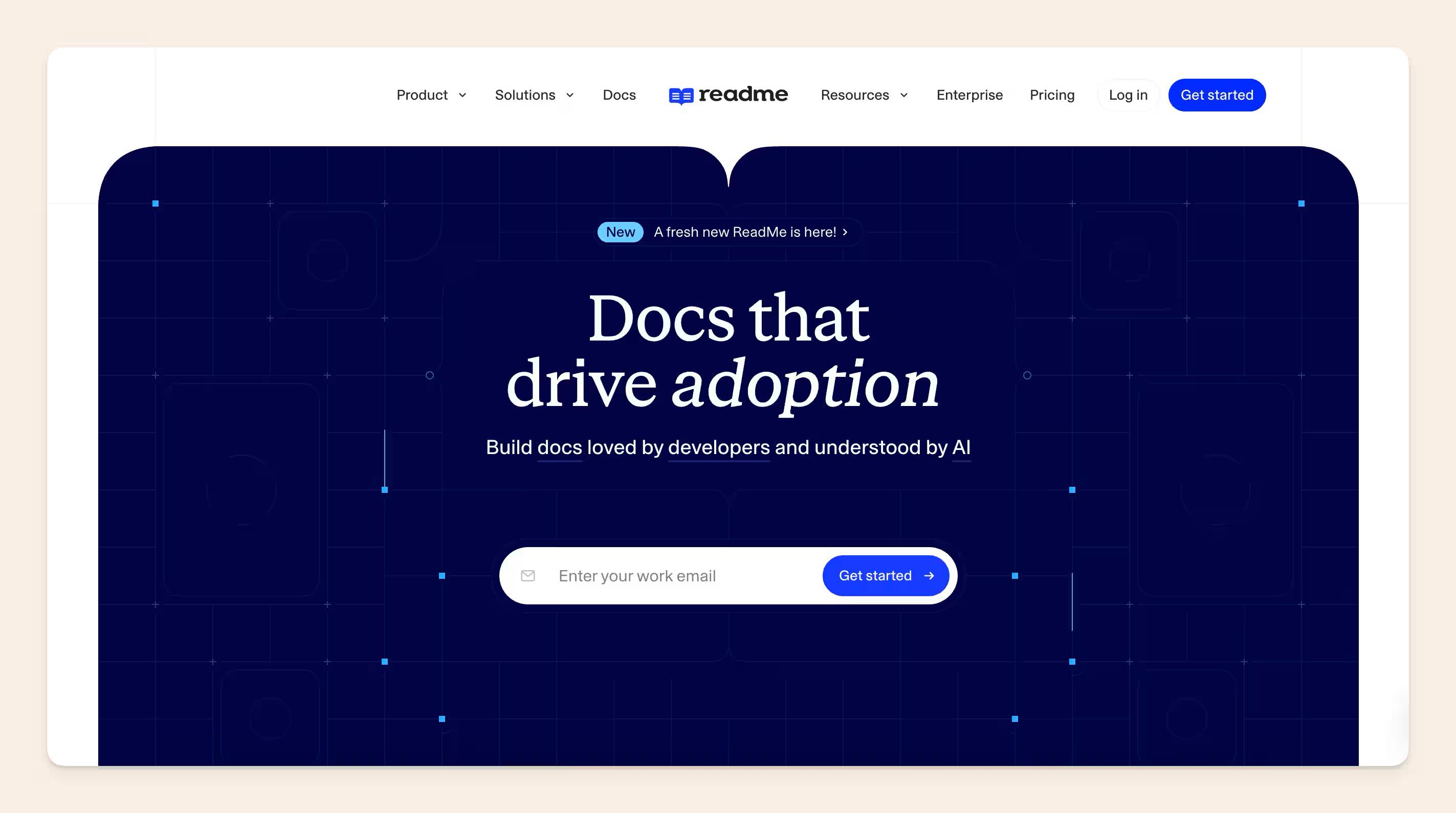
ReadMe is a developer documentation platform for teams building and publishing API docs. You can generate an API reference from an OpenAPI spec, write guides alongside it, and give developers an interactive place to explore endpoints and make requests.
It also supports the workflow around those docs with bi-directional Git sync, branches and reviews, reusable content, changelogs, usage metrics, and an MCP server.
Key features
- OpenAPI-generated API reference: Turn your API specification into an interactive reference.
- Interactive requests: Let developers explore endpoints and test requests from the docs.
- Bi-directional Git sync: Keep ReadMe and your repository in sync.
- Branches and reviews: Work on changes across several pages, preview them, and get them reviewed before publishing.
- Reusable content: Update a shared block once and have the change appear everywhere it is used.
- MCP server: Give compatible AI coding tools access to your API spec and documentation.
ReadMe pros
- Built around the API experience: Guides, API references, recipes, changelogs, and interactive requests can all live in the same developer portal.
- Strong OpenAPI support: You can generate the reference from your spec instead of maintaining every endpoint by hand.
- Good publishing workflow: Branches, previews, reviews, and Git sync give teams a proper way to check changes before they ship.
- Reusable content cuts duplicate work: Shared warnings, setup steps, or version-specific notes can be updated once.
ReadMe cons
- The structure is fairly opinionated: Your docs are organized around ReadMe's guides, API reference, changelog, recipes, and other built-in content types.
- Deeper customization still means code: Custom MDX components, CSS, and HTML come into play when the default setup is not enough.
- Some useful AI features cost extra: Ask AI is sold separately from the base subscription.
ReadMe pricing
- Starter: Free.
- Pro: $250/month when billed annually.
- Enterprise: Custom pricing.
Pricing caveat: Ask AI is an additional paid feature, and extended API request history and logs can also add to the monthly bill. A Pro setup can therefore move past the advertised $250 depending on the features you need.
6. MadCap Flare
Best for: Technical writing teams managing large, structured documentation sets.

MadCap Flare is an authoring and publishing platform built for professional technical writers. Teams can break documentation into reusable topics, snippets, and variables, then publish the same source content across web help, PDFs, Word documents, and other formats.
It's a stronger fit when you're maintaining a lot of documentation across different products, versions, audiences, or output formats and don't want to update the same information in five different places.
Key features
- Topic-based authoring: Break large documentation sets into smaller reusable pieces.
- Single-sourcing: Maintain repeated content once and reuse it across different docs and outputs.
- Conditional content: Publish different versions of the same source for different products or audiences.
- Multi-channel publishing: Produce web, PDF, Word, and other formats from the same source content.
- Flare Online: Give authors, reviewers, and subject matter experts a browser-based place to collaborate.
- Localization support: Reuse translated content across multiple documentation projects.
MadCap Flare pros
- Excellent for content reuse: Single-sourcing saves duplicate editing when the same technical information appears in several places.
- Built for serious technical writing workflows: Topic-based authoring, variables, conditions, and multi-format publishing go much deeper than a normal wiki.
- Strong publishing options: One source can feed several outputs without maintaining separate versions by hand.
- Works well for large documentation teams: Flare is built around the structure and control professional technical writers usually need.
MadCap Flare cons
- There's a learning curve: Topic-based authoring and Flare's wider publishing system take time to learn properly.
- It can be overkill for smaller engineering teams: If all you need is a place for runbooks, onboarding docs, or internal engineering notes, you may never use most of what Flare gives you.
- The cost is high: Flare Desktop starts at $3,150 per author/year.
MadCap Flare pricing
- Flare Desktop: $3,150 per author/year.
- Flare Online: Sales-led pricing depending on authors and reviewers.
- Larger deployments: Custom pricing.
Worth noting: Flare Desktop is priced per author. At $3,150 per author/year, a five-person technical writing team is already looking at $15,750 annually before any additional products or services.
7. Confluence
Best for: Engineering teams already working heavily in Jira and the Atlassian stack.
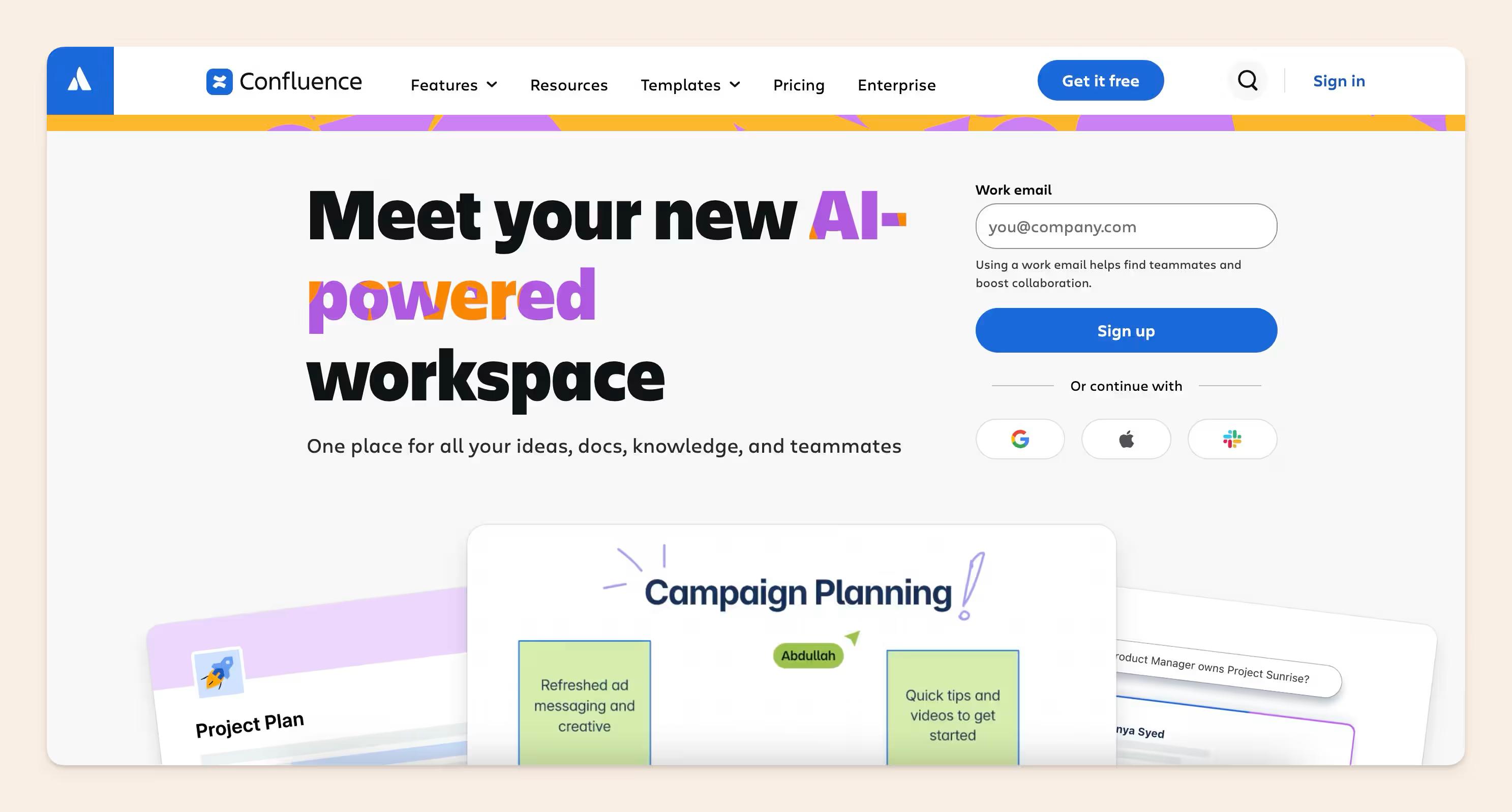
Confluence is Atlassian's workspace for creating and organizing team knowledge. Engineering teams commonly use it for technical specs, architecture decisions, runbooks, onboarding docs, retrospectives, API contracts, and the wider documentation around projects already tracked in Jira.
Its Jira integration is one of the strongest reasons to consider it. Teams can connect pages to Jira issues, standardize recurring docs with templates, control access by space or page, and keep a version history of changes. Confluence also gives teams access to Atlassian Rovo for AI-powered search and assistance across Confluence and other tools in the Atlassian ecosystem.
Key features
- Jira integration: Connect technical docs directly to issues, epics, and project work.
- Collaborative pages: Multiple people can edit, comment, and review docs in the same workspace.
- Templates and macros: Standardize recurring technical docs and add richer page elements.
- Version history: Track changes and restore earlier versions.
- Permissions: Control access at the space and page level.
- Automation and content governance: Build review and cleanup workflows around larger spaces.
Confluence pros
- Strong Atlassian fit: If your engineering work already runs through Jira, keeping the surrounding documentation in Confluence can feel pretty seamless.
- Handles a wide range of internal technical docs: Specs, runbooks, architecture decisions, onboarding, and project documentation can all live in one place.
- Mature permissions and admin controls: Larger organizations get more control over who can see and edit what.
- Plenty of integrations: The Atlassian Marketplace gives teams a lot of room to extend the setup.
Confluence cons
- Large spaces can get messy: Old, duplicate, and poorly named pages can pile up quickly if nobody owns the cleanup.
- Search quality depends heavily on how well the workspace is maintained: Stale pages can still surface beside current ones.
- Costs can climb with Premium and Marketplace apps: The base subscription may only be part of what a larger deployment costs.
Side note: If you like Confluence for the Jira integration but struggle to get the rest of the company to actually use it, Slite is worth a look. That's exactly why some of our customers switched. Donald Sipe, Principal Engineer at JobTarget, puts it better than I could: "We switched from Confluence to Slite because Slite is easy to use for the entire company, not just the product team. Now, our entire company writes and organizes content in Slite." See our Confluence alternatives guide.
Confluence pricing
- Free: Up to 10 users.
- Standard: About $5.42/user/month.
- Premium: About $10.44/user/month.
- Enterprise: Custom pricing.
Note: Confluence can look inexpensive at first, but larger teams may also end up paying for Premium features or Marketplace apps for diagrams, approvals, reporting, and other workflows.
8. Notion
Best for: Flexible internal documentation and engineering wikis.
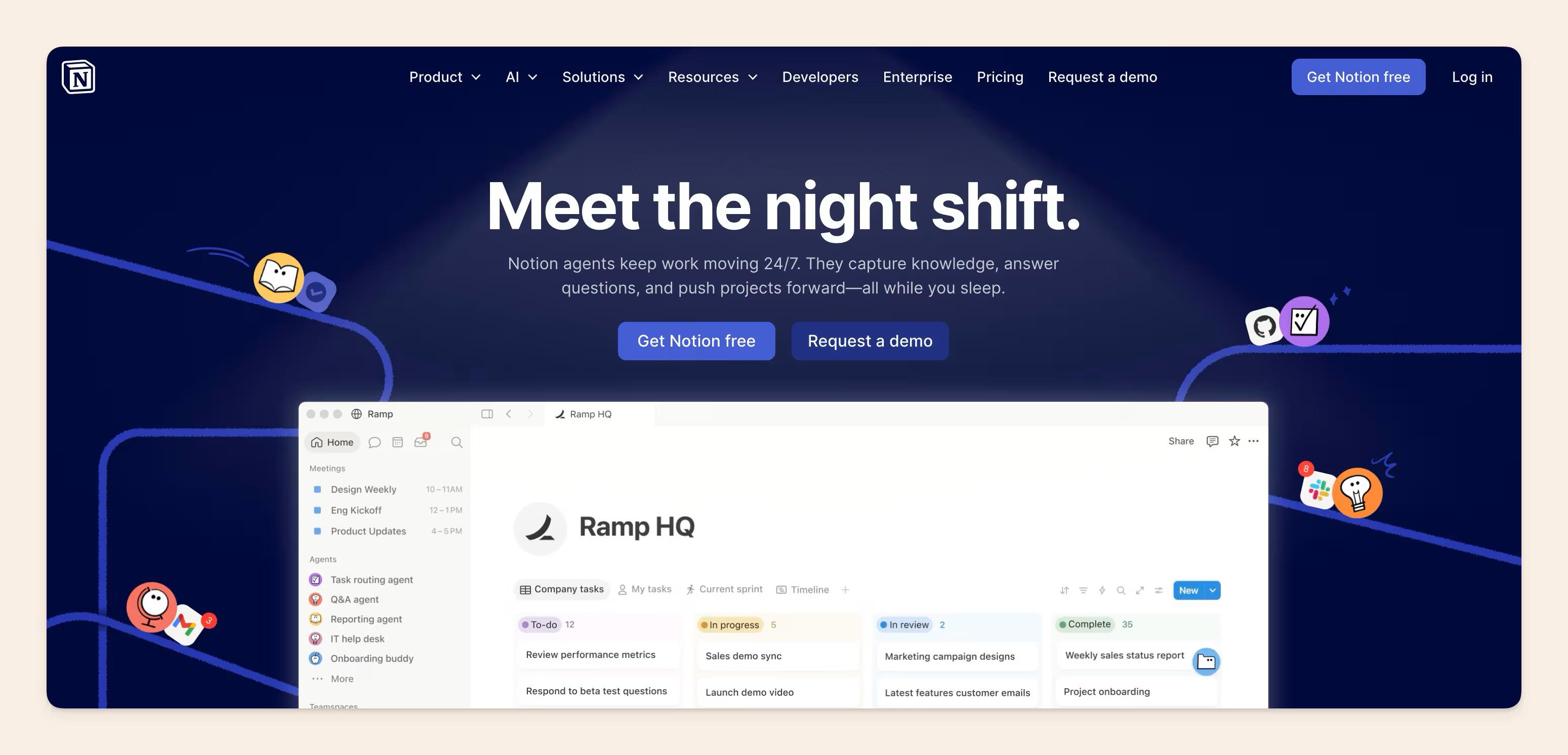
Notion is a workspace for docs, wikis, projects, databases, and team knowledge. Engineering teams can use it for design docs, architecture decisions, onboarding guides, runbooks, meeting notes, project specs, and other internal documentation.
Pages can hold code blocks, diagrams, databases, embeds, and linked project information. Teams can also turn a collection of pages into a wiki, assign page owners, and verify important pages so readers can see when the information was last confirmed.
Key features
- Flexible pages: Combine text, code blocks, embeds, files, databases, and other content on the same page.
- Wikis: Organize technical knowledge into a dedicated internal wiki.
- Page owners and verification: Assign responsibility for important docs and set verification periods.
- Databases: Structure architecture decisions, incidents, projects, or documentation inventories.
- Projects and tasks: Keep project work and the documentation around it in the same workspace.
- Notion AI: Search workspace knowledge, generate content, and work with information from connected apps.
Notion pros
- Very flexible: Teams can shape the workspace around their own documentation and project workflows.
- Easy for the wider company to contribute: Product, support, operations, and engineering can all work in the same interface.
- Docs and project context can live together: A technical spec can sit alongside the project, tasks, database, and supporting notes behind it.
- Ownership and verification are built in: Important pages can have owners and verification dates instead of sitting untouched indefinitely.
Notion cons
- Workspaces can get messy fast: Without a clear structure, you can end up with nested pages, duplicate databases, and several places that all look like the right source.
- It isn't a docs-as-code tool: Teams that want Markdown files in Git, pull-request reviews, and documentation deployed alongside code will need a different setup.
- Some knowledge-management controls sit on higher plans: For example, some page-verification controls require Business or Enterprise.
Notion pricing
- Free: $0.
- Plus: $10/member/month when billed annually.
- Business: $20/member/month when billed annually.
- Enterprise: Custom pricing.
Keep in mind: the Free plan becomes more limited once you start collaborating with a larger team, and some of the knowledge-management features you may want for a company wiki sit on higher plans.
If Notion is already on your shortlist, we've also put together a full Slite vs. Notion comparison covering how the two differ for team knowledge and documentation.
A company brain alongside your technical documentation software
You don't have to replace your existing technical documentation setup to use Slite. Your API reference can stay in Mintlify or ReadMe, and code-owned docs can stay in Git.
Slite can sit alongside them as the company brain for the engineering knowledge that lives outside the codebase: runbooks, technical decisions, changelogs, onboarding docs, incident context, and the other information your wider team needs.
And engineers don't have to keep jumping into Slite to use that knowledge. Slite's MCP server, built on the Model Context Protocol, connects your knowledge base to tools like Claude, ChatGPT, and Cursor. Engineers can search company knowledge, read docs, draft new ones, and propose changes from the tools where they're already working.
Slite Agent can also check those docs against changes happening across GitHub, Linear, Jira, Slack, and your other connected tools. If something has drifted, it can prepare the fix and send it to Triage for someone to review before anything changes.
So your specialist documentation tools can keep doing the jobs they're good at, while Slite gives your engineering team one shared place for the knowledge around them.
If that sounds like the setup you're after, book a demo to see how Slite works alongside your existing stack.
FAQ
What is an example of technical documentation for software?
A production runbook is an example of technical documentation for software. It records the affected service, when to respond, what to check first, how to recover, who to escalate to, and when the procedure was last verified.
What is the difference between technical documentation software and API documentation tools?
Technical documentation software supports a wider range of engineering docs, including runbooks, architecture records, onboarding docs, changelogs, and internal wikis. API documentation tools focus specifically on API references, OpenAPI specs, endpoint testing, code samples, and SDK docs.
What software can engineering teams use to create technical documentation?
Engineering teams can use Slite for internal engineering knowledge and runbooks; Mintlify or ReadMe for API and SDK docs; GitBook for Git-based collaborative docs; Docusaurus for docs-as-code; and Confluence or Notion for broader internal documentation.