It seems like yesterday we were raving about the pomodoro technique or time management hacks. Now, those methods to shave hours feel quaint. AI is the new upgrade, and it's not just hype – it's genuinely making a difference in how we get things done.
Suddenly, every task has an AI-powered alternative ready to step in. Need to write an email? AI will draft it for you. Struggling to make sense of data like me? AI gives insights and simple graphs. Even our calendars and to-do lists are getting smarter. The result? We're powering through our workloads much quicker.
Of course, not all tools are created equal. Some are game-changers, while others might be a bit of a gimmick.
So, we've done some digging to bring you our top picks – the AI-powered tools that truly deliver on the promise of smarter, faster, and more efficient work.
#1 Knowledge management: Slite
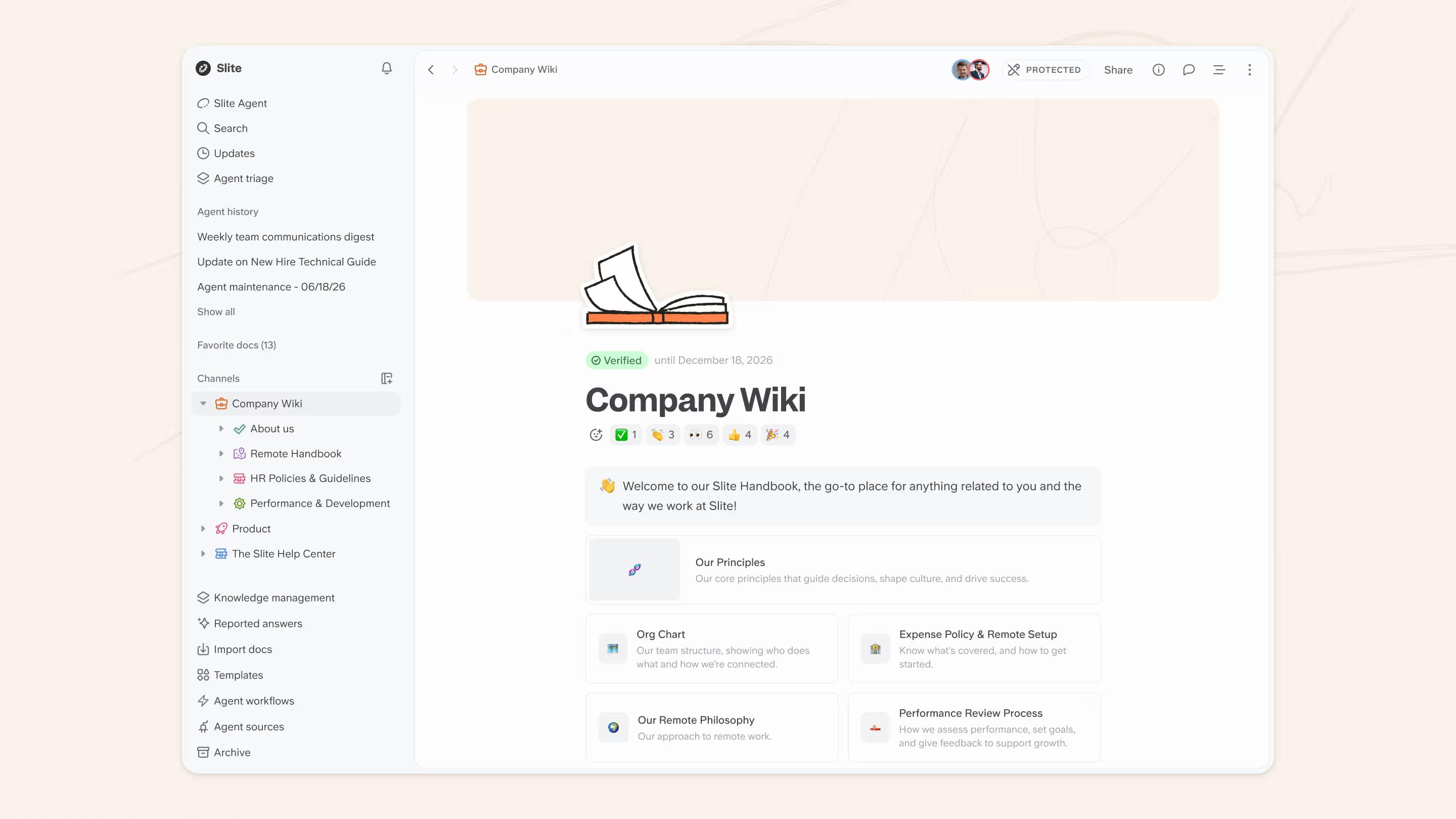
Slite is an intuitive knowledge management tool that makes it easy for teams to collaborate, organise, and find information.
With a user-friendly interface and powerful AI features, Slite streamlines your workflow and boosts productivity. The payoff compounds: teams that use AI heavily hold 4x more docs than light-AI workspaces.
Among the top contenders for the title of best knowledge base software on many different review sites, Slite is a favorite tool among its user base due to its low learning curve and simplicity of use.
Key features
- Seamless integrations: Embed tasks, projects, and databases from apps like Linear and Excalidraw directly into your docs for better context and collaboration.
- Streamlined Knowledge Management Panel: Access knowledge insights and doc filters in one place, and use natural language to find the docs you need, like "Show me all docs related to the annual earnings report."
- Easy channel and doc management: Organise your docs within channels using categories, quickly access them via the sidebar, and automatically archive inactive docs to keep your workspace clean.
- Hassle-free migration: Import your existing docs from Drive, Notion, or other tools with just a few clicks.
AI features
- AI Editor: Get intelligent suggestions and improvements as you write, ensuring your docs are clear and concise.
- AI Knowledge Management Panel: Leverage AI to automatically categorise and organise your docs based on their content and relevance.
- AI Search Everywhere with Ask: Find the information you need across all your docs and external sources using natural language queries.
Beyond traditional knowledge management
While Slite excels at organizing structured documentation, we recognized that critical knowledge lives everywhere - Slack conversations, Linear tickets, GitHub repositories, Google Drive files, and countless other tools.
That's why our team built Slite Agent, an AI agent with enterprise search that connects all your company tools into one intelligent interface.
Slite Agent turns scattered information into instant, cited answers, and keeps your docs in sync as things change.
Instead of hunting through multiple platforms, teams can ask natural language questions like "What's our deployment process?" and get answers with source citations from across all their tools - Slite docs, Slack discussions, project management platforms, and more.
Slite creates a complete knowledge ecosystem: a self-maintaining knowledge base for structured collaboration and documentation, and Slite Agent for unified search across your entire information landscape. It detects when docs drift from reality and proposes fixes for human approval.
This combination ensures no critical knowledge gets lost in tool silos while maintaining the simplicity and ease of use that makes Slite special.
#2 Spreadsheets and data analysis: Equals or Rows
If you're into data and spreadsheets, you might want to give Equals a go.
It's a nifty BI tool that uses AI to make data analysis much easier and faster. Their pricing seems steep at $1,250/mo for GTM leaders, but it's well worth it.
Another direct competitor to Equals is Rows. At Slite, we love them both. They're definitely more intuitive, lighter, and make data more share-able. And they play really well with our CRM tools and Zapier integrations. Here's a couple of AI features Equals recently shipped:
AI Features
- AI Assist: This handy helper lets you do a lot of quick data analysis via GPT prompts. We often use this for querying data, analysis, and even whipping up reports. Brilliant, right?
- Formula Building and Fixing: If formulas aren't your forte, AI Assist's got you covered. It can write formulas for you, spot and fix any mistakes, and even help you understand the really tricky ones. It's a real time-saver if you find formulas a bit of a headache.
- Data Analysis and Insights: Want to uncover the secrets hidden in your data? AI Assist can do that in a snap. It'll analyse your data, surface the key insights, create dashboards that'll impress your boss, and give you a quick summary of the important bits. It's a game-changer for anyone who wants to get to the bottom of their data fast.
- Proactive Error Detection: We've all been there – staring at a spreadsheet, trying to figure out where we went wrong. Equals' AI Assist spots errors as you go and suggests quick fixes, keeping your data in tip-top shape.
- Contextual Awareness: AI Assist is pretty clever – it gets the context of your spreadsheet and gives you the help and suggestions you need based on what you're working on.
#3 Workflow automation: Zapier
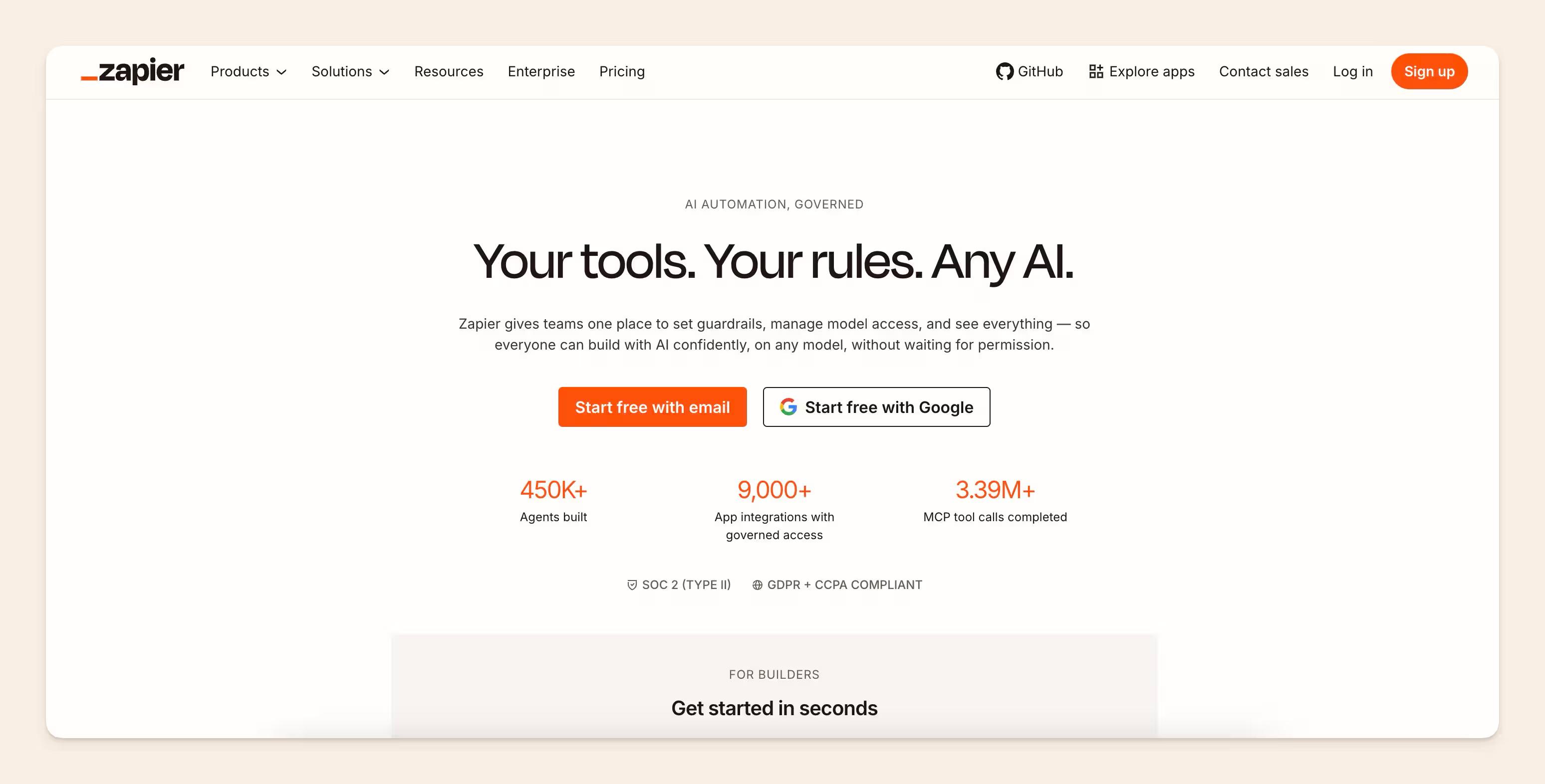
If you're looking to streamline your workflows and save time, Zapier is definitely worth checking out. It's an automation platform that allows you to connect your favourite apps and automate tasks without needing to know any code. Whether you're working solo or as part of a team, Zapier can help you get things done more efficiently. They offer a free plan, and if you need more advanced features, their paid plans start at $20/month.
Simple Zapier Automations
One of the great things about Zapier is its versatility. It works with a huge range of SaaS tools, so chances are, if you use it, Zapier can automate it. And you can get creative with your automations to suit your specific needs. Here's an example of a simple automation we use at Slite:
Whenever we get a demo request, we have a Zap set up that:
- Assigns the request to a team member based on their calendar availability
- Notifies us on Slack with key details:
- The person's note
- Their enrichment details
- Their lead score
It's a simple but effective way to make sure demo requests get handled promptly without anything falling through the cracks.
AI-Powered Zapier Automations
Things get even more interesting when you bring AI into the mix. Zapier has integrated with various AI tools and AI generators, opening up a whole new world of automation possibilities. Here are a few examples:
- Create tasks in Notion using ChatGPT based on certain triggers
- Draft email replies to customers using AI to save time while still providing a personal touch
- Generate blog post drafts from form submissions using AI writing tools
- Create personalised content for new leads using AI to analyse data and craft relevant messages
- Automatically generate summaries of new PDF files added to Dropbox using ChatGPT
These are just a few examples, but the potential applications are virtually endless. By combining the power of Zapier's automation with AI tools, you can automate more complex tasks and save even more time.
Of course, Zapier and AI aren't going to magically solve all your productivity woes. You still need to put in the work to set up your automations and make sure they're running smoothly. But if you're willing to invest a bit of time upfront, the time savings and efficiency gains can be significant.
So if you find yourself spending too much time on repetitive tasks or wishing you had an assistant to handle some of the grunt work, give Zapier a try. With its wide range of integrations and AI-powered automation capabilities, it might just become your new favourite productivity tool.
#4 Best AI agent for spreadsheet work: Ajelix
Most AI tools will explain your data back to you. Ajelix builds the thing you were going to make with it. Upload a messy CSV, an export, or even a PDF, describe what you need in plain language, and you get back a finished file: an Excel workbook with working formulas, an interactive dashboard, a PowerPoint deck, or a small web app. No formulas to write, no code, and no handing the work back to you halfway through.
What makes it worth a place here is the breadth of what counts as done. The agentic chat runs in a persistent workspace that holds your files, so you can keep drilling into the same dataset across a session instead of re-uploading it every time.
It also handles the unglamorous parts well: generating and fixing formulas, explaining inherited VBA, and turning PDFs and screenshots into structured data. For finance and ops teams who live in spreadsheets rather than in the databases that AI tools for SQL Server are built for, that covers a gap most general-purpose assistants leave open.
AI features
- Agentic chat with a persistent workspace: describe the outcome and get a finished deliverable back, with your files staying put between requests
- AI Excel and Google Sheets tools: generate formulas and VBA scripts, explain what an inherited formula does, and fix the ones that break
- AI dashboards: turn a raw dataset into an interactive dashboard without adding a separate BI tool
- AI presentations: generate PowerPoint decks straight from the underlying data
- Data cleansing: convert PDFs, images, and scrappy exports into structured data you can actually work with
- AI apps: build small no-code web apps from a prompt for recurring internal workflows
Pricing
There's a free plan with 10 requests a month that opens up all of the AI tools, so you can test it properly before paying. Paid plans start at $39/month for Lite ($32 billed yearly), $99/month for Pro, and $199/month for Max, with each tier adding better models, larger file limits, and more workspace storage. Enterprise pricing is custom.
Best for: finance, ops, and marketing teams that spend their week in spreadsheets and want finished reports, dashboards, and decks instead of advice on how to build them.
#5 Best email app: Superhuman
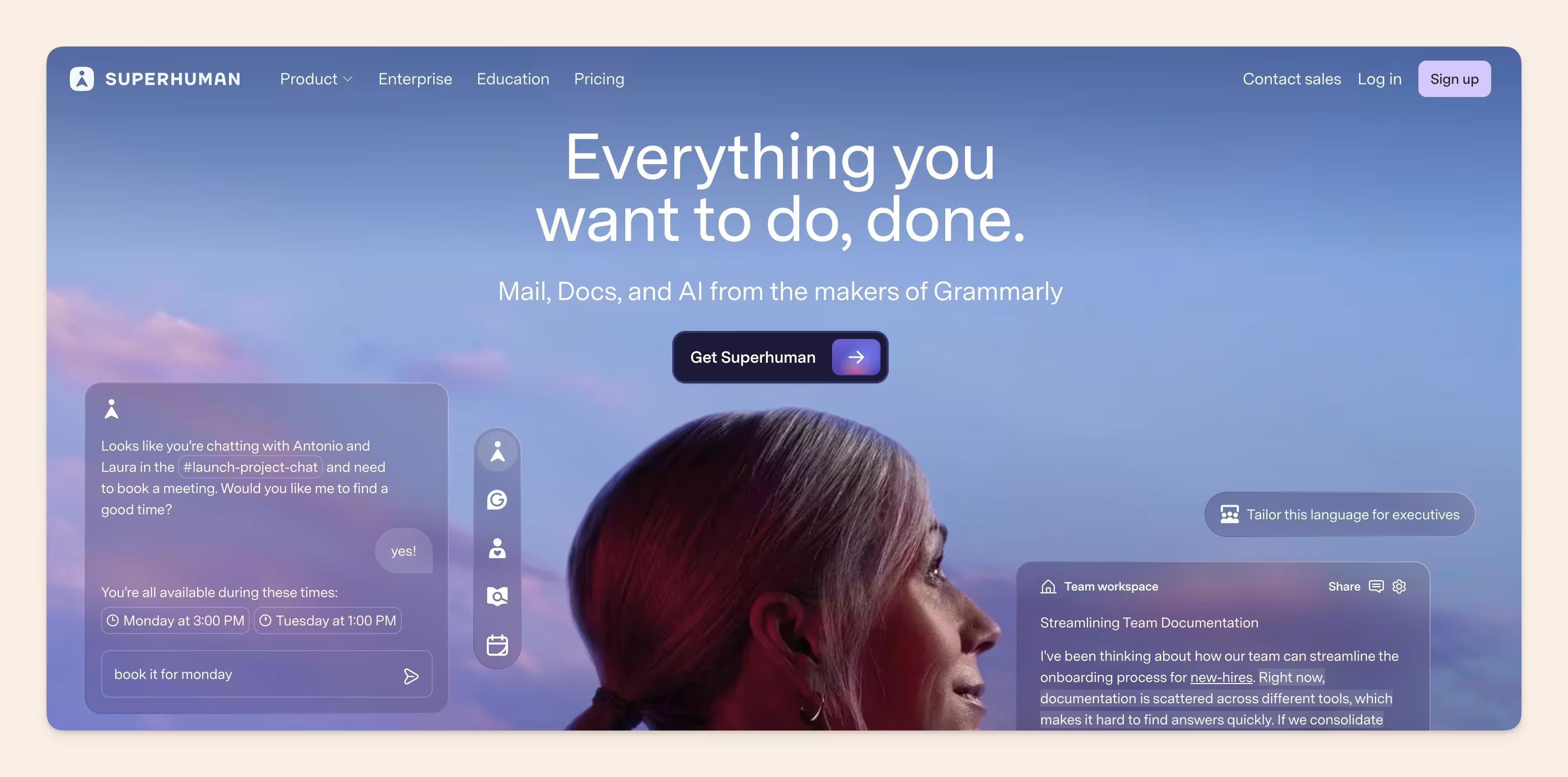
Every startup founder uses Superhuman for email.
Superhuman is designed to help you fly through your inbox twice as fast as traditional email clients. It boasts a split inbox that prioritises emails from your team, VIPs, or even tools like Google Docs.
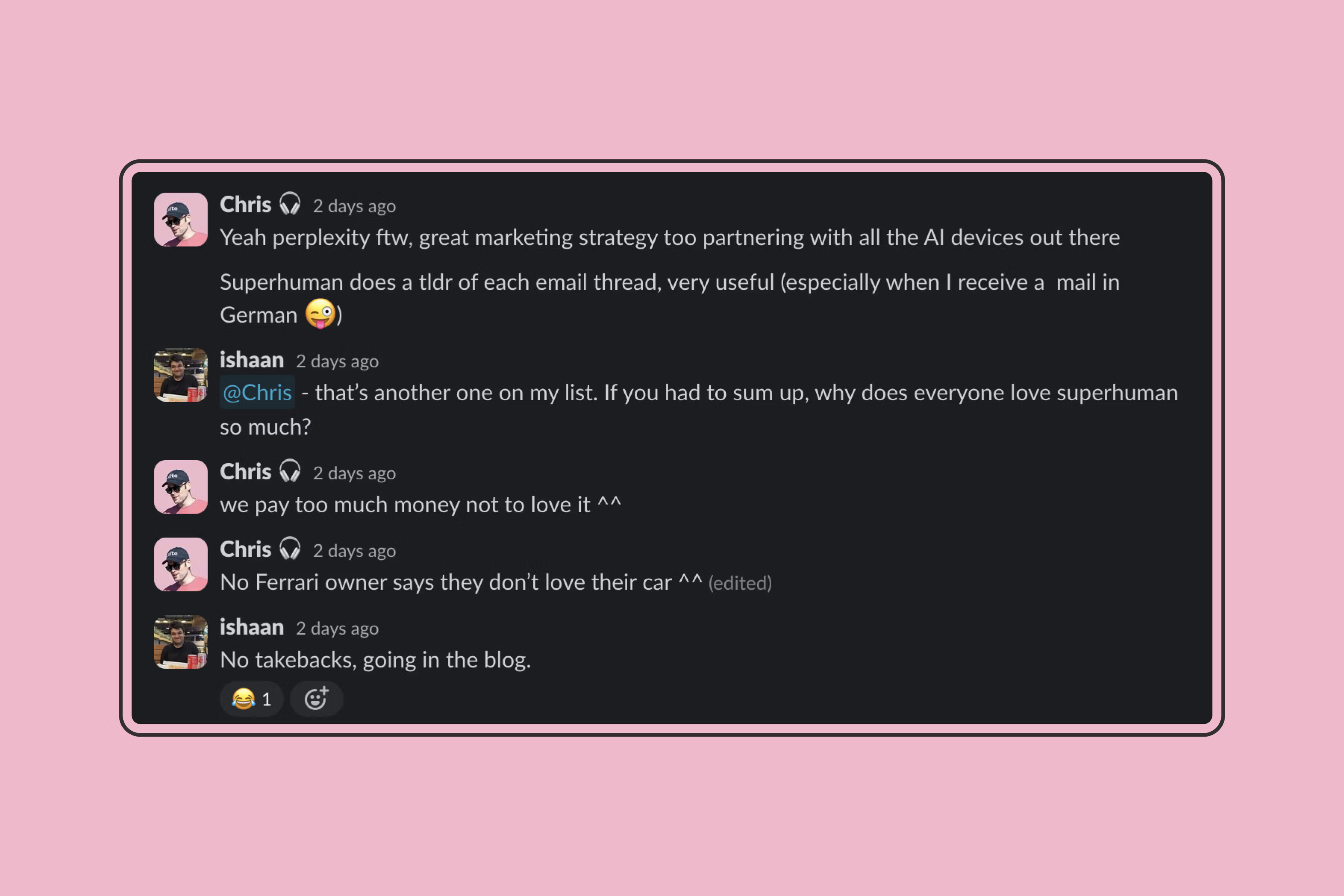
But jokes aside, it delivers on its promise of being the fastest email client ever. It was the first email client to really nail features like autocorrect, read receipts, calendar integration, and more. It's aimed at high-performing teams and individuals seeking to save time and reduce email stress.
Superhuman also integrates with your calendar, allowing you to view availability and schedule meetings directly from your email. And if you're working with a team, Superhuman's team read statuses and reply indicators can help you avoid collisions and enhance collaboration.
AI Features
Where Superhuman really shines is in its AI-powered features. Here are some of the standout AI capabilities:
- Auto Summarise conversations: Superhuman provides a one-line summary above every conversation that updates instantly as new emails arrive. This can help you quickly get up to speed on a thread without having to read through every message.
- Reply in an instant: With this feature, Superhuman generates draft replies to emails, allowing you to quickly edit and send. Users have reported being able to write emails twice as fast using this feature.
- Turn an idea into an email: Jot down a few phrases, and Superhuman will turn them into a full email written in your voice and tone. This can be a huge time-saver when you need to send a quick message but don't have time to write it out in full.
- Type at the speed of thought: Superhuman's autocorrect works as you type, fixing errors and speeding up your writing. No more embarrassing typos or time wasted correcting mistakes.
- Polish your writing: With just a few keystrokes, Superhuman can help you fix spelling, grammar, clarity, and length issues in your emails. It can even rewrite emails in your voice, ensuring your messages always sound polished and professional.
While Superhuman isn't for everyone (the price tag alone can be a dealbreaker for some), it's clear to see why it's become so popular among startup founders and other high-performers. Its combination of speed, productivity features, and AI-powered writing assistance can help you power through your inbox.
#6 Best research copilot: Perplexity AI
When it comes to finding the best search copilot, Perplexity AI is a strong contender. This powerful tool is designed to help you find the answers you need quickly and efficiently, no matter how complex your questions may be.
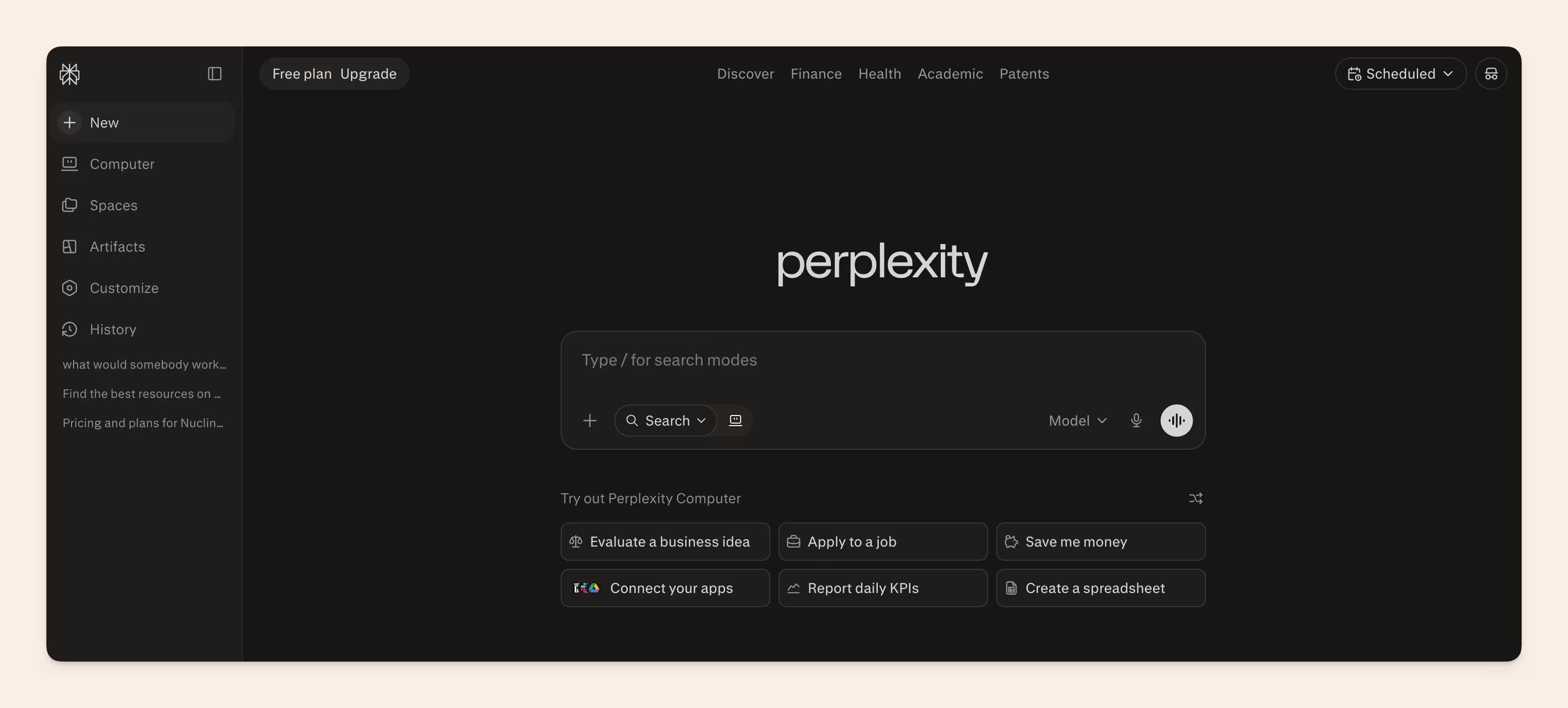
Best Features
- One of Perplexity AI's standout features is its Unlimited Pro Search. This is the platform's most powerful search capability, and it's ideal for getting in-depth answers to complicated queries. With Pro Search, you can ask up to 300 questions per day, ensuring you always have access to the information you need.
- Perplexity AI also offers a range of upgraded AI models to choose from, including the latest and greatest like GPT-4, Claude 3, and Perplexity's own proprietary model. These advanced models provide improved answers and can handle longer context, making it easier to get the information you need without having to piece together multiple searches.
- Another great feature of Perplexity AI is its Unlimited File Uploads. This allows you to ask questions about images, documents, and other files, with the power of models like Claude 3 and GPT-4V behind the scenes. Whether you're trying to analyse a complex dataset or understand the content of a lengthy report, Perplexity AI can help.
- For developers, Perplexity AI also offers API Credits. You get $5 of monthly credit to use towards the platform's text generation API, allowing you to integrate Perplexity AI's powerful search capabilities into your own applications and workflows.
- Last but not least, Perplexity AI's own large language model (LLM) is no slouch. It provides up-to-date information with low latency, making it a great choice for quick searches and general queries.
Perplexity AI is a great choice for anyone looking to streamline their search process and get better results faster. Whether you're a researcher, a student, a professional, or just someone with a lot of questions. While Perplexity AI's pricing will set you back another $20/mo, it's a wonderful tool worth checking out.
#7 Best meeting notes taker: TL;DV
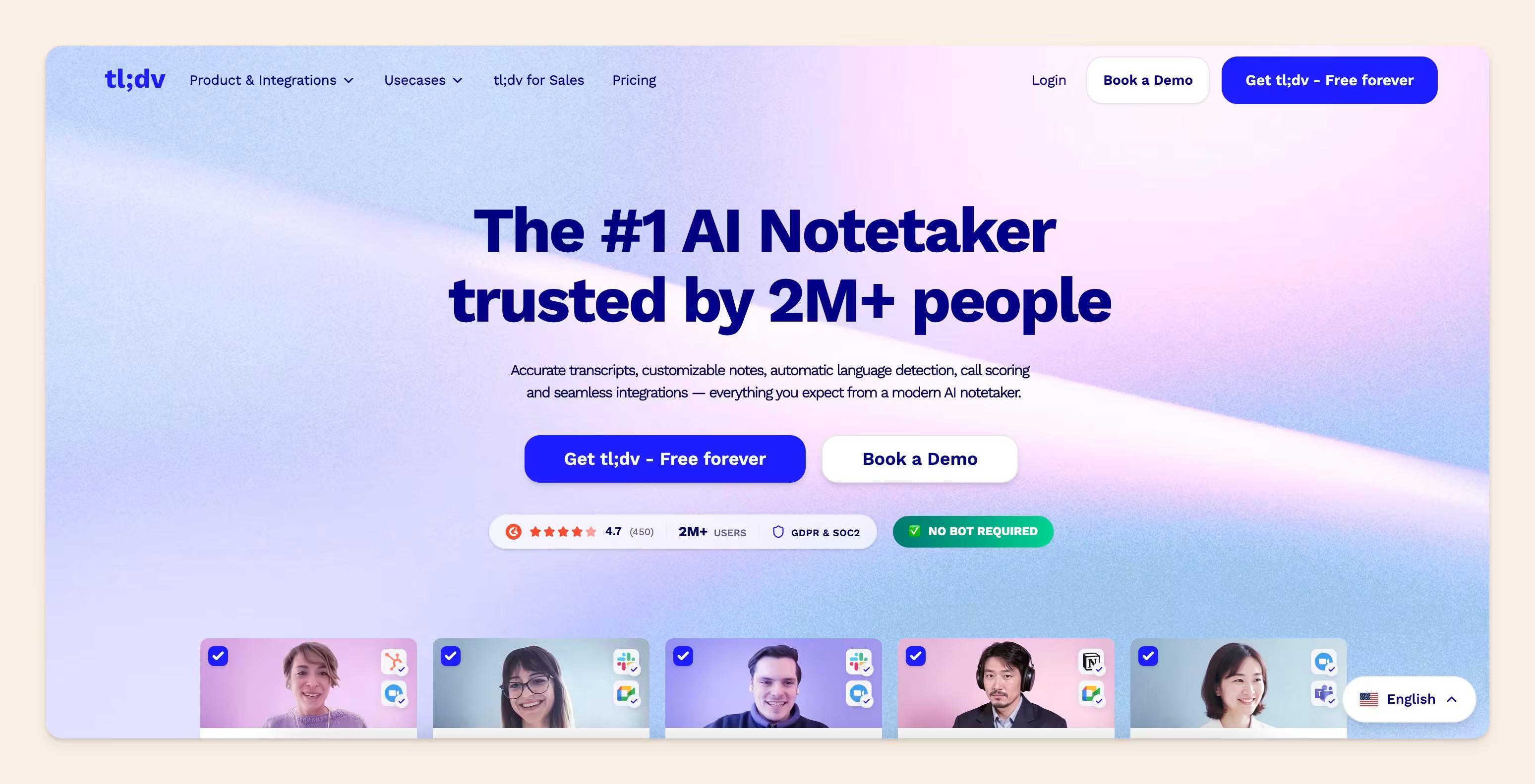
TL;DV is a game-changer for anyone whose days are packed with meetings. If you're involved in things like UX research, hiring, sales, or need to collaborate closely with other teams, this tool is worth its weight in gold. You can create clips straight from recordings to highlight key points, and the search function is a lifesaver when you need to find that one discussion buried under hours of meetings.
And don't just take my word for it...Katerina, our Account Executive, swears by it.
The best part is TL;DV's seamless integration with the tools you already use – Notion, Slack, Salesforce...sharing those meeting insights is a breeze.
Best AI features
- TL;DV is like your own little AI meeting assistant. It joins your Zoom, Google Meet, or Microsoft Teams calls to record, transcribe, and even summarise everything for you.
- Need those notes in another language? No problem! It can automatically transcribe meetings in over 30 languages, even telling you who's speaking.
- TL;DV's AI is super smart – it timestamps important moments and summarises the big topics so you can skip the small talk and get right to what matters.
#8 Best video recording app: Loom
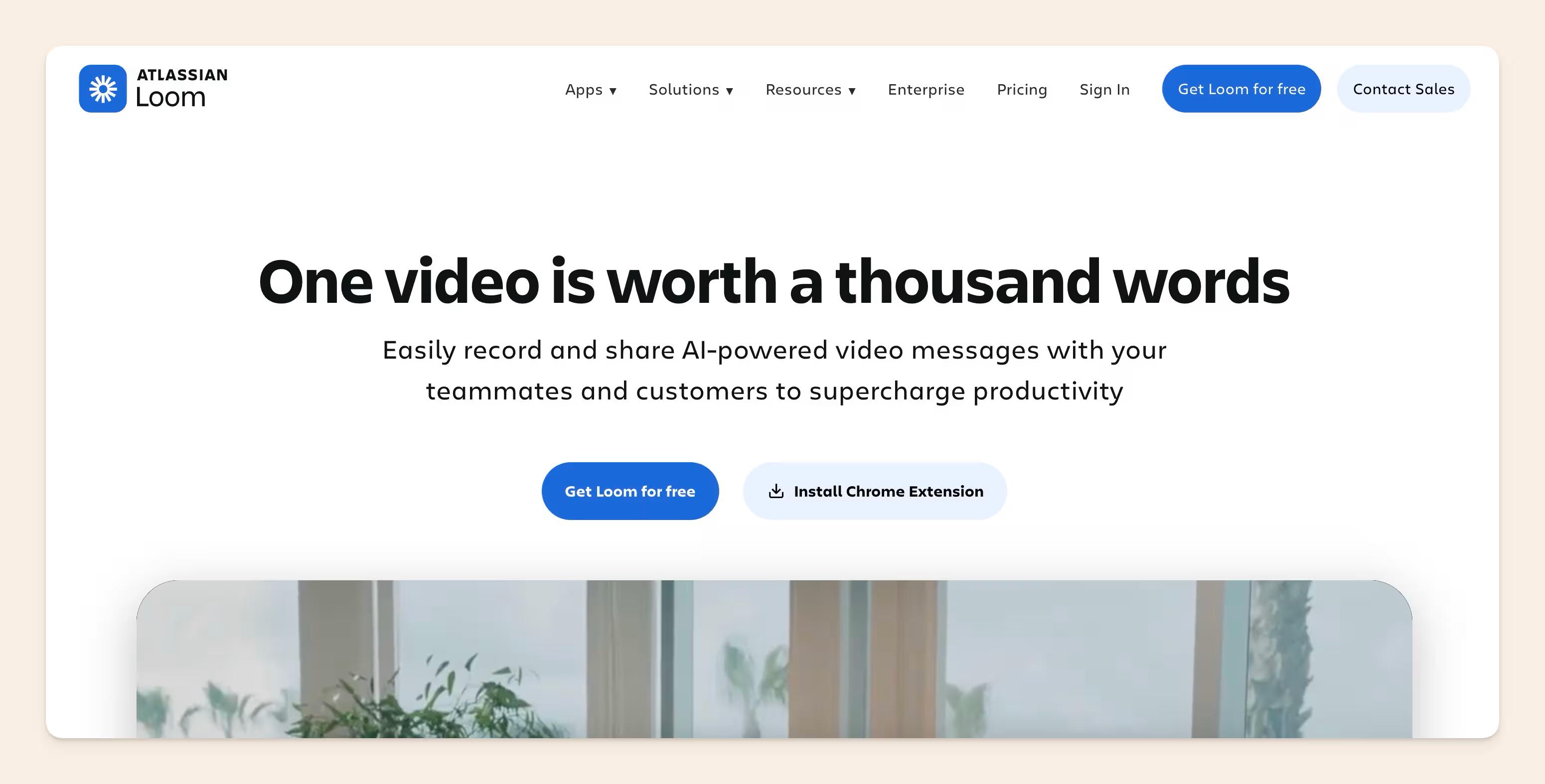
Loom is the way to go for quick, easy video updates, tutorials, or whenever you need to share your screen alongside your smiling face. It's incredibly versatile – we use it for everything from onboarding new team members to sharing customer feedback. The fact that you can easily trim videos, add captions, and get insights on who watched makes it even better.
Standard features
- Screen and camera recording: Get your point across with both screen recordings and talking-head videos.
- Easy sharing and embedding: Loom videos are instantly shareable with a link or can be embedded right into your docs.
- Trim and stitch video clips: Clean up any 'ums' or merge multiple recordings into one.
- Download and upload: Save recordings locally or upload them to other platforms.
- Transcriptions and closed captions: Make your videos accessible to everyone.
- Video privacy controls: Choose who gets to see your Loom masterpieces.
- Custom background: Hide your messy room or add a touch of branding.
- Video and viewer insights: See who's watched your videos and how much engagement they're getting.
AI features
- Edit by Transcript: This feels like magic! Easily chop out sections of your video just by editing the transcript.
- AI-powered video messages: Loom's AI helps you communicate more effectively for those times a quick video is a better option than long emails.
- Loom AI enhances communication and collaboration: AI features make Loom even better for seamless teamwork and sharing knowledge.
#9 Best calendar, tasks, and email in 1 - Amie
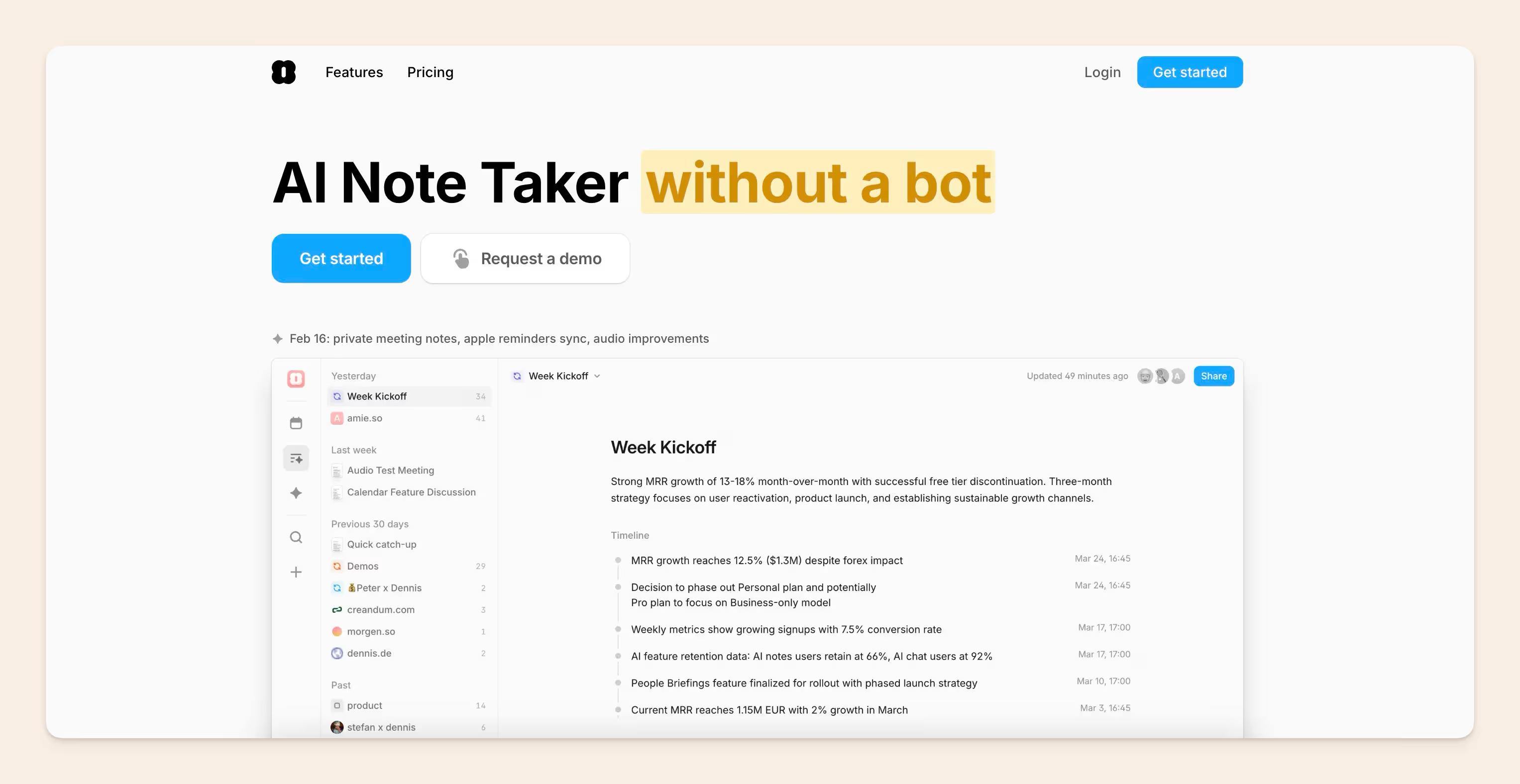
If you're a fan of having everything streamlined, Amie might just become your productivity app. Imagine scheduling meetings by just dragging and dropping them on your calendar, getting those handy notifications right in your menu bar, and managing your to-dos alongside your email – all in one place! Amie works on Mac, iOS, and the web, making it a versatile all-in-one solution.
Standard Features
- Drag and drop scheduling: Makes scheduling feel super intuitive.
- Notifications for upcoming meetings: Stay on top of your day with those handy menu bar reminders.
- Share your free time slots: Makes booking meetings a breeze for you and others.
- Natural language scheduling using NLP: Type "Lunch with Sarah next Tuesday" and Amie figures out the rest!
- Widgets: Get quick access to your schedule, birthdays, and to-do lists.
- Support for multiple email/calendar accounts: Keep your work and personal life in sync.
- Pomodoro Technique timer: Built-in focus sessions to beat procrastination.
- Timezone management: Perfect for anyone coordinating across multiple time zones.
- Free basic version: Give it a try before committing to the paid Pro or Enterprise plans.
AI Features
Amie's NLP scheduling is where the AI magic happens. Being able to type naturally and have your calendar fill itself in is a serious time saver!
#10 Morgen
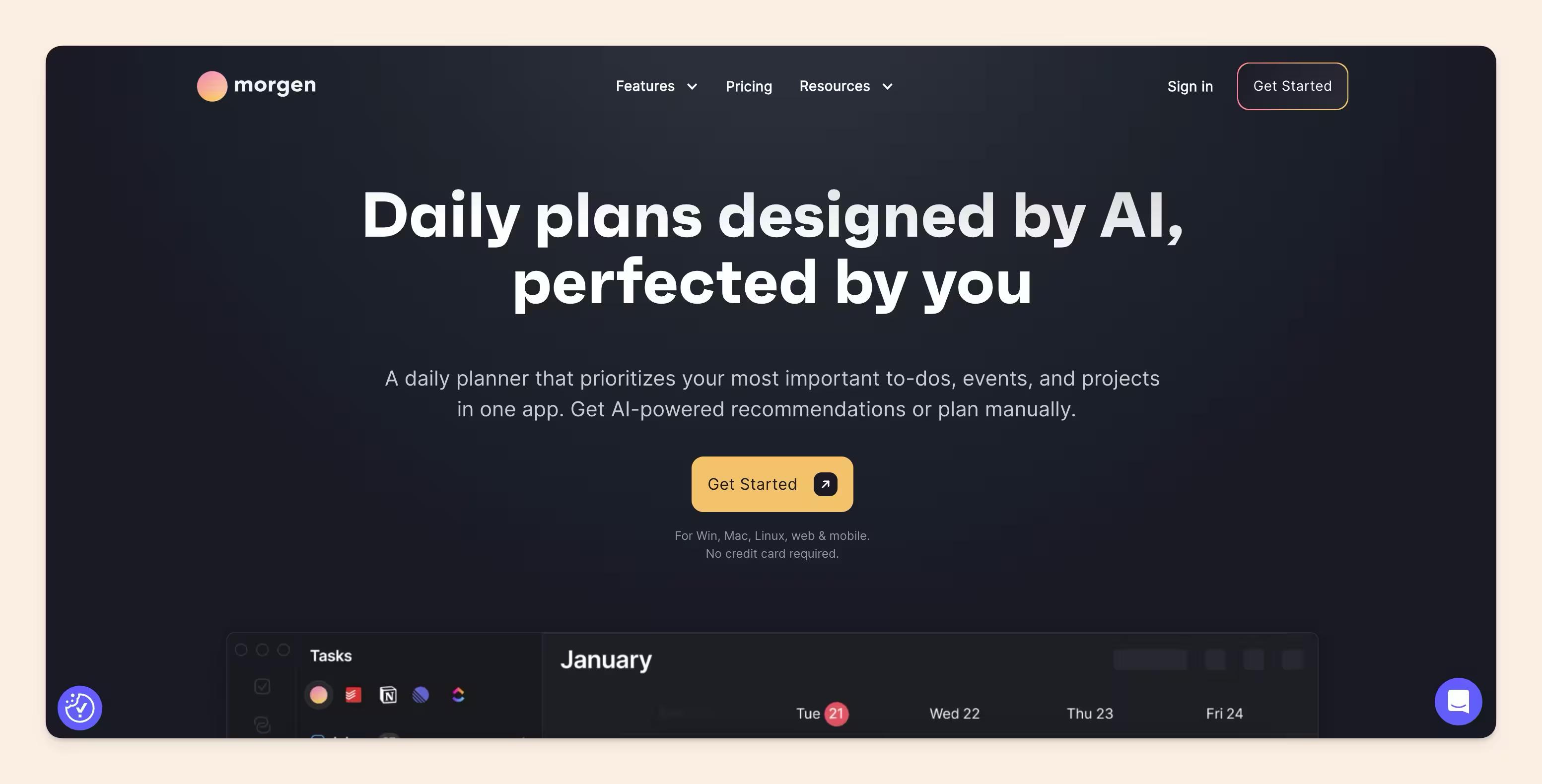
If your day lives across three calendars, five task lists, and a dozen "I'll do it later" reminders, Morgen is built to pull everything into one place. It combines calendar management, task planning, scheduling links, and AI-assisted time blocking, so you can plan your day without constantly jumping between apps. Think of it as an AI personal assistant for turning messy priorities into an actual schedule.<br>Morgen is especially useful for people who want AI help without giving up control. Its AI Planner suggests where tasks should fit into your calendar, but you can preview, adjust, and approve the plan before anything gets scheduled. That makes it a good fit for teams and solo workers who rely on time blocking, need to protect focus time, or simply want a more realistic view of what can actually get done in a day.
Features
- Unified Calendar: Bring work and personal calendars together in one view, including Google, Outlook, Apple, Fastmail, and more.
- Tasks: Pull tasks from your task managers and schedule them directly into your calendar.
- AI Planner: Get AI-generated daily planning suggestions based on your tasks, priorities, and availability.
- Frames: Set templates for your ideal week, so Morgen's AI knows when you prefer to do deep work, admin, meetings, or personal tasks.
- Time Blocking: Drag tasks into your calendar to protect time for important work.
- Scheduling Links: Share booking links that check your real-time availability across selected calendars.
- Calendar Sets: Switch between different calendar views, like work-only, personal-only, or everything together.
- Reminders: Add reminders to events and scheduled tasks, so deadlines don't quietly disappear.
- Calendar Automations: Use rules and workflows to reduce repetitive calendar admin.
- Cross-Platform Apps: Morgen works across Windows, macOS, Linux, mobile, and browser.
AI Features
Morgen's AI is focused on daily planning rather than replacing your judgment. The AI Planner recommends when to work on specific tasks based on your availability, deadlines, priorities, and preferred working patterns. You can then accept the plan, move things around, change task durations, or adjust the schedule before committing it to your calendar.
#11 Best Sales CRM - Salesforce
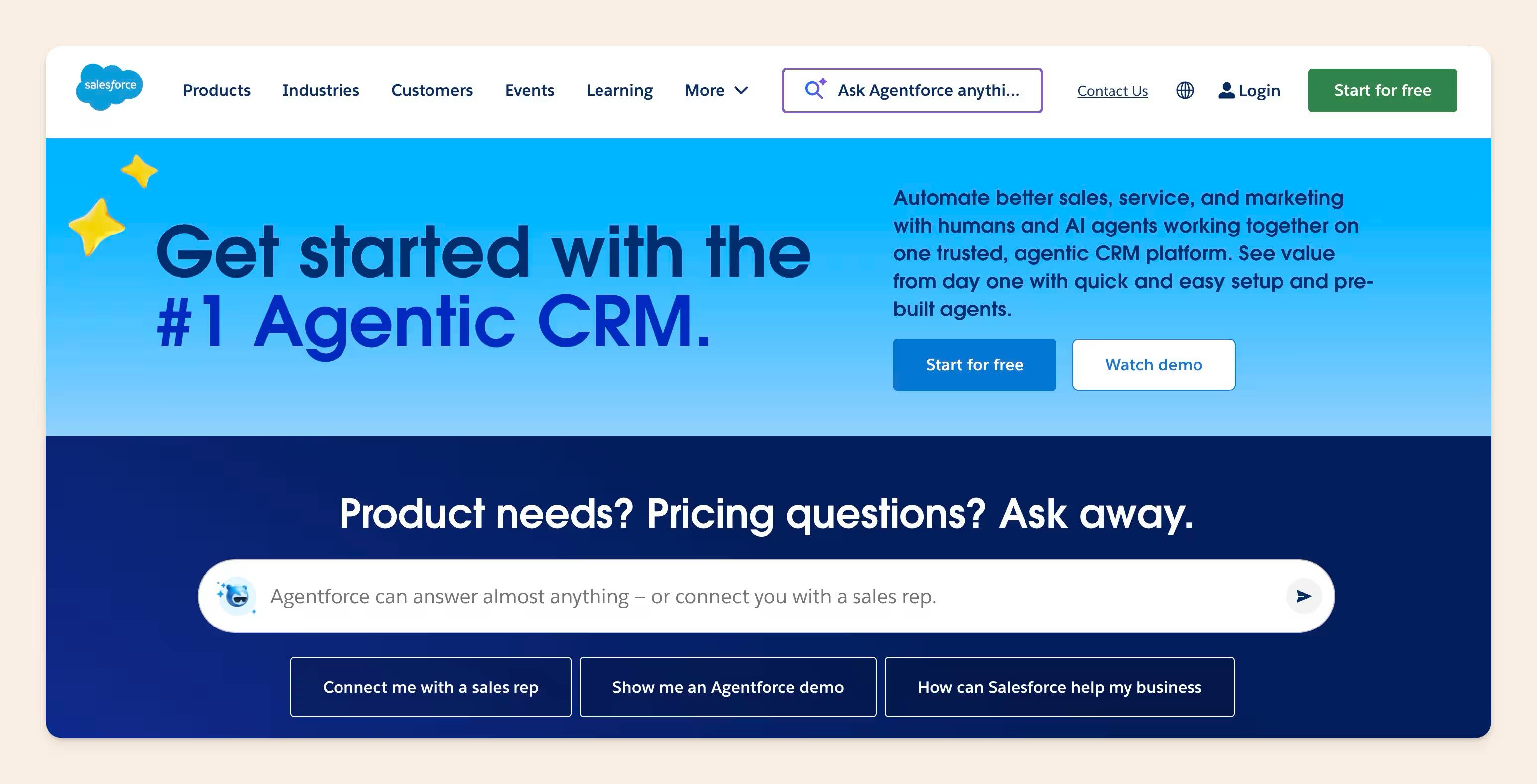
Salesforce is a CRM giant, and for good reason. Their Einstein AI Platform brings those classic CRM features to the next level, making it a great choice for businesses who want to leverage AI for truly customised customer experiences. It's a complex tool, but if you're ready to invest in tailoring it to your needs, the payoff can be huge.
Best Features
- Customer data insights: Salesforce's AI shines when it comes to digging into customer data. It finds patterns, makes predictions about likely behaviour, and surfaces insights to help you close those deals or resolve issues faster. Many businesses also enhance this process by using dedicated AI lead generation tools that identify high-quality prospects and automate targeted outreach.
- Support team superpowers: Einstein acts like a super knowledgeable assistant for your support team, quickly finding relevant information to aid in customer interactions.
- Ethical AI focus: Salesforce provides tools and resources to promote transparency and mitigate bias in its AI, something more businesses are taking seriously.
- Customization options: Salesforce isn't a one-size-fits-all solution. The real strength lies in how deeply you can tailor the features and models to work seamlessly with your business processes.
AI Features
- Einstein AI Platform: This is the heart of Salesforce's AI. Use it to build your own AI models, create predictive analytics, and customise intelligent experiences.
- AI assistant for CRM (Einstein Copilot): Einstein Copilot is your AI-powered CRM companion. It automates routine tasks, highlights important insights, and keeps you focused on what matters.
#12 Best business calling app - Cloudtalk
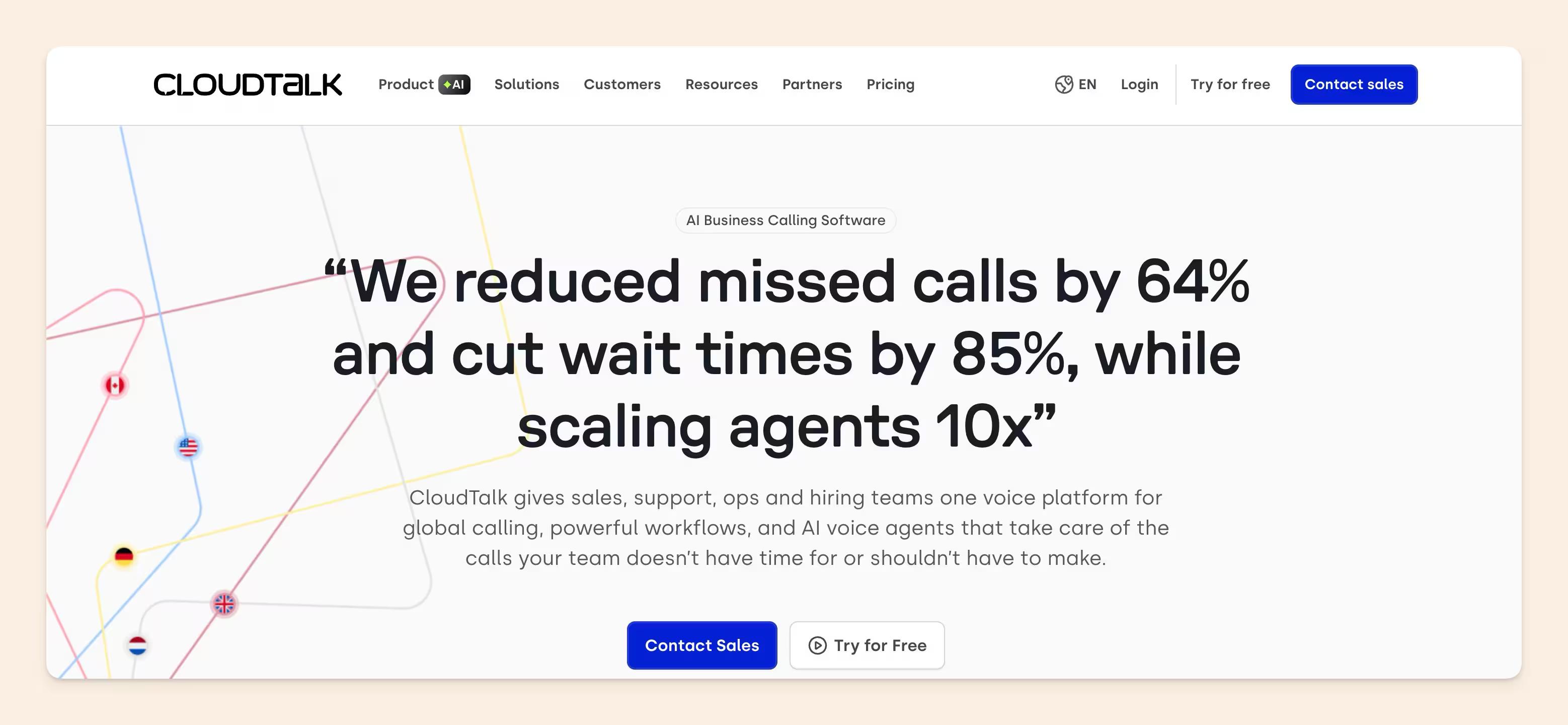
CloudTalk is a cloud-based business calling and contact center platform built for sales and support teams that handle high volumes of international calls. While it isn't a traditional knowledge base, it complements one, sitting next to your KB in the support stack so agents can place, receive, and route calls without leaving the context where their documentation lives.
Its strength is international coverage and AI-assisted call handling. CloudTalk provides local numbers in 160+ countries, 24/7 outbound and inbound calling, and an AI agent (AIVA) that can answer routine calls, transcribe conversations, and surface the right knowledge to human agents mid-call. With a 4.4/5 rating across 1,624 verified reviews on G2, users consistently highlight call quality, the intuitive desktop app, and the depth of CRM integrations as standout strengths. For teams whose KB only matters if agents can actually act on it during a customer interaction, that connective tissue is the value.
CloudTalk integrates natively with the help desks where knowledge bases already live Zendesk, Intercom, HubSpot, Freshdesk, Pipedrive, so call context and customer history automatically populate alongside the article an agent is reading.
For SMBs and mid-market teams scaling international support or outbound sales, CloudTalk is one of the lighter-weight options in the category, with a faster setup than Genesys or RingCentral and clearer pricing than most enterprise contact center platforms.
AI features
- AIVA AI voice agent: handles repetitive inbound calls 24/7 with natural-language conversation, escalating to human agents with full context when needed
- 160+ international numbers: local, mobile, and toll-free numbers across markets, enabling 24/7 outbound calling without the cost of physical offices in each region
- Real-time call transcription and AI summaries: every call is transcribed, summarized, and searchable, turning conversations into structured knowledge your team can reference later
- Native CRM and helpdesk integrations: two-way sync with HubSpot, Salesforce, Pipedrive, Zendesk, Intercom, and Freshdesk surfaces customer history and KB articles directly in the call interface
- Smart call routing and IVR: skill-based, time-based, and language-based routing keep customers connected to the right agent on the first try
Pricing
CloudTalk offers tiered pricing per user, billed annually:
- Starter: $25/user/month (essentials for small teams)
- Essential: $29/user/month (workflow automation, real-time analytics)
- Expert: $49/user/month (advanced reporting, Salesforce integration, smart dialer)
Final verdict
Best for: Growing SMB and mid-market support or sales teams that need reliable 24/7 international calling and want their phone system to plug into the knowledge base and helpdesk they already use.
Notable feature: AIVA, an AI voice agent that resolves routine calls around the clock and routes complex ones to human agents with full conversation context.
Limitations: As a calling platform rather than a documentation tool, CloudTalk pairs with a knowledge base, not replaces one; teams will still need a separate KB for written content.
#13 Best marketing collateral automation - Storydoc
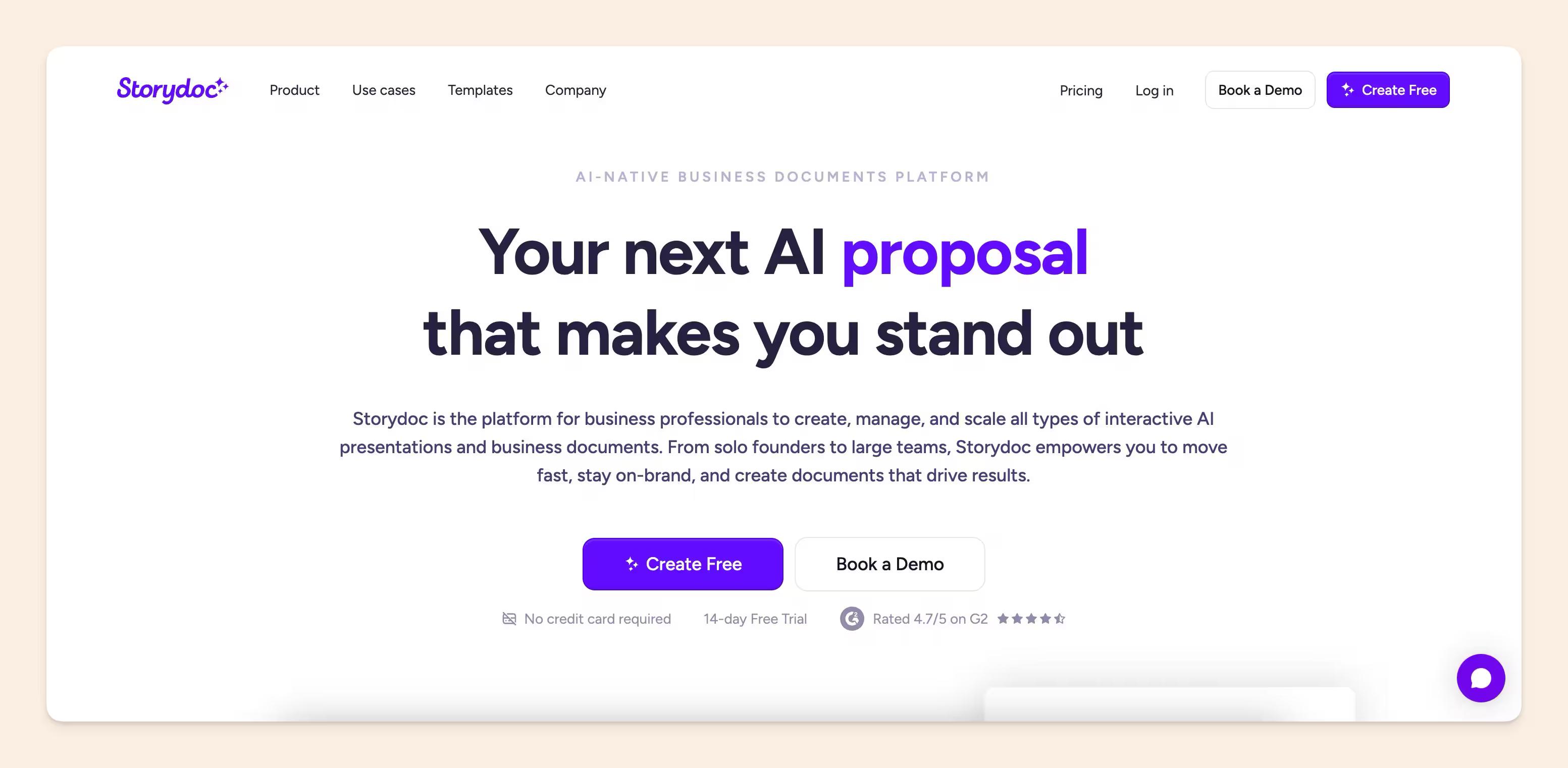
If you're tired of rebuilding the same decks and proposals for every new prospect, Storydoc is your answer. It's an AI-powered platform that automates the creation of personalized, buyer-facing sales and marketing collateral. Think pitch decks, proposals, one-pagers, and post-meeting follow-ups, all generated in seconds.
What makes it genuinely impressive is how it connects to your CRM and tech stack to personalize content at scale. Not just swapping in a name or company field, but pulling live data to tailor the whole document for each recipient. A sales rep can trigger a fully personalized, signable proposal just by updating a field in Salesforce. That's the kind of time back that actually moves the needle.
AI features:
- AI-generated collateral: Create branded relevant pitch decks, proposals, and one-pagers from prompts storydoc's AI content brain.
- CRM-driven personalization: Live CRM data flows directly into your documents, so every prospect gets something that feels made for them.
- Automated follow-up decks: After a call, Storydoc can generate a follow-up deck complete with agreed next steps, timelines, and key discussion points pulled from call insights.
- Engagement analytics and alerts: See exactly how prospects interact with your documents in real time, and trigger timely follow-ups based on actual engagement signals — not gut feeling.
Pricing
Starts at $19/month for individuals (5 active documents), $36/month for the Pro plan (30 documents, advanced analytics), and custom pricing for teams. There's no free plan, but a 14-day trial lets you kick the tires before committing.
#14 Data integration and AI analytics – Coupler.io
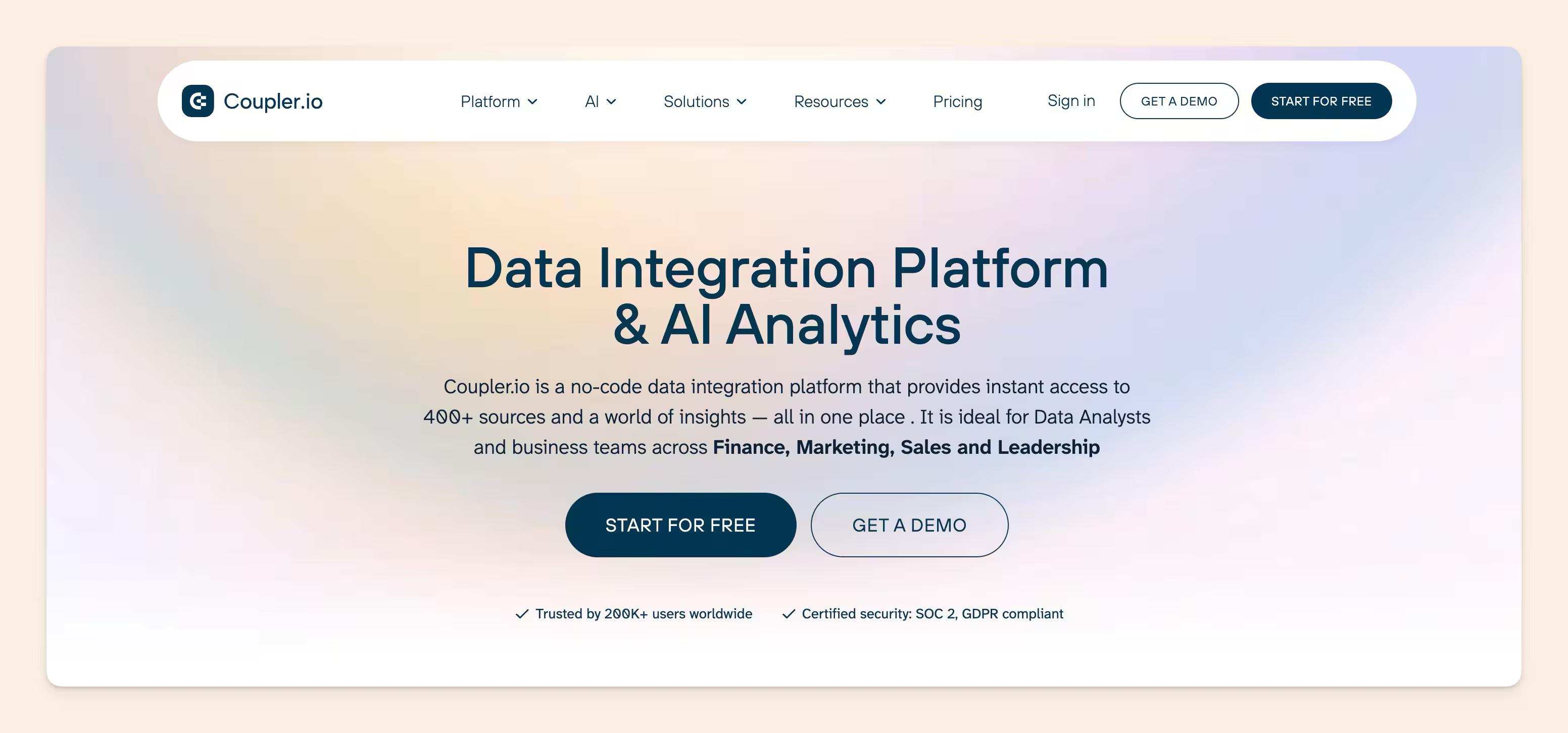
Coupler.io is a no-code data integration platform and AI analytics that helps teams pull data from marketing, sales, and analytics tools into spreadsheets, BI platforms, and dashboards automatically. Instead of manually exporting CSVs or stitching reports together every week, teams can centralize live data from apps like HubSpot, Google Analytics, Meta Ads, Shopify, Pipedrive, and dozens more in a few clicks.
What makes Coupler.io stand out is how approachable it is for non-technical teams. You can automate reporting workflows, build cross-channel dashboards, and monitor business metrics without relying heavily on engineering or SQL expertise. The platform also includes native dashboard features and AI-powered analytics capabilities.
AI features:
- AI integrations: Connect workflows with Claude, ChatGPT, Gemini, Cursor, and Perplexity for faster analysis and reporting workflows.
- AI Agent: Ask conversational questions about your business data and get actionable insights instantly.
- Automated data syncing: Schedule live data refreshes from 400+ apps directly into Google Sheets, Excel, BigQuery, Looker Studio, Power BI, and more.
- Native dashboards: Build real-time marketing, sales, ecommerce, and finance dashboards without additional BI tools.
- Cross-platform reporting: Combine data from multiple sources into unified reports for clearer performance tracking.
Pricing
Coupler.io offers a free plan for basic workflows, with paid plans starting at $24/month depending on data volume, destinations, and refresh frequency.
Best for: Marketing teams, agencies, ecommerce businesses, and operations teams that want automated reporting and AI-powered insights without building complex data pipelines.
#15 Best creative asset management tool: Air.inc
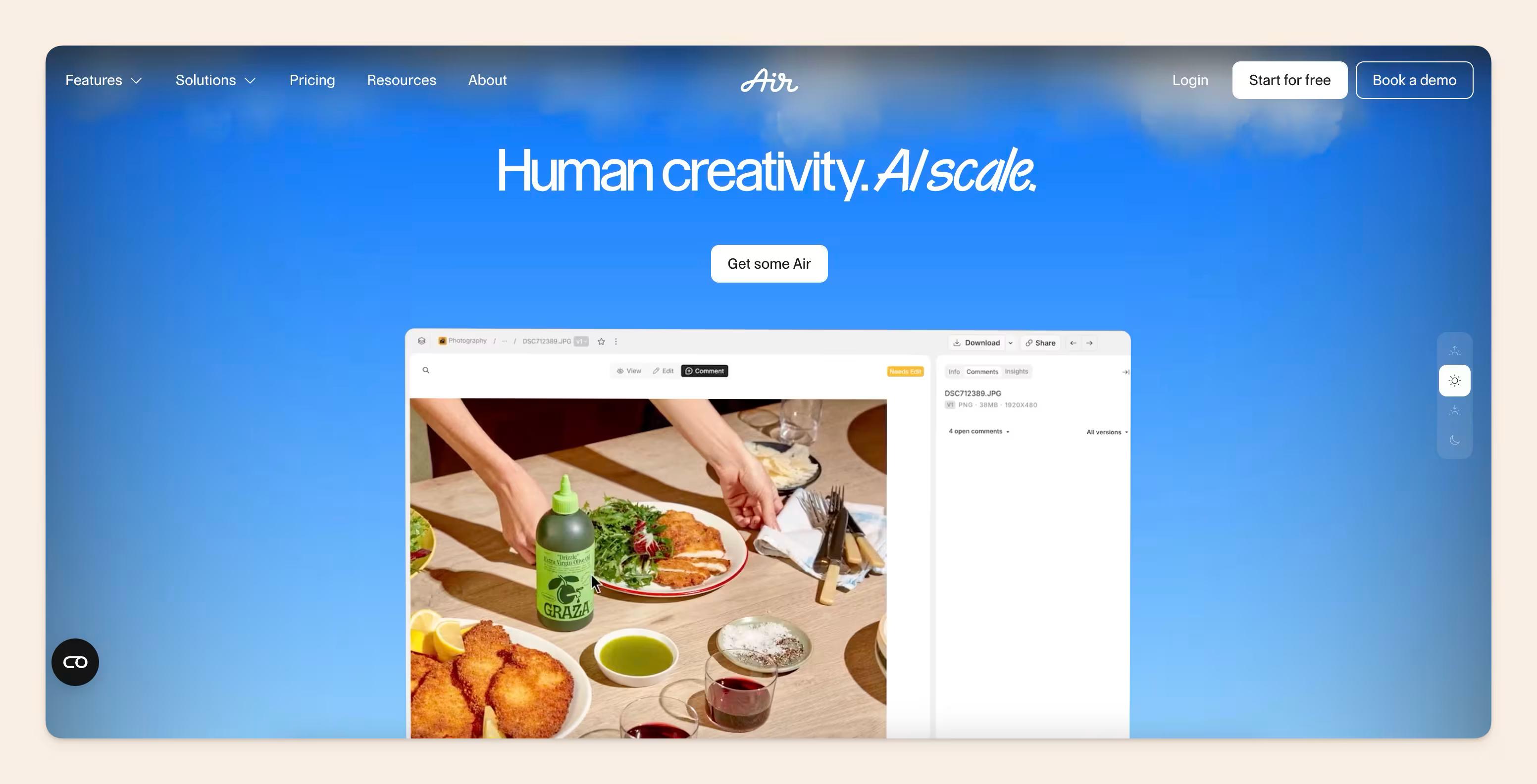
Air.inc is a creative operations and digital asset management platform built for marketing and creative teams that need to organize, collaborate on, and distribute visual content efficiently.
What sets Air.inc apart is its ability to centralize the entire creative workflow in one workspace. Instead of managing assets across disconnected folders, email threads, and editing tools, Air combines storage, collaboration, approvals, and AI-powered editing into a single platform.
We chose Air.inc because:
- It automatically organizes and tags assets, reducing manual file management.
- Built-in approval workflows simplify collaboration and eliminate messy feedback loops.
- AI-powered editing tools let teams resize, edit, and repurpose assets without leaving the platform.
- It integrates seamlessly with tools like Slack, Figma, and Zapier, fitting naturally into existing workflows.
- The interface is modern and intuitive, making adoption easy for fast-moving teams.
Features
- Centralize Creative Assets: Store and organize images, videos, PDFs, and campaign files in one searchable workspace.
- Automate Content Workflows: Route assets through approvals automatically and keep stakeholders aligned without endless email chains or Slack messages.
- Collaborate Directly on Assets: Leave comments, feedback, and approvals directly on files while maintaining automatic version history.
- Edit Assets with AI: Use Air Canvas to remove backgrounds, resize assets for social media, generate short video clips, and apply bulk edits using natural language prompts.
- Keep Teams Aligned: Ensure everyone works from approved, up-to-date creative assets without duplicate files or outdated versions.
Pricing
Air.inc offers scalable pricing designed for growing creative teams, agencies, and marketing organizations. Plans vary based on storage, collaboration needs, and workflow features.
<br>Best for: Creative and marketing teams, with users highlighting its intuitive design, streamlined approval workflows, and ability to replace scattered file management systems with a more organized and collaborative experience.
#16 Best AI bookmark manager: ContextBolt
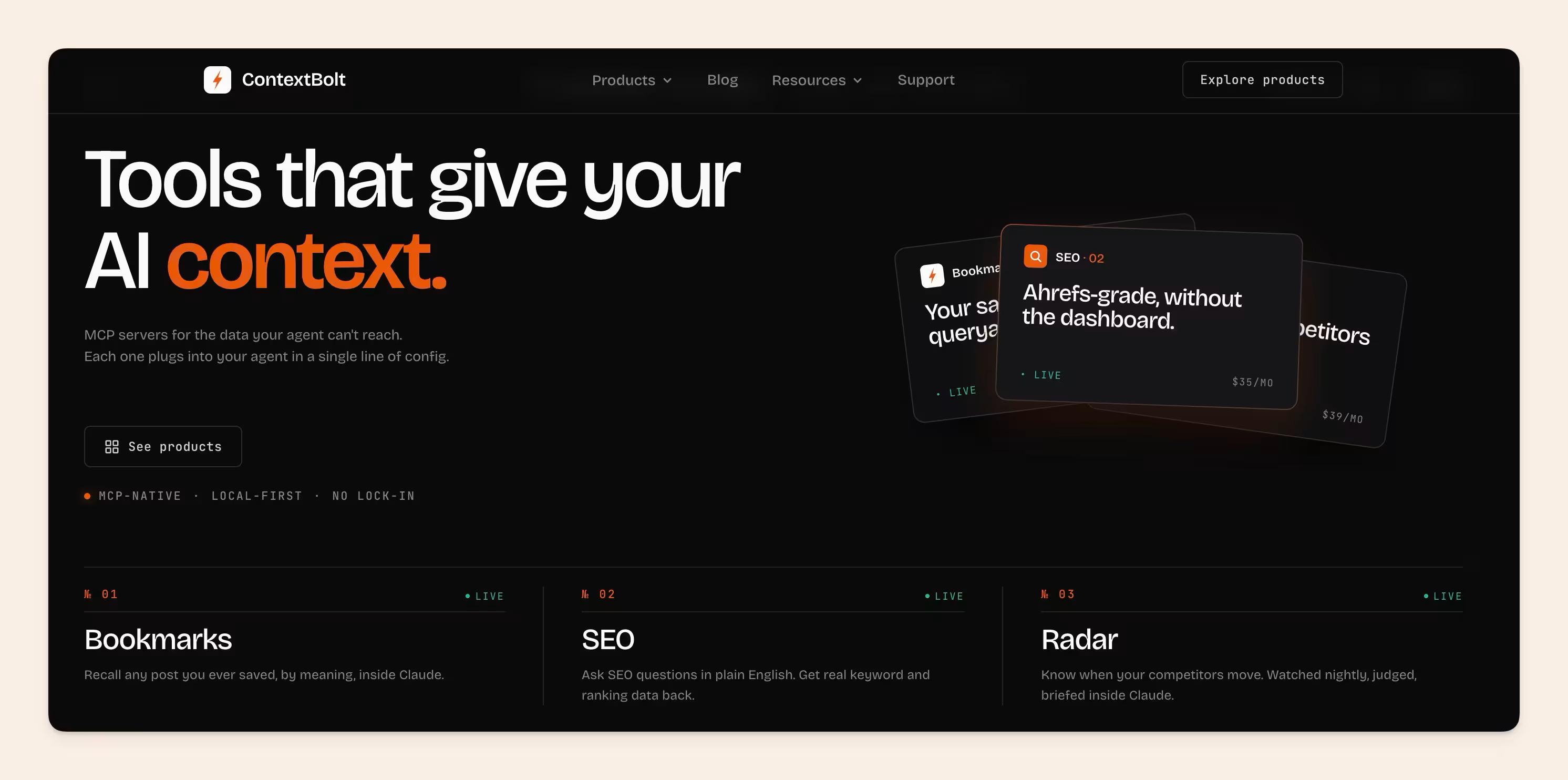
ContextBolt is built for knowledge workers who save far more than they ever reread. It turns the things you bookmark on X/Twitter and around the web into a library your AI can actually use: it captures each save, organizes it automatically, and makes the whole collection searchable in plain language, so the thread or article you saved months ago comes back at the moment it's relevant instead of vanishing into an endless list.
What makes it fit an AI stack is the recall layer. ContextBolt connects to Claude and other assistants through an MCP server, turning your saved knowledge into a live context source your agent can search on demand. It's the same "context source for agents" idea behind good company search, applied to the material one person deliberately chooses to keep.
Key features
- One-click saving of X/Twitter bookmarks and web pages
- Automatic organizing and topic clustering, with no manual folders to maintain
- Plain-language search across everything you've saved
- Chrome extension that works where you already browse
AI features
- MCP server so Claude and other assistants can recall your saved content on demand
- Semantic search that matches meaning rather than exact keywords
Pricing
Free to save and organize. The Pro plan adds AI recall at $6/month.
#17 Best LinkedIn automation tool: Dripify
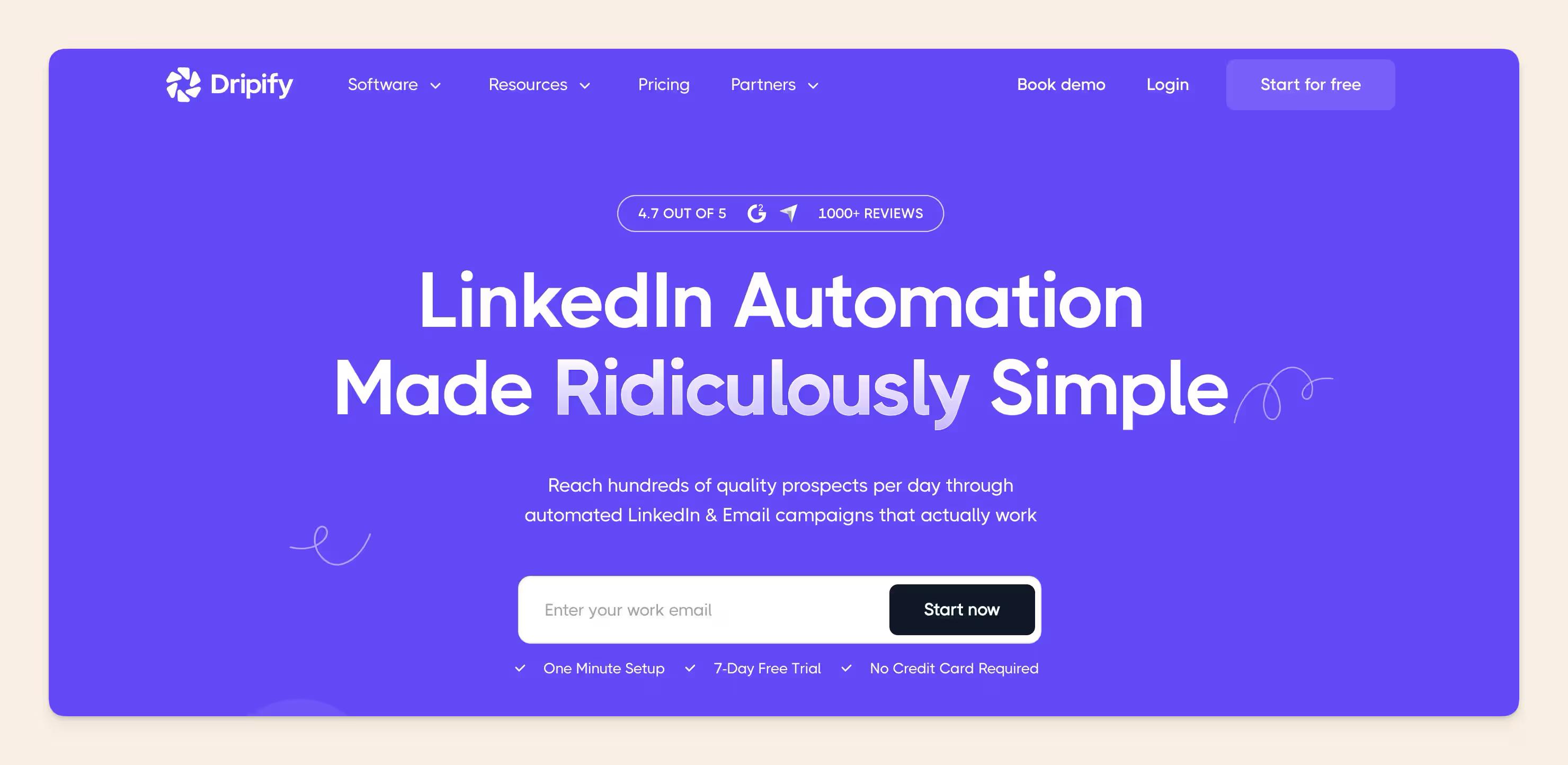
Dripify is an AI-powered LinkedIn automation tool that helps sales teams, recruiters, agencies, and founders scale their prospecting efforts.
If LinkedIn is a key part of your lead generation strategy, Dripify helps automate the repetitive work so your team can focus on building relationships instead of managing outreach. Beyond LinkedIn automation, Dripify offers lead enrichment, email outreach capabilities, webhooks, and integrations with popular CRMs and automation platforms, making it a practical solution for businesses looking to streamline and expand their lead generation workflows.
Best features
- Automated LinkedIn outreach campaigns with multi-step sequences
- Personalized connection requests, follow-ups, and messaging workflows
- Lead management and campaign tracking dashboard
- Analytics and performance insights to measure outreach results
- Team collaboration features for managing multiple users and campaigns
- CRM integrations and workflow automation capabilities
- Cloud-based automation that runs without requiring a browser to stay open
AI features
- AI-generated icebreakers based on LinkedIn profiles and activity
- AI-powered lead profile analysis using LinkedIn posts, comments, and articles to generate personalized conversation openers
- AI email assistant for creating and tailoring outreach messages
- AI-powered hyper-personalization for LinkedIn messages and emails
- AI-generated outreach content in 40+ languages
#18 Best AI executive assistant: Kai
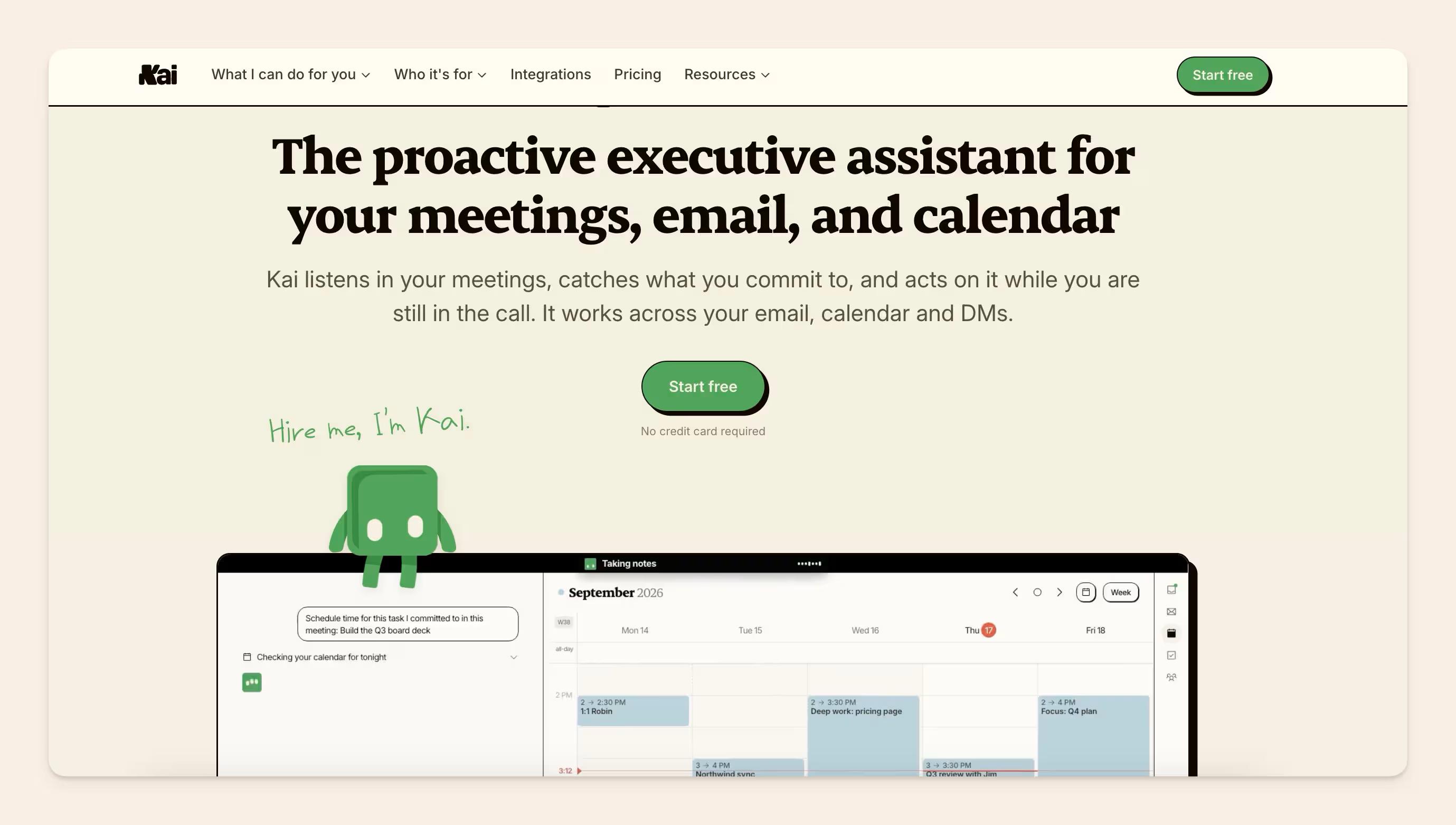
Kai is an AI executive assistant that sits across the accounts you already use and handles the admin that surrounds real work: the inbox that needs triaging, the meeting nobody wrote up, the thing you promised on Tuesday and have not thought about since.
It is the one tool here that spans email, meetings, tasks, and calendar rather than owning a single slice of the day. If you already run Superhuman and TL;DV happily, Kai is the alternative to that stack rather than an addition to it.
AI features
- Inbox triage and drafted replies: mail arrives sorted by what it wants from you, with the response written in your voice. Sending stays with you.
- Meeting notes with no bot: Zoom, Google Meet, and Teams calls are captured from your own device and come back as a transcript, a summary, and action items.
- Commitments tracked as tasks: promises made in a call or an email become real tasks, linked back to where they were agreed.
- Scheduled workflows: a morning briefing, a weekly check, or a chaser on something someone owes you, running on their own.
- Multi-account by default: Google and Microsoft mail and calendars, several at once, in one view.
- MCP server: ask Claude or ChatGPT what is due and let it act through Kai.
Pricing
$50 per user per month, with a free trial to start. Apps for web, Mac, iPhone, and Android.
Best for: founders, consultants, and team leads who lose the day to inbox and follow-up admin and want one assistant covering all of it. It runs your day rather than your company's knowledge, so it sits alongside a documentation tool rather than replacing one.
#19 Best general AI agent: Runable
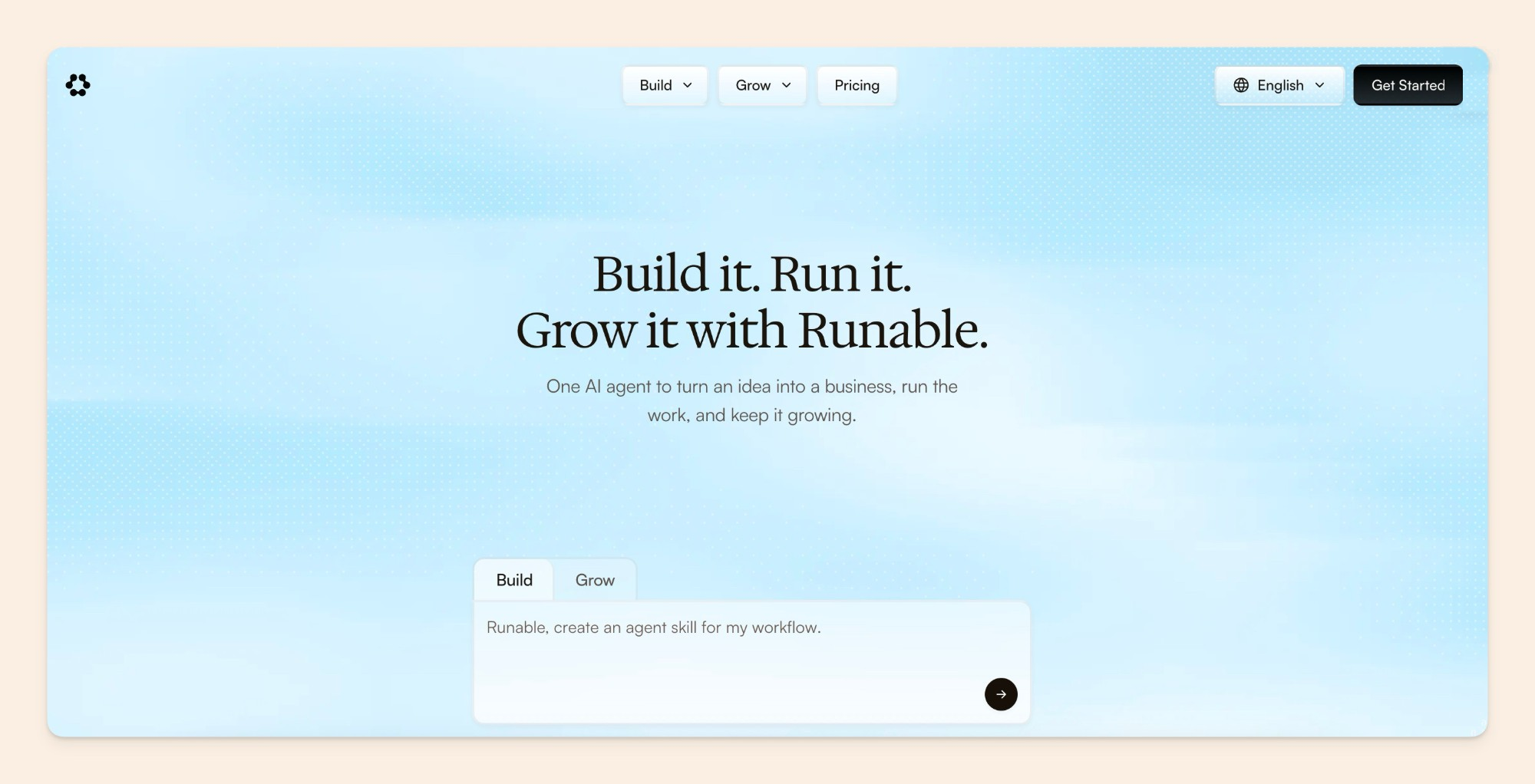
Runable is an AI agent that takes a request like "make a pitch deck from these notes" and hands back the finished file, ready to send. You describe the outcome in plain language, and it plans the steps, does the research, and builds the deck, report, website, or video itself.
It earns a spot here for recurring work that used to need a chain of tools: a weekly competitor report, social posts from a product update, a deck for a client review. Like any agent, the output is only as good as what it knows about your company, so it works best when it can draw on up-to-date docs and brand guidelines.
Key features
- Plain-language requests turned into finished decks, reports, websites, and videos
- Plans and runs multi-step tasks on its own, including web research
- Website and app building with a free database, analytics, and Stripe integration
- Ready-made templates for pitch decks, portfolios, and landing pages
AI features
- Access to several leading models, including Claude, Gemini, Grok, and DeepSeek, from one workspace
- Generates images, slides, and video alongside written content
Pricing
Runable has a free plan. Pro is $20/month with 25,000 credits, and Max is $100/month with 150,000 credits. Large research or video tasks can use a good share of the monthly allowance, so it's worth testing on the free plan first.
Notable mentions
Here's some other favourites from our team:
- Descript: A video editing tool particularly made for use cases a startup GTM team would have. Think podcast edits, clip cuts, product demos, and everything else. Elisa loves this one too,<br><br>"Descript still seems the most impressive video editing tool for marketers to me, with solid AI features that have been around since say 2020. They've stayed relevant because they were already ahead of the curve in terms of ease and features."
- DEVONthink: This is a personal favourite from Mathieu, from our Customer Support team. It's like Obsidian on steroids. Long-form writers, and note-taking enthusiasts will appreciate that it's not as stripped as Obsidian, and does the connecting of dots with AI - another thing that's painful to do manually.
Conclusion
The tools we've covered prove just how much AI can change the game. Whether it's digging into data, wrangling your inbox, or magically understanding your messy notes, AI is like having super-smart assistants working alongside you.
While some AI features are as easy as typing a quick note or asking a question. Others might take a bit more setup to really shine, but the payoff is worth it. Find the perfect mix, and those tough tasks suddenly become a whole lot easier.