10 Recurring doc templates every team needs
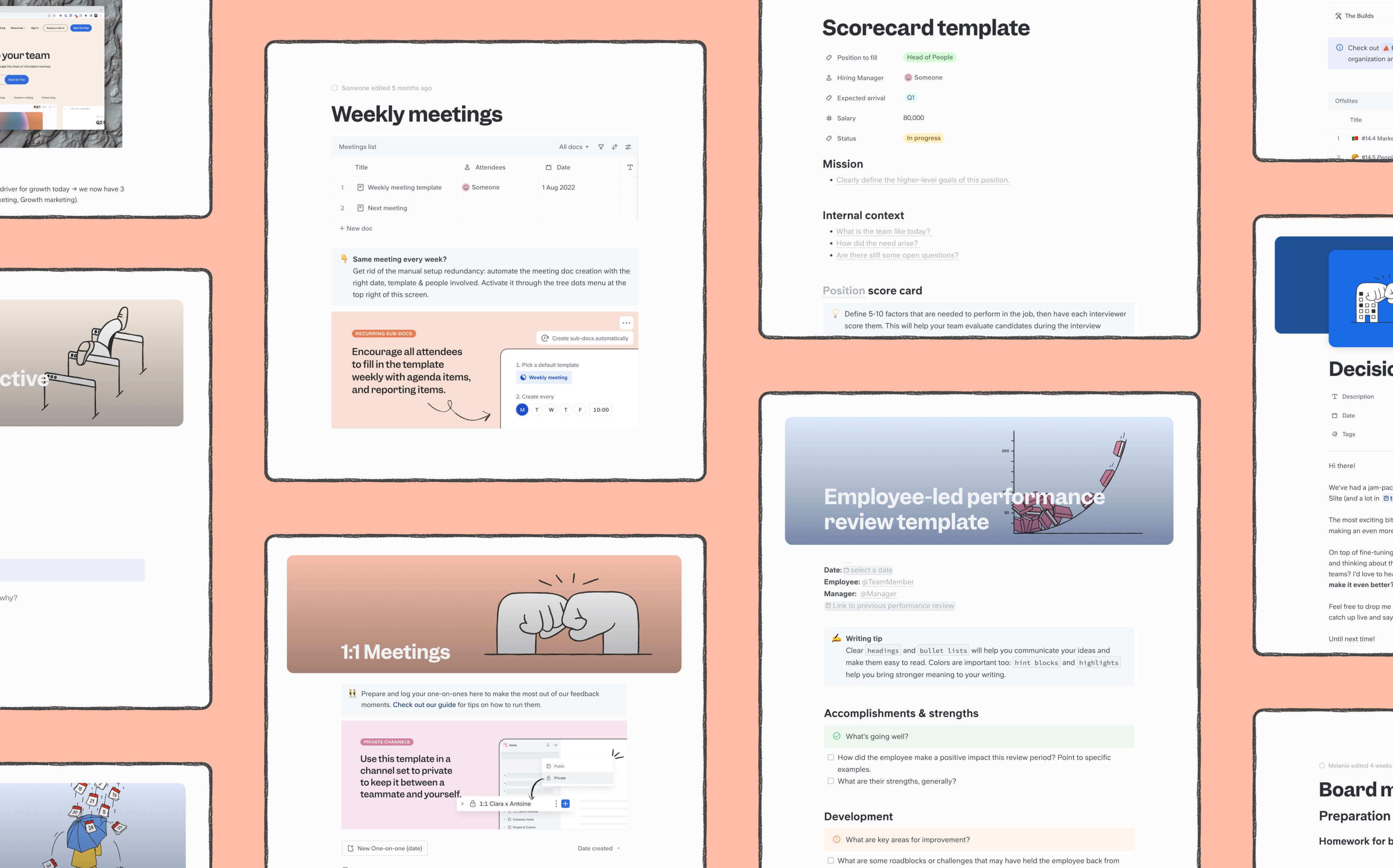
As your team grows, and your own personal responsibilities as a manager expand, you may notice you're creating the same documents for the same to-dos over and over again. There are two problems with this:
- It's boring for you, and
- It blocks team members working in different timezones.
Because of manual processes like doc creation, global, remote teams have tendency to move slow, even when deadlines are tight. Automated docs restore your team's efficiency by removing human dependencies.
In Slite, you can create recurring docs for recurring tasks, projects, meetings, events, and...are we leaving anything out? Below, we're sharing 10 of our most useful and popular recurring doc templates so you can lead your remote team more efficiently. But first...
Want to know more about knowledge management?
Get your copy of our complete and actionable guide here→
How do you set up recurring docs?
Recurring docs can be created from any existing Slite document, and can be set to be generated weekly, biweekly, or monthly.
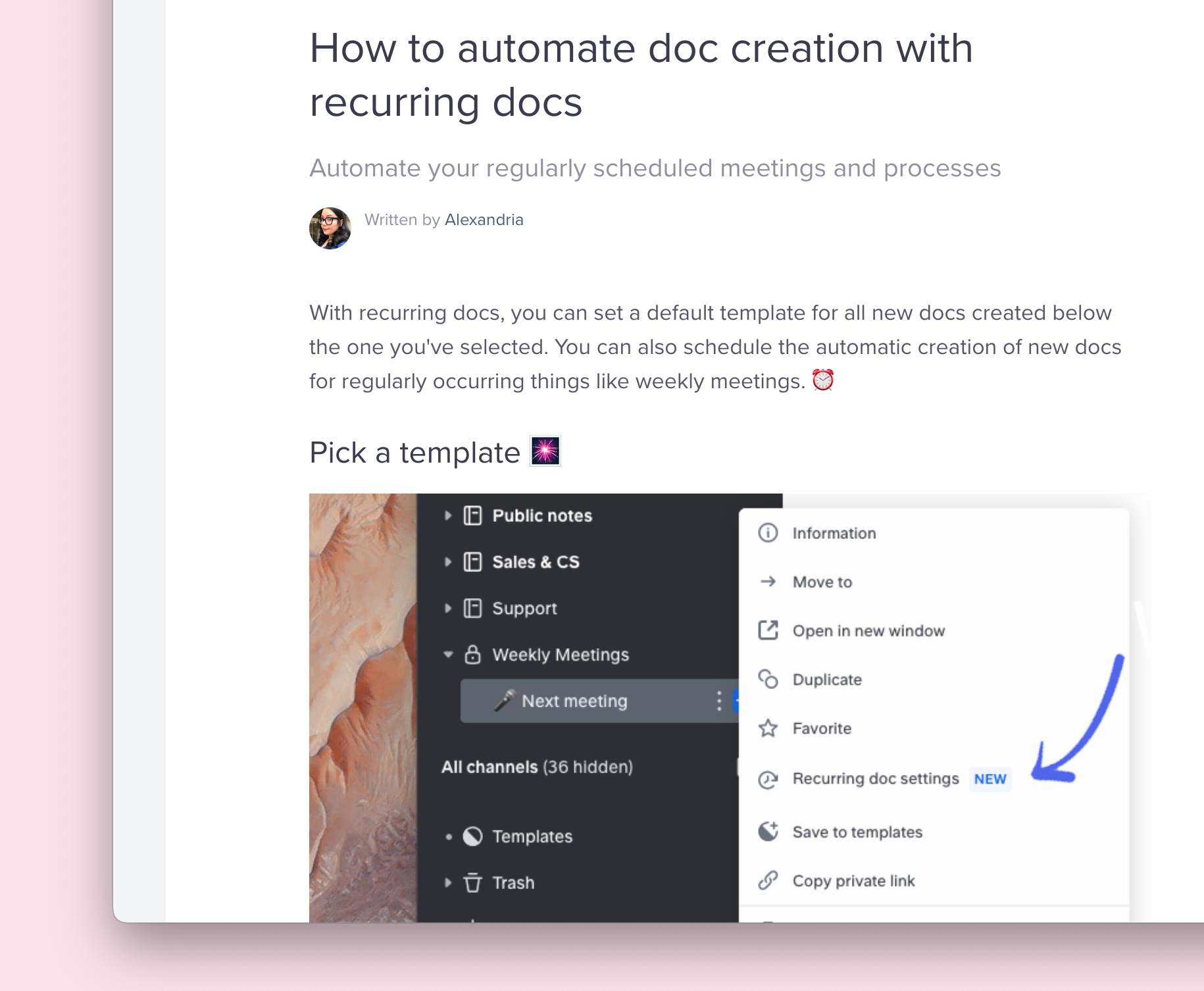
For a detailed guide, check out this step by step tutorial written by our very own Customer Support lead, Alexandria.
TL;DR
Recurring docs are created from templates. To save a doc you've made as a template, simply click the menu button in the top right corner of the doc, or in the sidebar, and select: Save to templates.

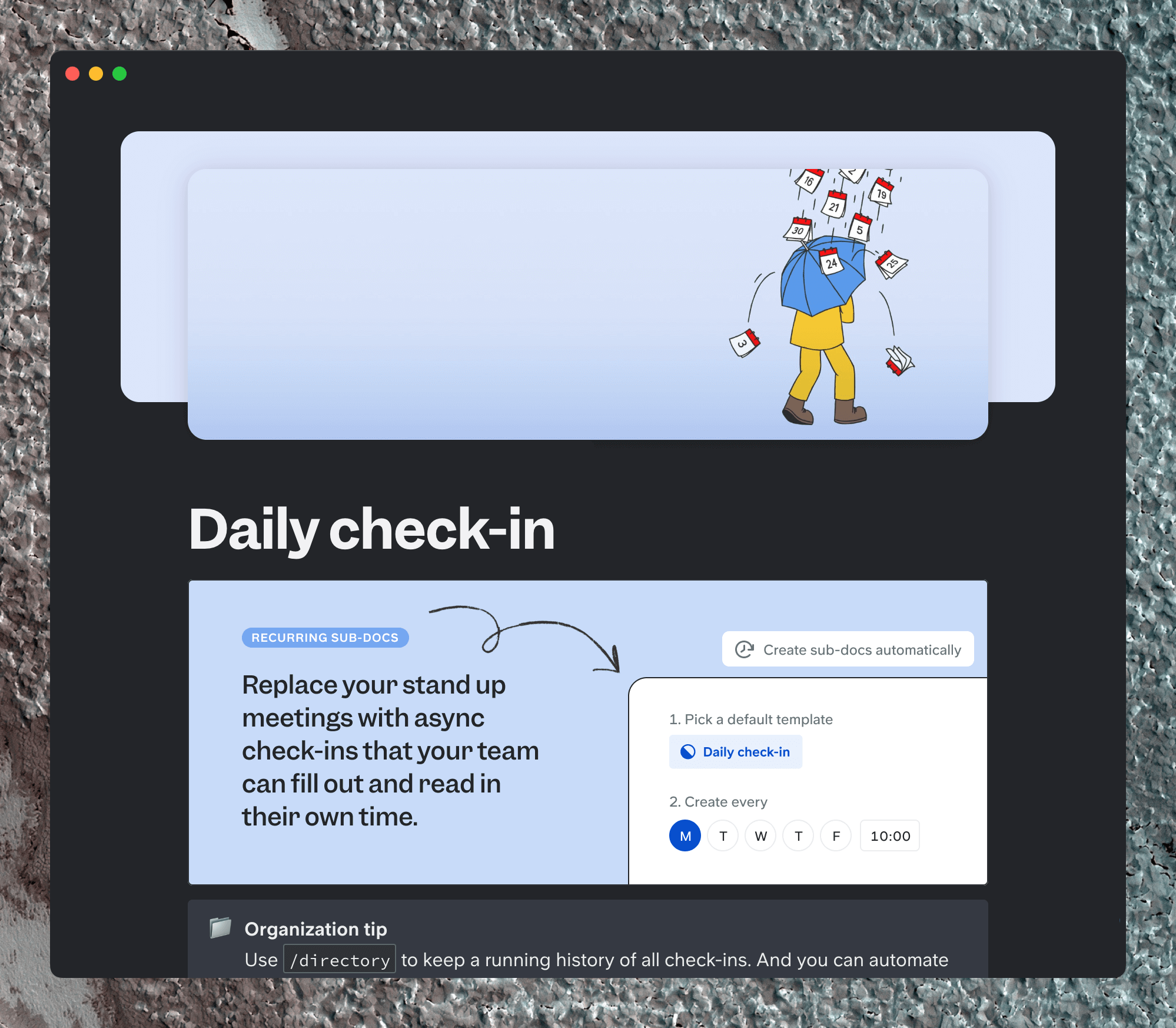
Once you've created your template, select a doc or collection from the sidebar, and choose Create subdocs automatically from the dropdown menu.

After that, you'll be given a series of options as to which template you want to use, when you want to use it, and how often.
Now, onto the templates.
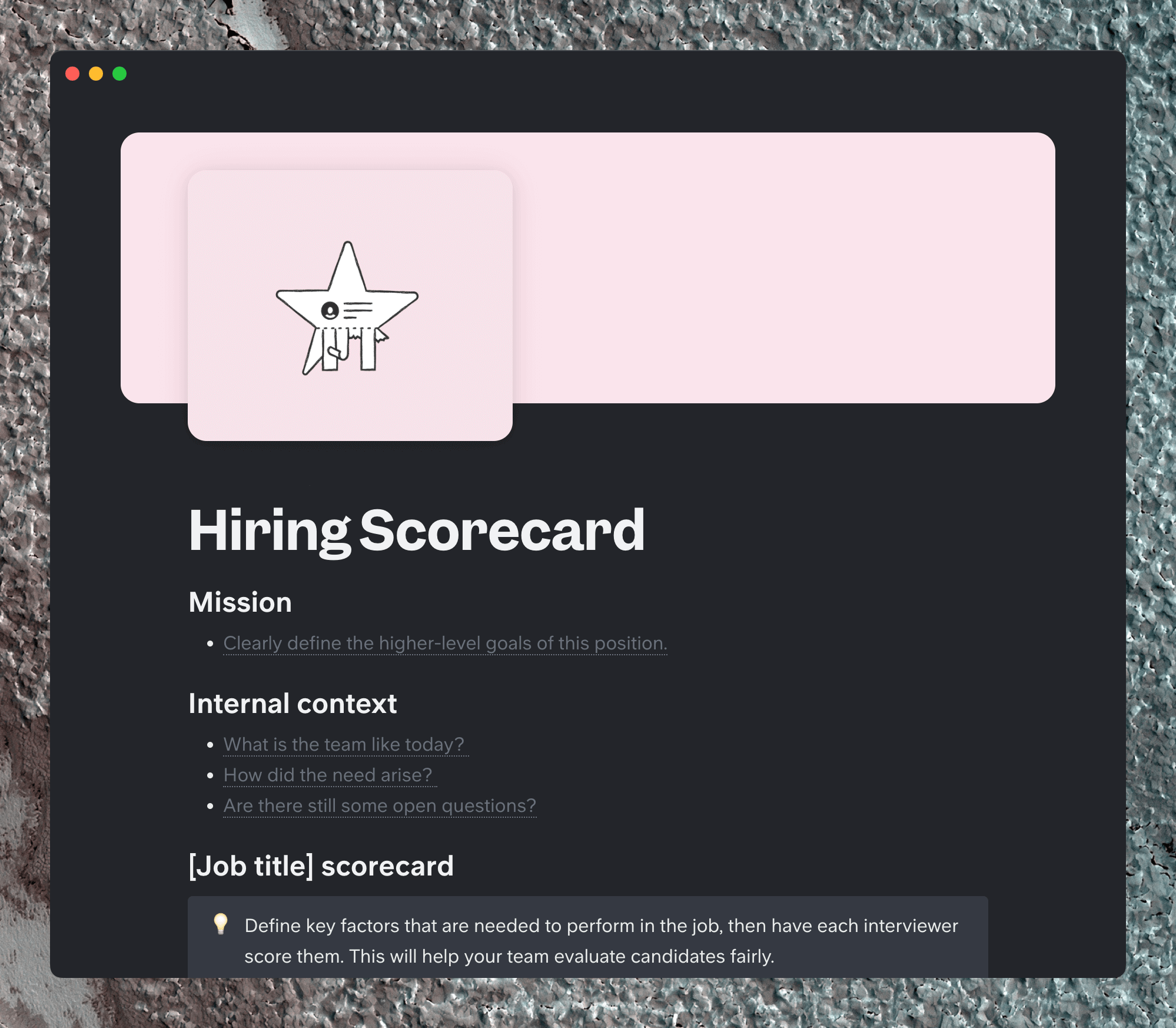
1) Hiring scorecard
A recruiter's best friend, the scorecard offers a consistent way to evaluate candidates.
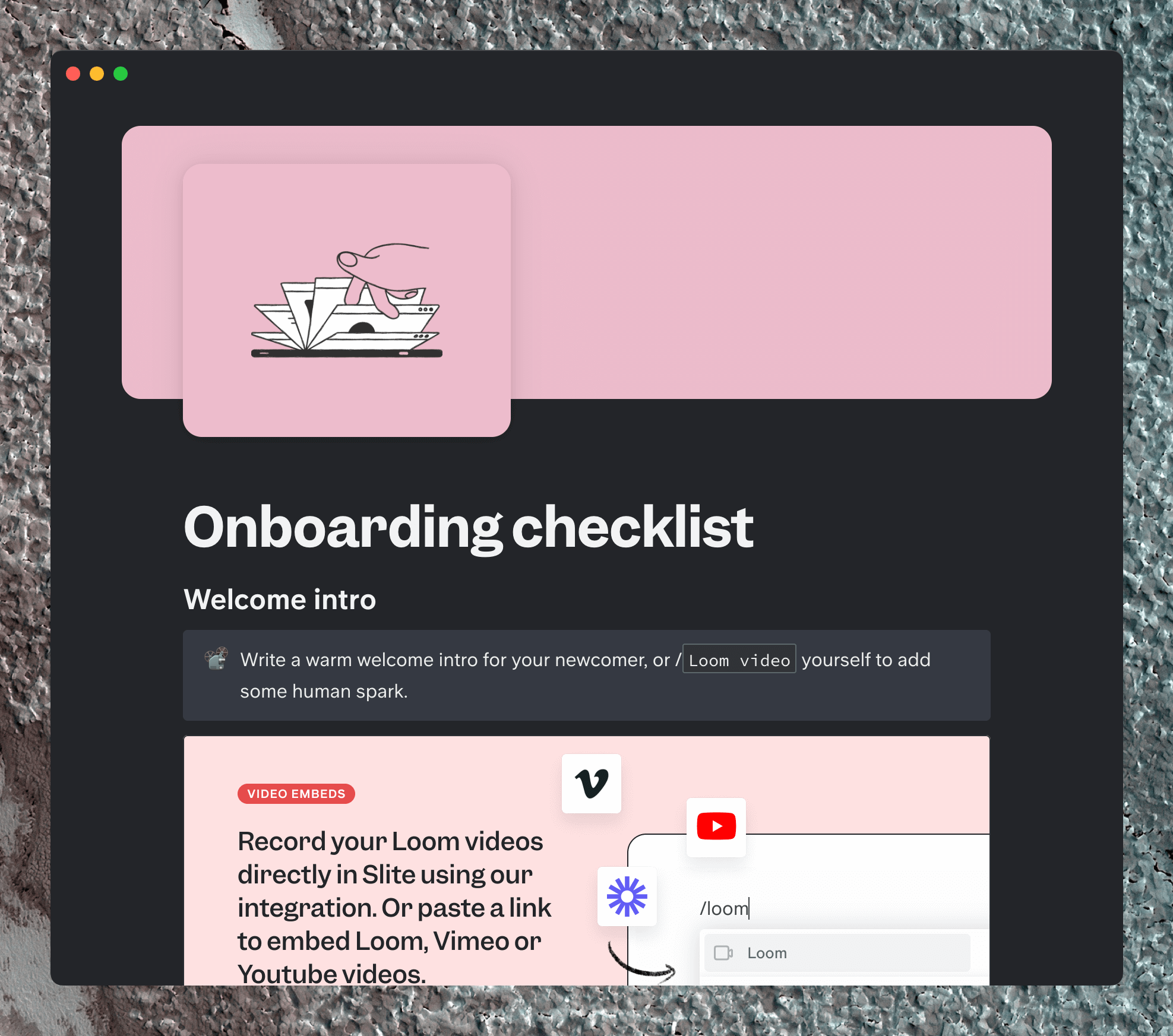
2) Onboarding checklist
Congrats on the new hire! Give them a set of structured tasks from Day 1, to help get them up to speed.
3) Async daily check-in
In a remote team, there's no need for live stand-ups - but you do need to know what your team is up to on a daily basis.
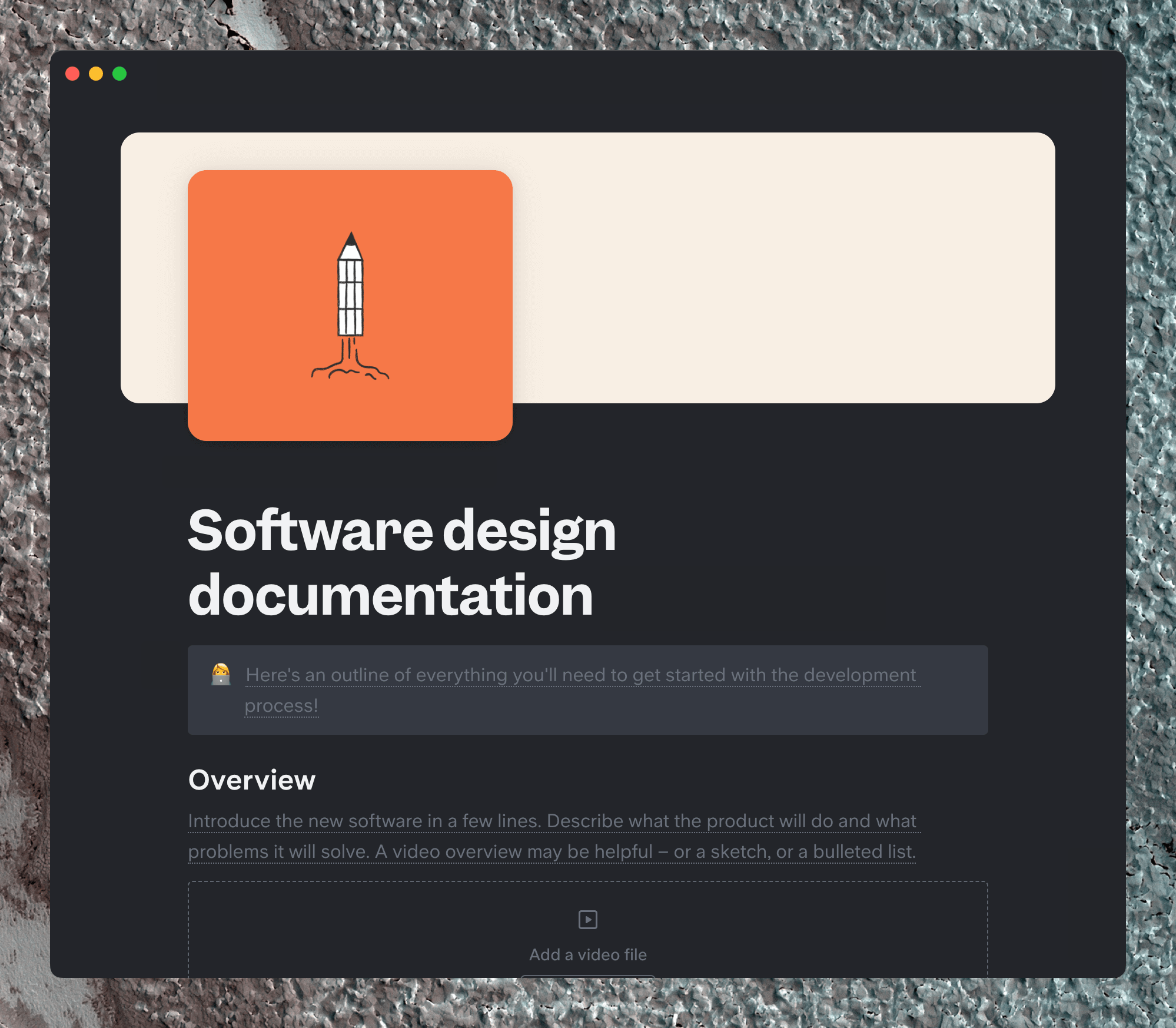
4) Software design specs
Building something new? What are the expectations for development and functionality? Write all your design specifications down in this doc.
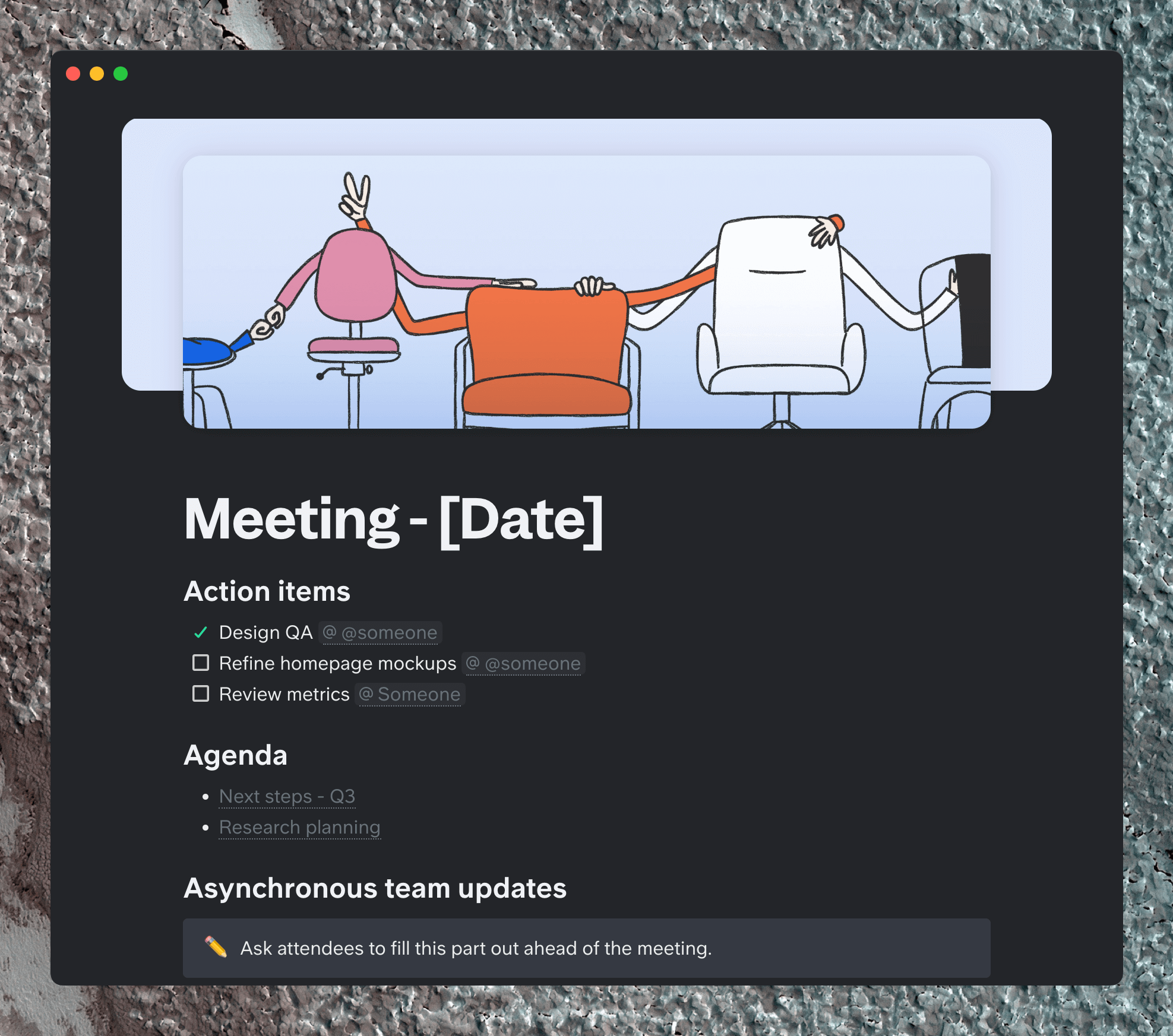
5) Weekly meeting
Some remote companies have banished weekly meetings altogether, whereas for others, the team meeting is an important gathering time. Whether you choose to share updates live or asynchronously, this template will bring more clarity to your weekly workflow.
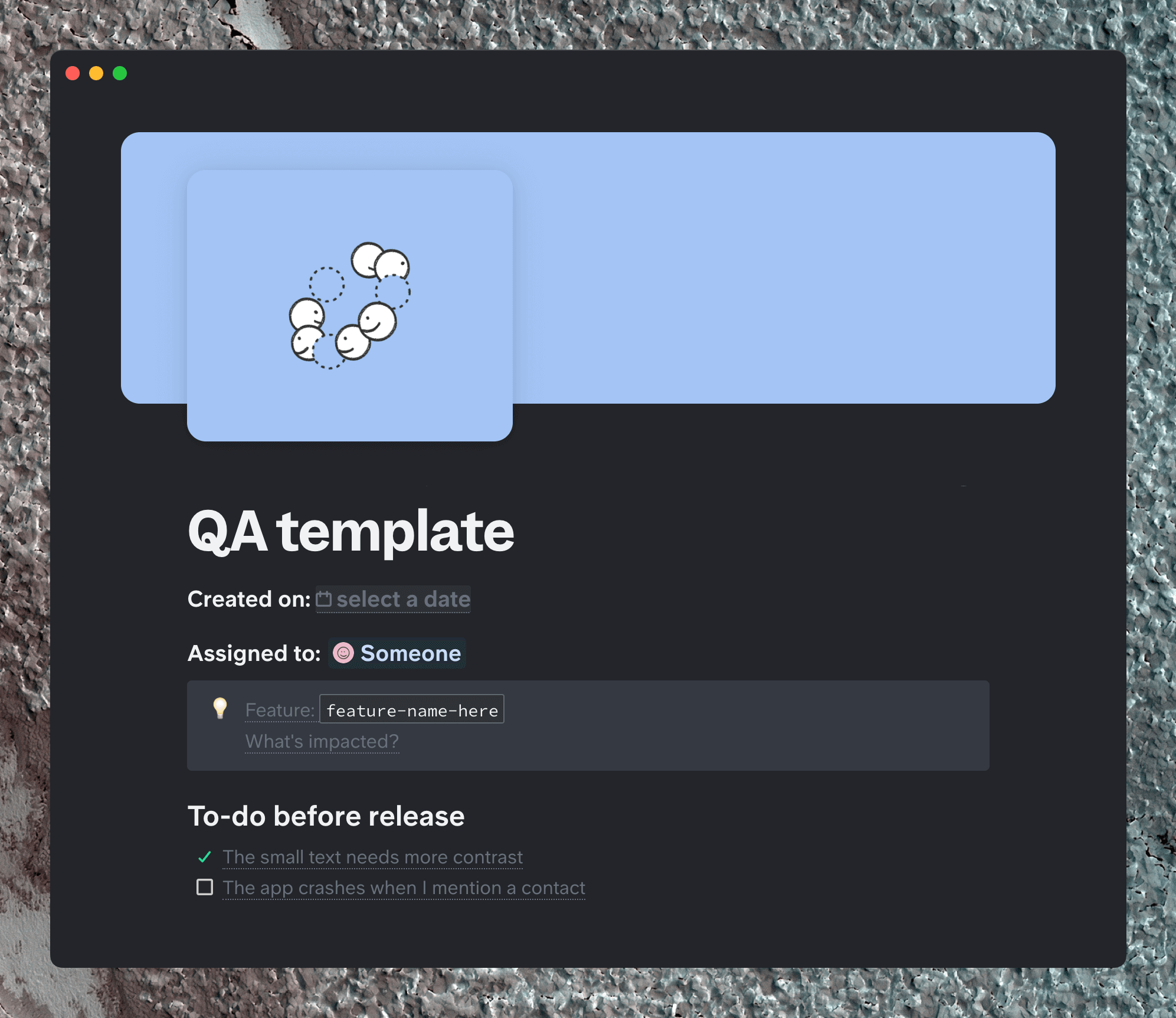
6) Software QA
Ward off pesky bugs and make your next launch as smooth as ever with this QA testing template.
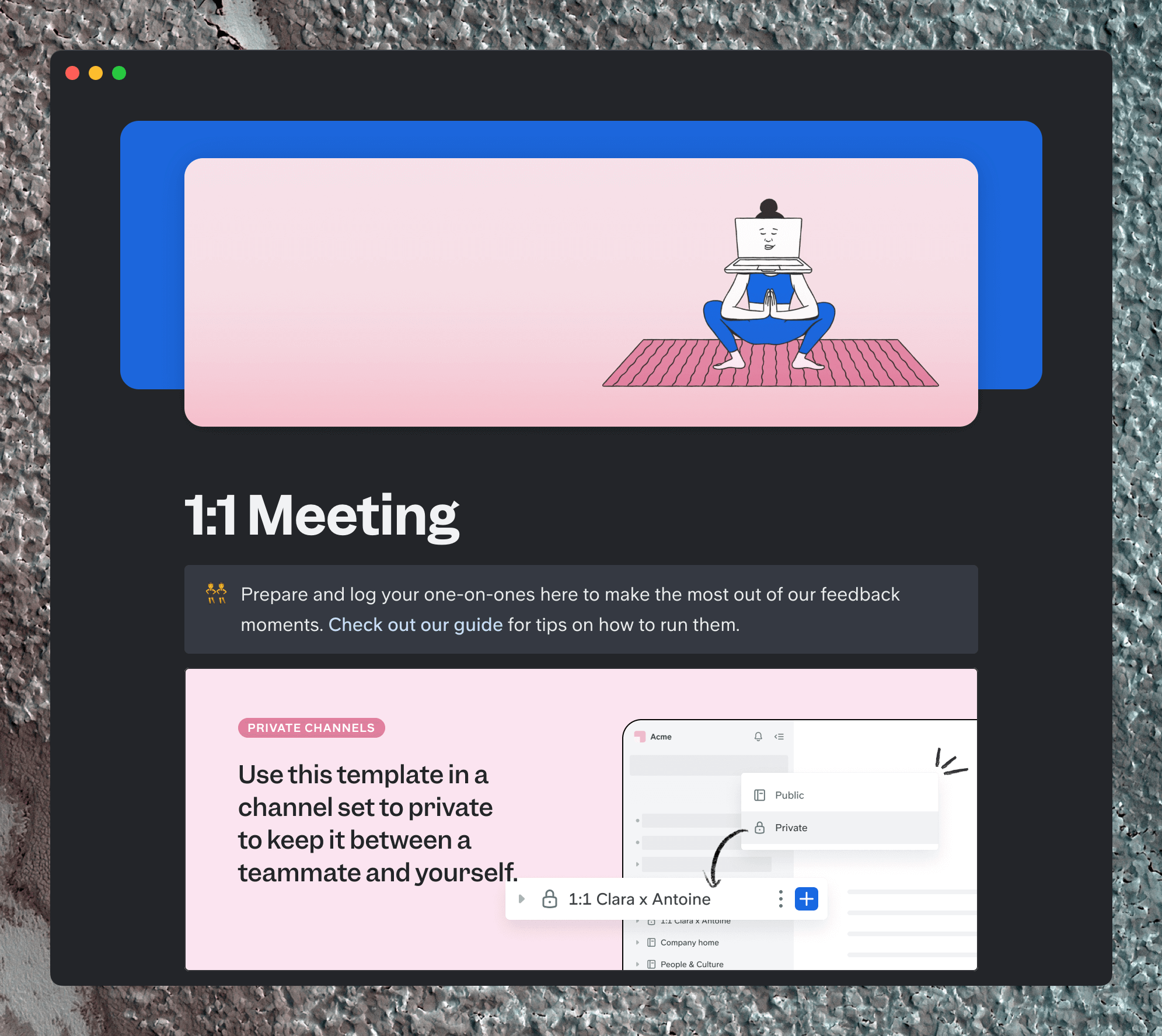
7) One-on-one meeting
Get to know your managees and oversee their progress in an organized way.
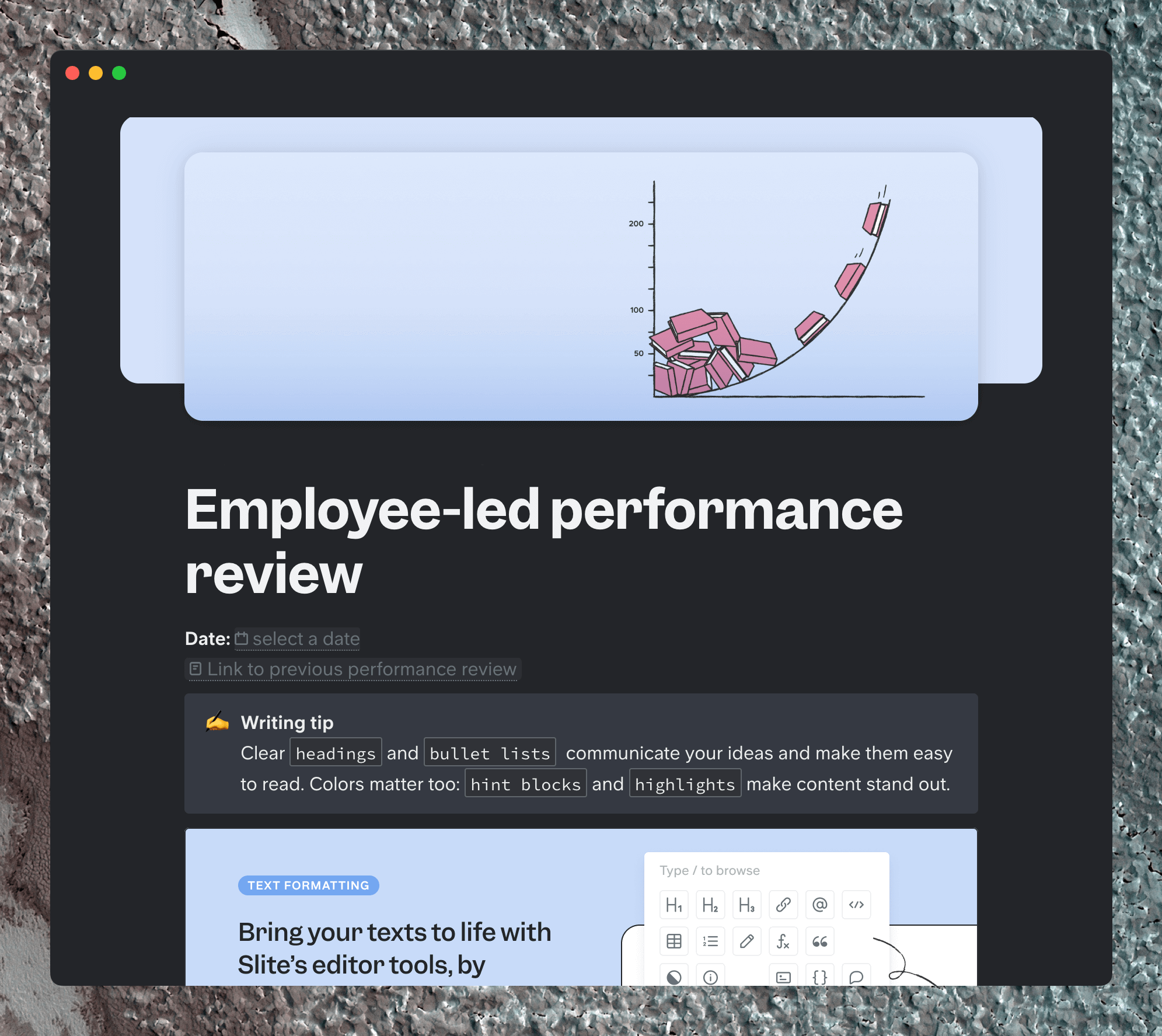
8) Performance review
Wins, new skills, areas for improvement, overall feedback...this doc covers all aspects of employee assessments. And it's employee-led, for team members to take an active role in their development. Customize your own performance review template here.
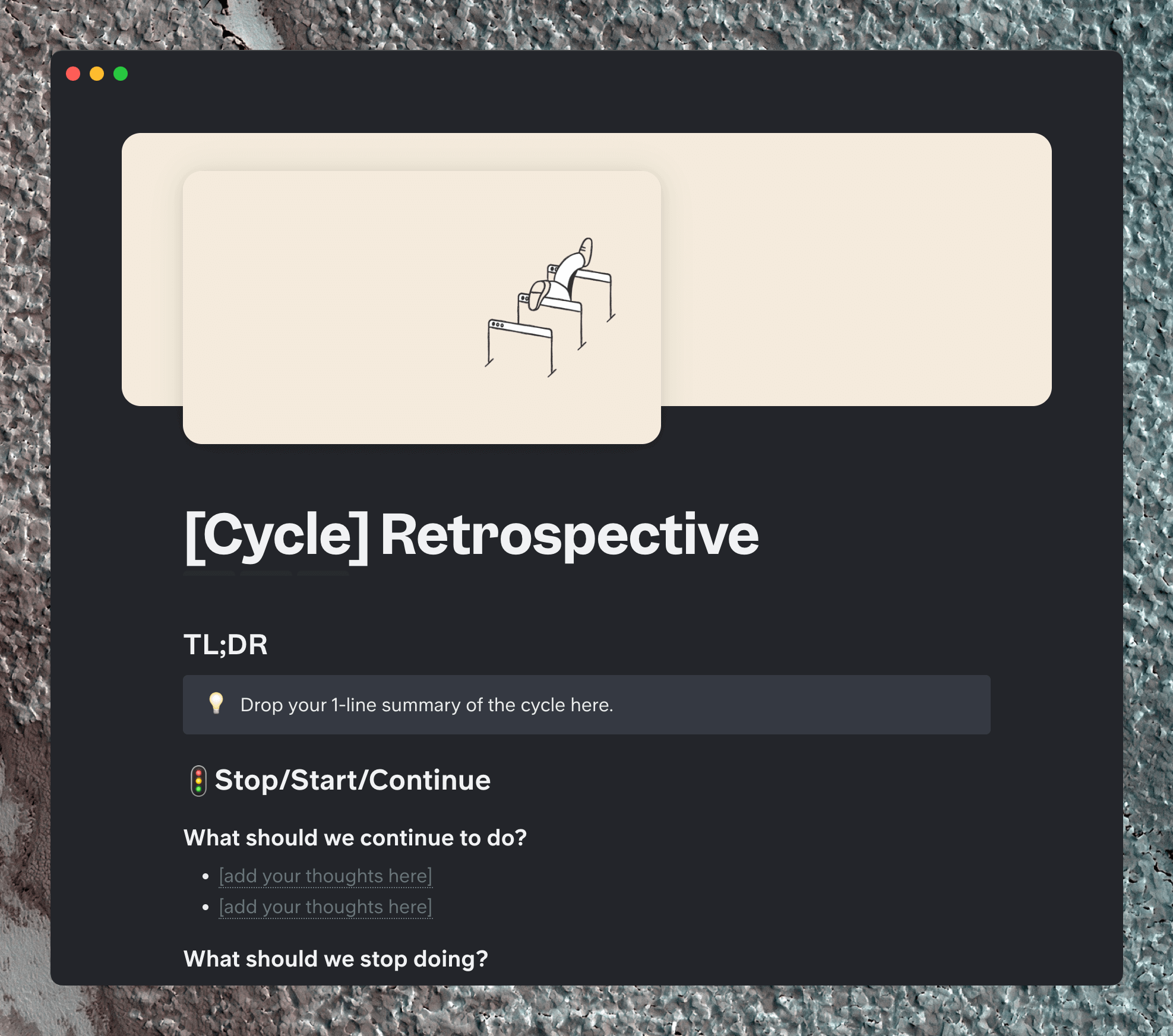
9) Retrospective
Projects are cyclical - when it comes time to close the loop, how will you measure your success? A retrospective doc keeps you accountable.
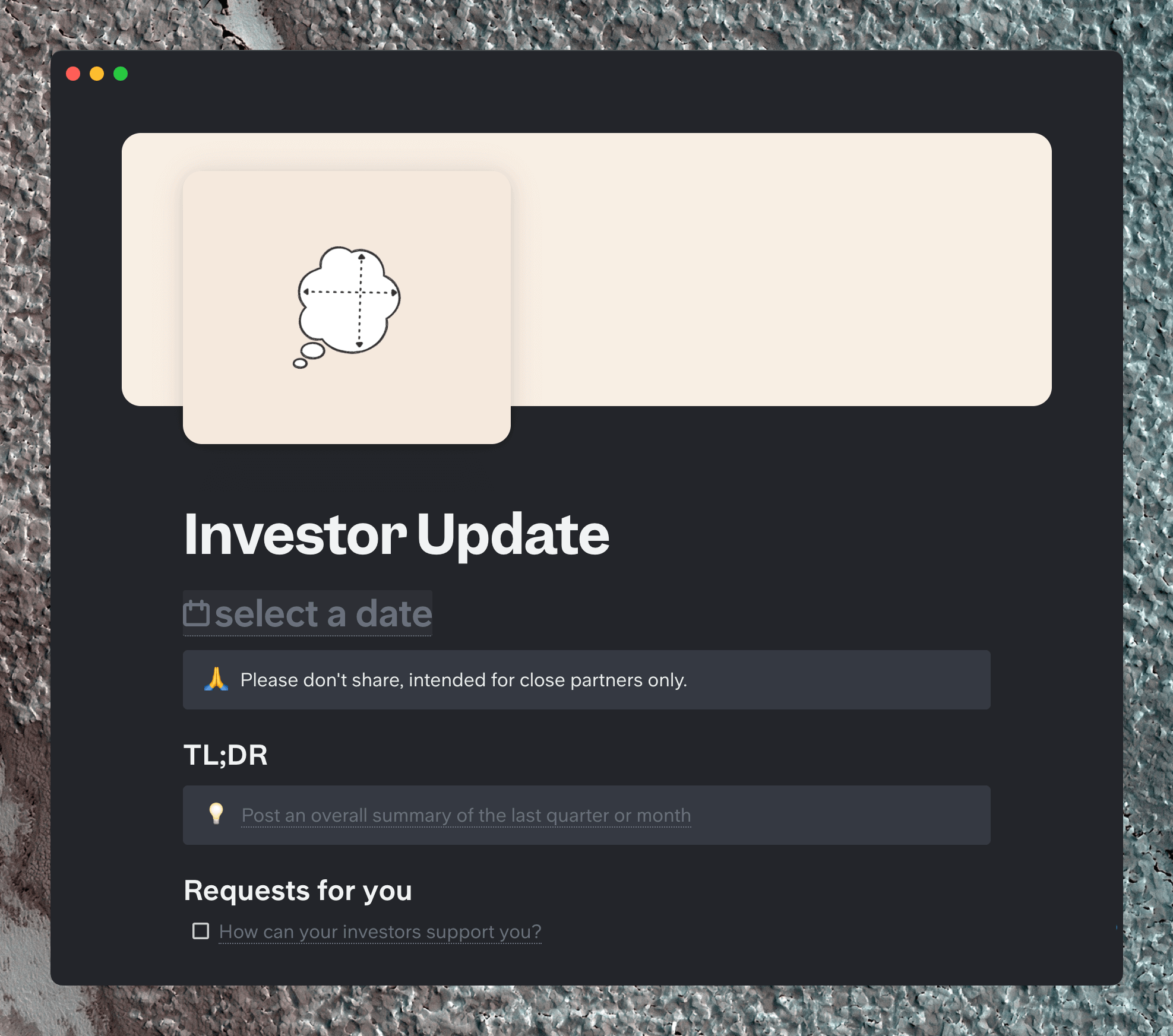
10) Investor update
Keep everyone aligned with what your team is working on and give outside collaborators a chance to ask questions on a regular basis.
11) Bonus: Company offsite
Working remotely, you only get to see your whole team every so often, but these moments are special. Stay organized around big team events with this template.
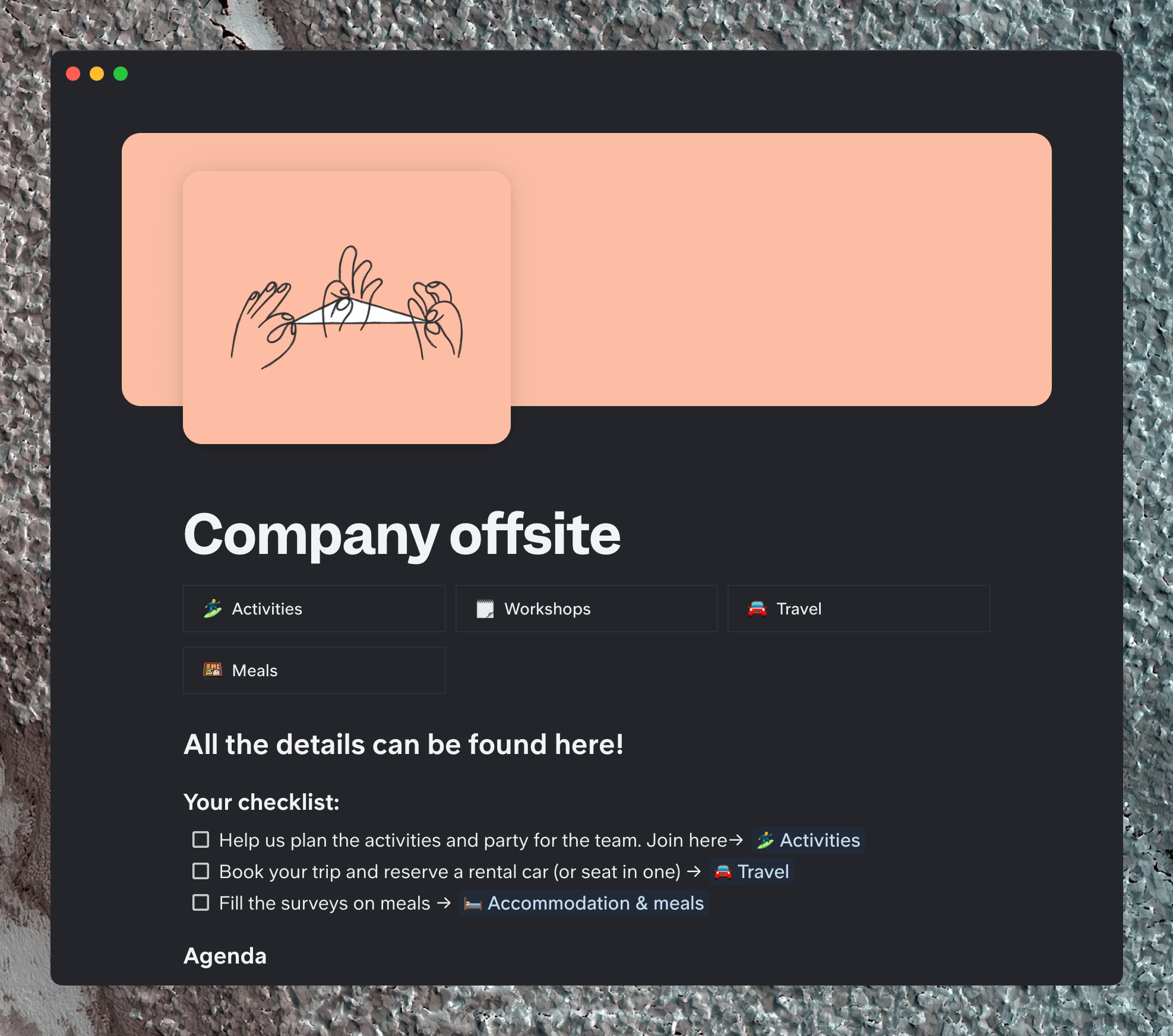
And there you have it: 11 automate-able templates to make your remote workflow more efficient. Schedule away to your heart's content.
💡Visit the Slite Templates gallery for more inspiration!

Geschreven door Melanie Broder
Melanie Broder is on the Marketing team at Slite, where she works on all things content. She helps Slite users gain new skills through guides, templates, and videos. She lives in New York City, where she likes to read novels and run loops around Central Park.