SharePoint powers millions of company intranets and shows up in nearly every onboarding call we have with teams looking to switch.
Customers describe being pushed back onto SharePoint as a real step backward; others arrive already mid-research for alternatives, frustrated by site-type quirks (communication-site vs. team-site), file-by-file folder selection when they want a whole folder, and the simple reality that SharePoint is slow to learn and notoriously low-adoption inside the teams that actually use it. Adoption is the whole game: the top reason teams cancel a knowledge base is that it's not used enough, with cost a distant second.
Built on the Microsoft stack, SharePoint can do almost anything — but most teams don't need 'almost anything.' They need a place to write things down that people will actually open.
We’ve been keeping an eye on this category for quite some time now and tried tons of amazing knowledge base and other tools with similar features, but we could not go past these 10 SharePoint alternatives.
Let’s check them out together.
Key Takeaways
- If you want SharePoint-style document hubs without the IT overhead: Slite, Confluence, and Notion are the strongest replacements for collaborative documentation and knowledge bases.
- If you're already inside the Microsoft 365 stack: Microsoft Teams covers the chat and file-share gap; Notion or Slite layer in better doc collaboration.
- If price is the deciding factor: Basecamp's flat $299/month or Slite's Basic at $10/user are the most predictable. Free tiers exist on Notion, Confluence, Slack, and monday.com.
- If you want AI search across everything: Slite's Pro plan (with Slite Agent) connects Slack, Drive, GitHub, Linear, and 20+ tools, the closest fit for SharePoint's all-in-one positioning.
- If you're already inside Microsoft, Google, or Atlassian: the AI lives where you already work — Microsoft 365 Copilot (paid add-on) for Teams, Gemini bundled in Google Workspace, and Rovo bundled in Confluence.
What's wrong with SharePoint
The most cited SharePoint problems boil down to four things: no real-time co-editing, no visibility into which sites you can access, arbitrary path-length limits that force renaming work, and a clunky interface that buries files inside deeply nested site pages.
To make things harder, Microsoft continues to make SharePoint more complicated with each upgrade.
Here's the full version of those frictions, as teams describe them when they decide they've had enough:
- You cannot collaborate on the same document at the same time. You have to check in and check out documents.
- Users have no way of seeing what sites they have access to
- File sharing in SharePoint is messy
- The arbitrary filename/path limit forces you to restructure your entire file naming path.
- A clunky user interface that makes it difficult to find the location once uploaded, unlike a user friendly interface that enhances internal communication and collaboration.
- Syncing issues that could not be resolved.
- Knowledge management is tiring because site pages are deeply nested.

If you don’t have an IT staff member who can work exclusively on SharePoint deployment and maintenance, then SharePoint is not for you.
How to choose the right SharePoint alternative
All the SharePoint alternatives mentioned have been tested by humans. We have spent significant time understanding
- How intuitive and user-friendly the interface is?
- Does it have core functionalities such as document management features, collaboration tools, workflow automation, reporting, and analytics?
- How well does the platform integrate with Microsoft Office 365, CRM systems, and Project management tools?
- Does it support enterprise content management for efficient and secure document handling?
- Does it offer robust security features to ensure data protection and compliance?
- Are these alternatives affordable?
We test each tool on this criteria for at least 2-4 weeks with increased usage and larger file volumes over time. Slite values the trust of all its users, and we would only put out our authentic reviews.
How to evaluate and test SharePoint alternatives
Ideally, a great SharePoint alternative should give you the power to create a centralized knowledge repository without a clunky user interface and technical difficulties.
While it’s feature-packed and may be a good fit for companies, SharePoint has a steep learning curve, even for experienced users. The search feature doesn’t live up to the expectations and makes it hard to find the information you need.
Below are the essential criteria that you need to consider when evaluating potential SharePoint alternatives
- Assessing your organization’s specific needs. For the teams at many Microsoft-powered companies, using SharePoint is a no-brainer. However, the question is, do you really need it? Do you want a scalable project management solution that also excels in document management, or are the features of SharePoint enough to let it go? Understand the pros and cons of using SharePoint and assess if it’s what you need or if you can always switch to a better alternative.
- Conducting a feature comparison. Look for alternatives that offer features that SharePoint lacks and that your business desperately needs, like an intuitive interface, version control, collaboration tools, and so on. Don’t fall into the trap of getting access to a lot of features without any actual meaning to your business processes.
- Can it automate business processes to improve efficiency and reduce manual tasks?
- Cost. Calculate the total cost of ownership, including maintenance, license fees, and potential hidden costs. Then, choose an alternative that best fits your budget.
It’s worth mentioning that the criteria defined are by no means a one-size-fits-all solution. You should focus on your business’s distinctive needs and how these alternatives match them.
Top 10 SharePoint alternatives
To make your decision simpler, we've put together the list of the top 10 Sharepoint alternatives based on their features, pricing and user reviews.
The fastest way to shortlist is the side-by-side below — best-fit use case, where pricing starts, and which tools have a real free tier:
| Tool | Best for | Starting price | Free tier | AI feature |
|---|---|---|---|---|
| Slite | AI-powered docs + knowledge base | $10/user/mo | 14-day trial | Slite Ask + Slite Agent (Pro tier) |
| Notion | Flexible docs + databases | $10/user/mo | Yes (personal use) | Notion AI bundled in Business+ |
| Confluence | Engineering team wikis | $5.42/user/mo (annual) | Yes (up to 10 users) | Rovo bundled across paid plans |
| Microsoft Teams | Chat + Microsoft 365 integration | $4/user/mo | Yes (limited features) | Microsoft 365 Copilot (paid add-on) |
| Google Workspace | Doc collaboration + email | $7.20/user/mo | Essentials Starter | Gemini bundled in all paid plans |
| Dropbox Paper | Lightweight document sharing | Free with Dropbox | Yes | Dropbox Dash (sold separately) |
| Slack | Team communication | $8.75/user/mo | Yes (limited history) | Slack AI bundled in all paid plans |
| Asana | Task + project management | $10.99/user/mo | Up to 2 users | Asana AI bundled in all paid plans |
| monday.com | Visual project boards | $12/user/mo | Up to 2 seats | monday Sidekick + Agents (early access) |
| Basecamp | Flat-rate project hub | $15/user/mo or $299/mo flat | Yes (1 project) | None native; third-party only |
1. Slite
If you're genuinely looking for a knowledge base that is scalable, easy to use, and focused, then Slite should be your favorite choice.
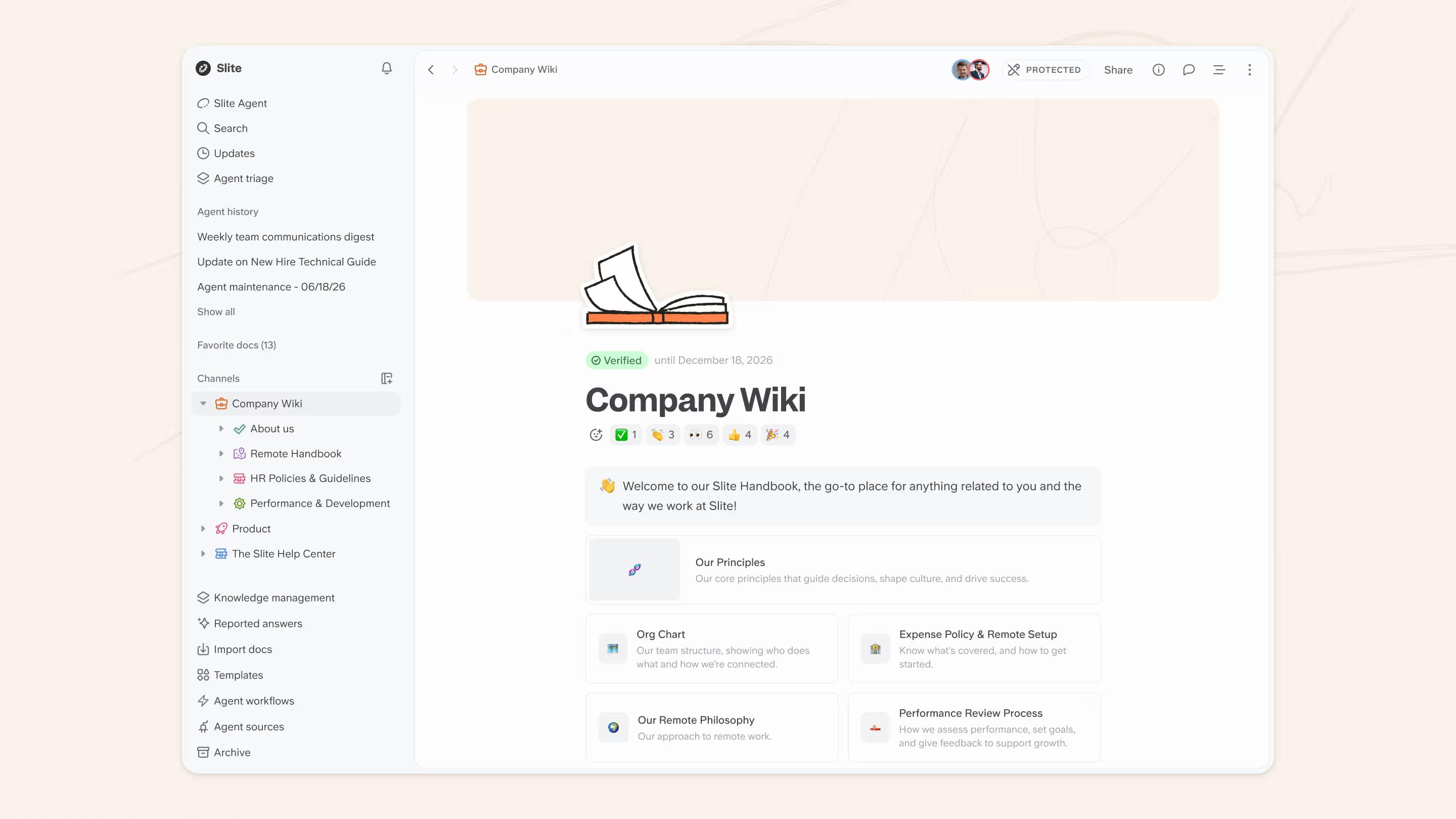
Slite has the cleanest UI/UX compared to most SharePoint alternatives.
And, while you can still modify your designs, you'll never get lost in the formatting.
Each feature in Slite exists to help you build a single source of truth.
Slite pairs AI search with knowledge management features that drive user adoption across teams and departments.
The biggest problem with SharePoint was access to outdated, unverified information. Slite takes the lead on this by verifying documents for as long as you want.
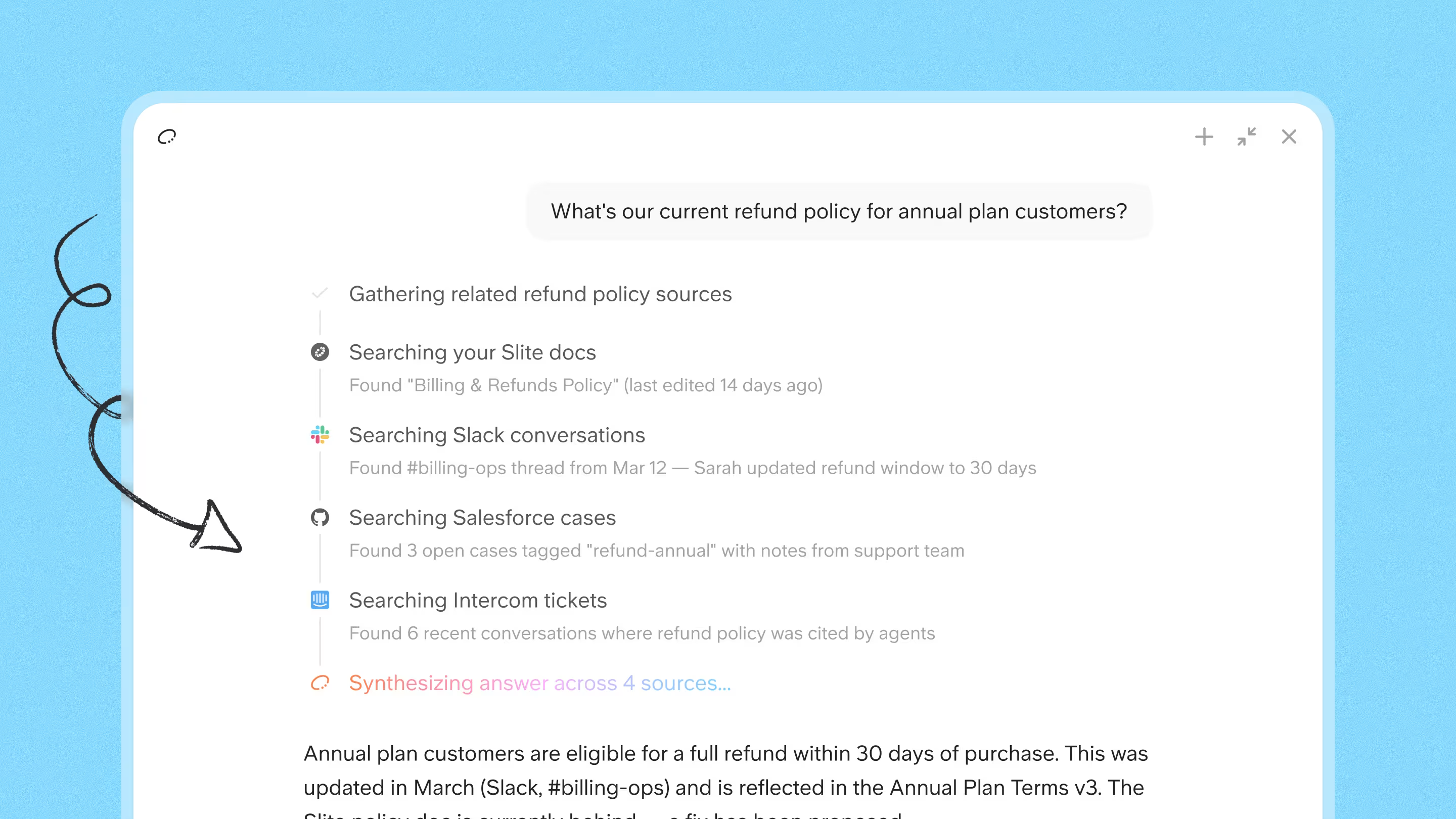
Slite goes further than verification: the knowledge base maintains itself. Slite Agent detects when a doc has drifted from reality across your connected tools, drafts the fix, and routes every change through human approval before anything goes live.
Key features
- Self-maintaining knowledge base. Slite Agent detects when docs drift from reality across your connected tools, drafts the fix, and routes every change through human approval, keeping your workspace current without manual cleanup.
- AI search via Slite Ask plus Slite Agent for cross-tool retrieval: find answers across documents, Slack, Drive, Linear, GitHub, and 20+ other connected platforms in the Pro plan tier.
- Simple, fast, and minimal WYSIWYG editor (similar to Notion’s). It also supports inline embeds and databases, so you don’t have to change your entire tech stack.
- Document verification. On the day the documents become outdated, your team will receive a verification notification. You can also filter empty and unverified documents to de-clutter, verify, and organize them within minutes.
- Templates for various themes and occasions. These templates are completely customizable, and you can even use sketches, videos, or another embed option to clearly communicate your ideas.
- Integrations with your industry’s top tools. Slite integrates seamlessly with your favorite tools, including Confluence, Jira, Slack, Linear, etc.
- Data security. Slite takes its users’ data quite seriously. It is Soc 2 Type II certified and has secure team access through your identity provider, such as Google, Okta, Azure AD, and more.
- Slite also offers digital asset management capabilities, making it easier to organize and access your digital content.
Who It's Best For
Slite is built for growing teams who are serious about documentation. These teams treat documentation as infrastructure for both people and AI tools. They want to start over with a team wiki that won't deteriorate.
Its major focus is on knowledge sharing and document management. Unlike Sharepoint, which takes some time to master, Slite requires absolutely no technical knowledge.
You can get started in minutes.
Pricing
Slite offers three paid plans, including
- Basic $10/user/month (annual billing)
- Pro $20/user/month (annual billing) adds Slite Agent, the AI agent with enterprise search that connects across Slack, Drive, GitHub, Linear, and 20+ other tools
- Enterprise custom pricing, with discounts available for larger teams plus advanced security and SSO controls
- Every plan starts with a 14-day free trial, no credit card required
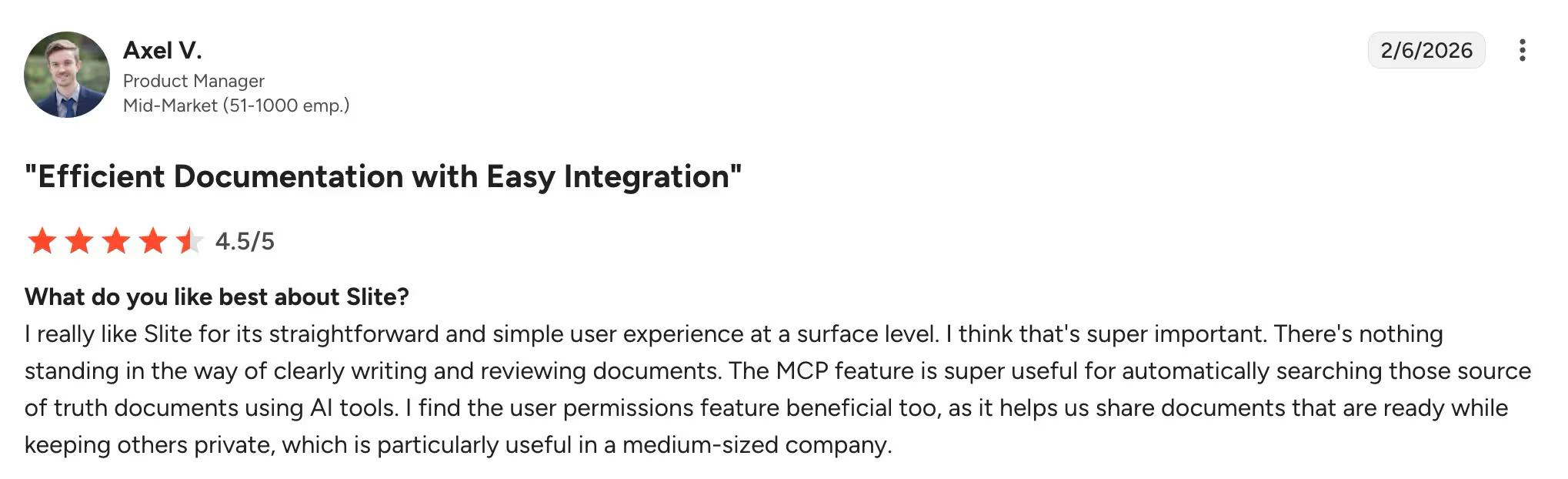
User ratings 4.6/5
2. Notion

Compared to SharePoint, Notion is a new-generation knowledge management platform.
While its feature set is smaller than SharePoint, it makes for it with unparalleled flexibility and customization.
You can use it to build wikis, plan sprints, create project plans, and many more. The flexibility lets you create a workspace that feels uniquely yours, with branded dashboards and customizable ready-to-use templates.
Key features
- Notion has everything you need to create a wiki an organized sidebar, powerful search, and drag-and-drop organisation.
- With Notion, you can seamlessly collaborate and manage multiple projects. Leave comments, mention people, and track task progress on Gantt or Kanban views.
- Notion provides an extensive library of templates for various cases, whether personal or professional. You can choose a template for meetings, notes, task tracking, portfolios, and more.
- You can leverage AI in your documents by using Notion AI and asking questions in your workspace with Notion Q&A. Notion AI is now bundled into the Business and Enterprise plans — the standalone $8/month add-on was retired. A separate Custom Agents add-on is available at $10 per 1,000 monthly credits.
- Notion lets you integrate with your favorite tools like Slack, Jira, Asana, and 6000+ more apps through Zapier.
Who It's Best For
Notion is an excellent option for teams and individuals who value a minimalist experience.
The tool explains itself as you learn the art of building blocks and interlinking pages, which helps you create a solid knowledge base.
If you're looking for an app that replaces multiple apps in your workflow and provides one solid platform that does it all, then Notion might be the perfect fit.
Pricing
Notion's Free plan covers solo and small-team use. Paid tiers (annual billing) include Plus, Business — which now bundles Notion AI — and a custom-priced Enterprise plan:
- Plus $10/user/month (annual) — for small teams collaborating on docs and lightweight databases
- Business $20/user/month (annual) — adds Notion AI, SAML SSO, private teamspaces, and advanced permissions
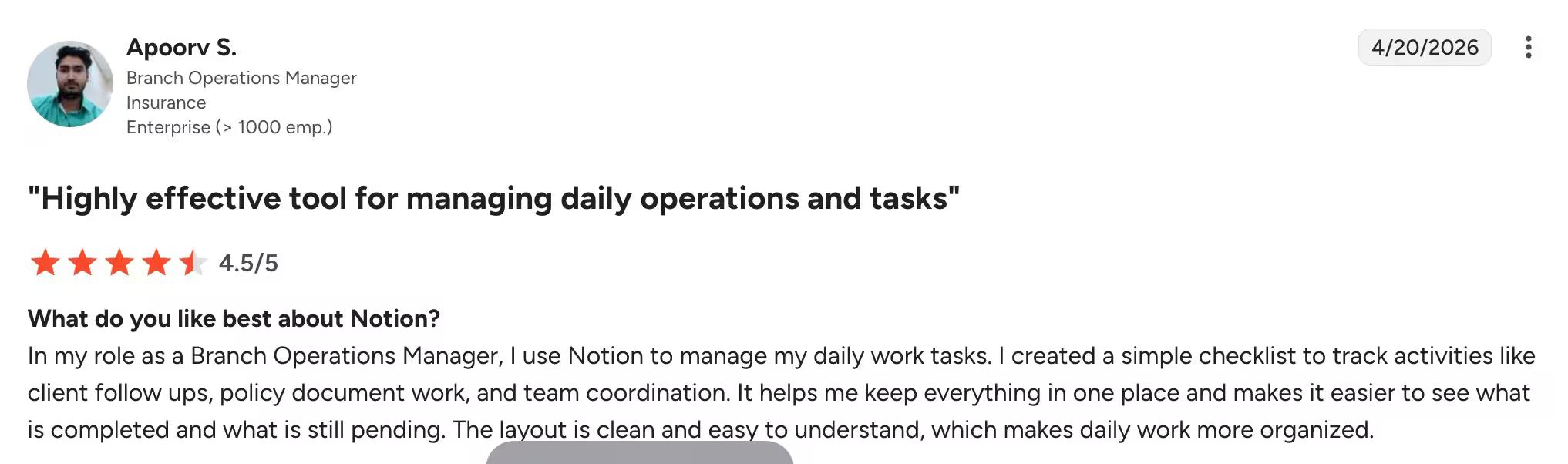
User ratings 4.6/5
Further reading: The 10 Best Notion Alternatives 2026
3. Confluence
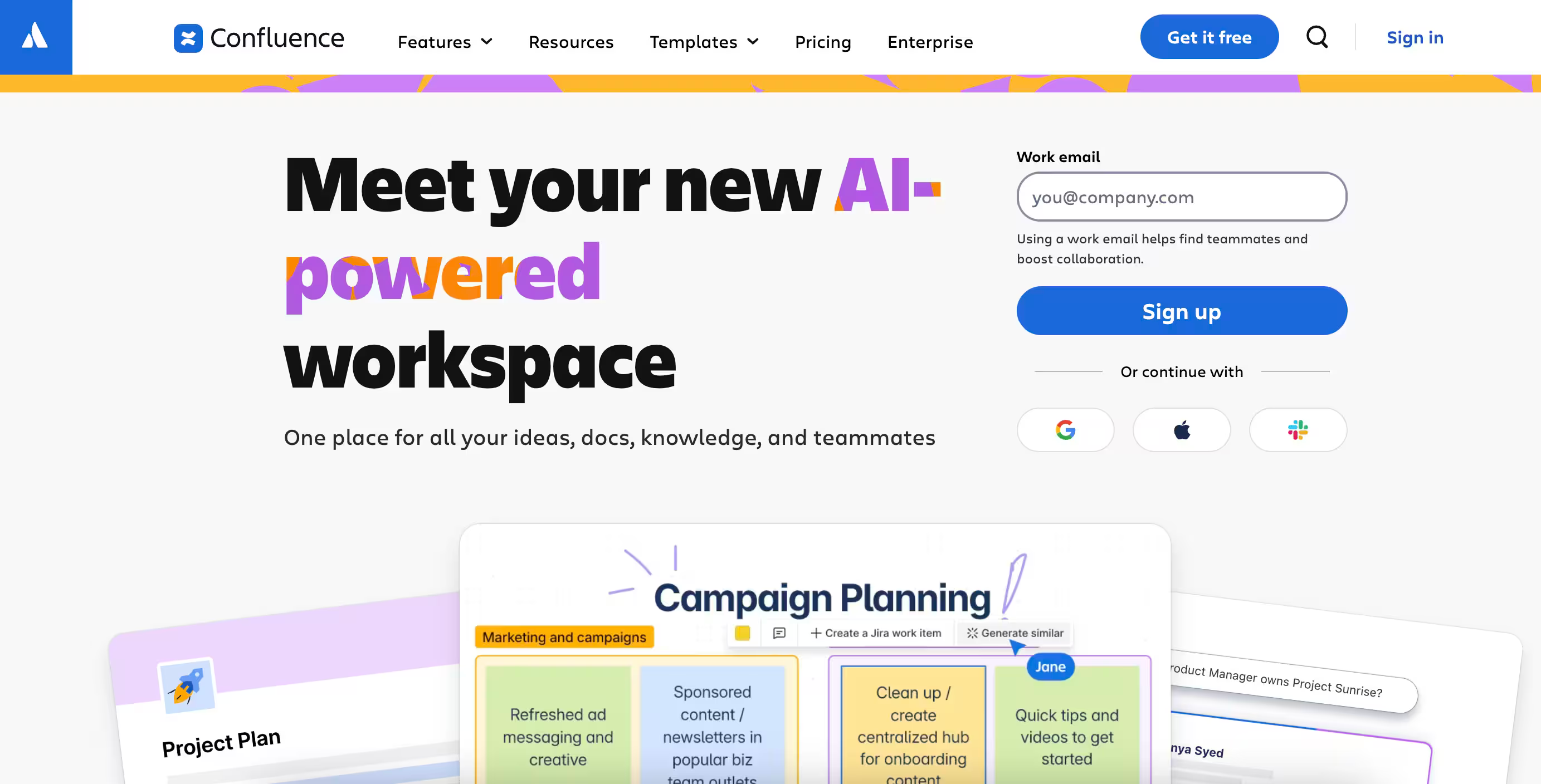
Powered by Atlassian, Confluence is a shared network where users can create "spaces" for each team or department for businesses to share knowledge and collaborate.
With spaces, you can create pages and subpages, either from scratch or using templates.
Unlike SharePoint, Confluence makes it easy to find the information you need. Its dashboard comes with intuitive top navigation, a collaborative visual whiteboard, and hundreds of content formatting macros that make it a top choice over SharePoint.
For businesses living in the Atlassian ecosystem its tight link with Jira, and Jira Service Desk is very valuable.
Key features
- With Confluence, knowledge flows freely between teams. You can organize content with a nested content tree with access control that protects sensitive intel.
- Seamlessly collaborate on projects and plans across teams with SharePoint's co-editing features. You can track version history, mention users, and co-editing in real time, which is not possible with SharePoint.
- Spaces are Confluence's way of organizing content. To get things done, you can create as many team, project, and personal spaces as you like.
- Atlassian Intelligence (Rovo) bundled across Standard, Premium, and Enterprise — AI search across connected SaaS apps, chat-based assistance, and Rovo Studio for building custom AI agents and automations.
- Confluence offers integration with hundreds of apps, including Jira, Google Drive, Slack, and many more.
Who It's Best For
Small to medium-sized businesses can often get the features they need for knowledge management with Confluence.
Unlike SharePoint, Confluence doesn't have a steep learning curve, and it's easier to organize and navigate.
Its search function is also more intuitive and reliable than that of SharePoint. Teams that outgrow Confluence often shop for Confluence alternatives with cleaner editors and better AI search.
The deeper issue is licensing model, not price: Confluence has no reader-only tier, so teams either pay full price for occasional readers or split their knowledge across two systems. Tools like Slite offer discounted reader-only seats on the Enterprise plan, keeping everything in one workspace and skipping the double-management overhead.
Pricing
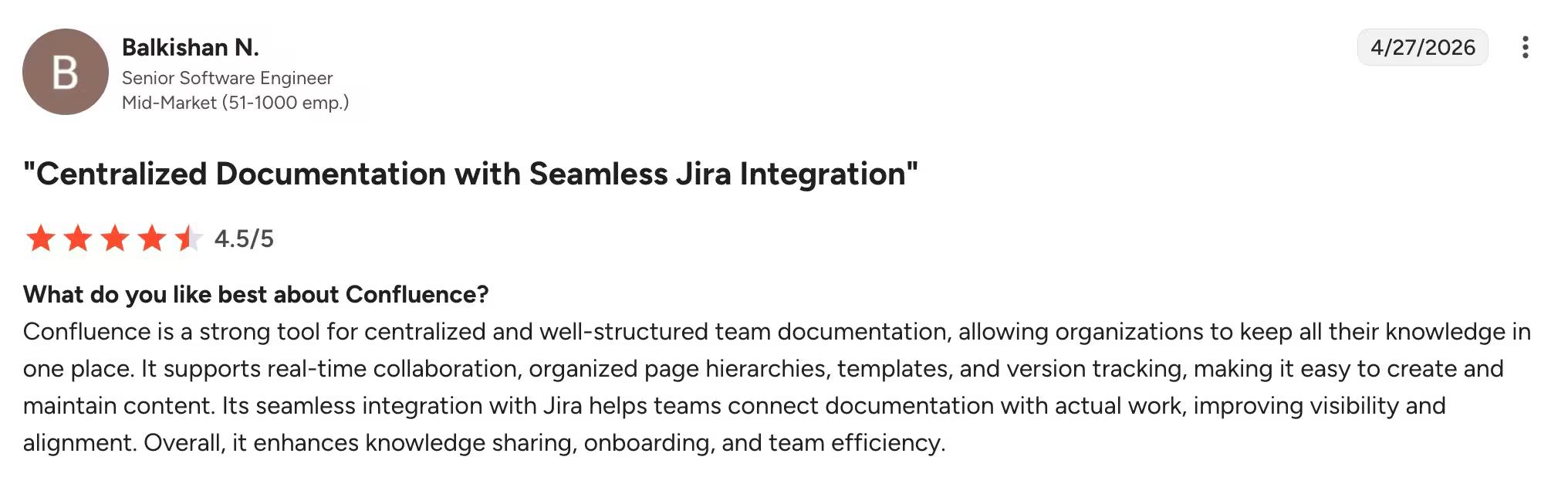
Confluence offers a free plan for up to 10 users and three paid plans, including
- Standard from $5.42/user/month (annual billing)
- Premium from $10.50/user/month (annual billing)
- Enterprise Custom pricing
User ratings 4.1/5
4. Microsoft Teams
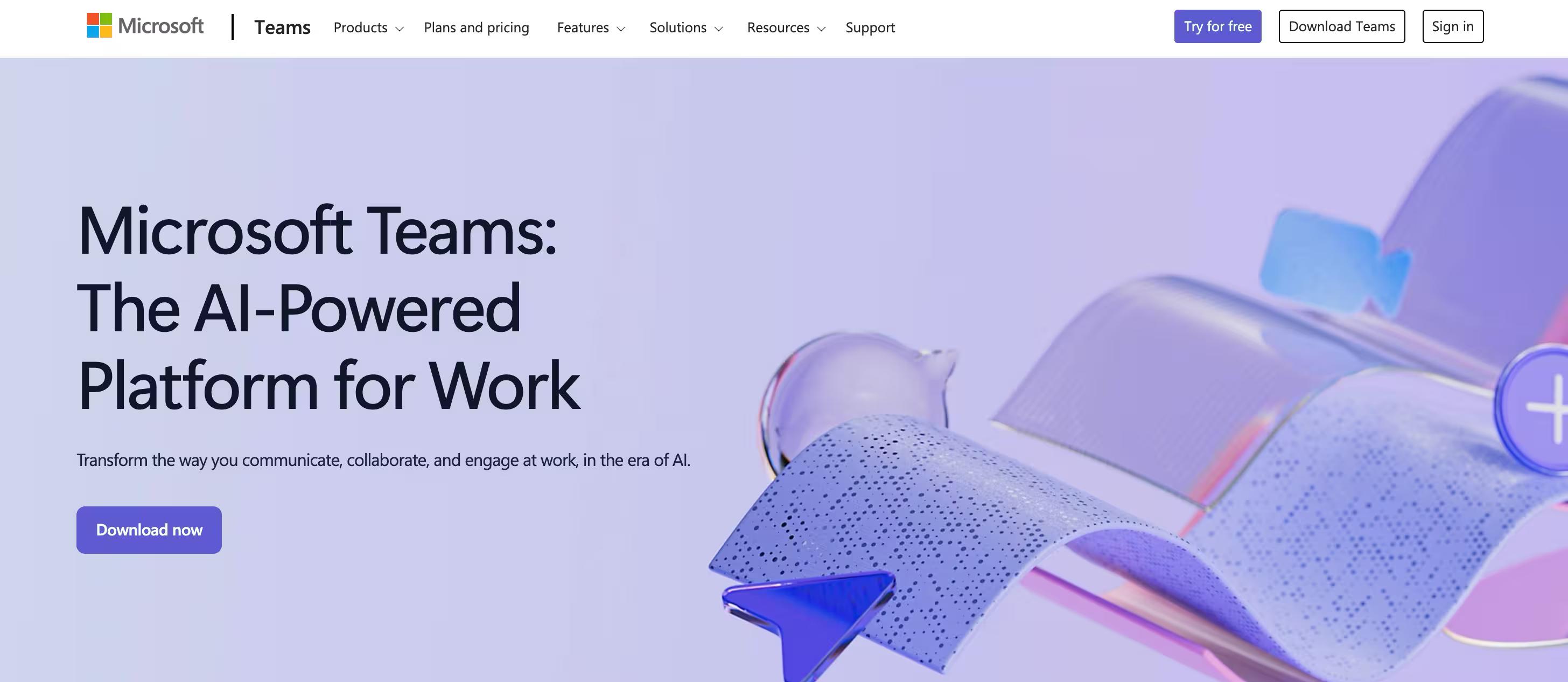
Microsoft Teams is a cloud-based team collaboration platform that combines video meetings, workspace communication, and file storage.
It provides a single UI for multiple Microsoft 365 products, such as Power BI, Planner, SharePoint Online, and many more.
All files shared in Microsoft 365 are stored in SharePoint. If you're looking for something more than document management and knowledge sharing, then Microsoft Teams can be a great SharePoint alternative.
Key features
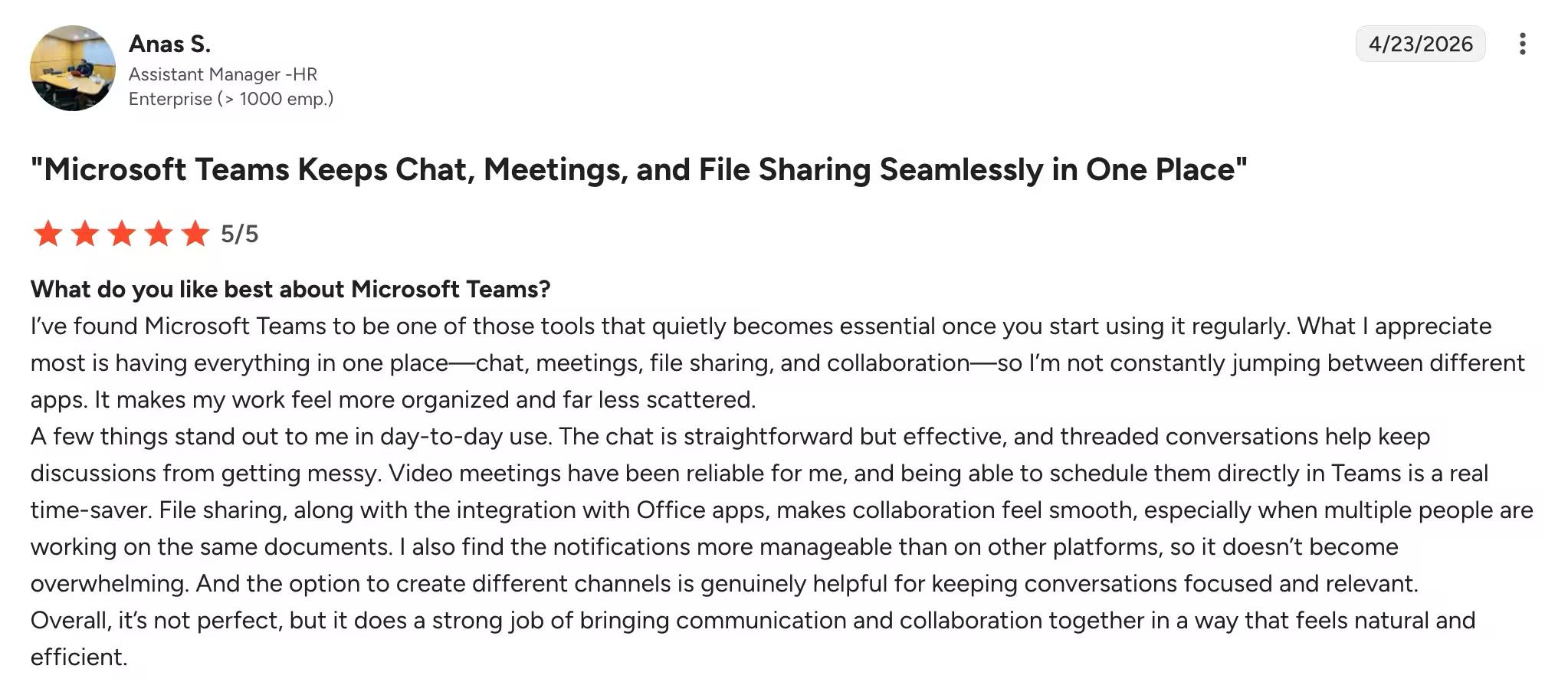
- In Microsoft, you can create a new "Team" for each of your business teams or projects. Inside teams, you can create channels for each project area. Here, you can easily chat, share information, or have meetings.
- Host video conferencing for up to 250 people with features like whiteboarding, breakout rooms, and meeting recordings.
- Teams not only have a well-built web interface but also a mobile app that you can use on the go.
- Your business uses more than just Microsoft 365 products to function. You can take advantage of the Teams store to download useful integrations like Zendesk, Asana, Polly, Smartsheet, Zoom.ai and more. You can also streamline daily processes with plugins like OpsGenie, SmartSheet, Polly and Power BI.
- Microsoft 365 Copilot for meeting summaries, chat recap, and content generation across Teams chats and channels — sold as a separate license add-on, not included in any Teams plan.
Who It's Best For
While Teams allows users to communicate and collaborate in real time, the various files and documents shared within the team are actually not stored there but on SharePoint.
As such, SharePoint enhances your team's overall experience by acting as a centralized for file storage.
Microsoft Team is best for someone looking beyond knowledge management. Teams is an excellent chat and productivity app that provides knowledge management through SharePoint Online.
Pricing
Microsoft Teams provides a free plan with all essential features that would work well for a small business.
Besides, there are four paid plans:
- Microsoft Teams Essentials $4/user/month
- Microsoft 365 Business Basic $6/user/month
- Microsoft 365 Business Standard $12.5/user/month
- Office 365 E3 $20.00/user/month
User ratings 4.4/5
5. Google Workspace
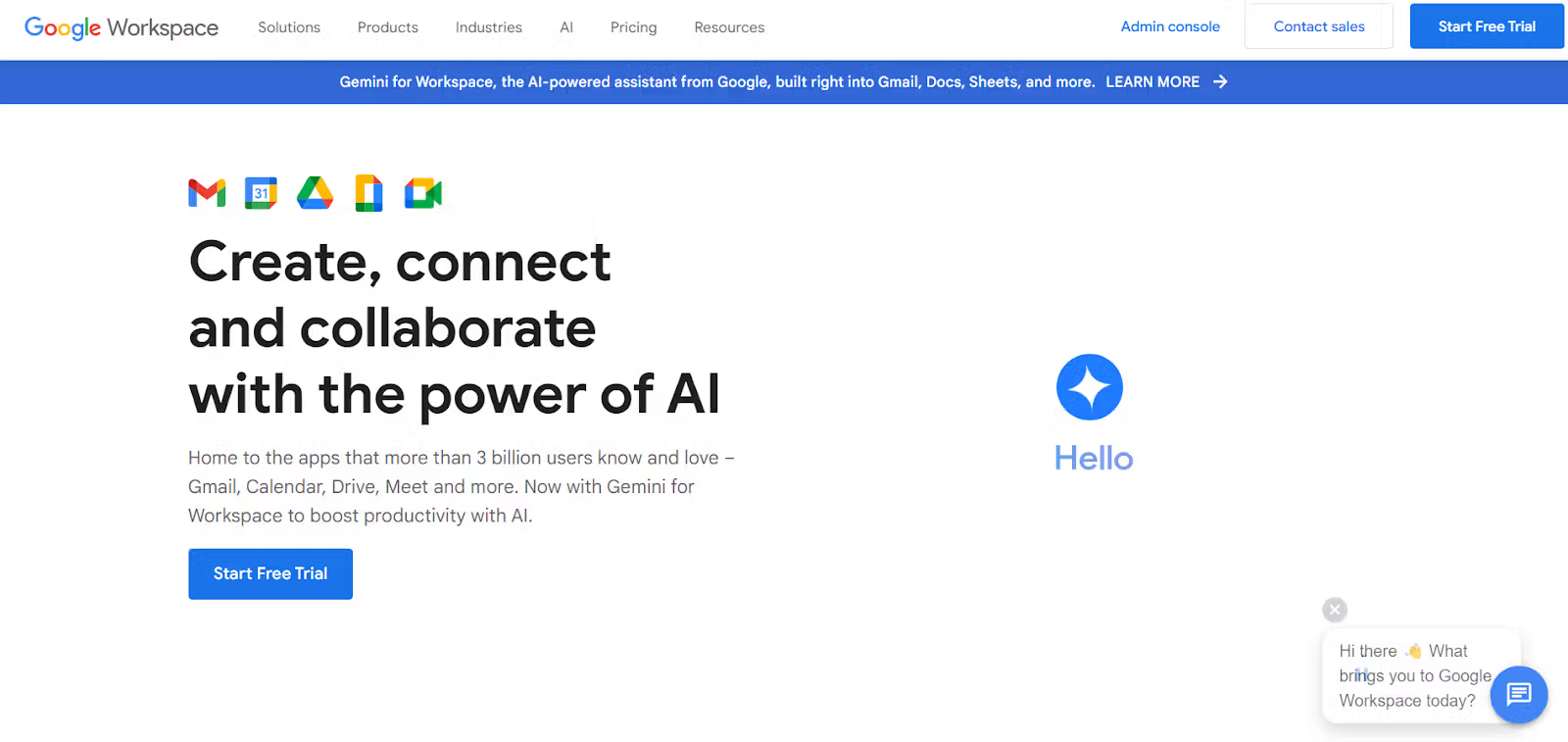
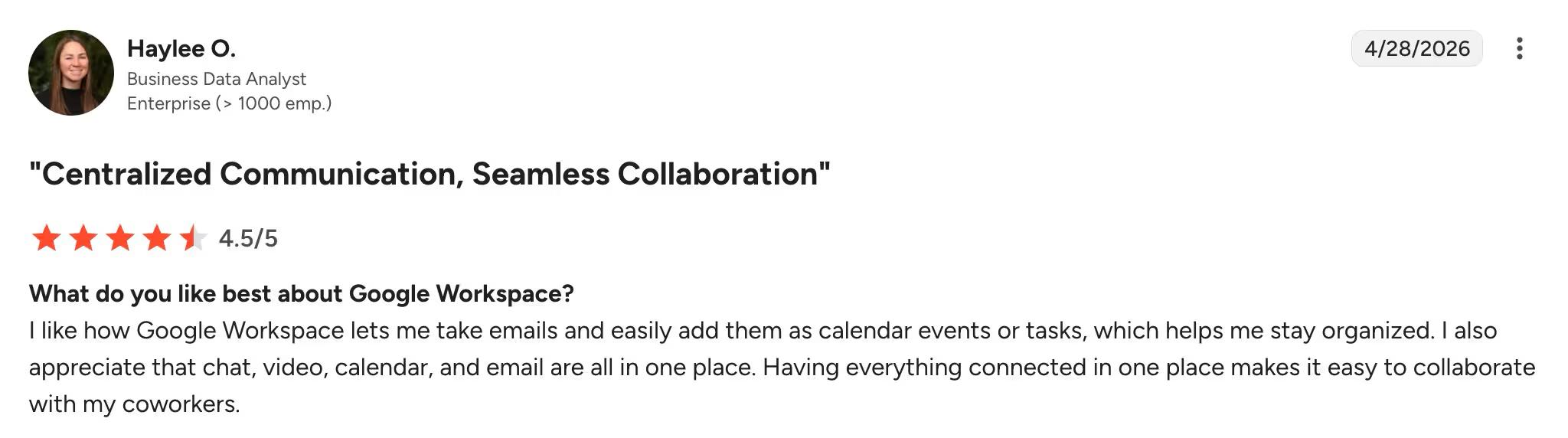
Google Workspace is almost everyone's first choice for knowledge management.It is a cloud-based productivity suite that allows users to access, edit, and save their documents anywhere, anytime.
Like SharePoint, Google Workspace includes various applications, such as Gmail for email, Google Docs for word processing, Google Slide for presentation, and more.
Key features
- Google Business Marketplace is an app store that allows you to integrate thousands of apps into your workspace.
- To protect the confidentiality of your information, you can assign users different roles. You can either choose from predefined roles or create custom roles that give them access to the exact feature you want.
- With Google Workspace, you can seamlessly track user activity. With just a few clicks, you can see who is typing what emails, sharing which files, and changing which settings.
- Google Workspace strongly emphasizes real-time collaboration. Multiple users can work on the same document simultaneously, and changes are automatically saved.
- Gemini bundled into all paid Workspace plans — AI drafting in Docs and Gmail, formula and chart generation in Sheets, AI note-taking in Meet, plus a standalone Gemini app for ad-hoc questions.
Who It's Best For
Google Workspace is ideal for businesses that prioritize simplicity, collaboration, and ease of use.
It's great for smaller companies that don't have dedicated IT departments and need an all-in-one solution for email, document collaboration, and communication.
SharePoint, on the other hand, can be more complex to set up and manage, making it better suited for larger organizations.
Pricing
Google offers a free tier called Essentials Starter, which is aimed at small teams and individual users. It includes 15 GB of storage per user with video conferencing (up to 100 participants for up to 60 minutes). Unfortunately, there is no Gmail or custom domain support for email; users need to use their personal Google accounts for communication.
Besides, Google Workspace comes in three paid plans
- Business Starter $7.2/user/month
- Business Standard $14.4/user/month
- Business Plus $21.6/user/month
- Enterprise Variable (contact sales)
User ratings 4.6/5
6. Dropbox Paper
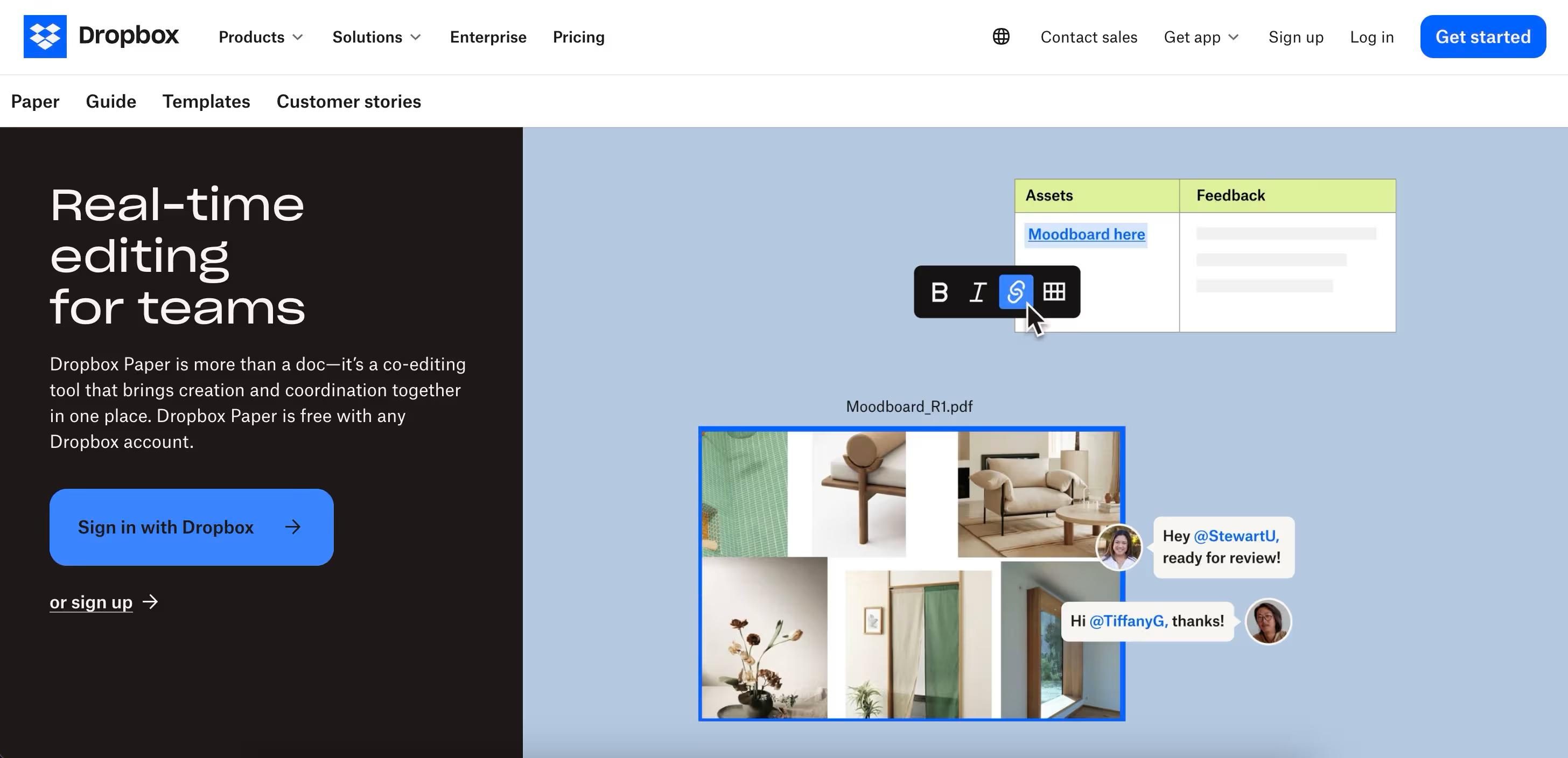
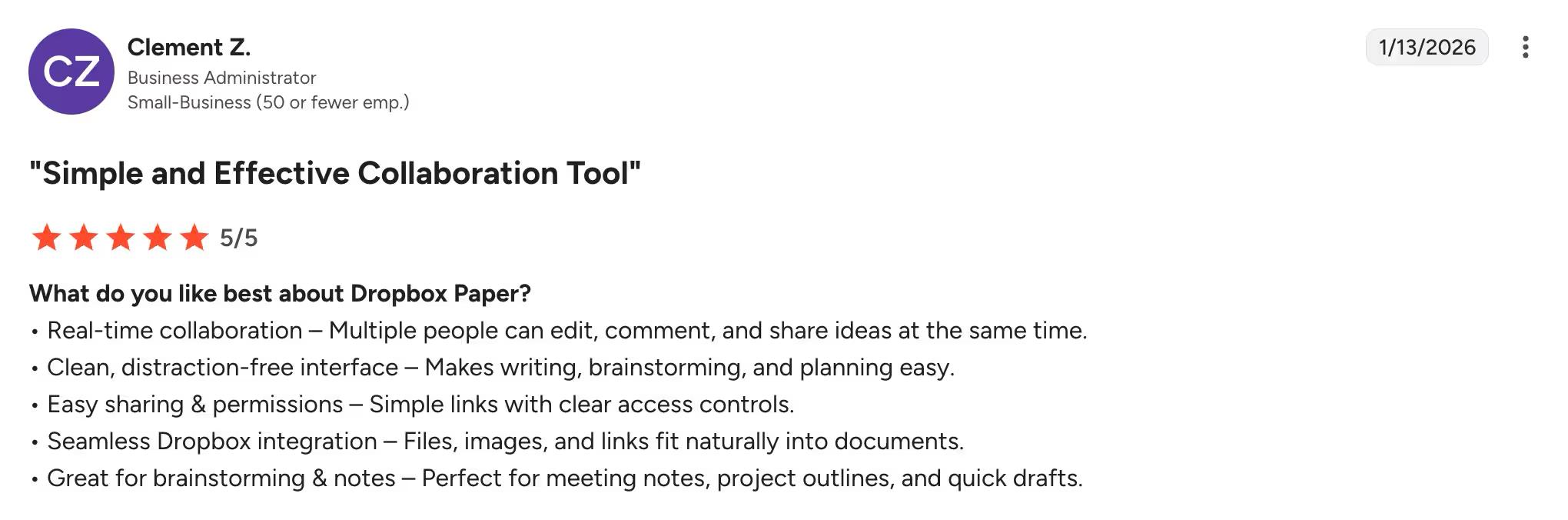
Similar to SharePoint, Dropbox Paper encourages real-time collaboration.
It’s a free Dropbox tool that offers a collaborative workspace for creating and editing documents, allowing users to chat and provide feedback.
Unlike SharePoint, Dropbox is celebrated for its user-friendly deployment. Its intuitive interface ensures a seamless user experience, allowing effortless file sharing and collaboration.
Key features
- DropBox PaperPaper makes it easy to find documents. Don't have a meeting agenda yet? Use Paper's smart templates to create one. They're very easy to use and also let you add comments to a specific part of an image and attributions.
- While online previews are prevalent today, Dropbox allows you to store your most important files on your computer. You can also backup your desktop, download, and document folders for security.
- DropBox Paper is valuable to anyone who regularly needs to send and receive files. Its ease of use, custom branding, and generous file limits make it a reliable solution for both personal and professional sharing platforms.
- Dropbox Dash, Dropbox's separate AI workplace search product, retrieves answers across 20+ connected SaaS apps (Notion, Google Drive, Asana, Confluence, Slack, and more) — sold separately from Dropbox Business.
Who It's Best For
Dropbox paper is considered a simpler and much cheaper alternative to SharePoint. Due to its straightforward functionality and limited complexity, it's better suited to small-to-medium-sized businesses.
Writers, students, designers, and marketers can also benefit from its rich media support, brainstorming sessions, and task management.
Pricing
Dropbox Paper itself is free. For solo users or very small teams, Dropbox Plus at $12/user/month covers 2 TB of personal cloud storage. Teams that need admin controls, team folders, or audit logs move to Dropbox's two business tiers:
- Standard $15/user/month — 3 TB shared storage, team folders, sharing controls
- Advanced $22/user/month — 15 TB shared storage, advanced permissions, audit logs
User ratings 4.1/5
7. Slack
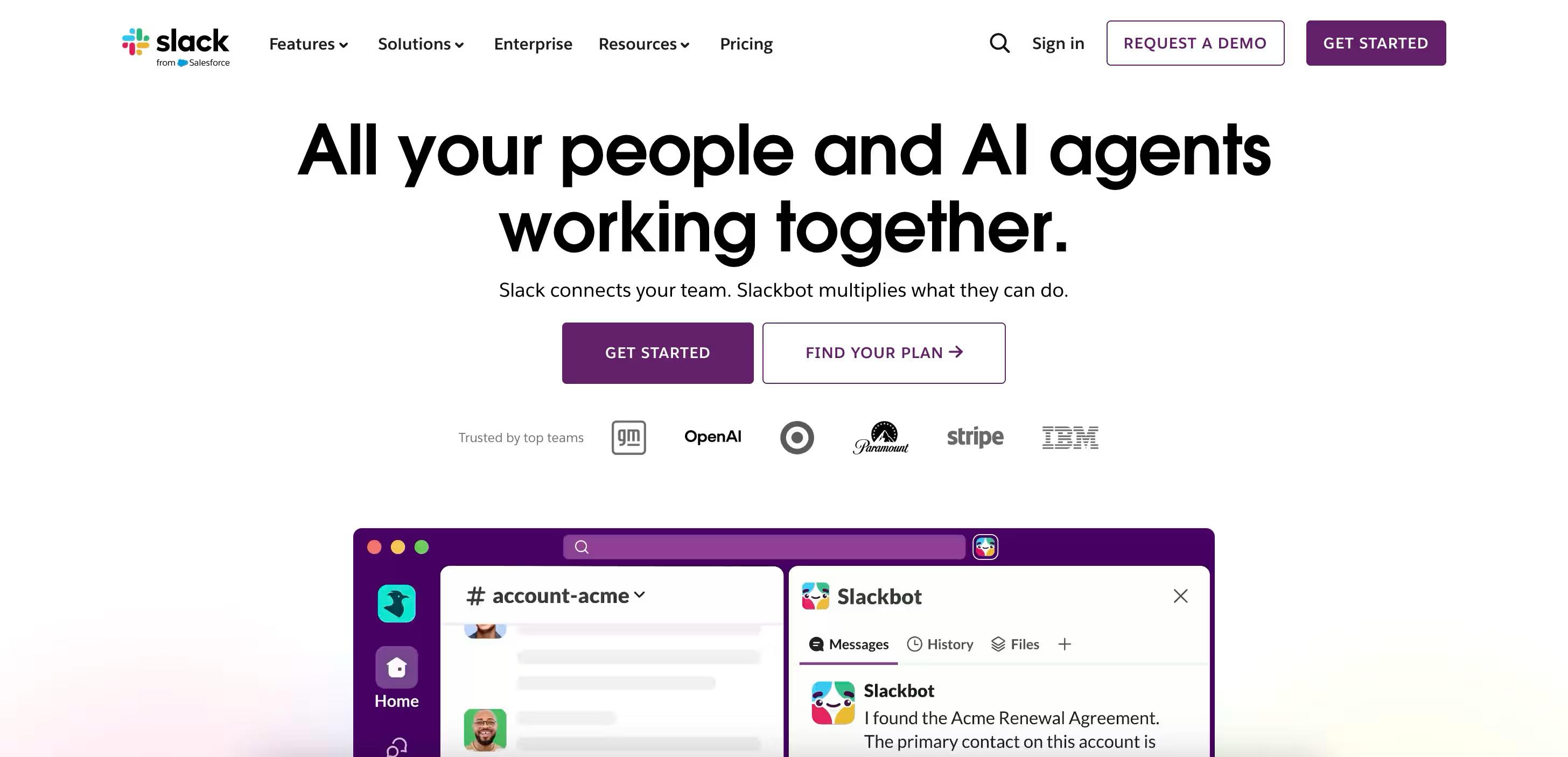
Slack is a communication platform designed for real-time messaging, file sharing, and collaboration.
It excels at team communication, making it ideal for fast-paced, collaborative teams. While SharePoint solely focuses on document management, that might not be enough for the majority of businesses.
Key features
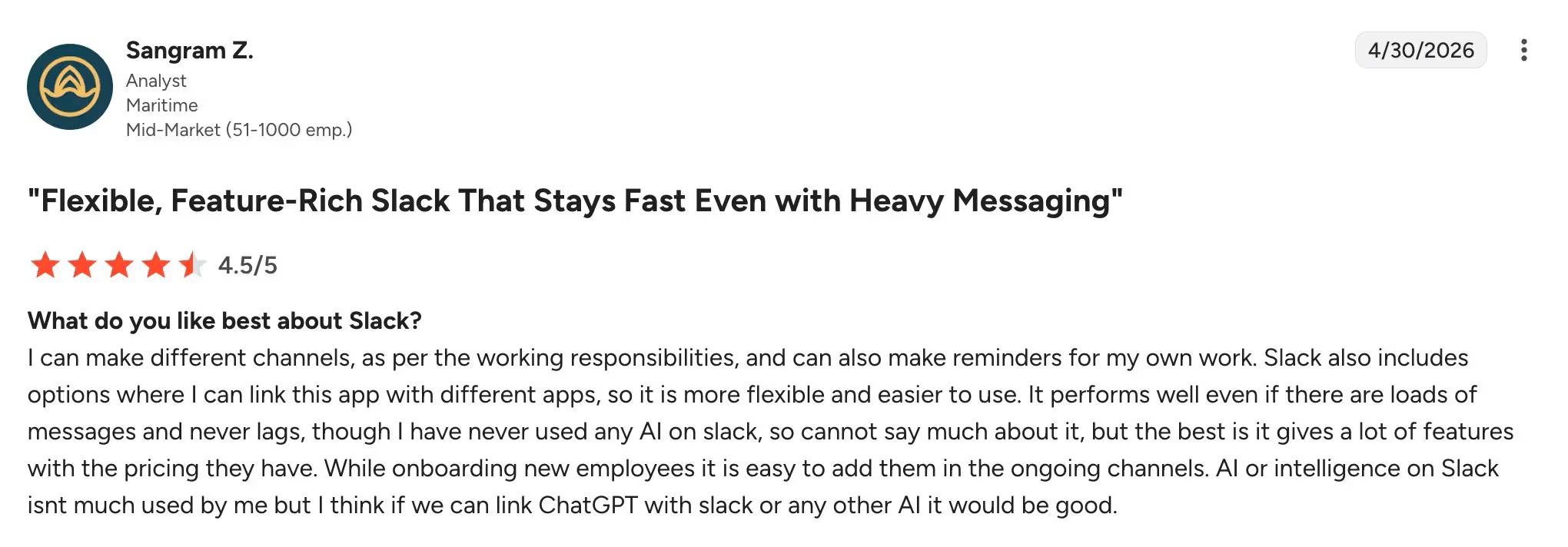
- Slack offers drag-and-drop file sharing with up to 1 GB in size from your device, or you can add them from file management platforms like Box, Dropbox, Google Drive, or OneDrive.
- In Slack, channels are workspaces that users can create for specific projects, teams, or topics. This centralisation of related information and conversation makes the system less chaotic.
- Slack List is collaboration at its finest. It's just like using Trello but in Slack. You can assign a task, follow a project and get context needed to stay aligned.
- Slack Connect is an excellent way to connect with people outside your organization. With this, you don't have to give access to your whole Slack workplace-just the channels you need to collaborate with.
- Slack offers integration to over 2600 apps. With just a few clicks you can create automation for your apps without any coding required.
- Slack AI bundled in all paid plans — channel recaps, thread summaries, daily briefings, AI note-taking in Huddles, and search across messages, files, and connected apps like Salesforce and Drive.
Who It's Best For
Despite its strength, Slack has some limitations. It might not be a great option for Knowledge Management detailed project management that requires intense note-tracking and database features like SharePoint.
However, Slack could be an excellent option for businesses that prioritize communication over knowledge sharing. Its easy-to-use interface and plug-and-play connectors make it accessible to users of all technical backgrounds.
Pricing
Slack's pricing is a breaking point for large businesses. The four Slack pricing tiers include:
- Free,
- Pro ($8.75 user/month),
- Business+ ($15 user/month), and
- Enterprise Grid (custom pricing)
Once you go outside, it's a free plan, but it becomes less affordable for a large number of users. Slack's paid Plan starts at $8.75/month per person for Pro, which doesn't even come up with everything Slack has to offer, like guaranteed uptime, administrator privileges, and priority support. This could be a game-changer if you're looking for something affordable.
User ratings 4.5/5
8. Asana
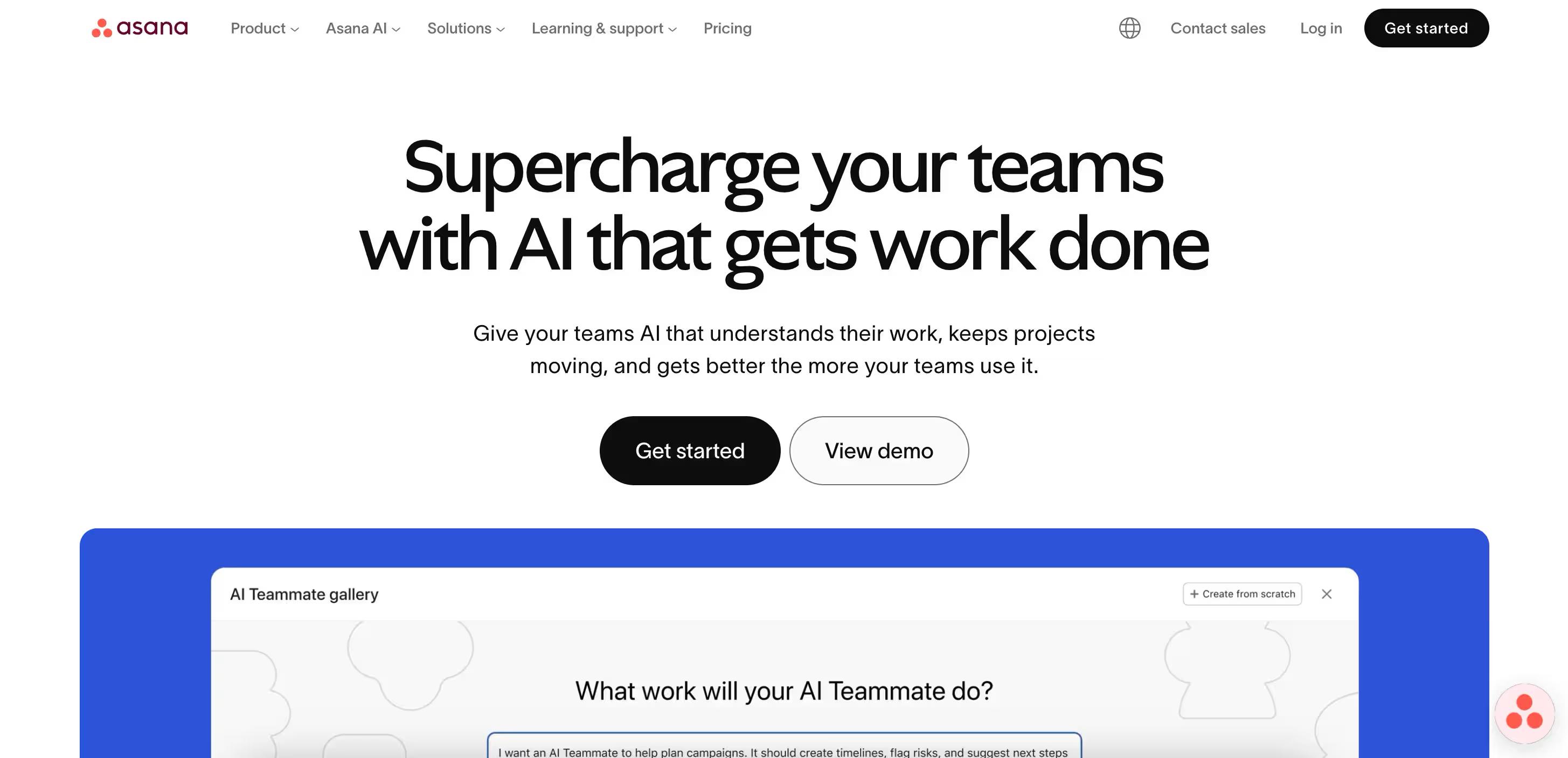
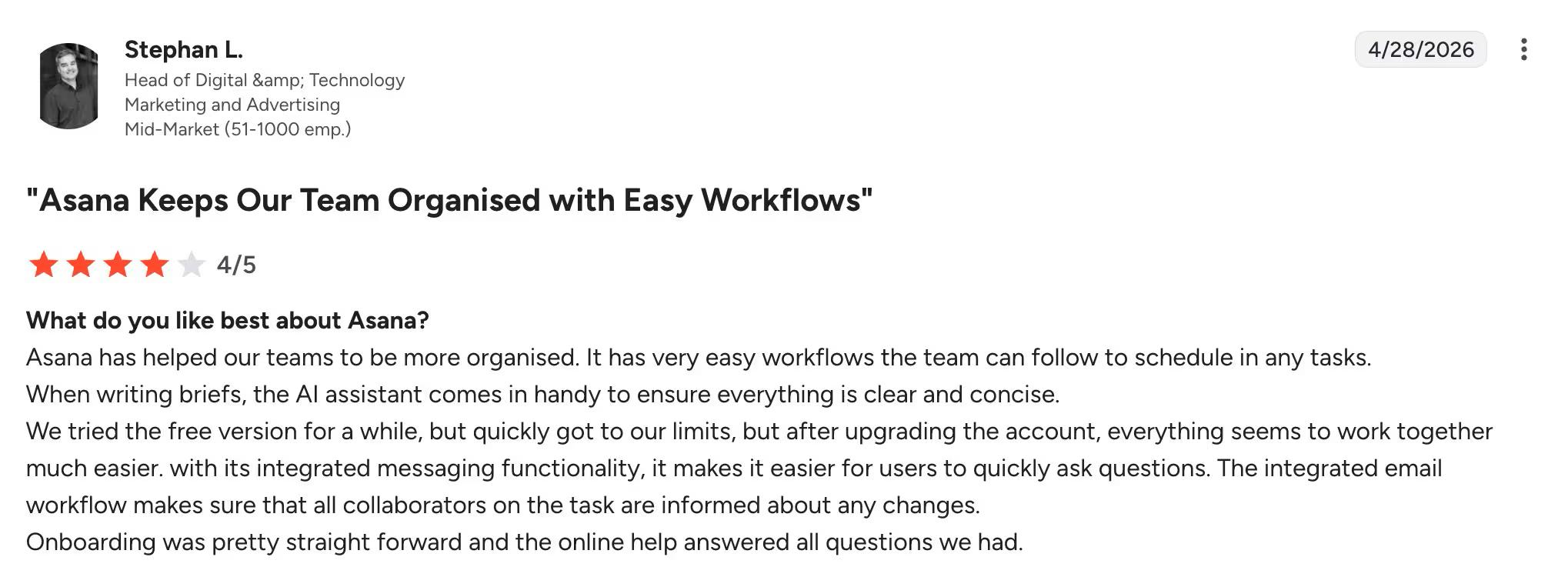
Asana is a popular project management platform that's gained attention among marketing agencies for its flexibility, workflow automation, and collaboration features.
Unlike SharePoint, Asana scales better with limited and structured features and configuration options.
Users can create a project specifically for document management and assign tasks (documents) to team members responsible for review or approval. Access their documents from any device, share permission with team members, and track changes in real-time.
Key features
- With Asana, you can access projects from any device, share permission with team members, and track changes in real time. As a project management software, it offers an intuitive interface and a range of customization options tailored for organizational needs.
- Asana excels at cross-indexing single tasks to multiple projects. This allows you to assign tasks to up to 20 projects without duplication or slowing down.
- The software provides a variety of ready-made templates that help users optimize their document management strategies. Fill in project details, adjust your layout, and set up automation to instantly assign, collaborate, and track progress.
- Asana also integrates with third-party tools like Dropbox, Google Drive, Zoom, and Slack to facilitate information sharing.
- Documentation is incomplete without proper communication. Asana simplifies complex processes by automating customs —no coding is required. You can standardize your team’s best practices by creating ready-made guides for projects and tasks.
- Asana AI bundled in all paid tiers — AI Teammates handle repetitive intake (marketing campaigns, IT tickets), AI Studio builds no-code automation workflows, and Smart Assists summarize project status.
Who It's Best For
Asana is primarily a project management tool that can also be used for document management. If you're looking for an all-around tool that can help with project management, resource planning, and knowledge sharing, then Asana could be an excellent choice.
Unlike Sharepoint, Asana offers subtasks, multiple project views, task dependencies, and workflows.
Pricing
Asana offers several pricing plans, ranging from a free option to more advanced, paid tiers, including:
- Starter $10.99/user/month (annual billing)
- Advanced $24.99/user/month (annual billing)
- Enterprise custom pricing
User rating 4.4 / 5
9. Monday.com
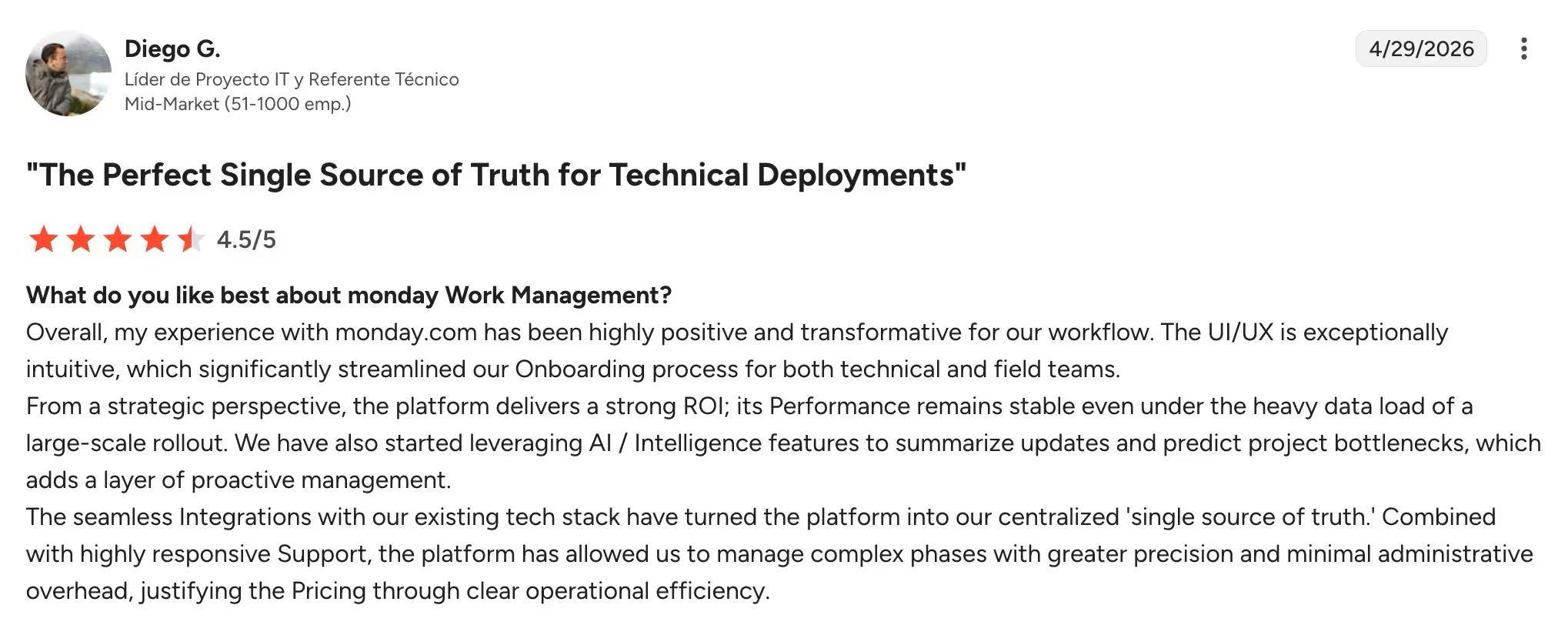
Monday.com is an interactive work operating system that equips you with a comprehensive toolkit, including embedded documents, file storage, activity logs, and integrated mobile apps. It is available across all plans–free or paid. The difference between SharePoint and Monday.com is more customization, richer visuals, and more integrations.
Monday.com is action-oriented, whereas SharePoint is just about consuming information. It uses different views, dashboards, and visuals to provide real-time high-level insights that are right at their disposal.
Key features
- Monday workdocs allows teams to create stunning text documents that users can fill in with graphics and widgets so users can collaborate without leaving the platform.
- Monday.com offers a plethora of automation recipes, which are pre-configured combinations of triggers and actions. These recipes ensure seamless implementation of complex workflows without needing to code.
- Organization on Monday.com is bliss. You can create folders and subfolders, portfolios and projects (for long-term and short-term projects), and boards that manage all kinds of tasks, providing a bird's-eye view.
- Monday.com has an in-built time-tracking tool that tells how much time a user spends on a specific task, either automatically or manually. This helps the team assess their productivity and facilitate better resource planning.
- Monday.com offers a wide range of native integrations, including Microsoft Teams, Google Drive, GitHub, and Slack.
- monday Sidekick is a context-aware AI assistant for board creation, data analysis, and content drafting; monday Agents (in Early Access) run end-to-end autonomous workflows.
Who It's Best For
Monday.com is a fully optimized project management platform, whereas SharePoint is more of a general-purpose tool.
Its powerful automation features and workdocs can help with creating meeting notes, knowledge management, and client files. If you're scaling your business and want an all-rounder tool that helps you with every part of your business, then Monday.com can be an excellent option.
Pricing
Monday.com offers a forever free plan for up to two users, four plans including:
- Basic $12/user/month
- Standard $14/user/month
- Pro $24/user/month
- Enterprise Custom Pricing
User ratings 4.7/5
10. Basecamp
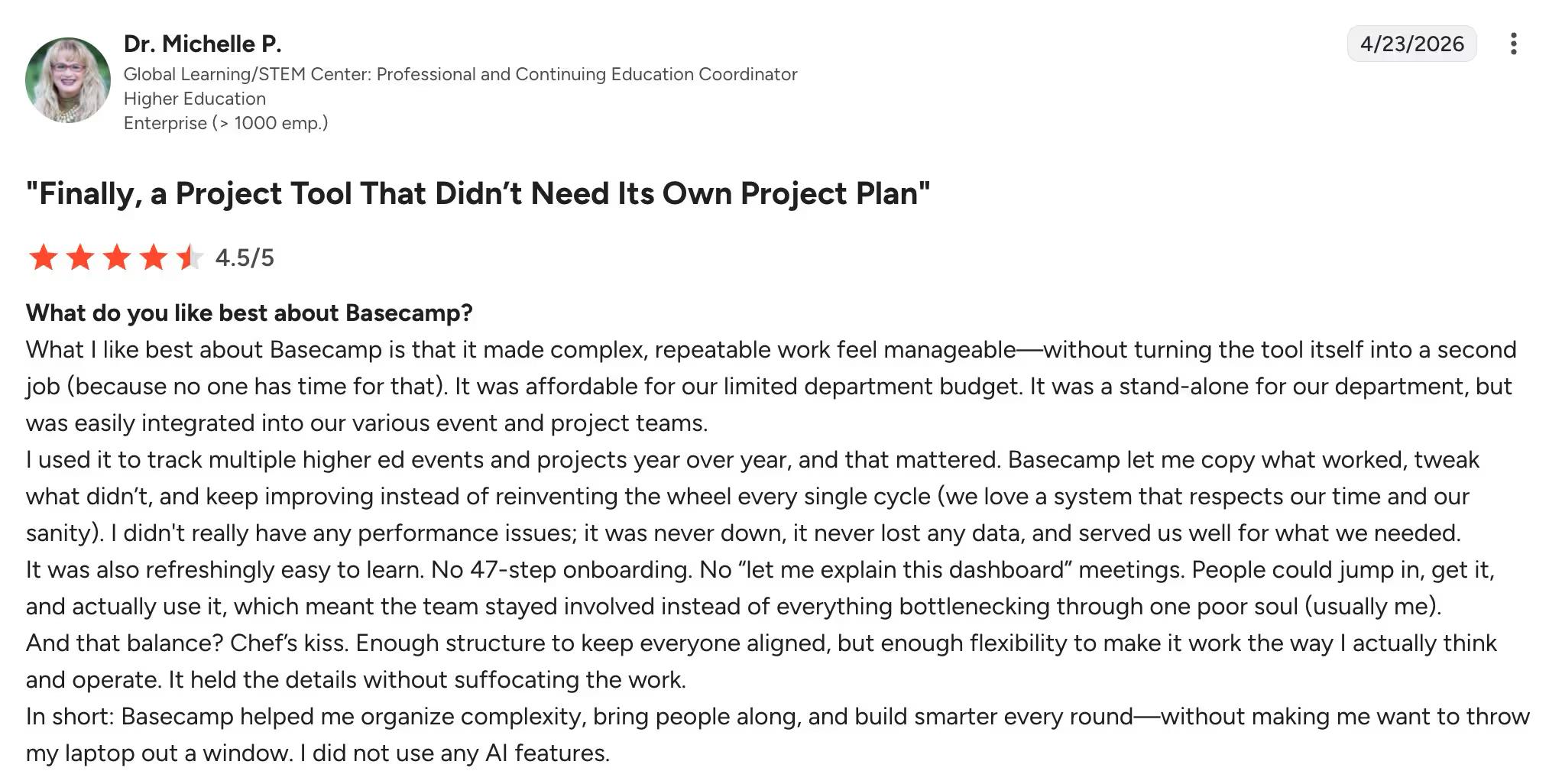
Basecamp particularly shines as a project management tool both internally and externally.
The Basecamp team is one of the pioneers of remote work and has incorporated their learning and personal experience in the design of Basecamp.
It is dedicatedly designed for teams that don't want to learn a complex system. The tool is designed for both small and scaling businesses that would like to have unlimited users for a fixed monthly price.
Key features
- In Basecamp, each project lives on a single page. Every piece of information is tracked and organized, and everyone knows where to find what they need.
- Basecamp's to-do list lets you assign tasks, set dates, and track the project's progress on a single dashboard.
- Basecamp message board helps users keep an entire conversation on a particular topic on the same page. You can share files and images with your message, tag people, and applaud comments and messages you like.
- Document management is critical in Basecamp. The tool has a dedicated space for sharing that allows users to upload files, documents, and images. You can reorder or color-code files for easy identification.
- Basecamp's exclusive Hill charts allow users to check whether the project is going to be finished or not.
- Deliberately AI-light. No native AI assistant, summarization, or search; Basecamp supports third-party AI agent integrations but ships none of its own — a real differentiator if AI hype isn't what you're shopping for.
Who It's Best For
Basecamp is dedicated to small—to medium-sized businesses that prioritize straightforward design and ease of use. The platform provides a clear, uncomplicated approach to file sharing, task tracking, and project scheduling. It's so well-integrated that it makes it seamless to track multiple projects with dozens of people without losing a step.
Pricing
Basecamp now offers two paid tiers: a per-user Plus plan at $15/user/month, and a flat-rate Pro Unlimited plan at $299/month (billed annually) or $349/month. Pro Unlimited covers an unlimited number of users at one fixed price — appealing for large or fast-growing teams that don't want per-seat math.
User ratings 4.1 / 5
Wrapping up
Today, over 200 million users rely on SharePoint and yet, it's also a tool many love to hate. Depending on the reason why you want to switch, whether it's the complexity, pricing, or not enough features, different SharePoint alternatives may fit your requirements better than others. The one new variable for 2026: where AI lives in your stack. It's bundled in some (Google Workspace, Confluence, Slack, Asana, monday), a paid add-on in others (Microsoft Teams Copilot), standalone (Dropbox Dash), or behind a higher tier (Slite's Pro plan).
We hope this list helps you find the best match and make your decision a little easier.
However, if you're looking for a dedicated knowledge management platform that works for all scenarios and teams, then Slite should be your priority
Want to learn more? Talk to us!
Frequently asked questions
What are the best free alternatives to SharePoint?
Confluence's Free plan covers up to 10 users with unlimited spaces and pages, the most generous business-grade tier. Notion's Free plan suits individuals and small teams indefinitely. Google Workspace Essentials Starter is free with 15 GB per user. Slack and monday.com offer free tiers limited to small teams, while Slite offers a 14-day free trial instead of a free plan.
What is the best alternative to SharePoint for document management?
Slite is the closest one-to-one replacement for SharePoint's document and knowledge-base use case, with a cleaner editor and AI-powered search across your workspace. Confluence is the strongest fit for engineering and product teams. Notion suits companies that want documents and databases living in the same workspace.
Is there a Google equivalent to SharePoint?
Google Workspace is the closest direct equivalent: it bundles Docs, Sheets, Drive, Sites (intranet pages), and Gmail in one suite, much like SharePoint sits inside Microsoft 365. For pure intranet/wiki needs, teams often pair Google Workspace with Slite or Confluence rather than relying on Google Sites alone.
What's the difference between SharePoint and an intranet alternative?
SharePoint is Microsoft's all-in-one platform for intranets, document management, and team sites, but it requires significant setup and IT support. Modern intranet alternatives (Slite, Notion, Confluence) deliver the same core value, a central place to publish company knowledge, without the configuration overhead, and with collaborative editing as a first-class feature.