
Overview
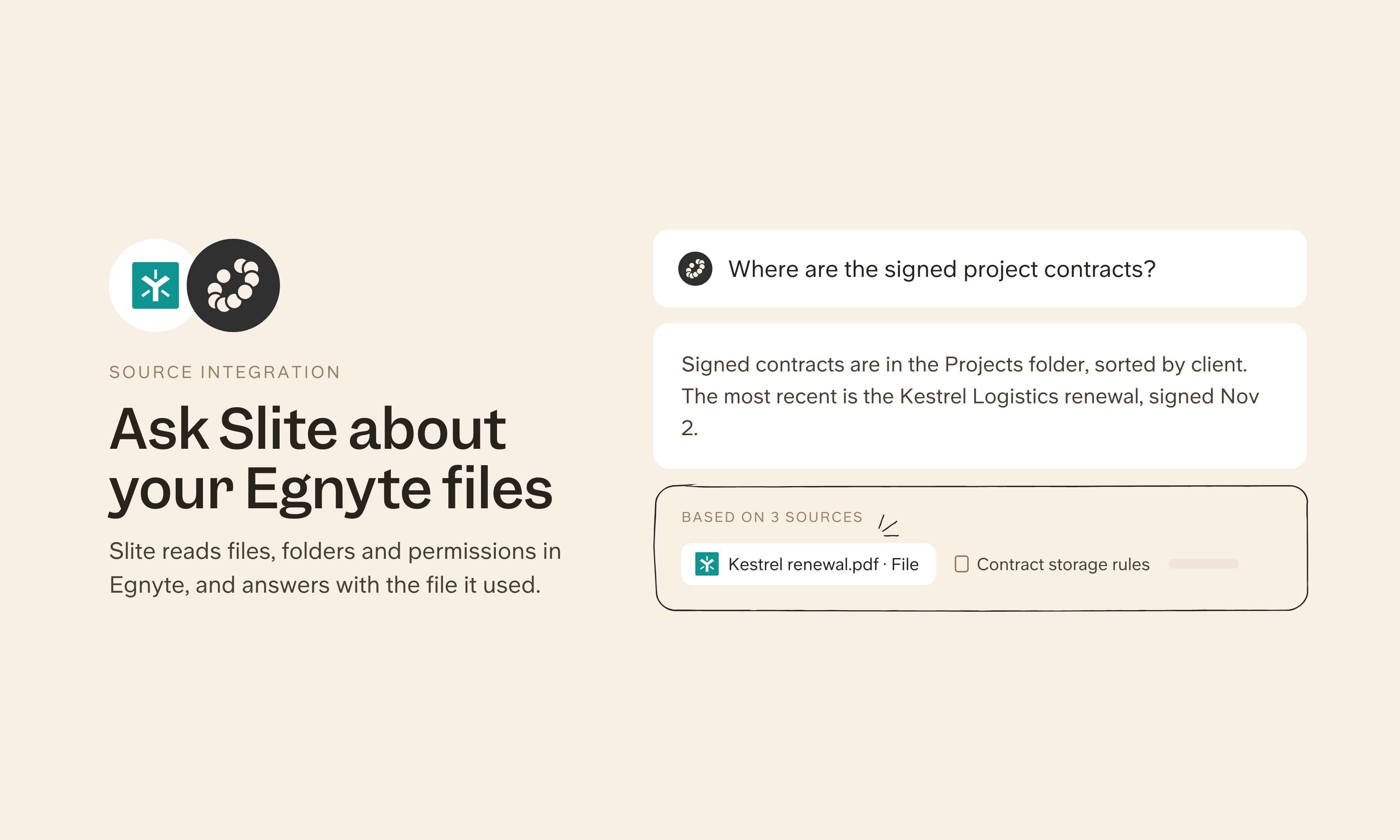
Egnyte is the content platform many companies use to store and govern their business files. Connect Egnyte as a source and Slite can search your Egnyte files by name, content and metadata, read file contents, folders, comments and projects, and answer from them alongside your docs, so people find the right contract, report or spec without hunting through folders. Slite only sees the files the signed-in person can already open in Egnyte.
How it works
In Slite's settings, add Egnyte under Agent sources with the server URL https://mcp-server.egnyte.com/mcp, enter your Egnyte domain and sign in. Slite can then answer from your files, folders, comments and projects, depending on your Egnyte plan and AI Add-On. An admin can share the connection with the whole workspace, or each person can connect their own account.
*The help line and privacy paragraph are the standard ones.*
Need help setting up your Egnyte integration with Slite? contact support .
🔒 We take privacy seriously. Slite is SOC 2 Type II certified, GDPR and HIPAA compliant, with all data encrypted in transit and at rest on EU-based infrastructure. Your data is never used to train, nor retained by, third-party LLMs. See our security page for more information.