Overview
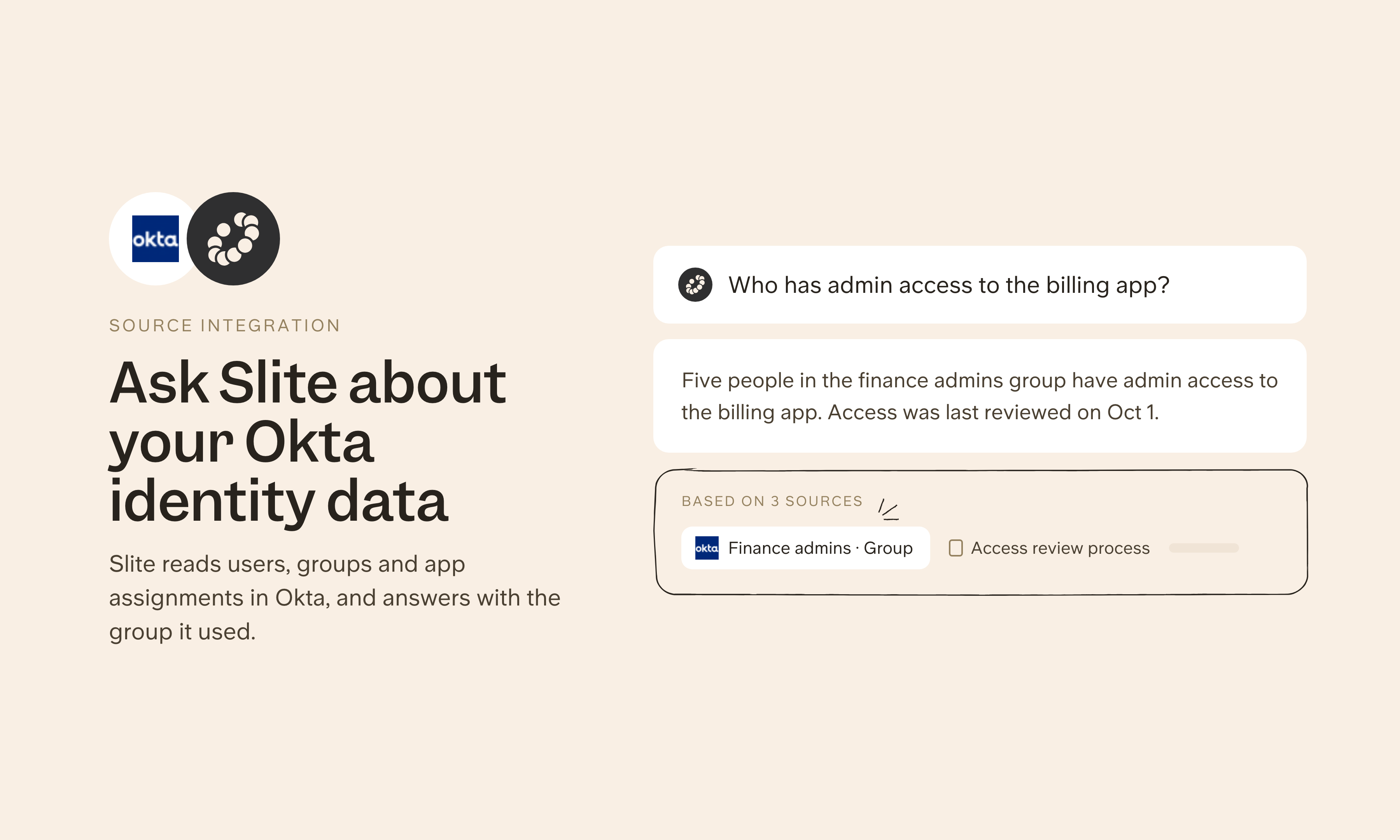
Okta is the identity platform IT teams use to manage sign-in, users and access to company apps. Connect Okta as a source and Slite can answer questions about your users, groups and app assignments, your sign-on, password and MFA policies, and System Log events alongside your IT and security docs, so admins can check who has access to what in plain language.
How it works
Okta's MCP server is in Early Access, and an Okta admin sets up an app for Slite first. Then add Okta under Agent sources in Slite's settings with the server URL https://<yourOktaDomain>/mcp, using your Okta domain. Slite can then answer about users, groups, app assignments and policies. An admin can share the connection with the whole workspace, or each person can connect their own account.
*The help line and privacy paragraph are the standard ones.*
Need help setting up your Okta integration with Slite? contact support .
🔒 We take privacy seriously. Slite is SOC 2 Type II certified, GDPR and HIPAA compliant, with all data encrypted in transit and at rest on EU-based infrastructure. Your data is never used to train, nor retained by, third-party LLMs. See our security page for more information.