Overview
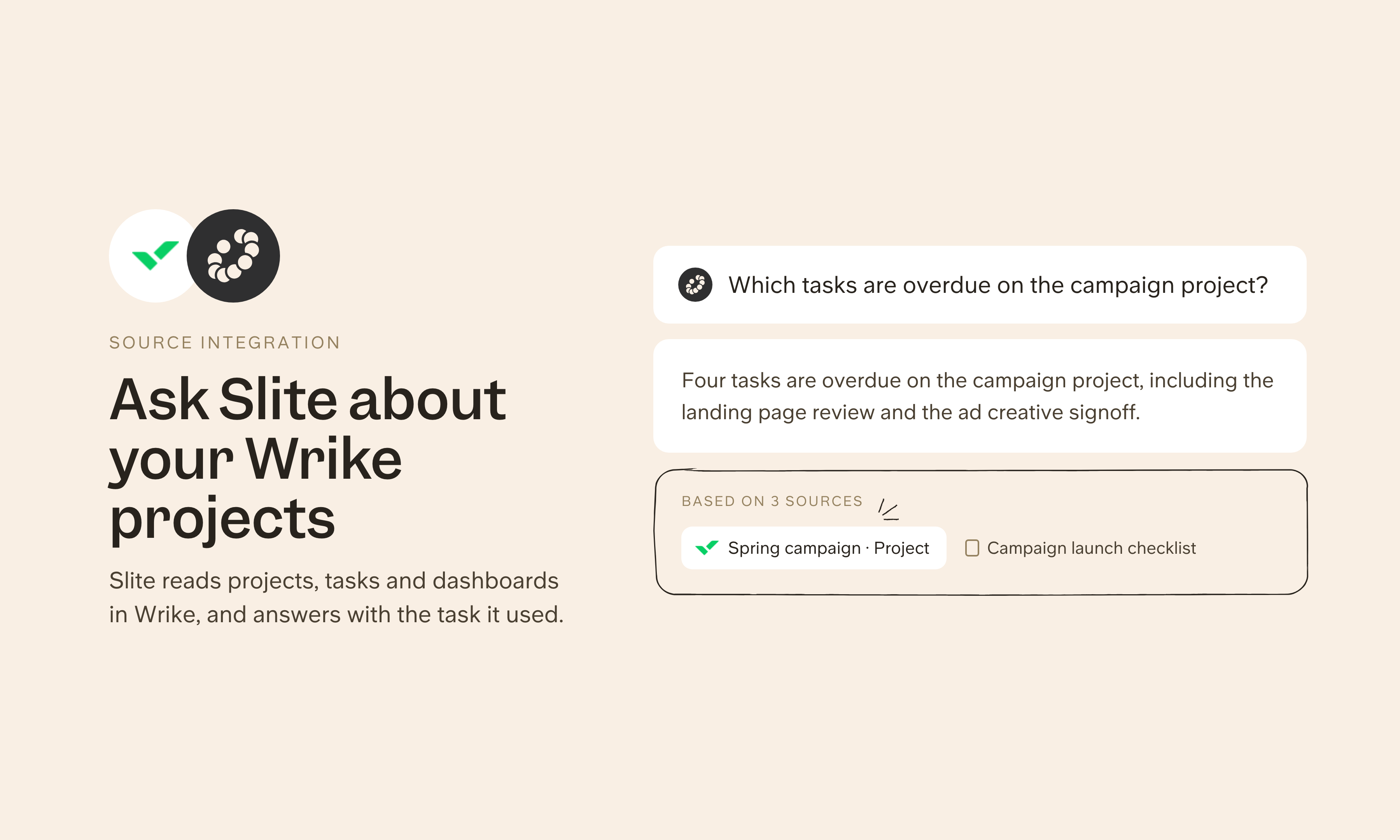
Wrike is the work management platform teams use to plan projects, assign tasks and track deadlines. Connect Wrike as a source and Slite can answer questions from your spaces, folders, projects and tasks, including their status, assignees, custom fields, comments and approvals, alongside your docs, so anyone can check a project's status without opening Wrike.
How it works
A Wrike admin first sets up an app for Slite in Wrike. Then an admin adds Wrike under Agent sources in Slite's settings with the server URL https://mcp.wrike.com/v2. Slite can answer from your spaces, projects and tasks, and sees only what the connected Wrike account can see, for the whole workspace or per person.
*The help line and privacy paragraph are the standard ones.*
Need help setting up your Wrike integration with Slite? contact support .
🔒 We take privacy seriously. Slite is SOC 2 Type II certified, GDPR and HIPAA compliant, with all data encrypted in transit and at rest on EU-based infrastructure. Your data is never used to train, nor retained by, third-party LLMs. See our security page for more information.