
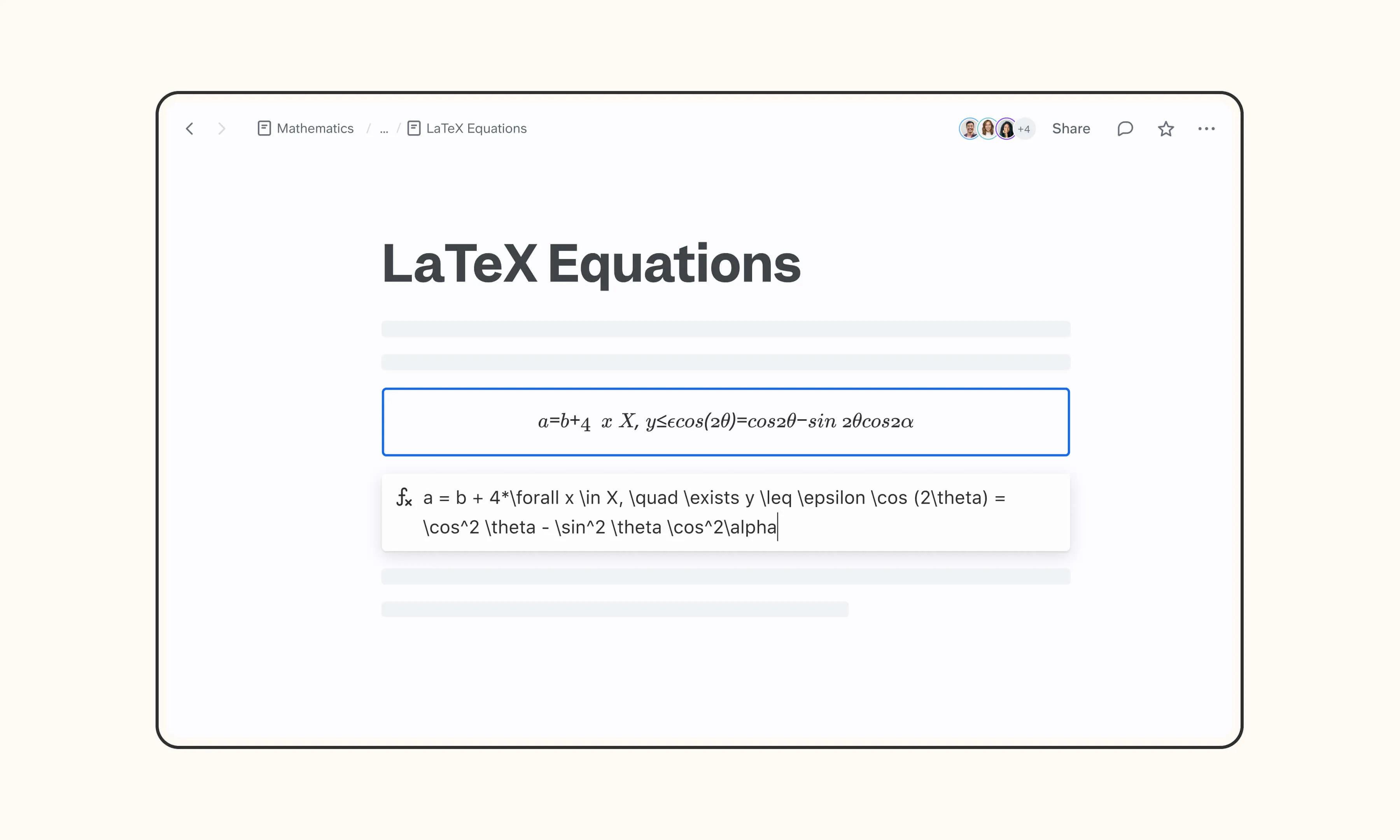
Overview
LaTeX is the standard for typesetting mathematical equations and scientific notation. Slite's built-in LaTeX support lets you write equations directly in your docs using standard LaTeX syntax so research notes, technical documentation, and academic writing render properly without screenshots or external rendering tools.
How it works
Type /latex to insert a LaTeX block, or use /math or /formula — they do the same thing. Write your equation using standard LaTeX notation inside the block. You don't need to wrap content in $ delimiters; the math context is already set. The equation renders as soon as you finish editing.
Need help setting up your LaTeX integration with Slite? Contact support .
We take privacy seriously. Slite is SOC 2 Type II certified, GDPR and HIPAA compliant, with all data encrypted in transit and at rest on EU-based infrastructure. Your data is never used to train, nor retained by, third-party LLMs. See our security page for more information.