Glean is an enterprise AI search platform for companies whose knowledge is scattered across too many tools.
Instead of checking Slack, Google Drive, Confluence, Jira, Salesforce, GitHub, and old tickets one by one, teams can use Glean to find answers across that stack.
It is useful for large companies with messy, distributed knowledge. But search and agents still depend on the quality of the knowledge underneath. If the source doc is stale, the answer can still pull from it.
After reviewing Glean's features, pricing signals, customer reviews, and current positioning, I found that Glean is a strong fit for large companies that want enterprise-wide AI search, agent workflows, and governance across a complex stack.
Slite is the better fit when teams need enterprise search connected to a self-maintaining knowledge base, so company knowledge stays organized, current, searchable, and easy to trust.
Let me break it down all below!
Key takeaways
- Glean is one of the strongest enterprise AI search and Work AI platforms on the market for large companies with complex tools, permissions, and rollout needs.
- It combines enterprise search, AI assistants, agents, governance, company context, and workflow automation.
- Gleans biggest strengths are 100+ connectors, permission-aware search, agent governance, artifact generation, and enterprise deployment options.
- Glean does not publish standard self-serve pricing, so buyers should expect a sales-led evaluation.
- The main tradeoffs are adoption after purchase, limitations to testing during the pilot, and the work required to roll it out properly.
- Slite is a better fit for teams that need trusted documentation and enterprise search in one.
- Choose Glean if you need AI search across a complex enterprise stack. Choose Slite if your team needs AI search connected to a self-maintaining knowledge base, with verified docs and human-reviewed updates.
Book a demo to see how Slite helps your team document, verify, and search company knowledge from one place.
What is Glean?
Glean is an enterprise AI search and Work AI platform. It connects to the tools a company already uses, then helps employees find answers across documents, messages, tickets, code, customer records, and other workplace knowledge.
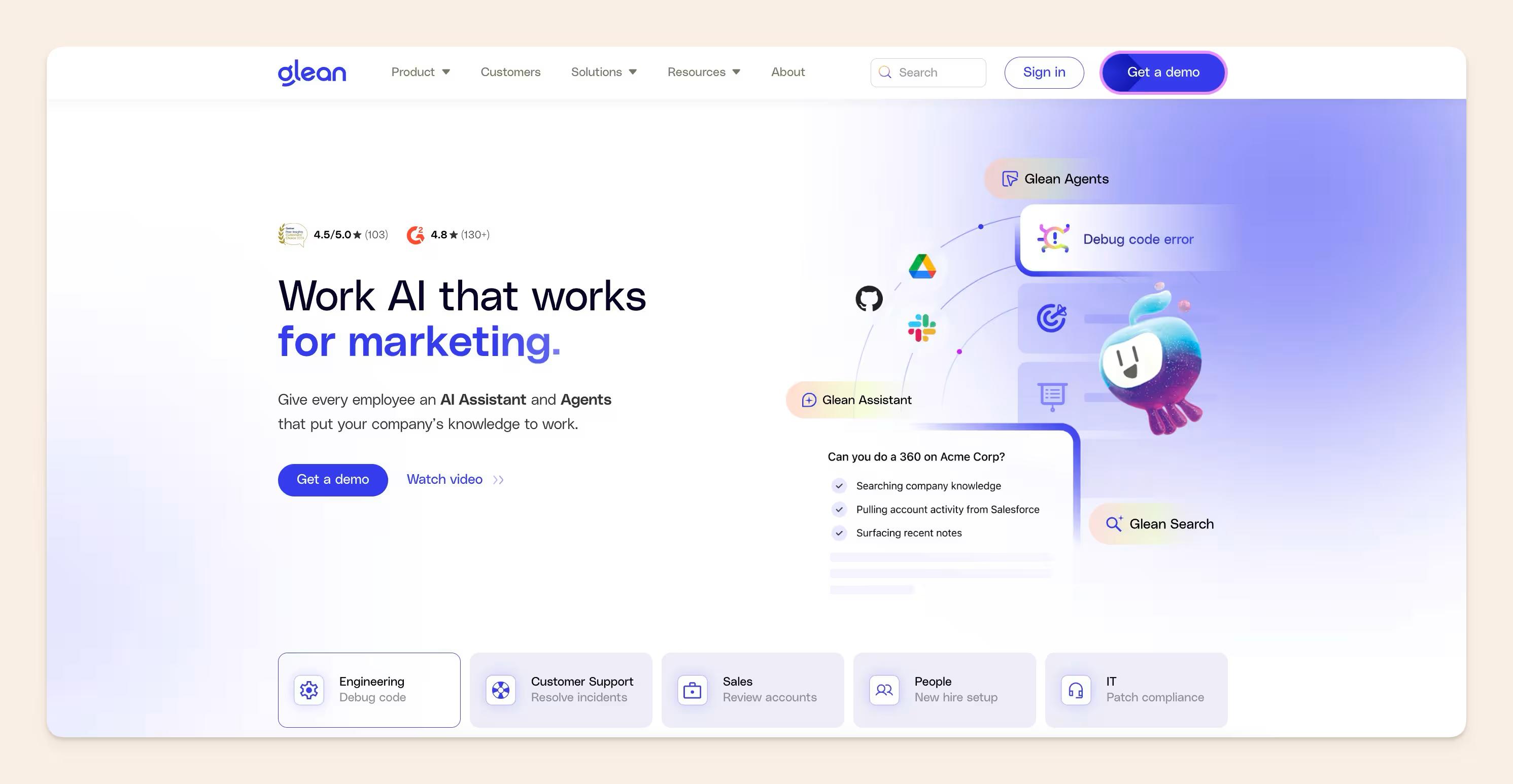
The important part is context. Glean uses connected sources, permissions, team activity, and personal work context to return answers that fit the person asking.
Two employees can ask the same question and see different results because they work on different teams or have access to different information.
Glean also includes assistant and agent features, so employees can ask questions, summarize information, generate work artifacts, and build agents for repeatable workflows.
One small note: this review is about Glean.com, the enterprise AI search company. It is not about Glean.ai, the separate finance and accounts payable automation product.
How Glean works
Glean connects to the tools where company knowledge already lives, then builds an AI layer across those sources.
Glean now sits across these main layers:
- Glean Search: searches across connected workplace tools with permission-aware results.
- Glean Assistant: answers questions, summarizes information, analyzes data, and helps generate work artifacts.
- Glean Agents: lets teams build and govern AI agents for multi-step workplace tasks.
Glean Search
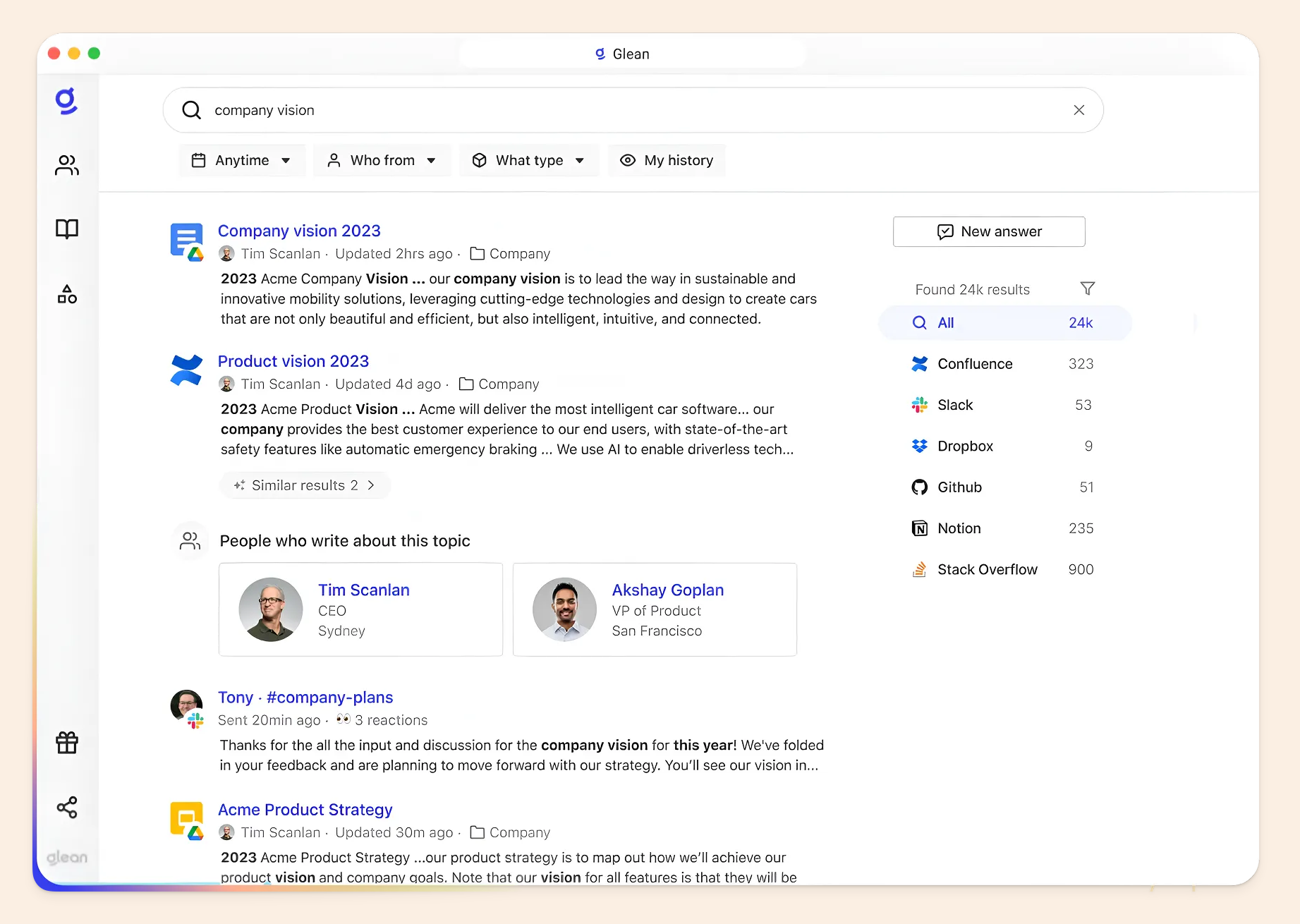
Glean Search helps employees find information across workplace tools such as Slack, Confluence, Jira, Salesforce, Google Drive, GitHub, and other connected systems.
Most importantly, results are permission-aware. Glean uses each employee's access rights, role, activity, and context to return answers they are allowed to see.
Glean Assistant
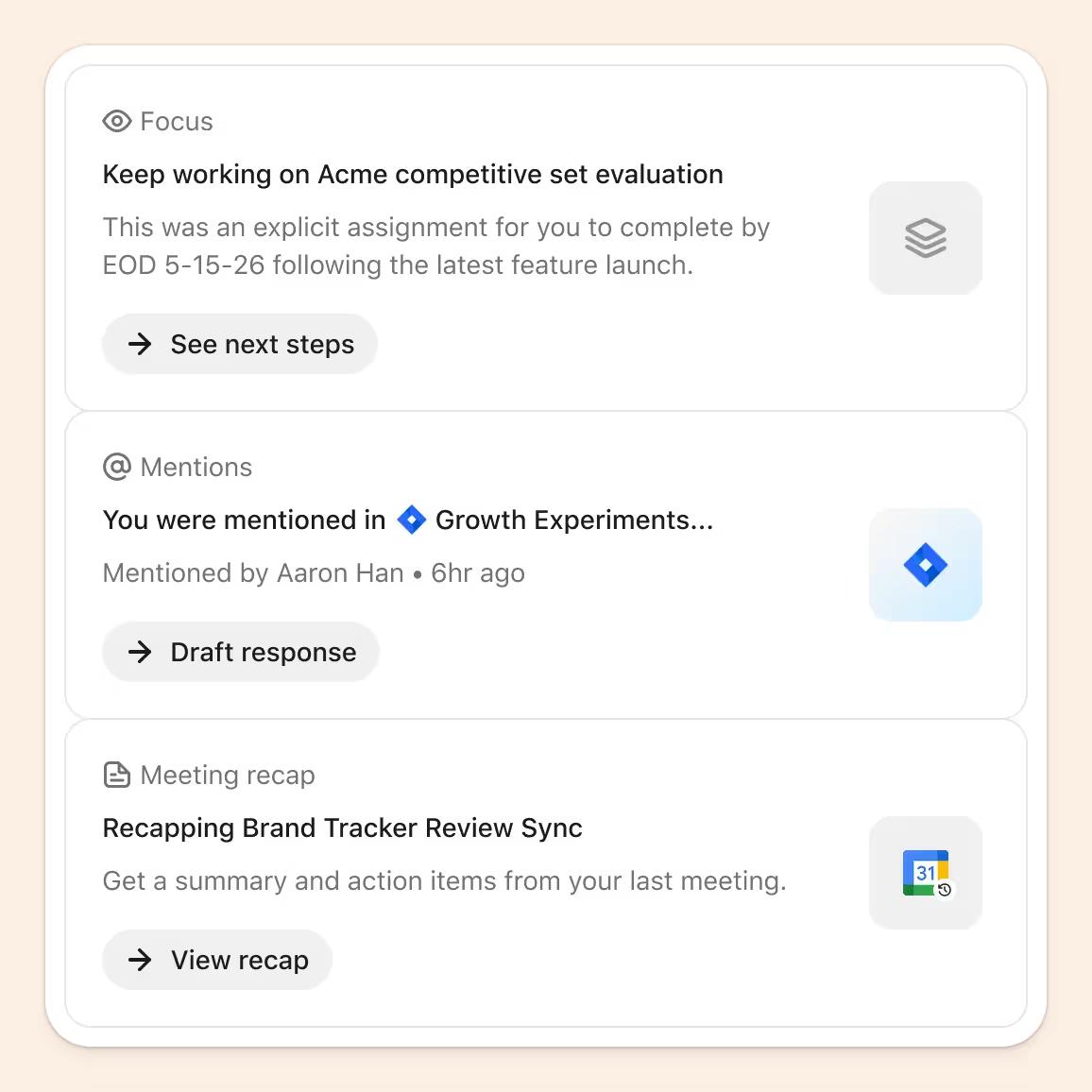
Glean Assistant lets employees ask questions, summarize information, analyze data, and create work artifacts from connected company knowledge.
It can generate answers, drafts, summaries, and other outputs based on the sources it can access.
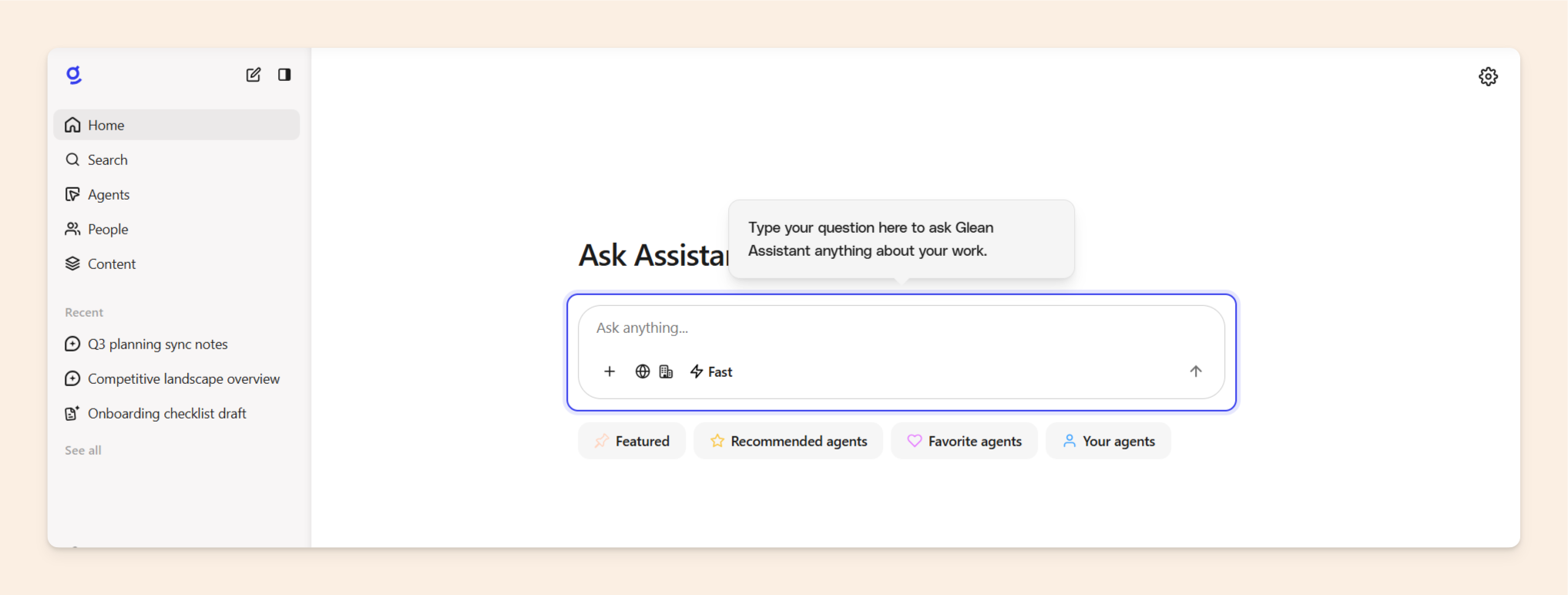
The answers are only as good as the sources. If the connected docs are up to date and well managed, the assistant becomes more useful. If the sources are stale or contradictory, the answer quality can suffer too.
Glean Agents
Glean Agents are built for workplace automation. Teams can create agents, work with pre-built agents, and use them to complete multi-step tasks across connected tools.
With Glean, large organizations need controls around who can create agents, what they can access, how they are approved, and how every action is monitored.
Where Glean wins (pros)
If you have thousands of employees, many connected systems, strict access rules, and a team that can manage rollout, Glean gives you the enterprise depth those environments need.
Here's where Glean is strongest:
Deep connector coverage
Glean connects with 100+ workplace tools, which is one of its biggest strengths.
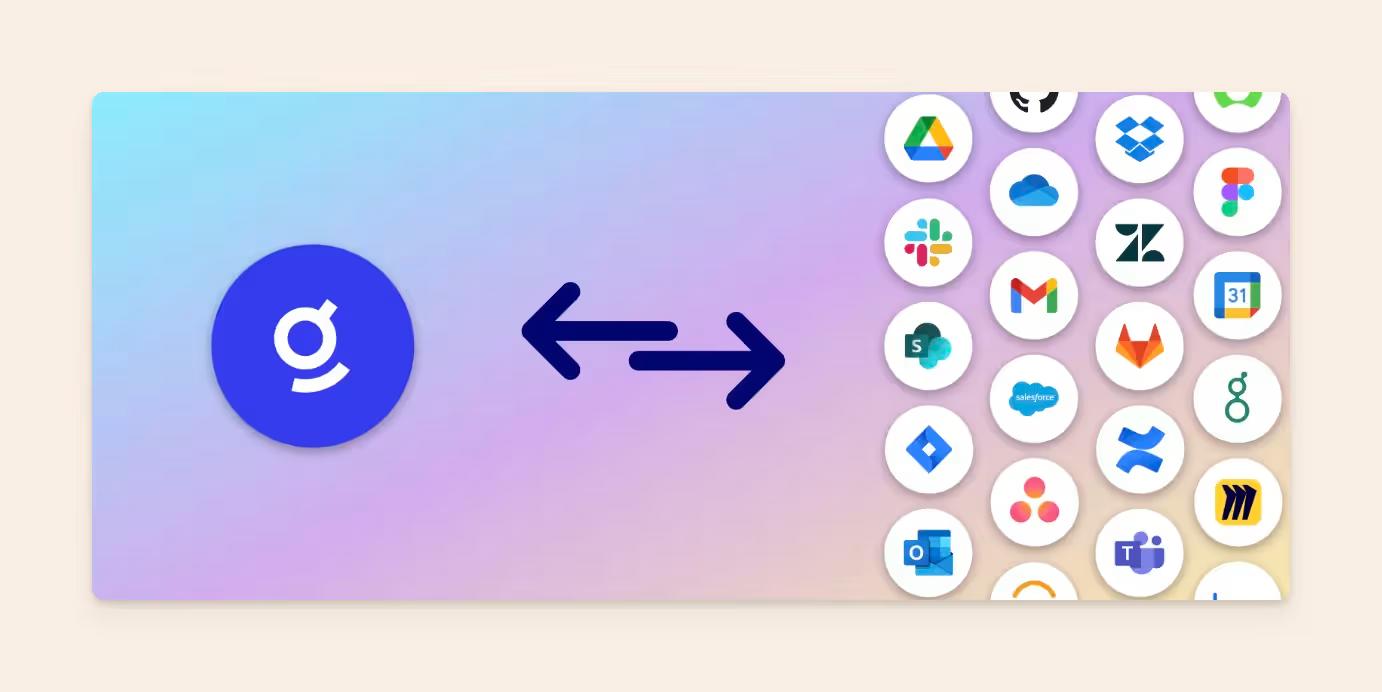
For a large company, knowledge rarely lives in one neat source. A sales answer may sit in Gong or Salesforce. A product decision may sit in Jira or Slack.
The engineering context may live in GitHub. A policy may sit in Confluence or Google Drive.
Glean can sit across that sprawl and help employees search without knowing where the answer was originally stored.
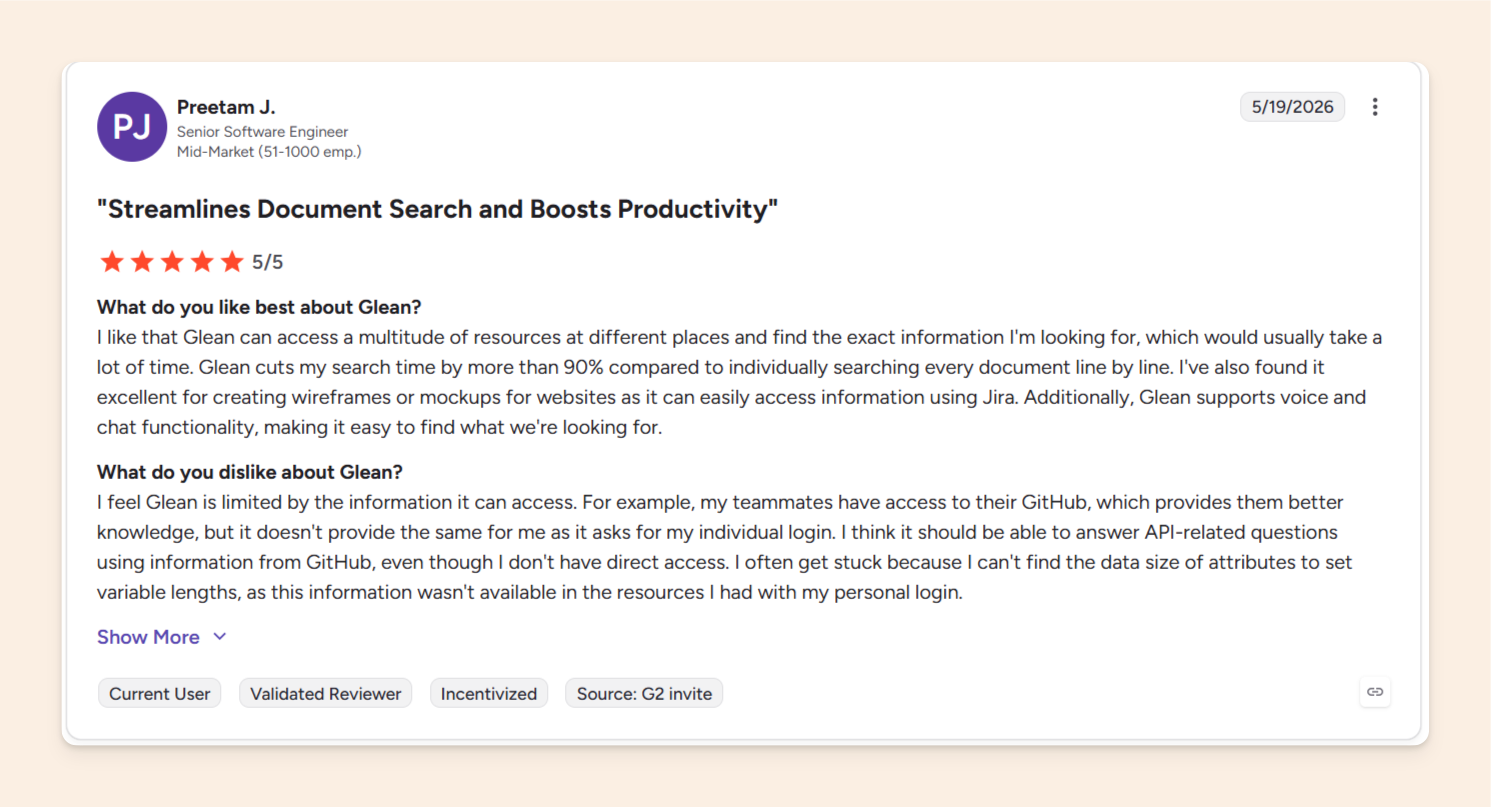
One senior software engineer said Glean helped them to access resources across different places and cut search time by more than 90%, compared with searching documents manually.
Permission-aware search
With Glean, legal documents, human resources content, customer records, roadmap details, and private team spaces have guardrails.
Glean respects permissions from connected source systems, so employees see answers based on what they are allowed to access.
Agent governance
At enterprise scale, the risk is who created the agent, what it can touch, what actions it can take, and whether someone needs to approve the result before it affects the business.
Glean's agent approval flows make the product more suitable for companies that want AI agents, but still need knowledge base security and governance from the start.
Artifact creation
Glean's assistant and agent features can help generate documents, slides, HTML outputs, and other work artifacts using company context.
Enterprise-specific depth
Glean has other enterprise advantages that matter in bigger deals. Native Gong connectivity, Spaces, Prism, self-hosting or single-tenant options, and stronger legal coverage, such as AI indemnification.
A smaller team may not need that level of depth.
A 5,000-person company often does, especially once procurement, security, legal, and information technology teams join the evaluation.
Where Glean falls short (cons)
Glean’s limitations come down to fit, cost, and rollout.
The product is capable, but teams still need to weigh what it takes to buy, test, implement, and drive adoption after launch.
Some potential hurdles include:
Pricing can be hard to judge upfront
Glean does not publish standard self-serve pricing. Buyers need to speak with sales before they can get a clear number.
However, public benchmarks suggest Glean sits in enterprise pricing territory.
A team cannot quickly compare plans, estimate return on investment, or decide whether Glean is realistic without entering a sales process, that can take weeks.
Adoption needs trust
Employees still need to know when to use Glean, trust the answers, and choose it over asking a teammate or searching Slack manually.
That takes training, internal champions, but more importantly clear and trustworthy AI answers that will reinforce the need to keep using the tool once first introduced by the managers.
AI search inherently cuts search time, but no all enterprise search tools have the same depth and quality of answers.
Precision of answers provided is crucial in driving adoptions of enterprise tools such as Glean, which has mixed reports on the same.
One reviewer liked that Glean was layered into their enterprise data, but said it could be slow to provide answers and inconsistent when asked the same prompt across different occasions.
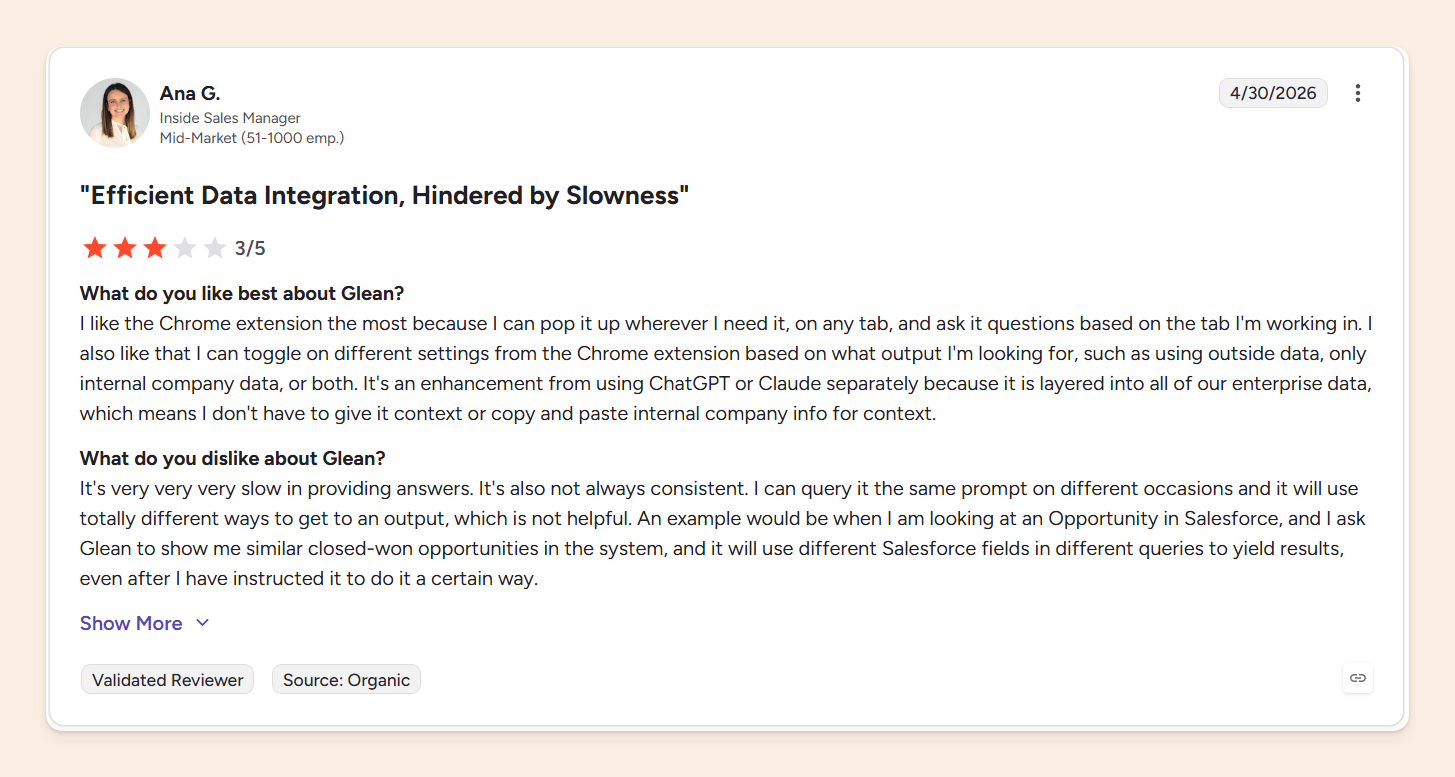
When that happens, trust erodes and product adoption drops. Instead of using the tool, teams fall back on Slack, teammates, or manual search.
Pilots may not show the full picture
Enterprise search needs to work with the messy reality of your own workspace: Slack history, Salesforce records, Confluence pages, GitHub issues, Zendesk tickets, permissions, stale pages, and half-updated processes.
Since teams cannot test Glean against their own sources before signing a contract, they are partly buying on trust and relying on the demo environment.
That creates a few evaluation constraints:
- Gated evaluation: Prospects cannot connect their own Salesforce, Slack, Confluence, Zendesk, or other company systems during evaluation. Testing happens inside Glean's sandbox environment instead. As a result, teams cannot see how search performs against their own knowledge before moving further into the buying process.
- Sales-led access: Gaining access requires going through Glean's sales process. Teams cannot sign up and test the product on their own, which makes evaluation slower than more self-serve alternatives like Slite.
- Quote-based pricing: Glean does not publish pricing publicly. Buyers need to engage with sales before they can understand costs, making early ROI comparisons more difficult and transparent.
- Longer rollout before real-world testing: Connecting and ingesting data from systems such as Confluence, GitHub, Zendesk, Slack, and other sources can take roughly two weeks. Each connector requires administrative access to the source system, and organizations with complex permission structures may face a longer rollout process.
Evaluation is only one part of the equation. Some users also report friction after deployment.
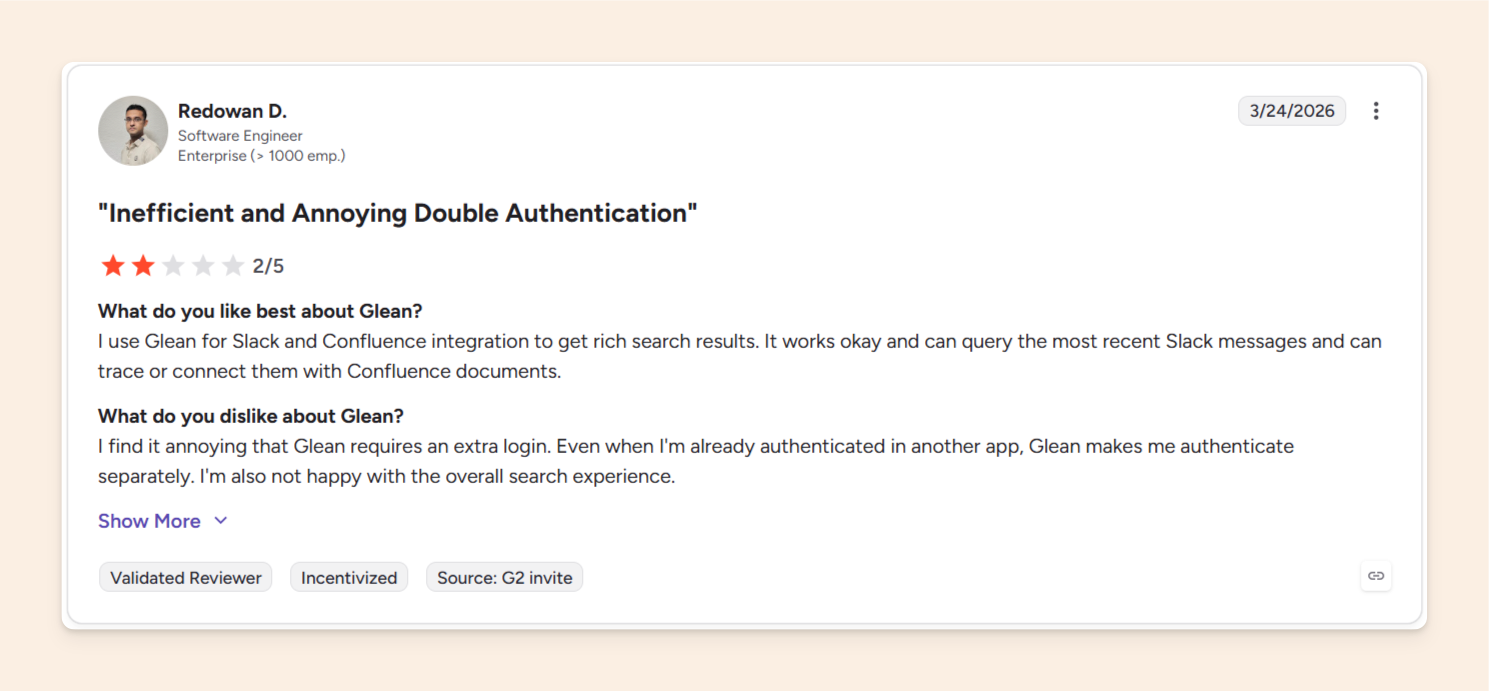
One enterprise reviewer said Glean worked okay for Slack and Confluence search, but disliked the extra authentication step and the overall search experience.
Search still depends on source quality
Glean can search across tools and synthesize answers, but the answer is still only as reliable as the knowledge underneath it.
If a policy changed but the old SOP is still live, or a project decision happened in Slack and never made it into the project plan, search can still reference outdated information or answer without the updated project context.
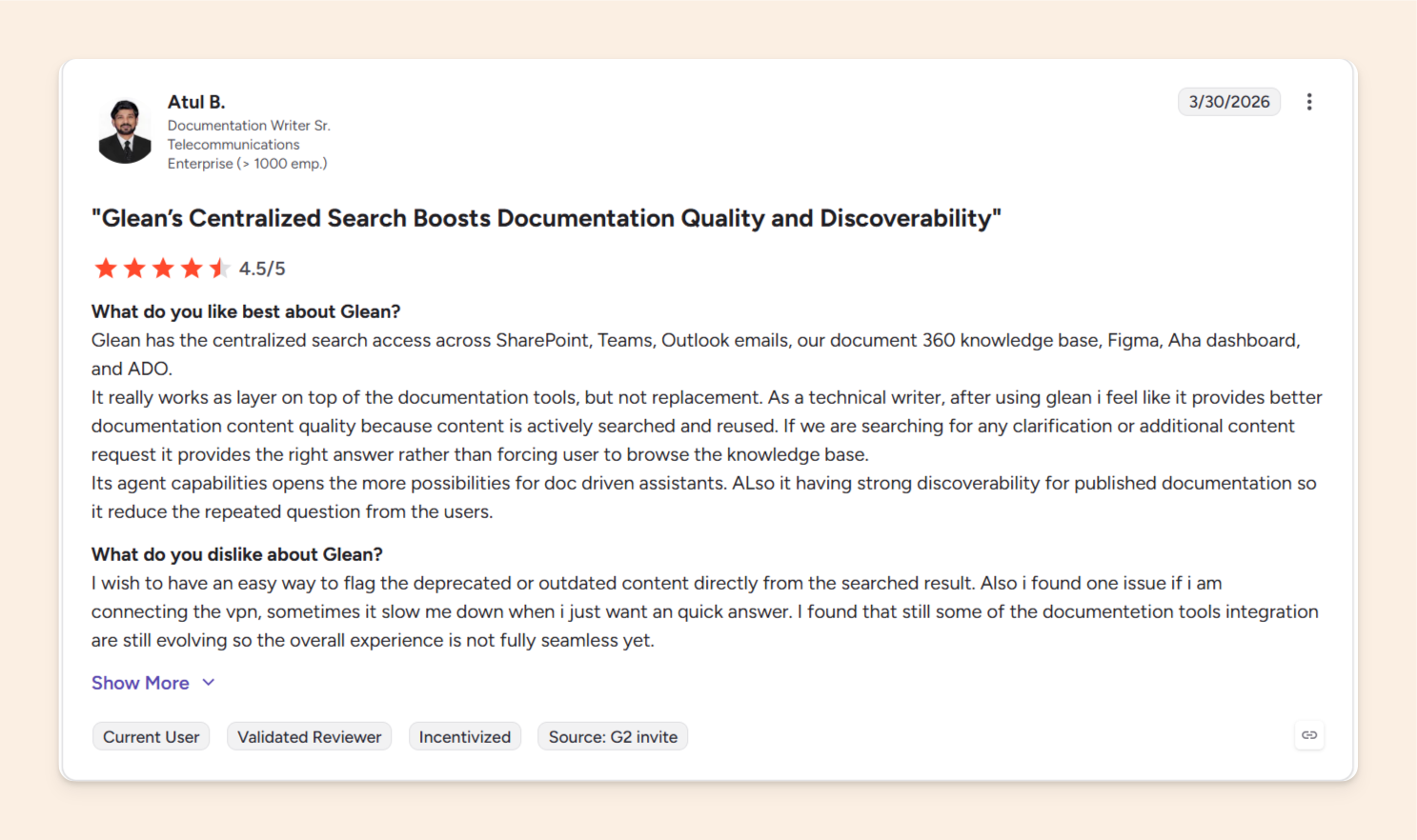
One enterprise documentation writer described Glean as a useful layer on top of documentation tools, but said they wanted an easier way to flag deprecated or outdated content directly from search results.
Read more: 12 Best Knowledge Base Software for 2026 (Tested & Compared)
Glean pricing
Glean does not publish standard self-serve pricing for its enterprise AI search and Work AI platform. Buyers need to speak with sales to get a quote.
However, reported enterprise deployments suggest Glean is typically purchased at a much larger scale than self-serve knowledge tools.
But actual costs vary based on team size, deployment requirements, contract terms, and negotiated discounts.
Here are some examples:
- In one April 2026 deployment, pricing ranged from roughly $45–48 per user per month for approximately 200–230 users.
- Another company with roughly 700 employees estimated annual spend at around $250,000 per year, roughly paying around $300 per user.
Glean vs Slite
Glean starts with enterprise search and Work AI. It is built for companies that need broad retrieval, agent workflows, governance, and permission-aware answers across a large workplace stack.
Slite is a self-maintained knowledge base that starts with the knowledge system itself. It brings trusted documentation and enterprise search into one, so teams can create, manage, verify, update, and find company knowledge from the single source of truth.
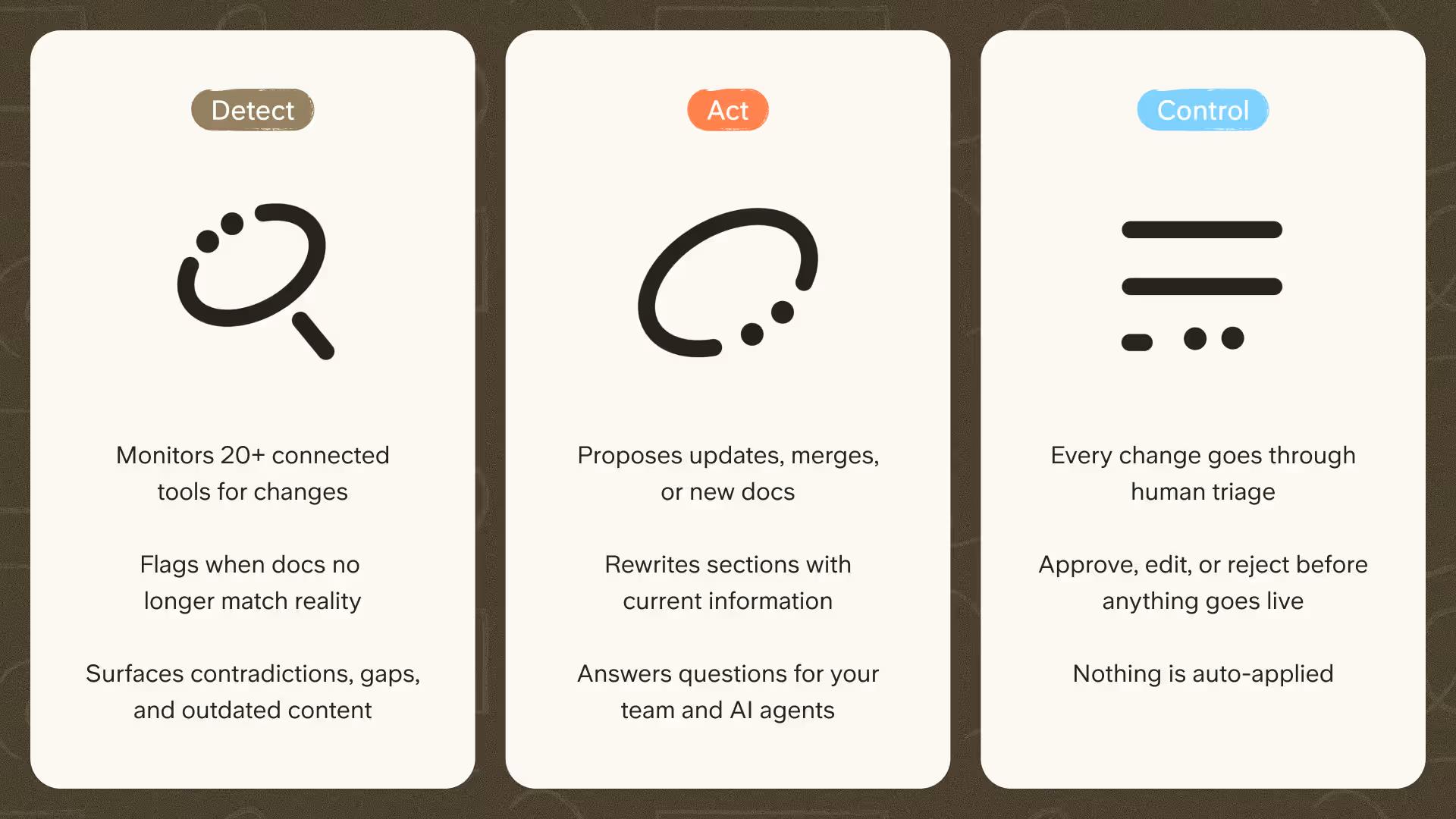
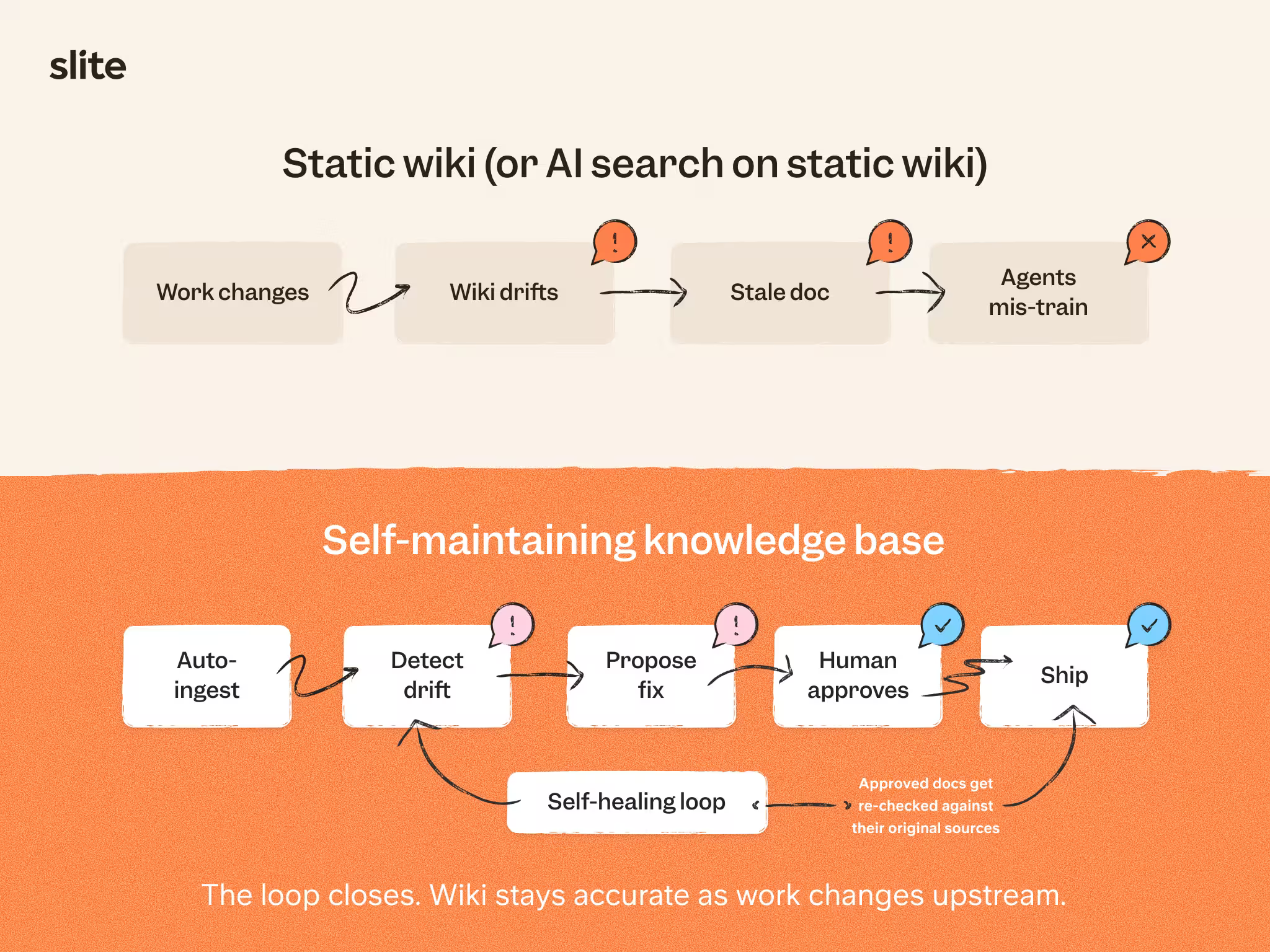
That way you are not just using AI search on static documents that are not regularly maintained.
With Slite, the ingested context from all the sources that are connected to your AI retrieval engine such as Glean is used to update the same source material back, so you have updated documentation and accurate answers across the board.
That way, the humans and the AI agents that are run on these documents are working from knowledge that stays current, accurate, and easy to trust.
Who should use Glean?
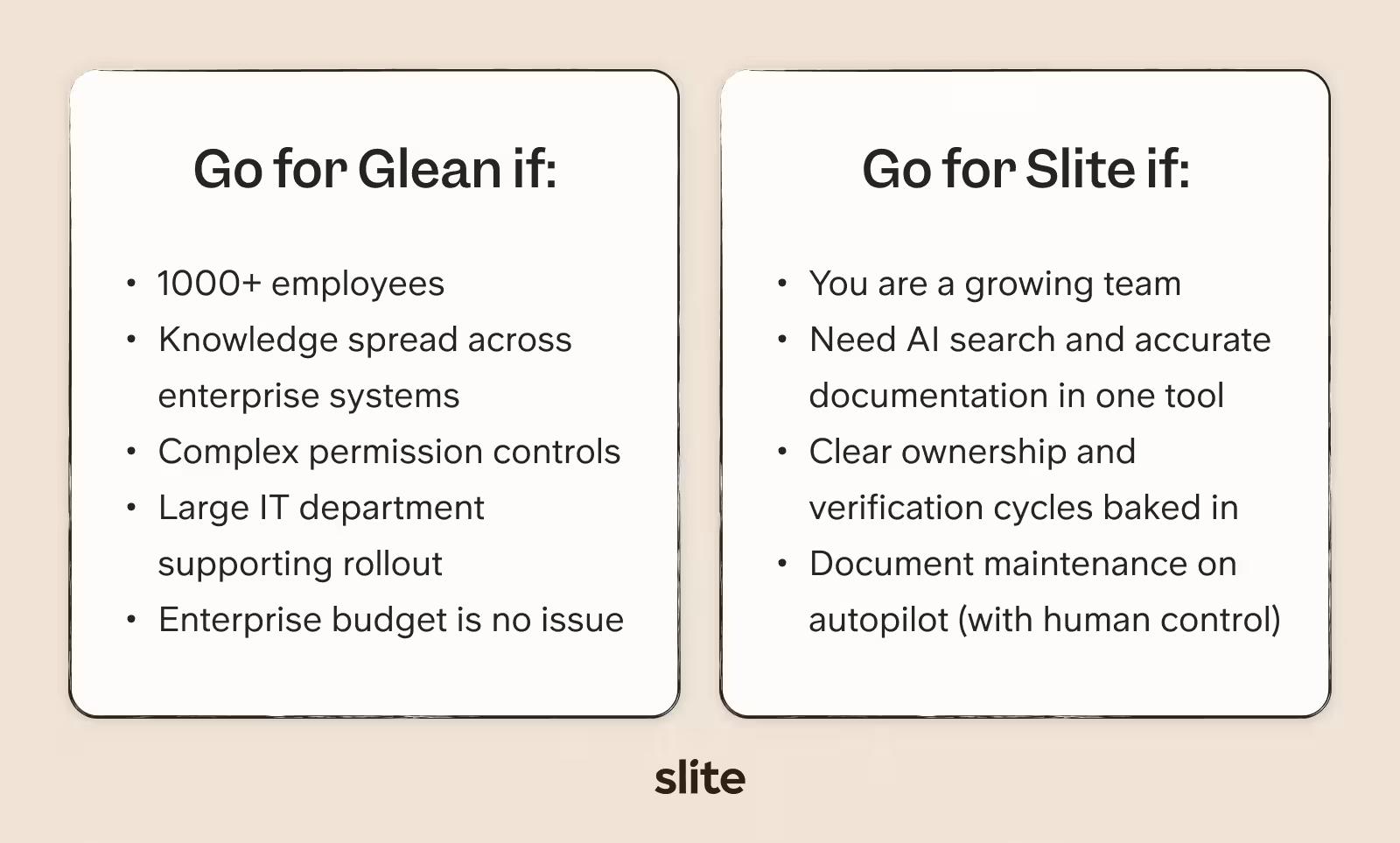
Choose Glean if:
- You have thousands of employees
- Your knowledge is spread across many enterprise systems
- Permissions are complex across teams, roles, and departments
- You need mature governance for AI search and agents
- You have information technology, security, or AI operations support for rollout
- You have the budget for an enterprise search and Work AI platform
Who should use Slite?
Choose Slite if:
- Your team needs a knowledge base that is easy to maintain
- You want AI search and trusted documentation in one product
- You need docs with owners, verification, freshness, and review cycles
- You want the maintenance on autopilot but with human review baked in, before AI-suggested updates go live
- You want company knowledge to stay easy to find, current, and trustworthy
Other Glean alternatives
Glean sits in a wider market of enterprise search, workplace AI, and AI assistant tools. the right Glean alternative depends on where your company already works and what kind of AI layer you need.
If the question is company memory for agents rather than search alone, our comparison of ten company brain solutions covers Glean alongside the newer options.
Here are a few options buyers often compare with Glean:
Microsoft Copilot
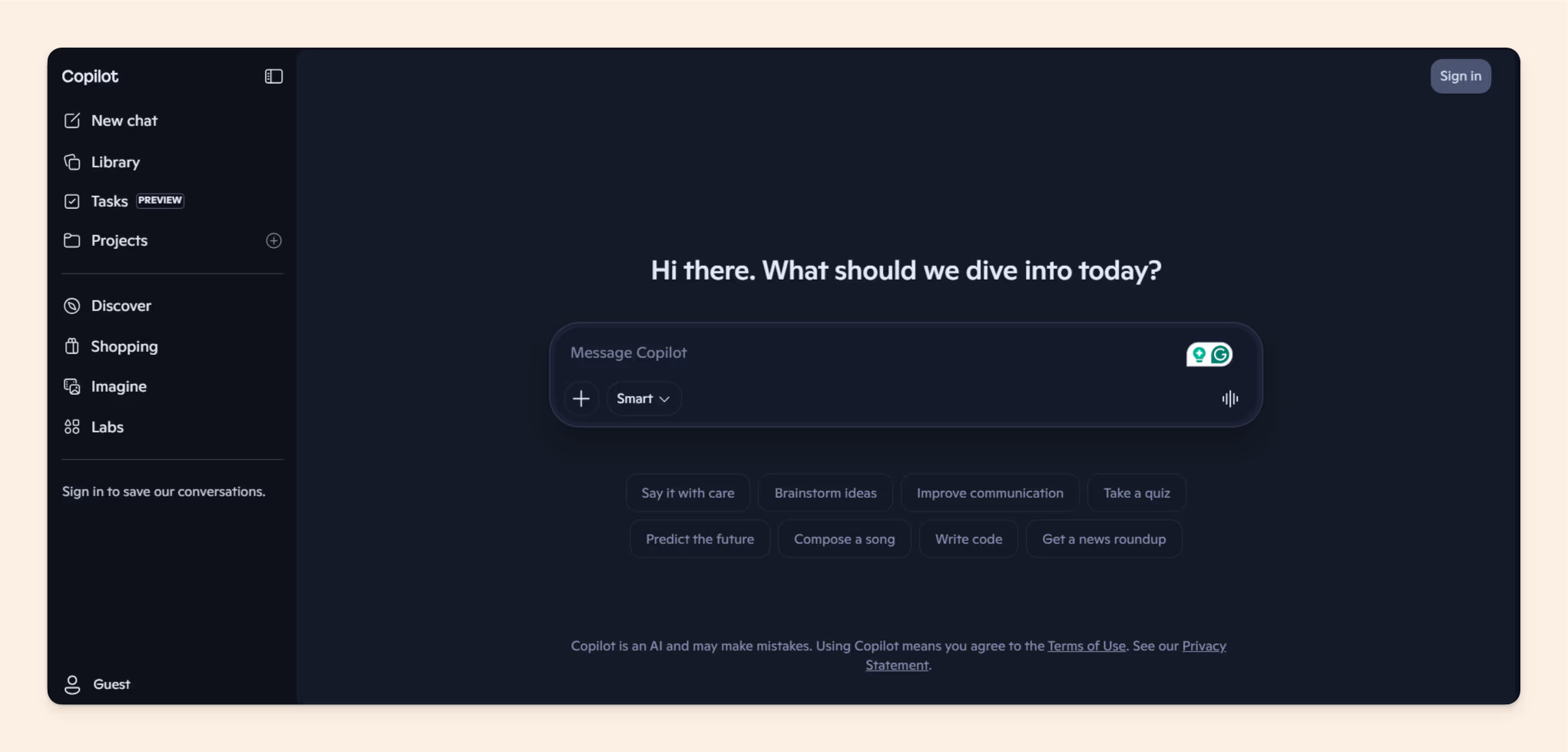
Microsoft Copilot is the most obvious alternative for companies already deep in Microsoft 365.
It works across tools like Teams, Outlook, Word, Excel, PowerPoint, and SharePoint, so it can feel easier to adopt when employees already spend most of their day inside Microsoft products.
Best for: Microsoft-heavy teams that want AI assistance inside the tools they already use.
Slack AI
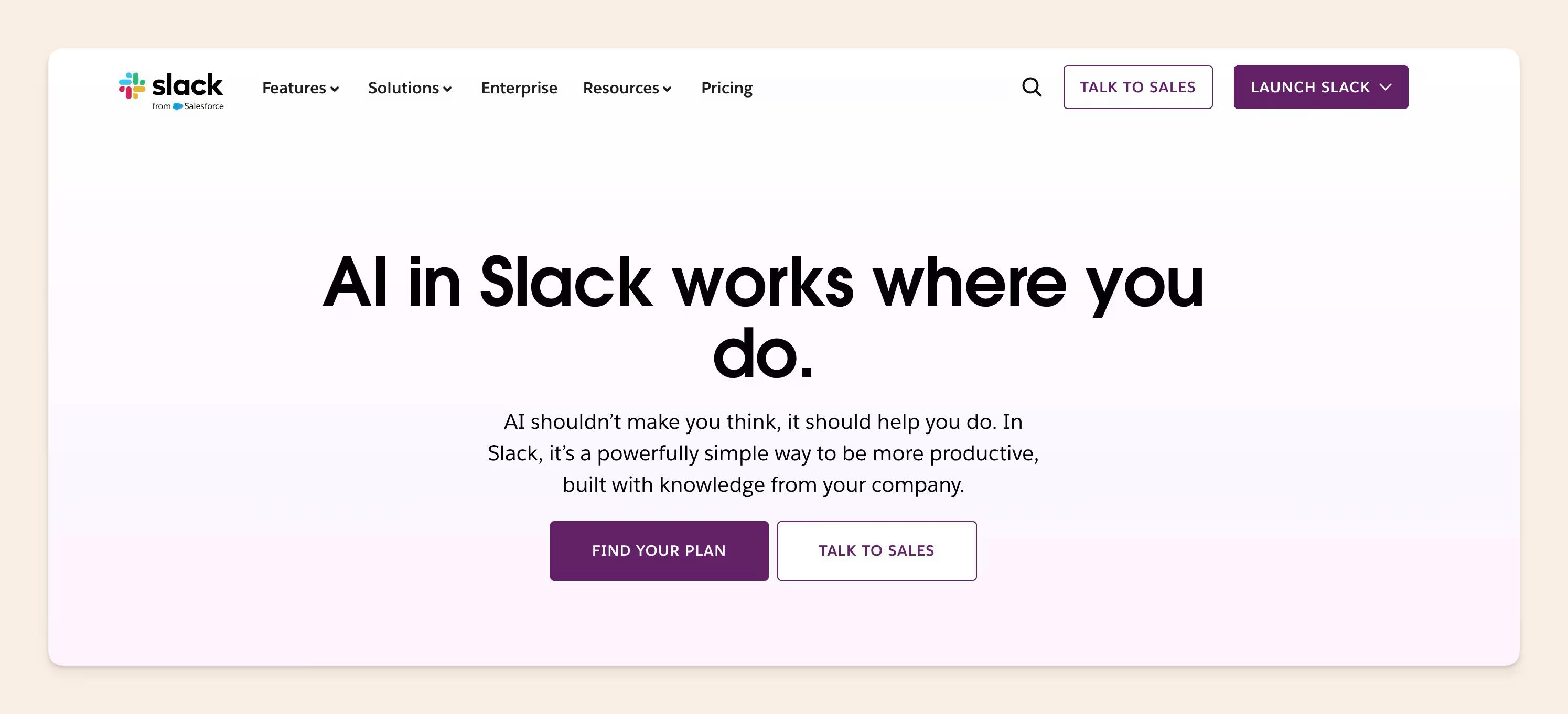
Slack AI makes sense when a lot of company knowledge lives in Slack.
It helps teams summarize conversations, catch up on channels, and search through messages. Its limitation is scope: it is strongest inside Slack, not as a complete knowledge system for the whole company.
Best for: teams whose working knowledge is heavily concentrated in Slack.
Notion AI
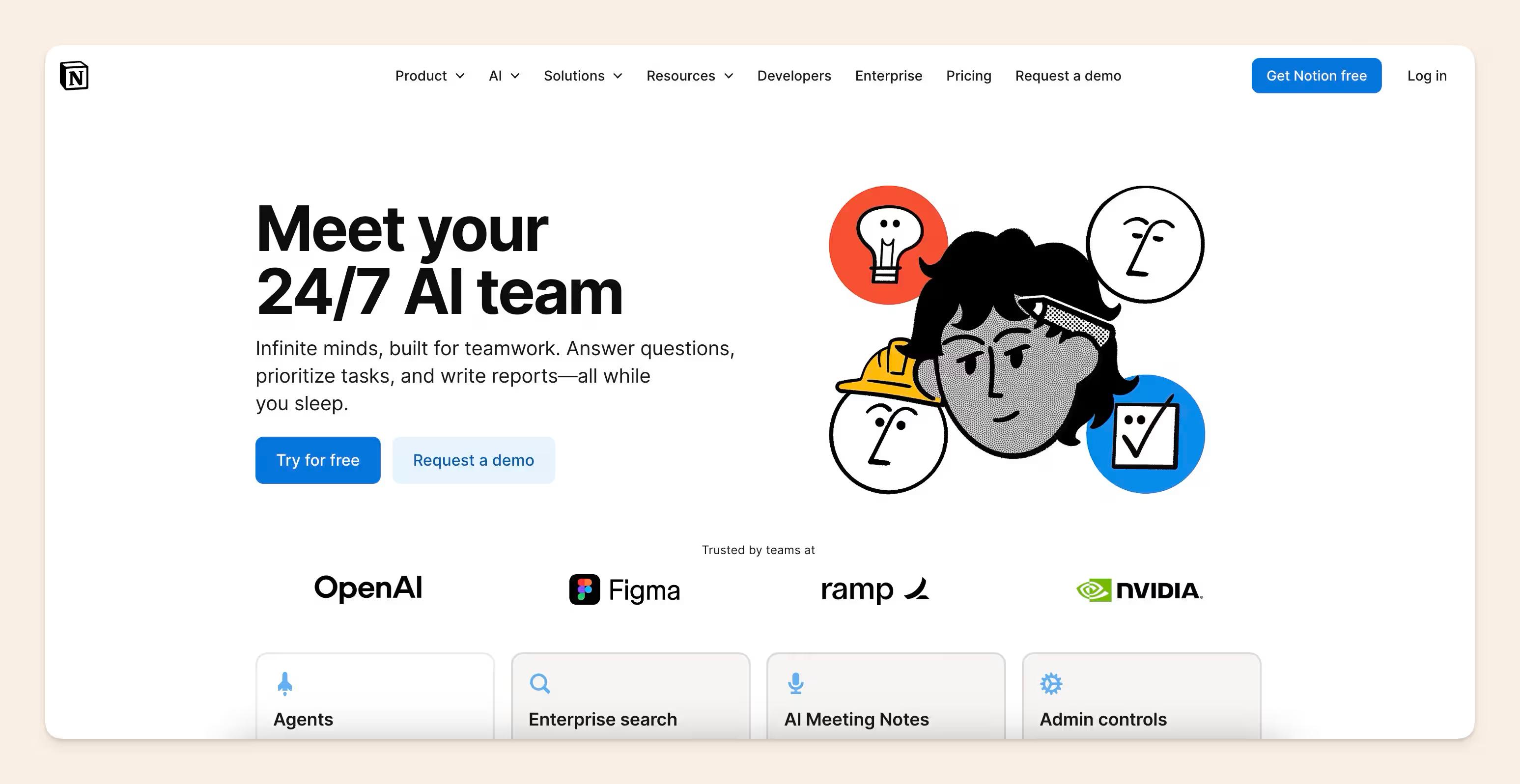
Notion AI is a good fit for teams that already use Notion as their main workspace.
It can help summarize, draft, search, and answer questions from content inside Notion. The tradeoff is that it works best when your knowledge is already organized there.
Best for: Notion-heavy teams that want AI inside their existing workspace.
Related: The 10 Best Notion Alternatives in 2026
Dust
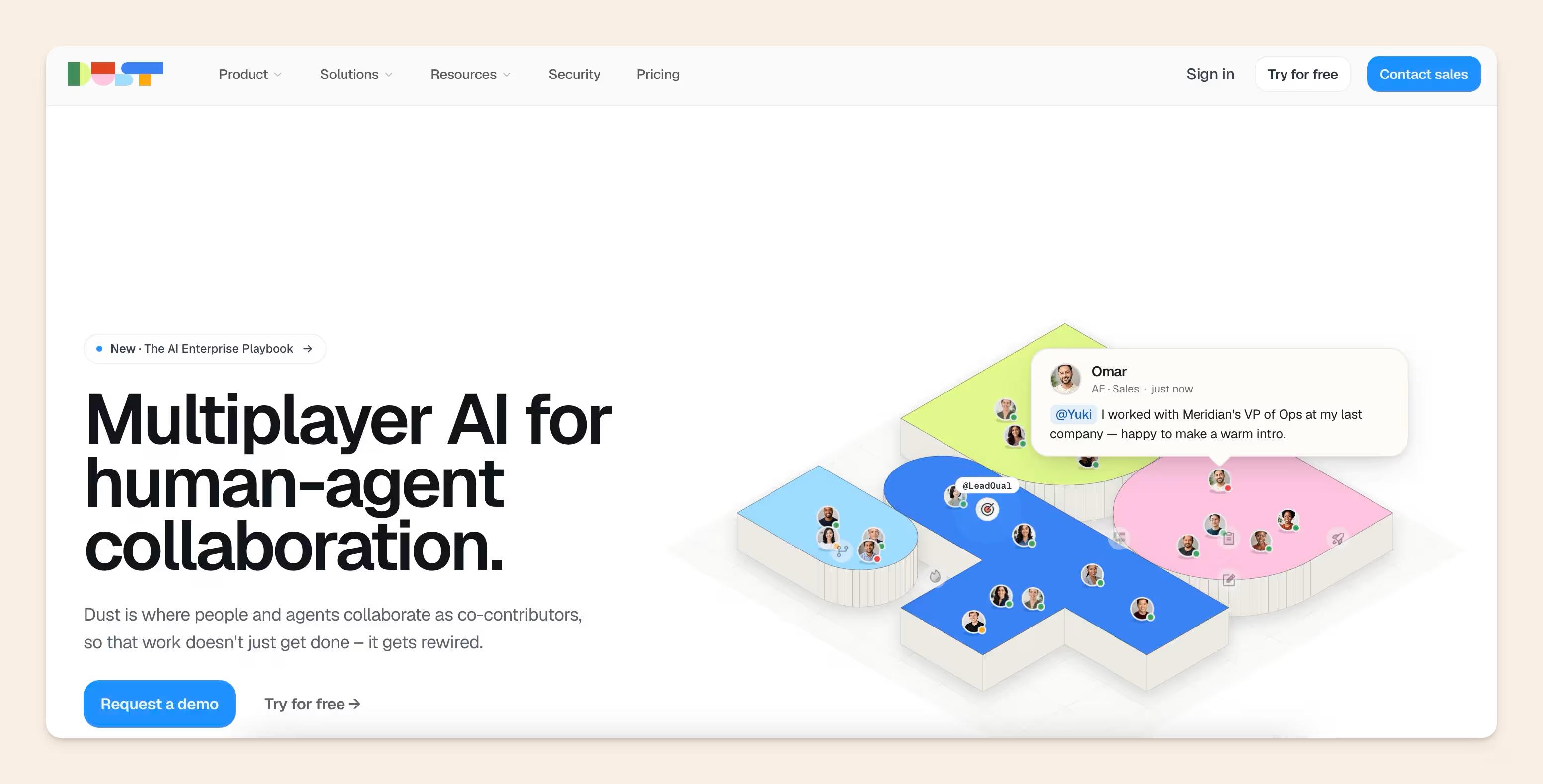
Dust is more agent-first than knowledge-base-first.
It is useful for teams that want to build custom AI assistants and workflows across company tools. It may appeal more to technical teams that want configurable agents rather than a ready-made knowledge management system.
Best for: technical teams building custom AI agents and workflows.
GoSearch
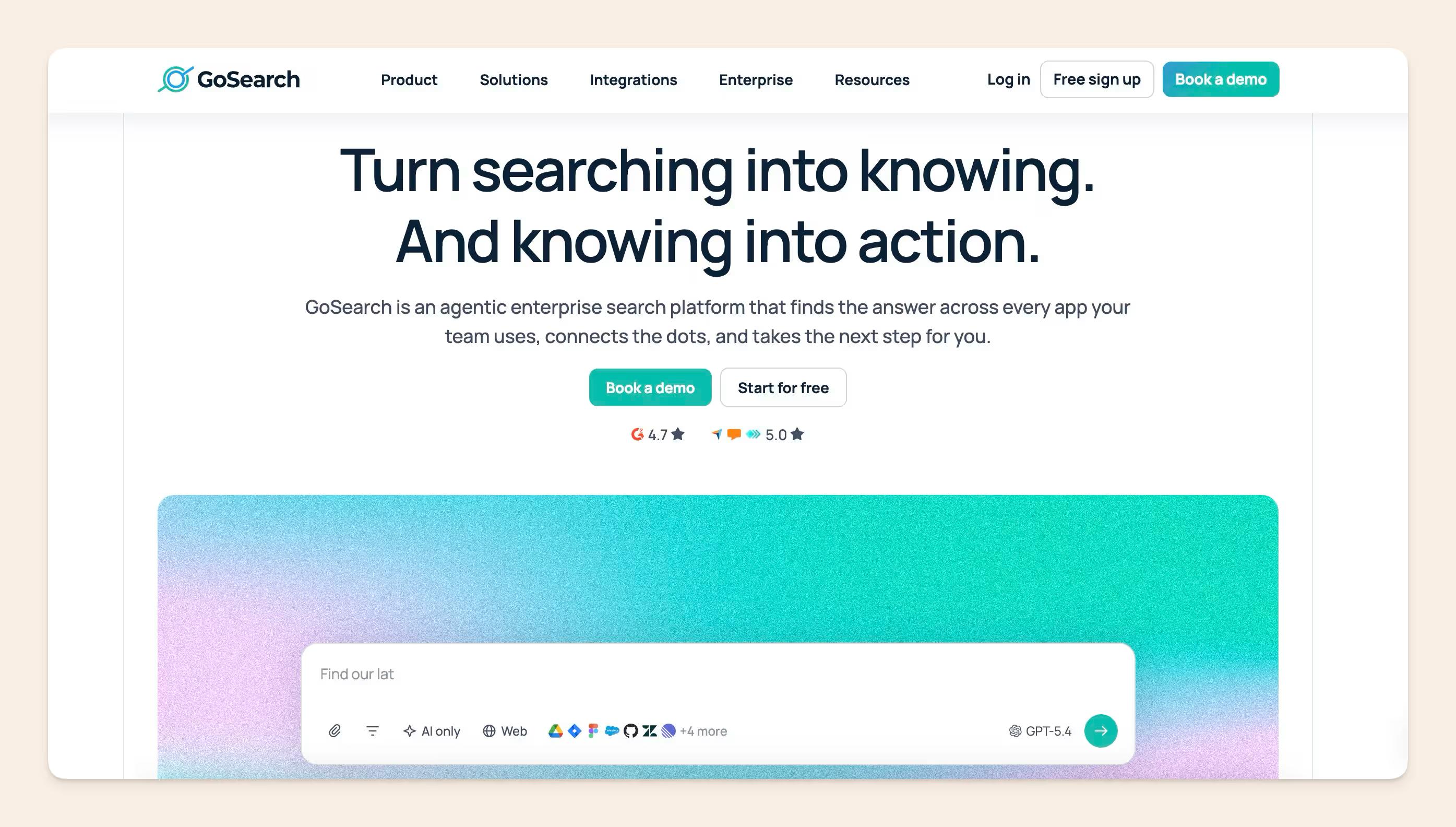
GoSearch is closer to Glean as an enterprise search alternative.
It is worth considering if your team is comparing AI search platforms directly and wants search across workplace tools. The same buyer question still applies: do you need broad retrieval first, or do you need to fix the source knowledge behind the answers?
Best for: teams comparing enterprise search platforms.
Final thoughts
If your company needs AI search across a wide tool stack, complex permissions, assistants, agents, and enterprise governance, Glean is built for that.
If the real problem is stale docs, unclear ownership, scattered knowledge, and answers people do not fully trust, Slite is the better fit.
Slite brings the knowledge base and enterprise search layer together. Teams can create, manage, verify, and find trusted knowledge, with AI search built into the same product experience.
Start a free trial with Slite to keep company knowledge documented, verified, and easy to find.
FAQs
What is Glean used for?
Glean is used to search across company tools, answer employee questions, summarize information, and support AI workflows through assistants and agents.
Is Glean a knowledge base?
Glean has knowledge management features, but it is not primarily a knowledge base. Its center of gravity is enterprise AI search and Work AI across connected tools.
How much does Glean cost?
Glean does not publish standard self-serve pricing. Buyers need to speak with sales, and third-party estimates should be treated as benchmarks rather than official rates.
Who is Glean best for?
Glean is best for large enterprises with complex tools, permissions, security needs, and the resources to manage an AI search rollout.
What is the best Glean alternative?
It depends on the use case. Microsoft Copilot, Slack AI, Notion AI, Dust, and GoSearch may fit specific search or assistant needs. Slite is the better fit when teams need AI search plus trusted documentation that stays current.