Keeping everyone on the same page can feel like herding cats.
Ideas get lost in Slack threads, critical information gets buried in endless email chains, and new hires ask the same questions over and over because nobody wrote the answer down.
Sound familiar? You're not alone. It's the reason knowledge sharing platforms have become essential.
A knowledge sharing platform is where your team captures what it knows and makes it findable for everyone else: a living, collaborative space where knowledge gets created, used, and improved together.
In this guide we'll cover what these platforms are, the benefits of getting sharing right, how to build a culture where it actually happens, real examples, what to look for, and the best knowledge sharing platforms to consider this year.
Key takeaways
- A knowledge sharing platform helps teams create, find, and improve shared knowledge together; it's about collaboration, not just storage.
- The biggest wins are faster onboarding, fewer repeated questions, and institutional knowledge that doesn't walk out the door when someone leaves.
- Tools only work if the culture does: make contributing easy, model it from the top, and keep content fresh.
- Our picks for the best knowledge sharing platforms: Slite, Mintlify, Google Workspace, Scribe, and Loom.
- Engineering and developer teams have their own sharing needs: code decisions, runbooks, and the tribal knowledge buried in Slack and GitHub.
What is a knowledge sharing platform?
A knowledge sharing platform is software that lets a team capture information, skills, and expertise in one place and share it so anyone can find and build on it.
Unlike a static document store, it's built for collaboration: people contribute, comment, search, and update knowledge together, in real time or asynchronously.
But here's where it gets interesting. Knowledge sharing isn't a one-and-done deal. It's part of what we call The Knowledge Loop.
The loop starts with capturing knowledge (like jotting down meeting notes or writing a how-to guide), then organizing it so it's easy to find (folders, tags, or AI-powered search).
Next comes surfacing and sharing, where you spread that knowledge through your platform. Then it gets used, questioned, and improved, and that feedback flows back in, starting the loop again.
Close the loop and you're not just storing information; you're building a habit of continuous learning where people solve problems faster and build on each other's ideas. That's the heart of good knowledge management.
How is this different from a knowledge base?
A knowledge base is the structured, reference side of knowledge: the organized, often searchable library of articles and documentation.
A knowledge sharing platform is broader: it covers the collaborative act of sharing knowledge across a team, in docs, chat, video, and code. The two overlap, and many platforms do both.
If you specifically want a structured knowledge base product to evaluate, see our guide to the best knowledge base software. This article focuses on the sharing and collaboration side.
The benefits of knowledge sharing
When we talk to teams about why they want to share knowledge better, the same drivers come up again and again, and they're more concrete than "break down silos."
Onboarding stops draining your team.
The single most common trigger we hear is new hires asking the same questions repeatedly in chat, pulling answers out of whoever happens to be around. It is a central point of knowledge where employees can find answers quickly precisely because normally people keep asking the same things in Slack. Shared knowledge allows for a ramp-up from a series of interruptions into self-service.
Knowledge stops living only in people's heads.
Teams repeatedly describe their most important knowledge as trapped in long-tenured employees' memories, institutional memory that becomes a real risk when those people are busy, on leave, or move on. There is a genuine knowledge gap as experienced staff retires with nothing written down. A platform turns tacit knowledge into something the whole team can collaborate on and reuse.
Fewer repeated questions, faster answers.
When the answer exists and is findable, people stop interrupting each other to get it. That compounds across every team that touches support, sales, and operations.
Better decisions, retained over time.
Decisions made in meetings get captured instead of forgotten and re-litigated three months later. The reasoning behind a choice stays available to whoever needs it next.
How to build a knowledge sharing culture
Picking a platform is the easy part. The real work is getting people to use it.
Here's how to make knowledge sharing a habit rather than a tool that gathers digital dust.
- Lower the friction to contribute. Knowledge sharing is unevenly distributed by default: in Slite's analysis of real knowledge bases, the top 1% of contributors create 47% of all content, while most registered users never create a single doc. If you want broader participation, make contributing genuinely fast: capturing a decision should take seconds, not a meeting.
- Model it from the top. People share when their leads share. When managers document their own decisions and point to the platform instead of answering in DMs, the rest of the team follows.
- Build it into onboarding. Make the platform part of how new people learn the ropes, so contributing and searching it become second nature from day one. A thoughtful onboarding experience sets the tone.
- Recognize the people who do it. Knowledge sharing is real work, and the work is concentrated. Recognizing the people who keep docs useful reinforces the behavior and spreads it.
- Keep it fresh. Outdated information is worse than none at all. Set a cadence for reviewing content, and lean on over-communication so updates actually reach people. Some platforms (Slite included) let doc owners set verification cycles (six months, a year, or custom) with automatic reminders, and let any reader flag stale content for review.
Knowledge sharing examples
What does knowledge sharing actually look like day to day? A few real patterns we see across teams:
- Support playbooks. A support team standardizes its answers so agents stop giving inconsistent responses to the same question, and new agents ramp on the same source of truth.
- Replacing PDFs with answers. One 300-agent operation swapped 25-to-30-page process PDFs for an ask-a-question knowledge layer, so agents get the one answer they need instead of scrolling a manual mid-call.
- Engineering runbooks. Teams keep incident runbooks and post-mortems where engineers actually look, updating them when something changes rather than letting them rot.
- Sales decision logs. Deal decisions and account context get captured so they aren't forgotten and re-discussed in the next call.
- Cross-team handoffs. Chapters of a federated organization share event and process know-how so nobody recreates the wheel in each location.
These examples share a thread: the value isn't in storing a document, it's in making the right knowledge reachable at the moment someone needs it, whether through automated knowledge sharing in Slack, search, or a quick video.
How to choose a knowledge sharing platform
Most "essential features" checklists read like a knowledge base spec sheet.
When we listen to what teams actually want from a sharing platform, the priorities are different: they're about collaboration and reach, not storage.
Here's what to weigh.
- Answers that feel like asking a person. Teams consistently ask for search that understands intent, not just keywords, answers that "feel like asking a human expert."
- Meets people where they already work. Your platform shouldn't be a separate destination people forget to visit. The strongest fit surfaces knowledge inside Slack, Intercom, or the browser, where your team already asks questions.
- Real-time and async collaboration. Efficient knowledge sharing is a team sport. Look for live co-editing, comments, @mentions, and version history, plus async options (like recorded video) for teams across time zones. The goal is for contributing to feel as easy as sending a message.
- Search across tools, not one silo. Knowledge rarely lives in a single app. The most useful platforms either centralize it or search across the tools where it actually lives, so an answer can pull from your docs and the conversation that produced it.
- Freshness and permissions you can trust. Two quieter must-haves: a way to keep documentation current with minimal oversight (flagging or auto-surfacing stale content), and permissions that mirror who should see what, especially when knowledge spans teams and external collaborators.
The best knowledge sharing platforms
Here are five platforms built for sharing knowledge across a team, each with a different strength.
The lineup spans collaborative wikis, developer docs, real-time co-editing, process capture, and async video, depending on the style of how your team works.
| Platform | Primary sharing mode | Best-fit team | Standout sharing feature |
|---|---|---|---|
| Slite | Collaborative wiki + AI search | Whole-team knowledge | Verified docs + AI answers across tools |
| Mintlify | AI-native developer & API docs | Engineering teams | Self-updating docs synced to code |
| Google Workspace | Real-time co-editing | Teams already on Google | Live collaboration in Docs |
| Scribe | Auto-captured how-to guides | Process & ops knowledge | Step-by-step guides that write themselves |
| Loom | Async video | Distributed teams | Share knowledge you can't easily type |
1. Slite
Slite is a knowledge sharing platform built for teams that want to capture what they know and find it again without the manual upkeep. It pairs a verified, self-maintaining wiki with AI search and an agent that keeps shared knowledge in sync with the tools your team already uses.
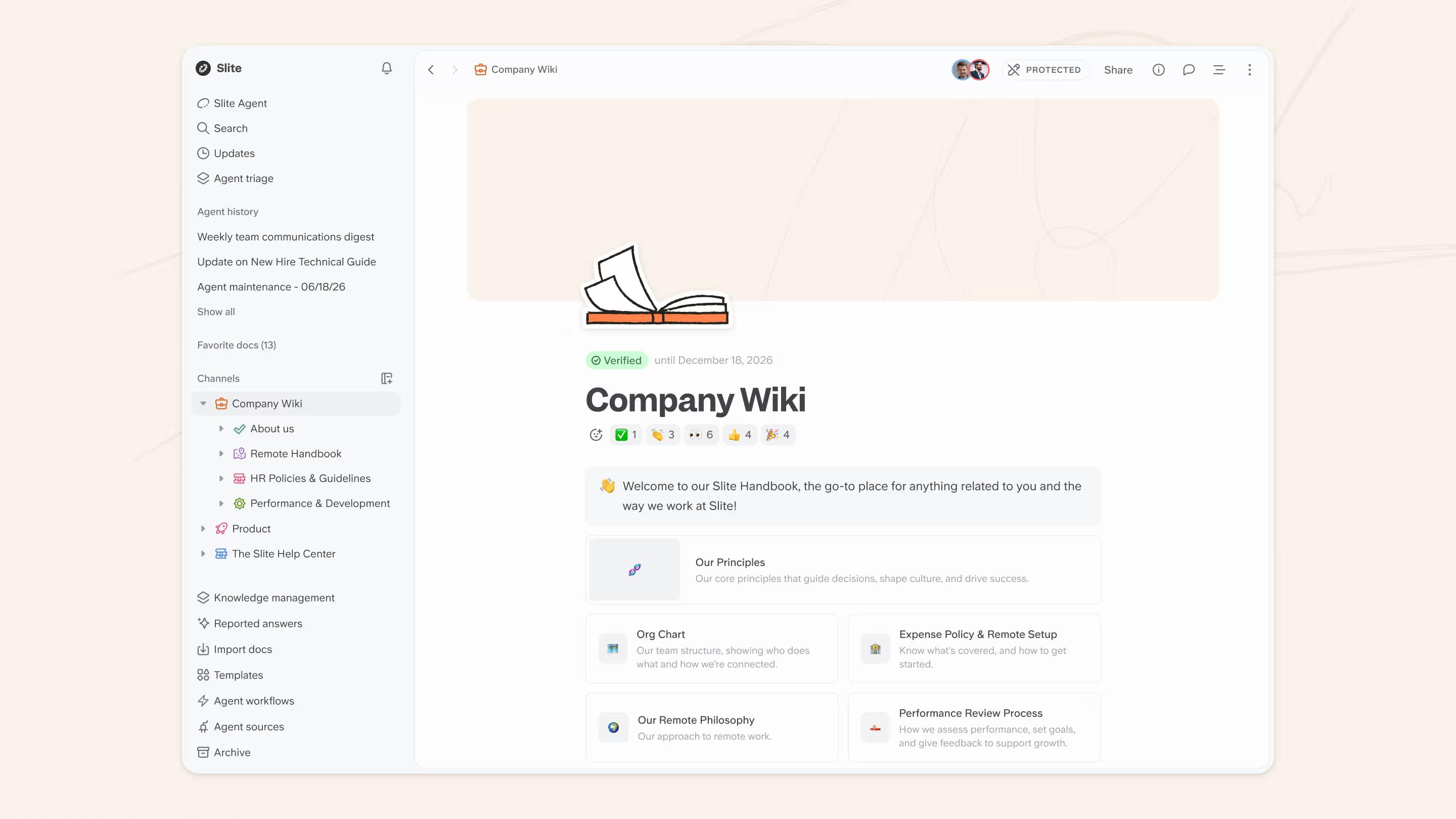
It brings together note-taking, real-time document collaboration, and knowledge management, so sharing knowledge is part of the workflow rather than a separate chore.
Key features
- Clean, fast editor: An interface anyone can pick up, so creating and organizing knowledge isn't reserved for the technical few.
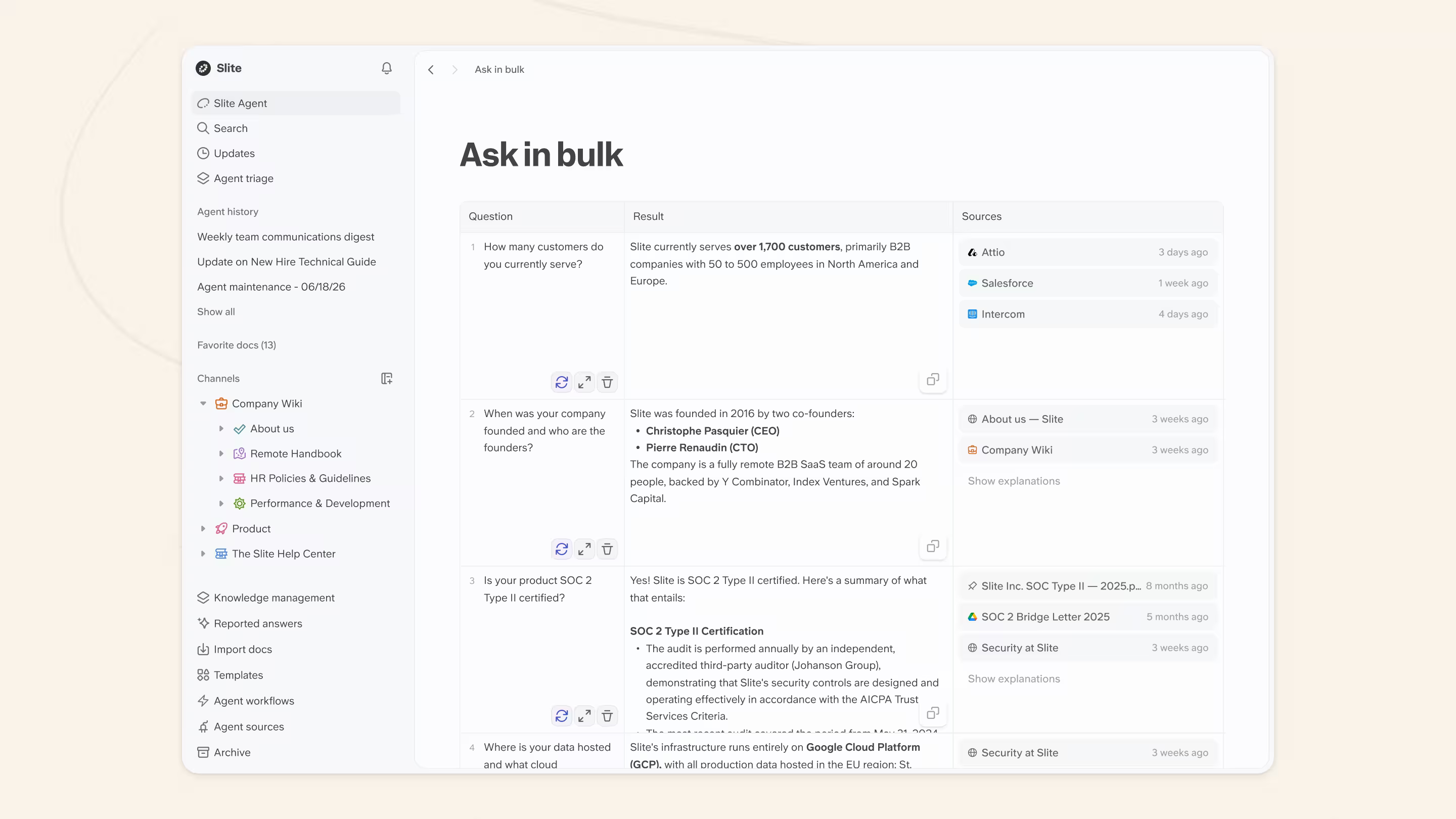
- AI-powered Ask: Slite's Ask gives instant, cited answers from your Slite docs. On Pro, Slite Agent extends that search across connected tools like Google Drive, Slack, Linear, and GitHub, so answers pull from your whole company context.
- Real-time collaboration: Live co-editing, comments, @mentions, and version history, so a doc is something the team builds together.
- Knowledge verification: Doc owners can mark content as official and set verification cycles, so readers know what's trustworthy and what needs a second look.
- MCP on every plan: Slite ships an MCP server on all plans, so AI assistants like Claude and ChatGPT can search and propose changes to your knowledge directly.
Pros
- Sharing, search, and verification live in one place, so there's no stitching tools together.
- The editor and Ask make finding an answer quick for non-technical and technical teammates alike.
- Verification cycles keep shared knowledge current instead of quietly going stale.
Cons
- Search across your other tools (Slite Agent) is reserved for Pro and above, so teams on the entry plan can search their Slite docs but not every connected app.
Slite is a strong fit for teams that want one trusted place to share knowledge and the AI to keep it findable.
2. Mintlify
Mintlify is an AI-native documentation platform for software teams, built so technical documentation stays in sync with the code instead of drifting out of date. It has become the default for AI and developer-tool companies, with teams like Anthropic, Cursor, and Perplexity building their docs on it.
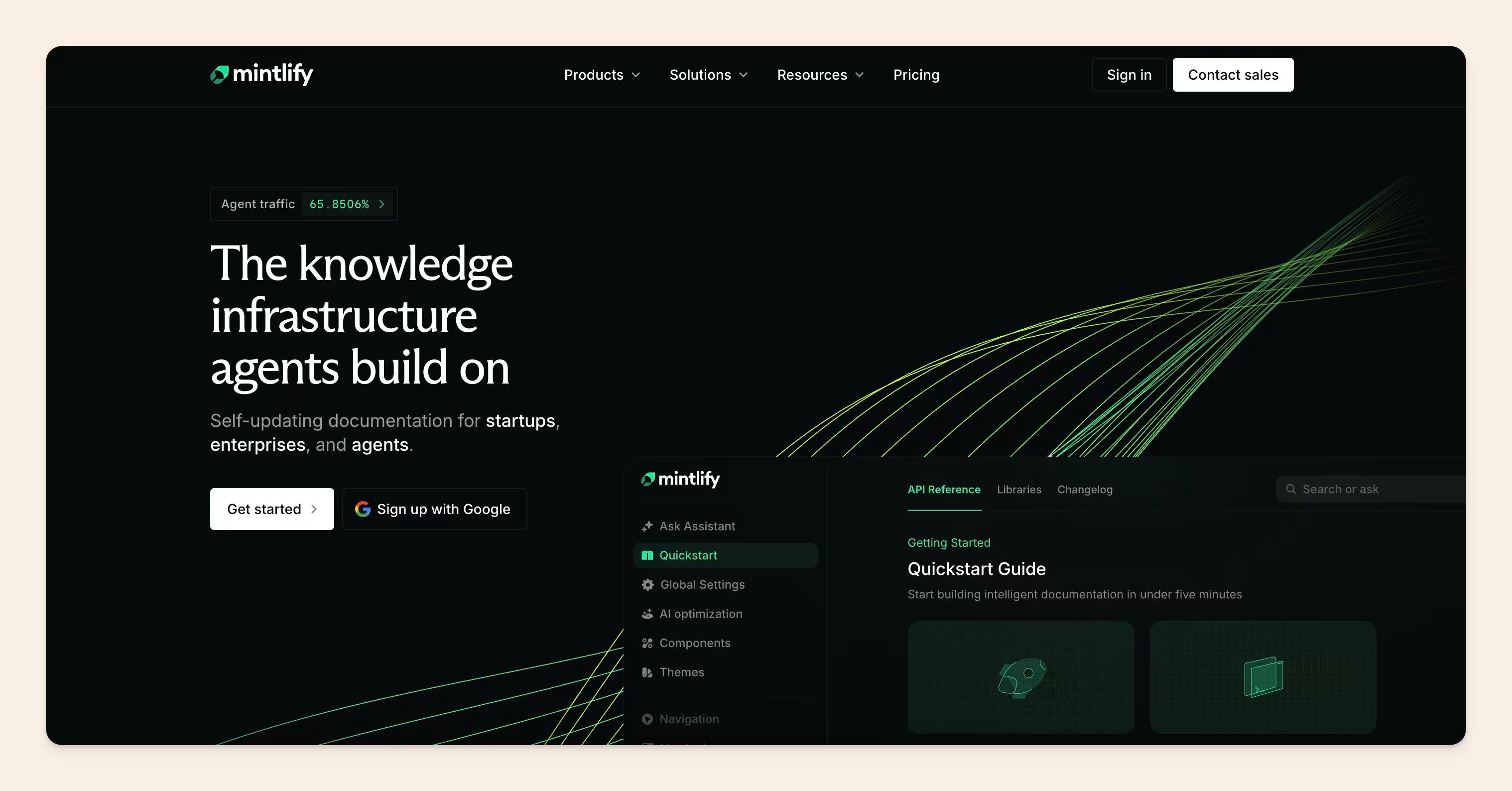
Key features
- Self-updating docs: Mintlify suggests updates when your code changes and can open a pull request with the draft, so docs don't rot behind the product.
- Interactive API references: Generates live, runnable API docs from your OpenAPI spec, with code samples in multiple languages.
- Docs as code: Two-way Git sync plus a web editor, so engineers and writers work from one source.
- Built for teams and AI: A collaborative editor and Slack integration answer questions in the flow of work, and content is structured so assistants like Claude and Cursor cite it accurately.
Pros
- Keeps technical knowledge current automatically, which is the hardest part of dev docs.
- Fast, well-designed docs engineers actually trust and use.
- Structured so AI tools surface the right answer instead of a wall of pages.
Cons
- It's aimed at developer and product documentation, so it's more than a non-technical team needs for general knowledge sharing.
Mintlify is the pick when the knowledge you're sharing is developer- or API-facing and has to track a fast-moving codebase.
3. Google Workspace
Google Workspace is the collaboration suite most teams already have open, and its real-time co-editing makes it a capable place to share knowledge.
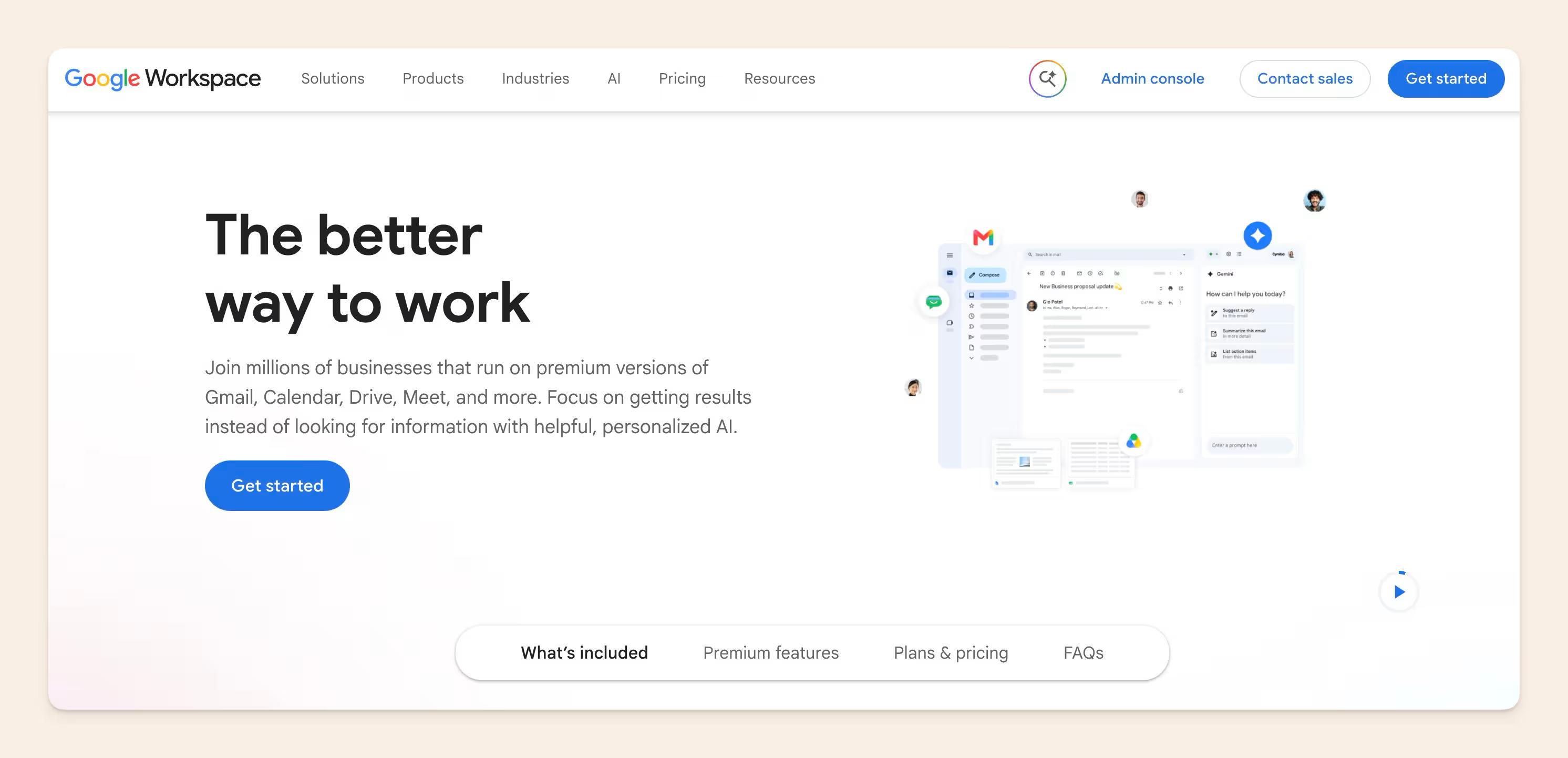
Chances are your team already lives in Gmail, Docs, and Drive, and those same tools double as a lightweight way to create and share knowledge together.
Key features
- Real-time co-editing: Docs, Sheets, and Slides are built for people to write and edit together at the same time.
- Familiar to everyone: If your team uses Gmail, the learning curve is close to zero.
- Gemini AI: Workspace now bundles Gemini on Business and Enterprise plans, so you can ask questions across your Drive instead of hunting through folders.
- Shared storage: Drive keeps shared docs accessible from anywhere.
Pros
- Almost no onboarding, since teams already know how it works.
- Real-time collaboration is built in and effortless.
- Hard to beat on cost if you're already paying for Workspace.
Cons
- It lacks the structure, verification, and knowledge-specific organization of a dedicated platform, so shared knowledge can sprawl without discipline.
If you want a lean option with zero onboarding and you're already on Google, Workspace will share knowledge just fine.
4. Scribe
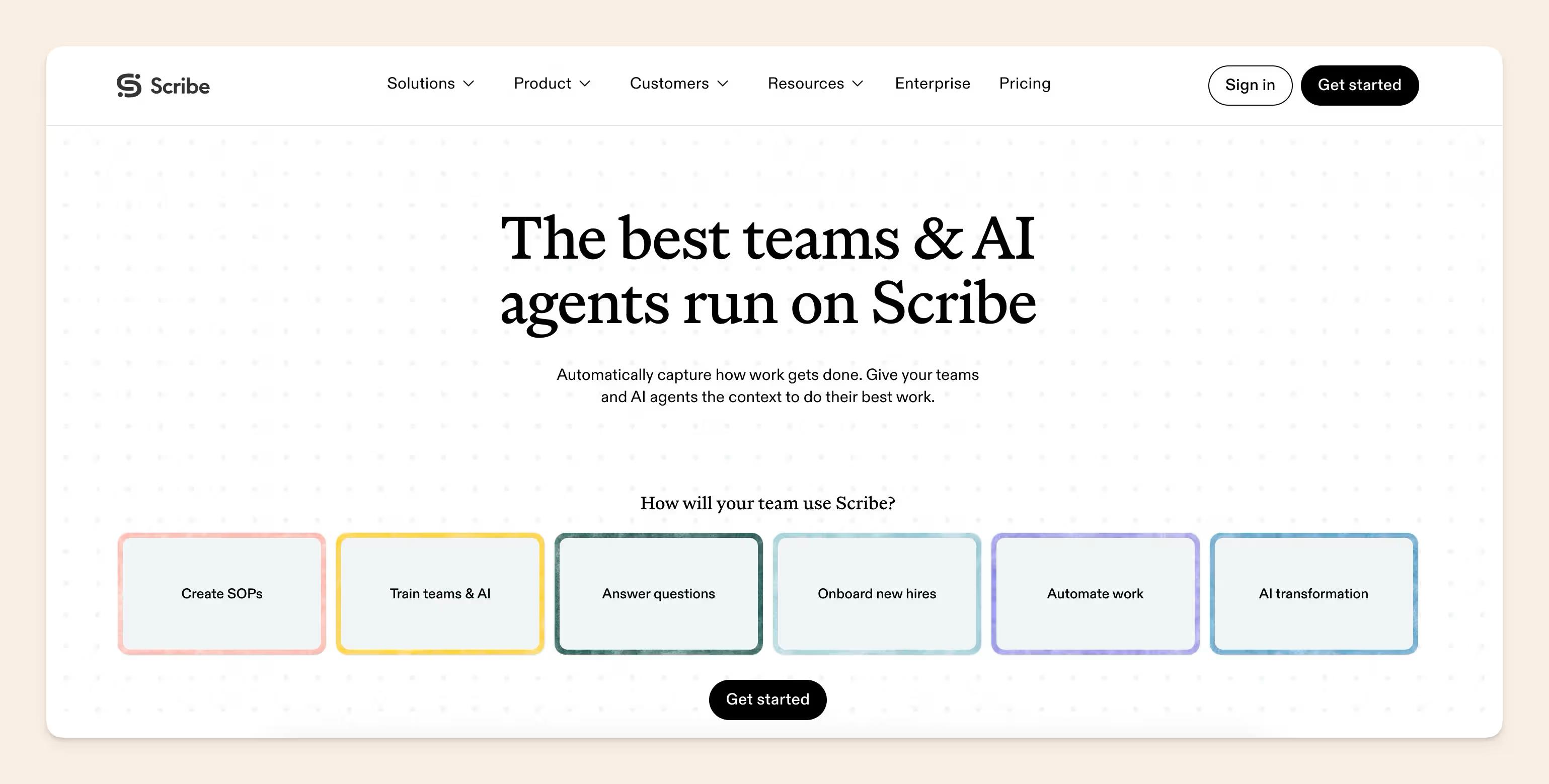
Scribe turns the knowledge locked in how people work into something shareable. Switch it on, complete a process, and it auto-generates a step-by-step guide with screenshots and instructions, with no writing required.
Key features
- Auto-captured guides: A browser extension or desktop app records your process and builds the step-by-step doc for you.
- Pages: Combine multiple guides with text and video into onboarding docs, SOPs, and training materials.
- Share anywhere: Send a link or embed a guide directly into tools like Confluence, Notion, SharePoint, and your knowledge base.
- Context for AI agents: Captured workflows give your AI tools the missing context for how work actually gets done.
Pros
- The fastest way to document a process, because it writes itself as you work.
- Ideal for the how-to knowledge teams rarely sit down to write.
- Enterprise-ready, with SOC 2 Type II compliance and automatic redaction of sensitive data.
Cons
- It's built for process and how-to knowledge, not long-form docs or a full wiki.
Scribe is the pick when much of your team's knowledge is "how do I do this?" and nobody has time to write it down.
5. Loom
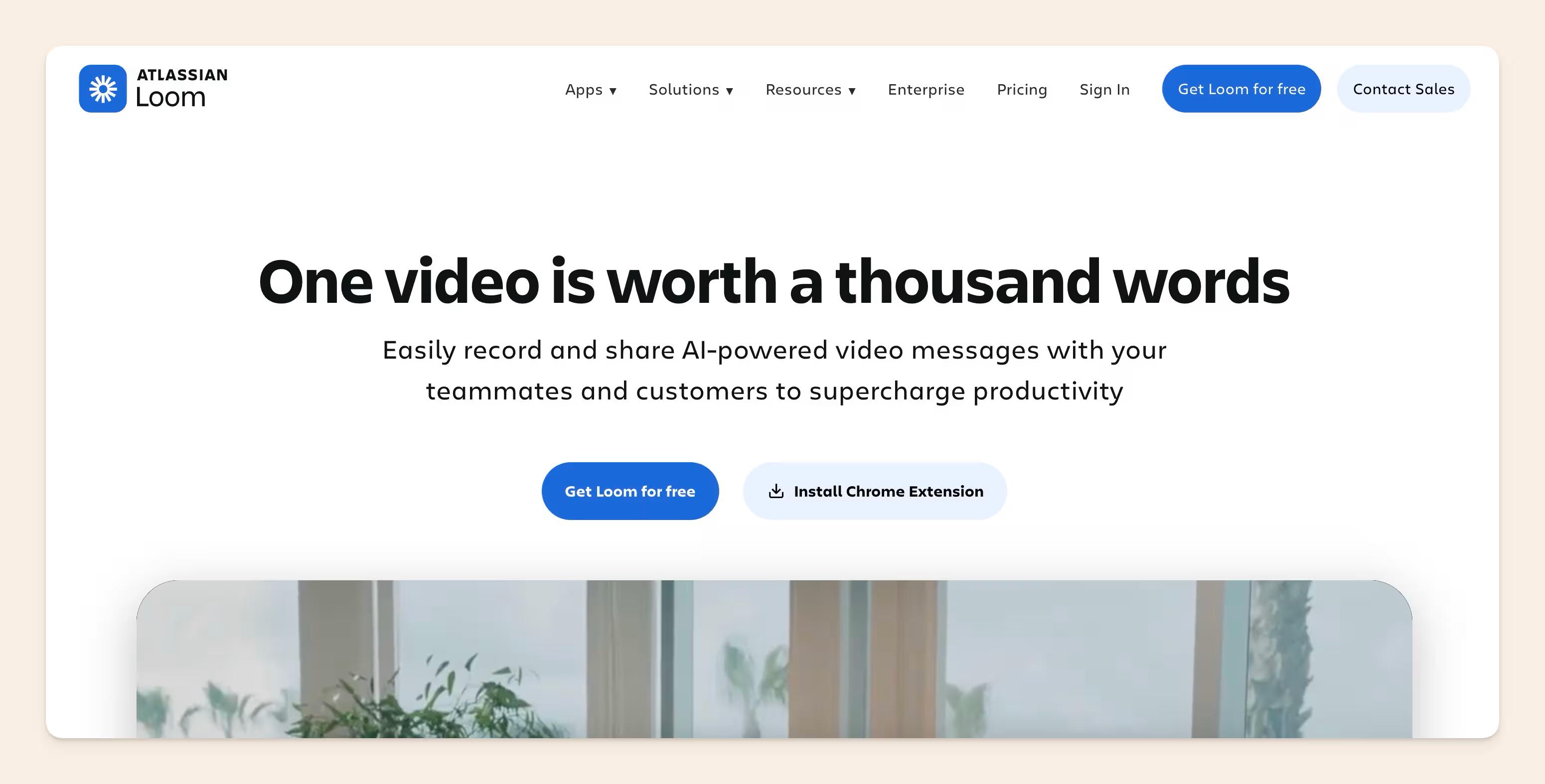
Loom (now part of Atlassian) covers the knowledge that's hard to write down: walkthroughs, demos, and explanations are easier to record than to document.
Key features
- Async video: Record your screen and voice to share knowledge that doesn't fit neatly in a doc.
- AI summaries and transcripts: Turn a recording into searchable text and chapters automatically.
- Embeds everywhere: Drop videos into Slack, Confluence, Jira, and docs so they live where people work.
- Lightweight sharing: Send a link; no meeting required.
Pros
- Captures tacit, show-don't-tell knowledge that text misses.
- Async by design, ideal for distributed teams across time zones.
- Transcripts make video knowledge searchable after the fact.
Cons
- Video isn't a substitute for structured, written reference knowledge; it complements a wiki rather than replacing one.
Loom is the pick for sharing the demos, walkthroughs, and context that are faster to show than to type.
Knowledge sharing for engineering and developer teams
Engineering teams share knowledge differently from the rest of the org - their knowledge is technical, fast-moving, and scattered across tools that aren't a wiki.
A few things make developer knowledge sharing distinct:
- Decisions need a paper trail. Architecture decision records (ADRs) capture why a technical choice was made, so the next engineer doesn't reverse it by accident or spend days reconstructing the reasoning.
- Runbooks and post-mortems are living documents. Incident knowledge is only useful if it's current and where engineers look during an incident, not buried in a folder nobody opens.
- Code and API docs belong near the code. Snippets, API references, and setup guides work best when they're close to the work, which is why docs-as-code platforms like Mintlify exist.
- The real knowledge often isn't in the wiki at all. Drift usually starts in Slack (a process changed), GitHub (a PR shipped a behavior change), or your ticketing tool, not in the doc. Much of a team's most valuable knowledge lives in those conversations and in the heads of the longest-tenured engineers, never written down anywhere.
The practical fix is less "force everything into a wiki" and more "treat the places knowledge naturally lives (Slack, GitHub, async threads) as part of your knowledge layer, and put search on top that knows which answer is freshest."
Here are the steps we recommend:
- Pair a team knowledge platform (Slite) and a docs-as-code tool (Mintlify) for the durable documentation projects,
- Add step-by-step guides (Scribe) and async video (Loom) for the show-me parts.
This way you cover both sides of engineering knowledge, and have a tight and purpose-built tech stack.
Confused? We can help
Choosing the right knowledge sharing platform comes down to how your team works:
- Go for Slite if you want one trusted place to share team knowledge, with AI search and verification that keep it current.
- Go for Mintlify if you're shipping developer or API docs that need to stay in sync with the code.
- Go for Google Workspace if you're already on Google and want zero onboarding.
- Go for Scribe if much of your knowledge is how-to processes worth capturing as you work.
- Go for Loom if a quick video beats a written doc for your team.
And if you specifically want a structured knowledge base product rather than a sharing platform, our guide to the best knowledge base software is the place to start.
If you'd like to see how Slite fits your team, talk to us. No strings attached, just a look at what it can do.
FAQ
Is Slack or Microsoft Teams enough for knowledge sharing?
Chat is great for real-time questions but poor as a knowledge home. Search returns noise when titles aren't exact, answers scroll out of view, and some plans auto-archive older messages, so the same questions get re-asked. Chat works best paired with a knowledge sharing platform that captures durable answers and, ideally, makes them searchable from inside Slack or Teams.
Do small teams need a knowledge sharing platform?
Smaller teams feel knowledge gaps just as sharply, often more, since a single person leaving can take critical context with them. The difference is scale, not need: a small team can start with a lightweight setup and one good habit (write the answer down once), then grow into more structure. Most platforms here have free or low-cost tiers built for exactly that.