Most company wikis start with good intentions.
A team creates a central place for policies, onboarding guides, processes, and project documentation. For a while, everything works as planned. Information is easy to find, and the wiki becomes a trusted source of knowledge.
Then the business changes. Teams grow, processes evolve, and documentation becomes outdated. Employees stop trusting what they find, turn to Slack for answers, and the wiki slowly becomes another repository of forgotten documents.
That's the challenge with company wiki software in 2026.
Creating documentation isn't the hard part, keeping it accurate, discoverable, and useful is. The rise of AI-powered search and workplace assistants has only raised the stakes, making outdated knowledge more costly than ever.
In this guide, we'll compare the best company wiki software tools in 2026 and explain what separates a wiki that teams actually use from one they abandon after a few months.
Key takeaways
- Slite is best when keeping docs current matters more than writing them, with its Slite Agent helping your knowledge base maintain itself on autopilot
- Confluence is the strongest fit for Jira-centric enterprises that need structured spaces, granular permissions, and governance at scale.
- Notion suits startups and fast-moving teams that want their wiki, docs, and project planning in one flexible, customizable workspace.
- Guru is best when you want answers to surface inside Slack and Chrome rather than in a separate wiki, making it ideal for support and sales teams.
- Document360 is built for documentation and product teams publishing structured, customer-facing knowledge bases with reader analytics.
- Nuclino is the pick for small teams wanting a fast, minimal wiki with visual graph-view organization and almost no setup overhead.
- Tettra works best for sub-50-person teams living in Slack who want to turn repetitive chat questions into verified pages.
- XWiki is the choice for organizations needing structured data, custom internal apps, and self-hosted control, especially European teams with data-sovereignty requirements.
- BookStack is the best free, open-source option for teams wanting a simple, self-hosted wiki organized into shelves, books, and pages.
- GitBook is strongest for engineering and developer-relations teams that manage technical and API documentation tightly synced with Git.
- MediaWiki is the proven open-source platform for large, Wikipedia-style knowledge repositories with no vendor lock-in.
- Helpjuice is best for organizations that prioritize powerful semantic search across a large, highly customizable internal or customer-facing knowledge base.
What is company wiki software?
Company wiki software helps organizations create, organize, and share internal knowledge in a central location. Teams use it to document processes, policies, onboarding materials, project information, and other resources employees need to do their jobs effectively.
Unlike traditional document storage systems, company wiki software is designed to make knowledge easy to find, update, and collaborate on. Most modern platforms include features such as search, version history, permissions, integrations, and AI-powered knowledge discovery.
Company wiki software is often confused with knowledge bases, intranets, and documentation platforms. While these categories overlap, they serve different purposes:
- Company wiki software focuses on creating a shared source of truth for internal knowledge.
- Knowledge bases can be internal, external, or both, and are often used to answer specific questions at scale.
- Intranets are broader employee portals that may include company news, directories, and internal communications alongside documentation.
- Documentation platforms are typically designed for technical documentation, product documentation, or developer resources.
Today, the best company wiki software combines elements of all four categories. It helps teams capture knowledge, collaborate on documentation, and ensure employees can quickly find accurate information when they need it.
If you're planning to implement a wiki, it's worth understanding how to build a company wiki that employees will actually use and how a corporate wiki differs from a knowledge base. While the terms are often used interchangeably, each serves a slightly different purpose within an organization's knowledge management strategy.
When teams start looking for company wiki software
Most teams do not wake up one morning and decide to “buy a wiki.” They hit an operational problem that triggers them to look for better options as their existing knowledge-sharing method stops working.
For some organizations, the trigger is rapid growth. What worked for a team of 20 people becomes difficult to manage when the company grows to 100 employees.
New hires struggle to find information, onboarding takes longer, and employees spend more time asking questions than finding answers on their own.
For others, the problem is scattered knowledge. Important information lives across Google Docs, Slack threads, Notion pages, PDFs, shared drives, and project management tools. Over time, it becomes difficult to know which source is accurate and up to date.
As teams scale, these challenges often create operational bottlenecks. Employees receive different answers to the same question, documentation becomes inconsistent, and valuable knowledge remains trapped within specific teams or individuals.
This is also why many organizations start exploring alternatives to tools they've outgrown. Some teams move away from Confluence because maintaining large documentation libraries becomes difficult. Others replace Google Docs-based systems because information is hard to organize and discover at scale.
In many cases, the tipping point comes when a company reaches around 50 to 200 employees. At this stage, informal knowledge sharing is no longer enough, but the organization still needs a solution that employees will actively use and maintain.
That's when investing in dedicated company wiki software becomes less of a nice-to-have and more of an operational necessity.
How we evaluated the best company wiki software tools
We evaluated these tools through the lens buyers actually use when they compare wiki software: can people adopt it, can they find answers, can the company govern it, and can the knowledge stay accurate after launch?
The criteria were:
- Search and answer quality: Search speed, semantic search, AI answers, citations, and discoverability across large workspaces.
- Maintenance model: Ownership, verification, stale-content detection, archiving, and workflows that prevent wiki rot.
- AI usefulness: Whether AI improves retrieval and accuracy, or mostly adds more generated content for someone to clean up.
- Governance: Permissions, admin controls, SSO, auditability, compliance posture, and enterprise readiness.
- Collaboration: Editing experience, comments, review flows, and how easy it is for non-technical employees to contribute.
- Workflow fit: Slack, Google Workspace, Microsoft Teams, Jira, GitHub, and developer-tool integrations.
- Scale fit: Whether the tool is better for a startup wiki, a technical documentation team, or a large enterprise knowledge system.
The best company wiki software tools in 2026
No single company wiki platform is right for every organization. Some tools are designed for startups and fast-moving teams, while others prioritize governance, compliance, or technical documentation. The tools below represent the strongest options across a range of company sizes and use cases.
Slite: Best for self-maintaining team knowledge
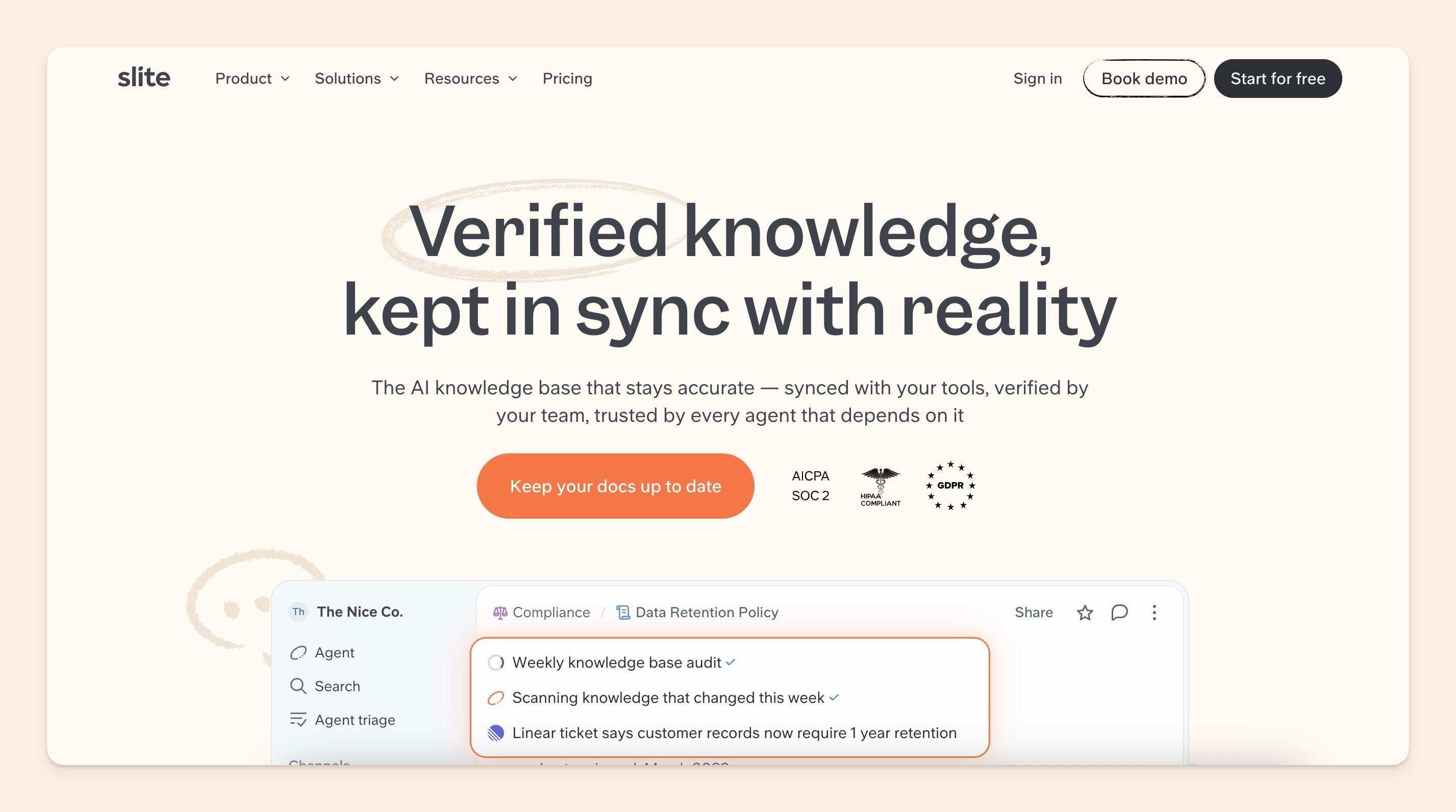
Slite is built for teams that want a company wiki to become a trusted knowledge base for both humans and AI agents to run against it. It is especially strong when the problem is keeping docs up-to-date after the first version.
In 2026 Slite has moved beyond an AI-powered knowledge base toward a self-maintaining knowledge base. Slite Agent, launched in June 2026, checks connected workspace sources, flags what has drifted in the docs marked with the Self-maintaining status, proposes changes, and waits for human review before applying anything.
Key features
- AI-powered knowledge management and search
- Slite Agent for knowledge maintenance on autopilot
- Collaborative document editor
- Knowledge verification and ownership workflows
- Native integrations with 20+ tools
- Templates for onboarding, SOPs, meeting notes, and internal documentation
- Permissions and workspace organization controls
- AI-powered answers across company knowledge
- Browser extension for in-context knowledge access
Weaknesses
- Larger enterprises with highly complex governance requirements may need to evaluate advanced configuration options.
- Some advanced capabilities are reserved for premium plans.
Best for
Growing teams that have outgrown Google Docs, Notion sprawl, or Confluence overhead and want a focused, trusted internal knowledge system.
Pricing
Slite's Basic plan is listed at $10 per user/month (billed annually), while the Pro plan is listed at $20 per user/month and adds Slite Agent plus search across Slack, Jira, Drive, and 20+ connected tools. The Enterprise plan comes with advanced support and customization facilities, available on request. Both Basic and Pro include a 14-day free trial, no credit card required.
Go for Slite if freshness, adoption, and AI maintenance matter more than having the most configurable workspace. Would you like to explore it with us? See it in action.
Confluence: Best for Jira-centric enterprises
Confluence has long been the default choice for organizations that need a structured, enterprise-grade wiki. Developed by Atlassian, it combines documentation, collaboration, and knowledge management with deep integrations across the Atlassian ecosystem, making it a natural fit for teams already using Jira.
The platform organizes knowledge through spaces, page hierarchies, and granular permissions, allowing large organizations to manage documentation at scale.
In recent years, Atlassian has also expanded its AI capabilities through Atlassian Intelligence and Rovo, adding AI-powered search, content generation, and agentic workflows.
Key features
- Deep integration with Jira and other Atlassian products
- Structured spaces and page hierarchies
- Granular permissions and governance controls
- Atlassian Intelligence and Rovo AI capabilities
- Extensive Marketplace ecosystem
- Knowledge management and project documentation support
- Enterprise-grade security and compliance features
Weaknesses
- Can become difficult to manage as documentation grows across multiple teams
- Setup and administration often require dedicated ownership
- Additional Marketplace apps can increase overall costs
- May feel overly complex for smaller organizations with simple wiki requirements
Best for
Confluence is best for engineering, product, and IT teams that already rely on Jira and need a highly structured documentation environment. It is particularly well-suited for larger organizations that require governance, permissions, and administrative controls at scale.
Pricing
Confluence offers a free plan for up to 10 users. Paid plans start at approximately $5.50 per user per month for the Standard plan and $10.44 per user/month for the Premium plan. Enterprise pricing is available on request.
Notion: Best for flexible workspace customization
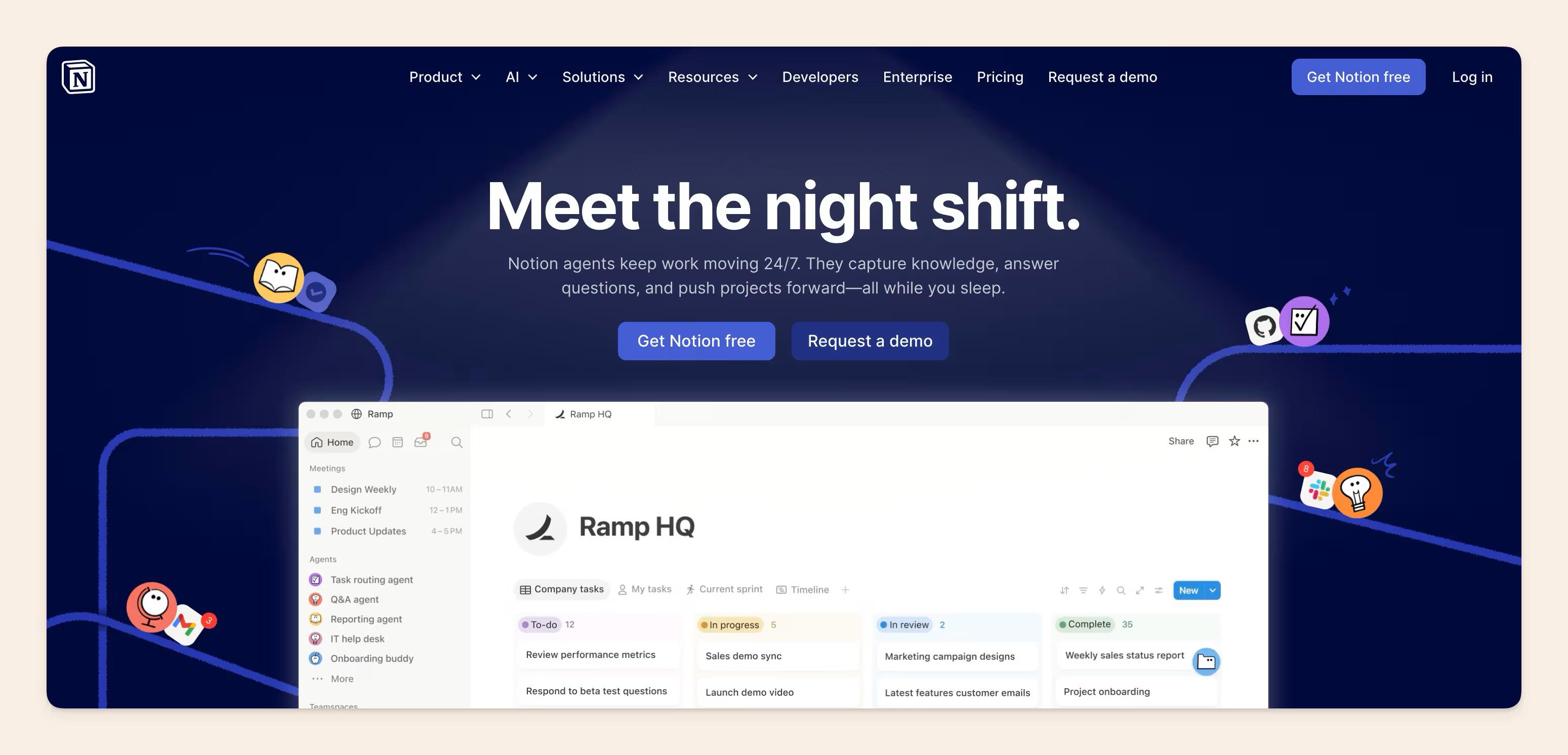
Notion has evolved from a note-taking tool into one of the most popular all-in-one workspaces on the market.
While it isn't exclusively a wiki platform, many teams use it as their company wiki thanks to its flexible page structure, collaborative editor, databases, and built-in documentation capabilities.
One of Notion's biggest strengths is that it allows teams to build almost any workflow they want. Wikis, employee handbooks, project documentation, meeting notes, and internal knowledge bases can all live within the same workspace, powered by Notion AI features.
The platform has also introduced dedicated wiki functionality, including page verification, ownership settings, enterprise search, and AI-powered knowledge discovery.
Key features
- Flexible block-based editor
- Dedicated wiki functionality with verified pages
- AI-powered search and content assistance
- Databases, templates, and custom workflows
- Team collaboration and commenting
- Enterprise Search and Research Mode
- Integrations with popular workplace tools
Weaknesses
- Flexible structures can become difficult to govern as teams grow
- Documentation can become fragmented without clear ownership and standards
- Search quality may decline as workspaces become larger and more complex
- Advanced AI and custom agent capabilities can increase costs
Best for
Notion is best for startups, small businesses, and fast-moving teams that want their wiki, documentation, project planning, and collaboration workflows in a single platform. It works particularly well for organizations that value flexibility and have someone responsible for maintaining workspace structure as they scale.
Pricing
Notion offers a free plan for individuals. Paid plans start at $10 per user per month (Plus Plan), and the Business plan costs $20 per user per month. Enterprise plans are available with custom pricing, while certain AI and custom agent capabilities may incur additional usage-based costs.
Guru: Best for browser-based knowledge access

Guru is a knowledge management platform that focuses on delivering information where employees already work. Rather than expecting users to navigate to a separate wiki, Guru's browser extension, AI-powered search, and knowledge cards are designed to surface answers directly within tools such as Slack, Chrome, and business applications.
This approach has made Guru particularly popular among customer support, sales, and customer success teams that need quick access to accurate information while working across multiple systems.
The platform also includes knowledge verification workflows that help teams identify content owners and review documentation regularly.
Key features
- Browser extension for in-context knowledge access
- AI-powered enterprise search
- Knowledge verification and content ownership workflows
- Slack and Microsoft Teams integrations
- AI-generated answers and knowledge suggestions
- Knowledge cards for quick information retrieval
- Analytics and usage insights
Weaknesses
- The card format is effective for reference knowledge but less suited to longer-form docs, runbooks, or process guides.
- Navigation and structure are limited compared to full wiki platforms.
- Pricing scales quickly for larger teams.
Best for
Guru is best for organizations that want employees to access knowledge without leaving the tools they use every day. It is particularly well-suited for customer support, customer success, sales enablement, and operations teams that need fast access to verified information.
Pricing
Guru offers a free trial for teams that want to evaluate the platform. Pricing varies based on team size, AI usage, and implementation requirements, with custom plans available for growing and enterprise organizations. Contact Guru directly for the most up-to-date pricing information and package details.
Document360: Best for customer-facing documentation teams
Document360 is a knowledge base platform designed for organizations that need to create, manage, and publish documentation at scale.
While it supports internal knowledge management, its biggest strength lies in helping teams build structured documentation portals for employees, customers, and partners.
The platform offers category-based organization, version control, advanced search, analytics, and AI-powered content assistance.
Unlike general-purpose workspace tools, Document360 is built specifically for documentation, making it a strong choice for organizations that prioritize content governance and publishing workflows.
Key features
- Category-based content management with structured publishing workflows
- AI search with semantic understanding across the knowledge base
- Eddy AI suite for writing assistance, search, and translation
- Version control with rollback capability
- Reader analytics showing which articles get used and which don't
- Custom branding and domain support for public-facing portals
Weaknesses
- More documentation-focused than collaboration-focused
- Content creation workflows can feel structured for smaller teams
- Less flexible for broader workplace collaboration compared to all-in-one workspace platforms
- Advanced functionality may require higher-tier plans
Best for
Documentation and product teams managing customer-facing knowledge bases, technical writers publishing structured content, and support teams who need reader analytics.
Pricing
Document360 uses custom pricing built around each team's configuration, based on accounts, workspaces, languages, and AI usage, so the number comes from a quote. A 14-day free trial is available.
Nuclino: Best for lightweight internal documentation
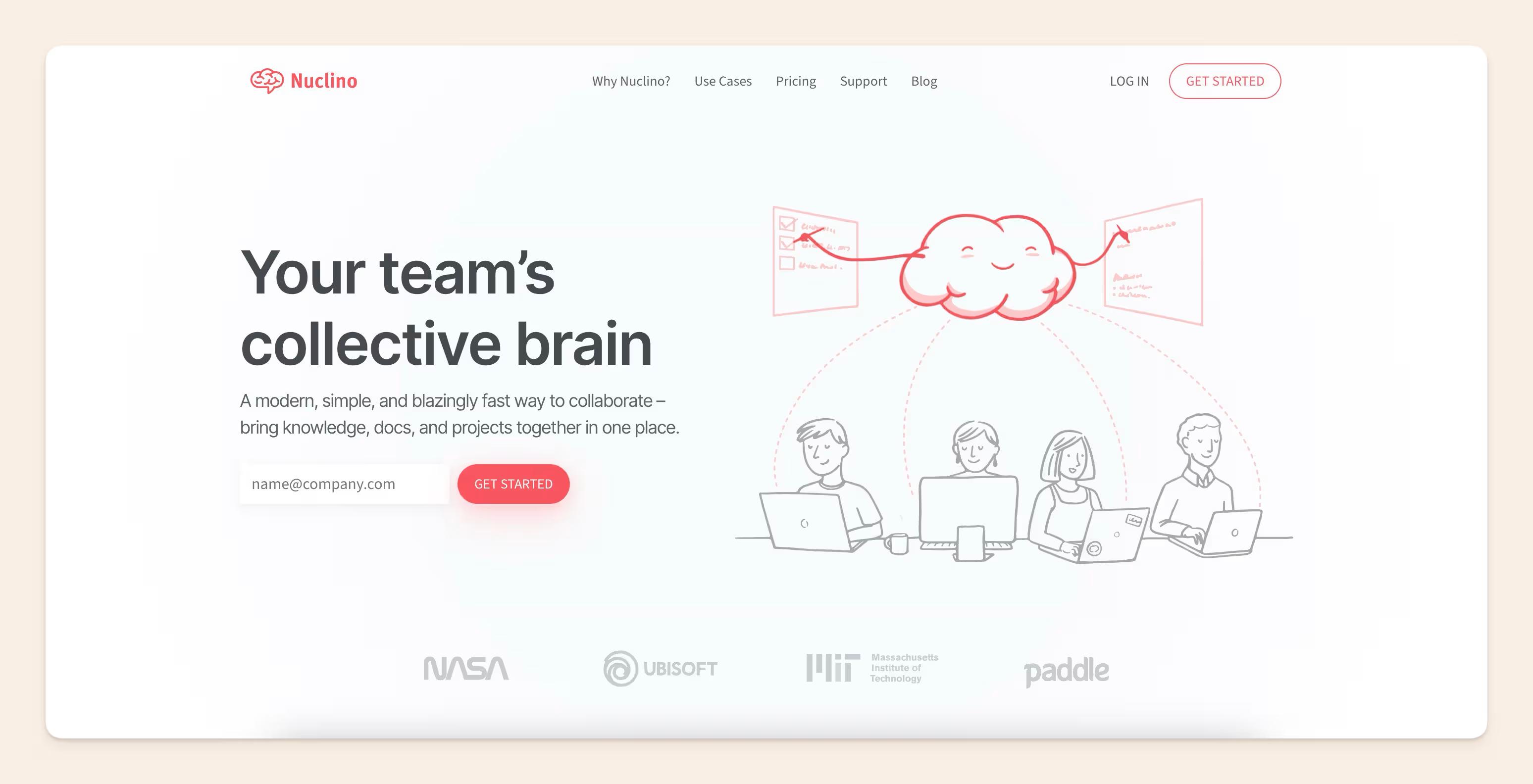
Nuclino is a modern wiki and knowledge management tool built around simplicity and speed. Unlike feature-heavy enterprise platforms, Nuclino takes a minimalist approach to documentation, making it easy for teams to create, organize, and find information without spending time managing complex workspace structures.
One of Nuclino's standout features is its visual approach to knowledge management.
In addition to traditional list and board views, it offers a graph view that helps teams visualize how documents and topics connect across the workspace.
Combined with its fast editor and intuitive navigation, this makes Nuclino one of the easiest wiki tools to adopt.
Key features
- Fast, minimal WYSIWYG editor
- Graph view showing the full network of linked knowledge
- Sidekick AI for in-line drafting, summarization, and image generation
- Multiple content views (list, board, table, graph) over the same documents
- Clean real-time collaboration
Weaknesses
- The 50-item free-tier cap is restrictive. Most teams hit it in the first week.
- Guest users count as full billable seats, which can add up quickly for teams that regularly collaborate with contractors or external partners.
- SAML SSO, audit logs, and unlimited version history all require the Business tier.
Best for
Nuclino is best for small and mid-sized teams that want a simple, easy-to-use company wiki without the complexity of larger knowledge management platforms. It works particularly well for organizations that value fast adoption, visual knowledge organization, and lightweight documentation workflows.
Pricing
Nuclino offers a free plan that includes up to 50 items and 2 GB of storage. Paid plans start at $6 per user per month for the Starter plan, while Business plans start at approximately $10 per user per month and include advanced security, administration, and governance features.
Tettra: Best for small teams using Slack

Tettra is an AI-powered internal knowledge base built around repetitive questions, Slack workflows, and team knowledge capture. Its pricing page says more than 20,000 organizations use Tettra as an internal knowledge base.
It works well when the wiki problem starts in chat. If people keep asking questions in Slack, Tettra gives teams a way to turn those questions into answers, pages, and verification workflows.
Key features
- Deep Slack integration
- AI-powered answers and knowledge discovery
- Tettra AI bot for Slack
- Google Workspace integration
- Page ownership and stale-content reporting
- Usage analytics and API access on higher-tier plans
Weaknesses
- Limited customization and governance for larger organizations.
- Less suited to complex, multi-team knowledge bases or technical documentation.
Best for
Small teams under 50 people that primarily use Slack and want a knowledge base that works where they already spend their time.
Pricing
Tettra offers a 30-day free trial. The Scaling plan starts at $8 per user/month (billed annually) with a 10-user minimum. An Enterprise plan is also available with advanced admin and security features at a custom price.
XWiki: Best for structured-data wikis
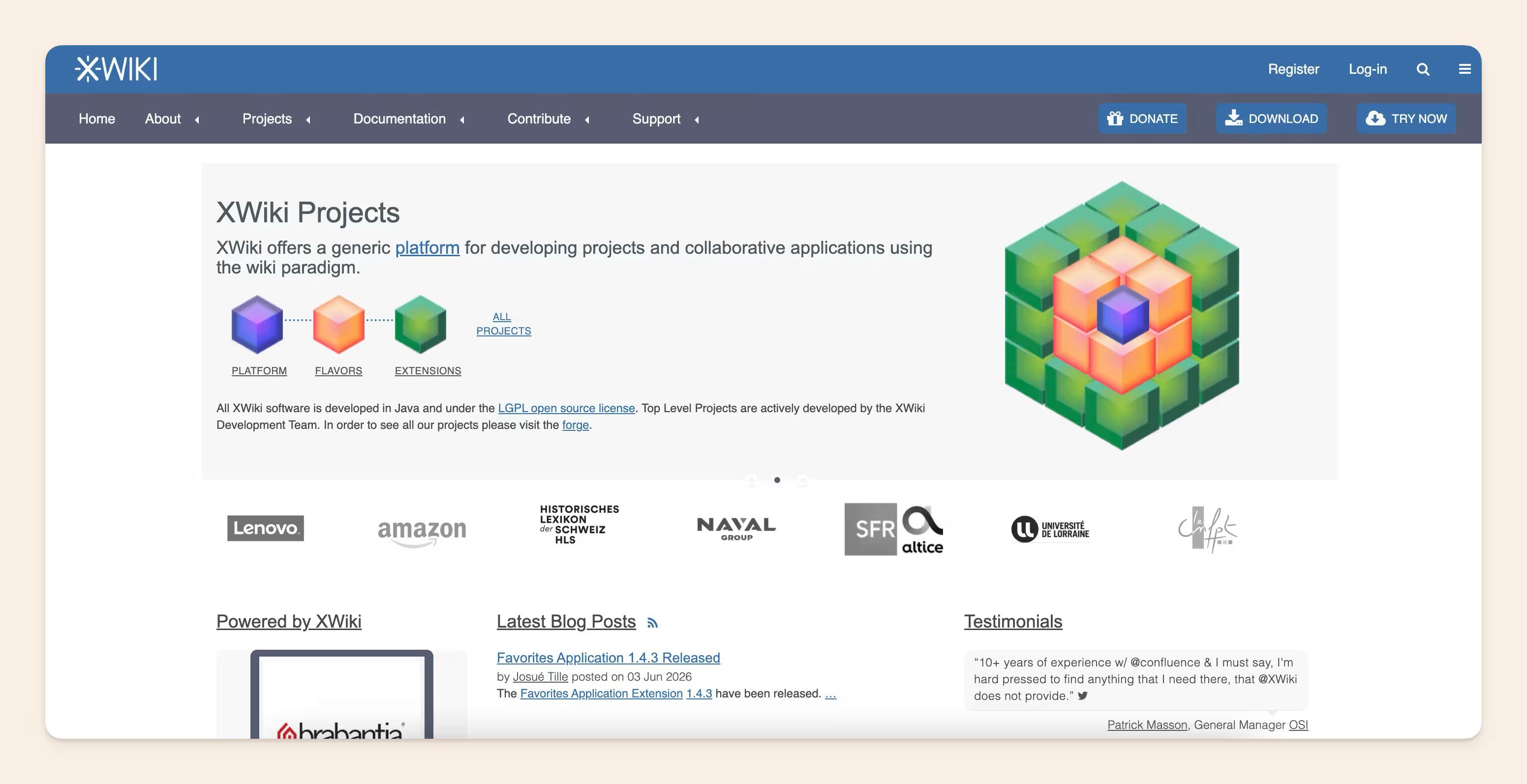
XWiki is an open-source wiki platform designed for organizations that need more than simple documentation. Unlike traditional wiki software, XWiki allows teams to create structured data models, custom applications, and advanced workflows directly within the platform, making it a popular choice for organizations with complex knowledge management requirements.
One of XWiki's biggest differentiators is its ability to combine documentation with structured data. Teams can create custom forms, metadata fields, and data-driven pages, transforming the wiki into a lightweight internal application platform. For organizations migrating away from legacy enterprise wiki systems, XWiki also offers dedicated migration tools and flexible deployment options.
Key features
- Open-source and self-hosted
- Structured data and custom metadata models
- Advanced permissions and access controls
- Custom forms and workflow automation
- Extensible through scripting and custom applications
- Enterprise-grade security and administration capabilities
Weaknesses
- Steeper learning curve than most modern wiki platforms
- Interface can feel complex for non-technical users
- Requires more setup and administration than SaaS-based solutions
- AI capabilities are still evolving compared to newer AI-first platforms
Best for
Larger European organizations with data-sovereignty requirements; teams that want a wiki and the ability to build structured internal applications inside it; organizations migrating off Confluence Server or Data Center.
Pricing
XWiki is free and open source for self-hosted deployments. Managed XWiki Cloud plans start at approximately €12/month, while commercial on-premises support starts at around €1,500/year for 25 users. Enterprise plans add features such as SCIM, multi-tenancy, dedicated support, and AI capabilities.
BookStack: Best open-source company wiki
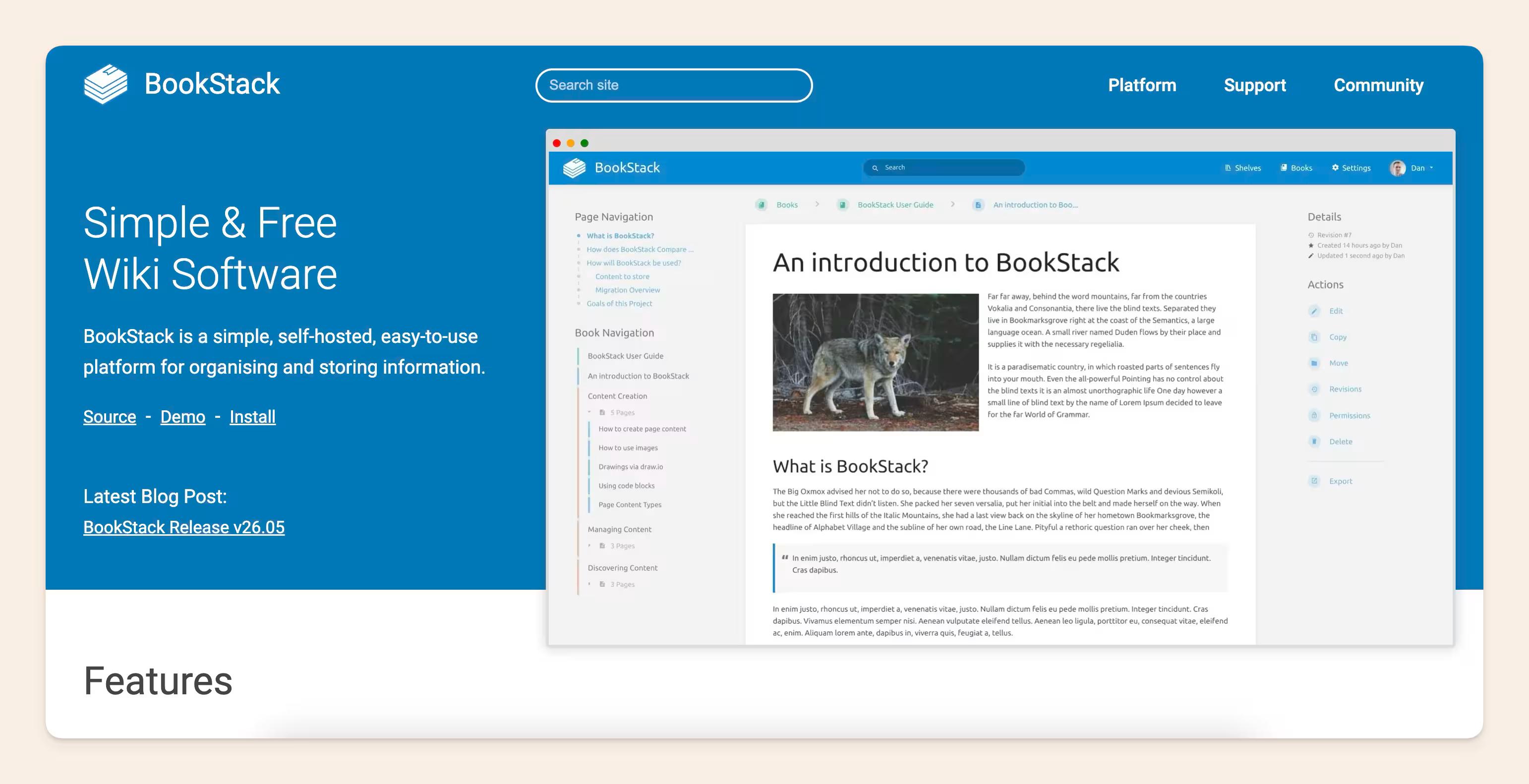
BookStack is an open-source wiki platform built for teams that want a simple and structured way to organize internal knowledge. It uses a four-level structure: shelves, books, chapters (optional), pages. The model mirrors how people actually organize physical knowledge, which makes it more intuitive than infinitely-nested-pages approaches for many teams.
Key features
- Free and open-source
- Self-hosted deployment
- Book, chapter, and page-based content structure
- WYSIWYG editor accessible to non-technical contributors
- MIT license (most permissive on this list, allows forking and modification)
- Strong auth: LDAP, SAML2, OIDC, role-enforced MFA
- Zero per-user licensing cost
Weaknesses
- No built-in AI-powered search or content assistance
- Limited integrations compared to SaaS-based wiki platforms
- Requires self-hosting and ongoing maintenance
- Less suitable for organizations that need advanced workflow automation
Best for
Teams that want a simple, self-hosted company wiki without the complexity of larger enterprise platforms. It works particularly well for IT teams, internal documentation projects, educational organizations, and businesses seeking a lightweight, open-source knowledge management solution.
Pricing
Free, MIT-licensed. Hosting costs only.
GitBook: Best for technical documentation and developer teams
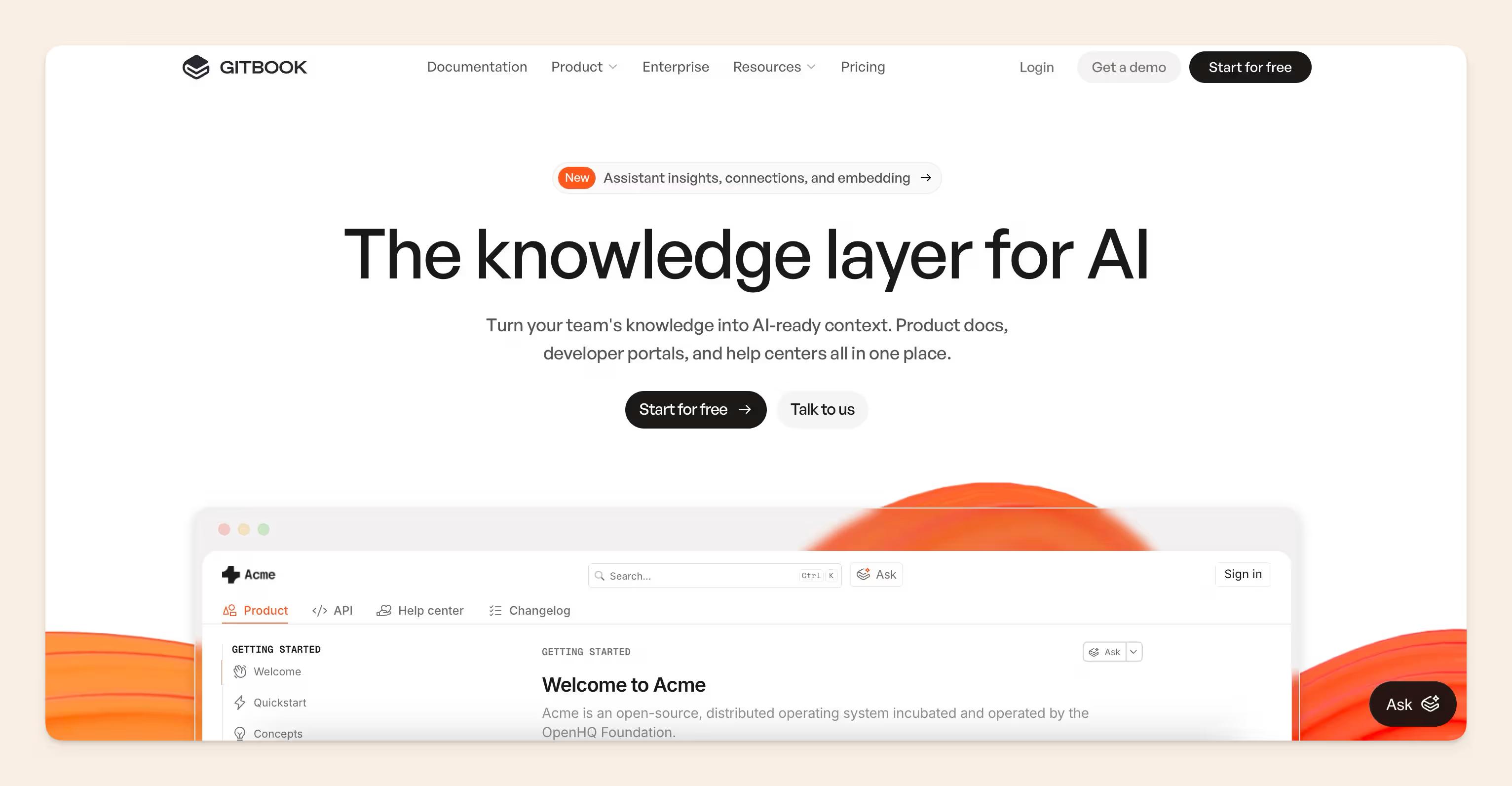
GitBook is strongest for technical documentation, developer-facing docs, product docs, and teams that think in Git. It can serve private content, but its center of gravity is more polished docs publishing than general company wiki management.
That makes it a good fit for engineering, developer relations, and product documentation teams.
Key features
- Native GitHub and GitLab synchronization
- OpenAPI and Swagger documentation support
- AI-powered search and GitBook Agent
- Collaborative documentation editor
- Version control and content history
- Public and private documentation sites
- Custom branding and publishing options
- Analytics and content insights
Weaknesses
- Pricing has changed multiple times, resulting in consistent user complaints about features being moved to higher tiers.
- The per-site-plus-per-user model causes costs to compound quickly across multiple documentation sites.
- Not the right pick for general internal company wikis serving non-technical teams.
Best for
Engineering teams, developer relations teams, and software companies need technical documentation tightly connected to their development workflows. It is particularly valuable for organizations that manage API documentation, developer portals, and product documentation alongside their codebase.
Pricing
GitBook offers a free plan for individuals and open-source projects. Paid plans start at $65 per site per month(Premium). Ultimate $249/site/month. Additional users need to pay $12 per user/month. GitBook also offers an Enterprise plan at a custom price.
MediaWiki: Best for large-scale collaborative knowledge bases
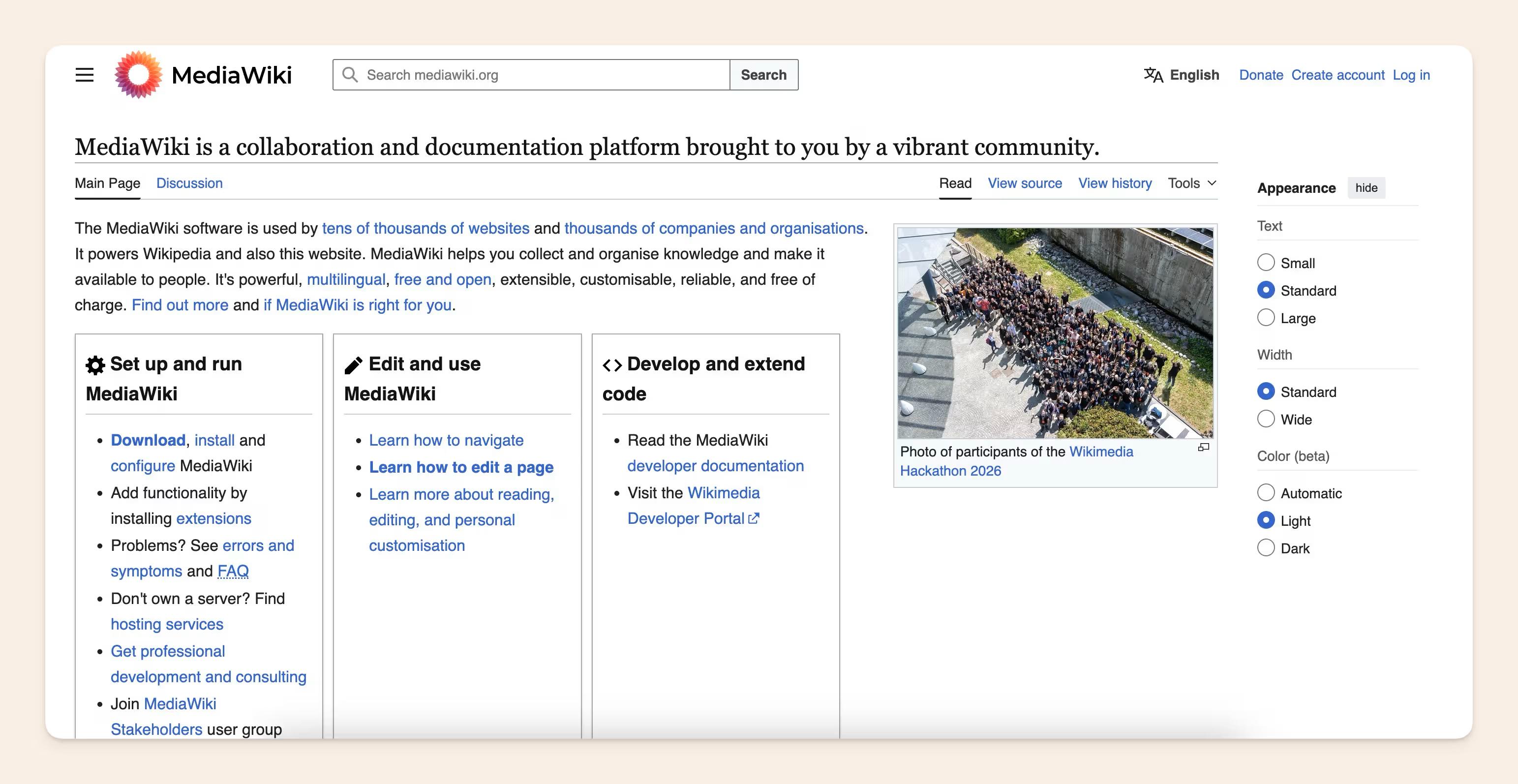
MediaWiki is the open-source platform that powers Wikipedia, making it one of the most established wiki solutions available today. Built specifically for creating and managing large knowledge repositories, it excels at organizing information through categories, namespaces, version history, and extensive internal linking.
While its interface feels more traditional than modern SaaS wiki tools, MediaWiki remains a powerful option for organizations that want complete control over their knowledge base and prefer open-source software over vendor-managed platforms.
Key features
- Free and open-source
- Powerful categorization and content organization
- Detailed version history and revision tracking
- Multi-language support
- Extensive extension ecosystem
- Scalable architecture for large knowledge bases
Weaknesses
- Dated user experience compared to modern wiki platforms
- Requires technical expertise to deploy and maintain
- Limited native AI capabilities
- Custom permissions and theming require additional configuration
Best for
MediaWiki is best for organizations that need a large, highly structured knowledge base and have the technical resources to manage self-hosted infrastructure. It's particularly well-suited for teams that want a Wikipedia-style knowledge repository with no vendor lock-in.
Pricing
MediaWiki is free and open source. Organizations only need to cover hosting, infrastructure, and maintenance costs.
Helpjuice: Best for searchable internal knowledge bases
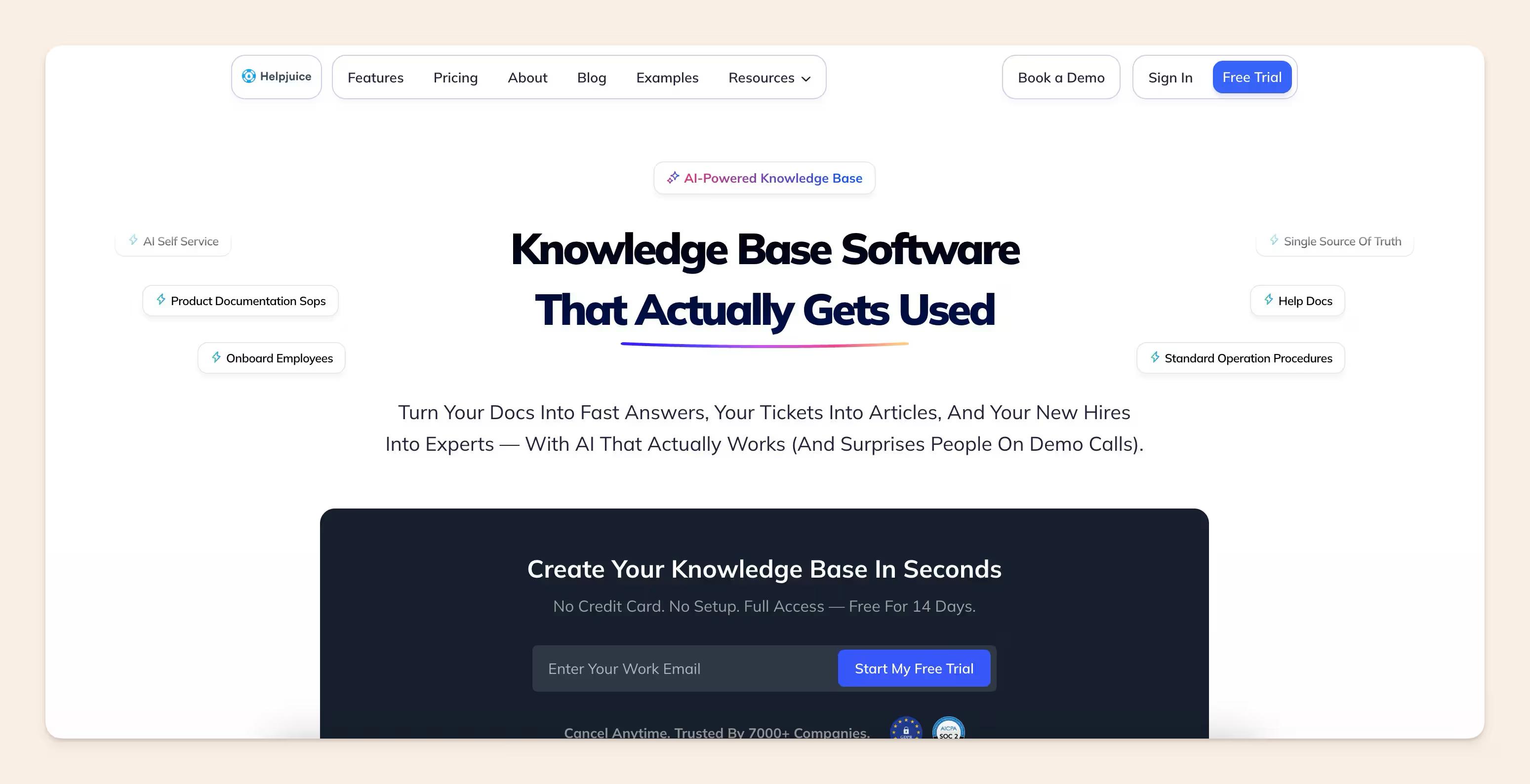
Helpjuice positions itself as simple knowledge-base software with strong search, customization, collaboration, workflow, localization, and AI add-ons. It can be used for internal knowledge, but its public site speaks more broadly to knowledge-base use cases than to company wiki workflows.
Key features
- AI-powered semantic search with instant answers pulled from existing docs
- Customizable article structure and templating
- Analytics showing which searches succeed, which fail, and which articles get used
- Google Drive and Slack integration
- White-label customization for branded internal portals
Weaknesses
- Higher starting price than many competing wiki and knowledge base platforms
- AI capabilities are limited to higher-tier plans.
- More focused on documentation management than broader workplace collaboration
- Organizations still need clear ownership and processes to keep content updated over time.
Best for
Helpjuice is best for organizations that prioritize searchability and need a highly customizable internal or customer-facing knowledge base. It works particularly well for support teams, operations teams, and companies managing large documentation libraries across multiple teams or regions.
Pricing
Helpjuice offers a 14-day free trial. Paid plans start at $249/month for 30 users for the Knowledge Base plan, $449/month/100 users for the AI-Knowledge Base plan, and $799/month for the Unlimited AI-Knowledge Base plan. Higher-tier plans include additional AI capabilities, increased user limits, and advanced customization features.
Bit.ai: Best for smart document collaboration and knowledge sharing
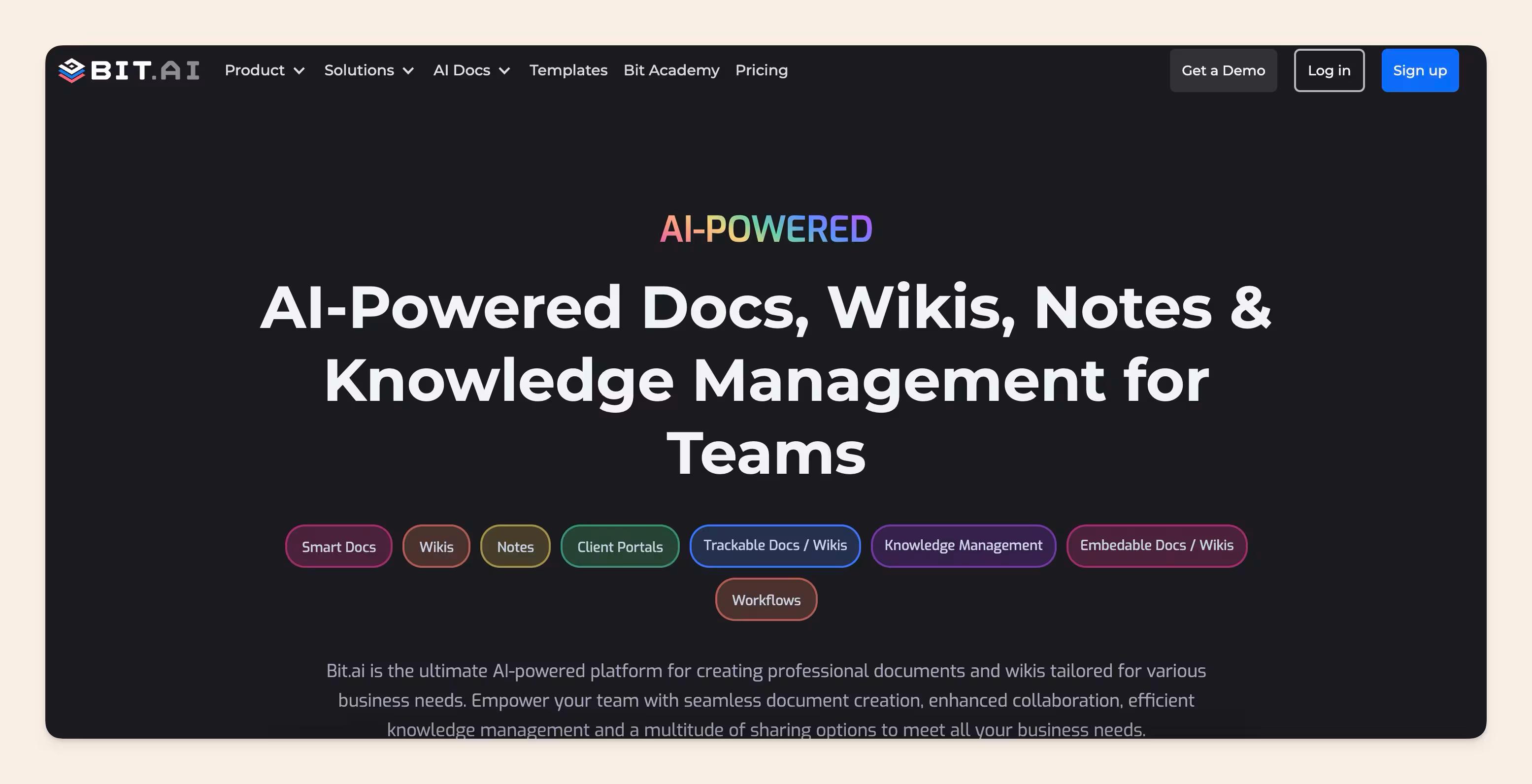
Bit.ai is an AI-powered docs, wikis, and knowledge management platform designed to help modern teams build, manage, and share knowledge in one centralized space. It enables users to build “smart documents” that combine text with rich media such as files, links, embeds, and cloud content, making documentation more dynamic and structured.
It also supports real-time collaboration, allowing teams to co-edit documents, comment, and manage knowledge efficiently through well-organized workspaces.
With AI-powered writing assistance (AI Genius Writer), ready-made templates, and strong integrations with popular tools, Bit.ai helps teams streamline documentation, improve knowledge sharing, and keep company information well-structured and easy to access.
Key features
- Smart documents with rich media, embeds, and file integration
- 100+ integrations with live content embeds (Figma, Google Sheets, and more)
- Real-time team collaboration and editing
- Centralized knowledge bases and wiki-style organization
- Pre-built templates for documentation and workflows
- AI-powered writing assistance to help create, refine, and improve content quickly
- Workspace, folder, and permission-based access control
- Multiple sharing options: live links, trackable links, password protection, and website embeds
Weaknesses
- The AI writing assistant requires an additional subscription
- The free plan is capped at 5 members and 50 documents (10 docs per user), limiting it for growing teams
Best for
Bit.ai is best suited for teams, startups, solopreneurs, and organizations that want a clean, structured, and collaborative way to manage documentation and knowledge. It works especially well for businesses that prioritize AI-based documentation, client-ready content, and centralized knowledge sharing without the complexity of building workflows from scratch.
Pricing
Bit.ai offers a free plan for individuals and small teams with basic features. The Pro plan is $8 per member/month, and the Business plan is $15 per member/month. Enterprise, non-profit, and start-up plans are available on request.
Comparison table
If you're shortlisting vendors, the table below provides a quick side-by-side comparison of the leading company wiki software tools. Use it to compare what each tool is best for, its AI capabilities, starting price, and whether a free plan is available before diving into individual product evaluations.
| Tool | Best for | AI capabilities | Starting price | Free plan |
|---|---|---|---|---|
| Slite | Self-maintaining all-company knowledge | Ask AI search with citations, doc verification, Slite Agent (detects and fixes drift) | $10/user/mo (Basic) | 14-day trial |
| Confluence | Jira-centric enterprises | Atlassian Intelligence + Rovo | $5.50/user/mo (Standard) | Yes (up to 10 users) |
| Notion | Flexible workspace customization | Notion AI (add-on) | $10/user/mo (Plus) | Yes |
| Guru | Browser-based knowledge access | AI answers and agents | Custom | Free trial |
| Document360 | Customer-facing documentation | AI search and writing | Custom pricing | 14-day trial |
| Nuclino | Lightweight internal documentation | Sidekick AI (Business tier) | $6/user/mo (Starter) | Yes |
| Tettra | Small teams using Slack | Kai AI answers from your KB | $8/user/mo (10-user min) | 30-day trial |
| XWiki | Structured-data wikis | Limited (via extensions) | Free self-hosted; Cloud ~€12/mo | Yes (self-hosted) |
| BookStack | Open-source company wiki | None native | Free, open source | Yes (self-hosted) |
| GitBook | Technical and developer docs | GitBook AI assistant | $65/site/mo + $12/user | Yes |
| MediaWiki | Large-scale collaborative knowledge bases | None native | Free, open source | Yes (self-hosted) |
| Helpjuice | Searchable internal knowledge bases | AI-powered semantic search (add-on) | $249/mo (30 users) | 14-day trial |
| Bit.ai | Smart document collaboration | AI Genius Writer | $8/member/mo (Pro) | Yes |
How to prevent company wiki adoption from failing
The failure mode is rarely “people refused to document.” It is usually more boring and more fixable: the wiki stops earning trust.
People search once, find an outdated page, and go back to Slack.
Someone copies an old onboarding checklist into a new page.
A team creates a private process doc that never moves into the shared space.
AI search starts answering from stale material, which makes the trust problem worse.
The wiki needs an operating model, not just a launch plan.
- Assign owners to important docs. Every critical process, policy, handbook section, and SOP should have a named owner. Without ownership, maintenance becomes everyone’s job, which means it becomes nobody’s job.
- Set verification cycles. Some docs need monthly review, others quarterly or twice a year. The cadence should match how often the process changes.
- Design for search. Titles, hierarchy, internal links, and page structure matter, still people still predominantly use navigation to find documents. If people need to know the exact folder path before they can find something, the wiki is already failing.
- Archive instead of hoarding. Old docs should not compete with current docs. Archiving is a trust feature.
- Treat AI as a retrieval layer, not a magic cleanup crew. AI answers are useful when they cite reliable, current sources. They are risky when the underlying wiki is a pile of stale pages.
- Build a maintenance model. The best maintenance model is the one that’s on autopilot, meaning it frees up the people behind the knowledge base from doing the tedious manual work of updating every doc. But you can also do scheduled updates or use KB analytics to find which docs haven’t been used in a while and go through them manually.
A wiki succeeds when people know where knowledge lives, who owns it, and whether it is still current.
New in Slite: The self-maintaining knowledge base: what it is and why every team needs one
Final thoughts
There’s no single best company wiki software for every organization. The right choice depends on your team’s size, workflows, technical requirements, and how you manage knowledge across the business.
Tools like Slite, Notion, Nuclino, and Tettra are popular for their simplicity and ease of adoption. Larger organizations often prefer Confluence or XWiki for stronger governance and permissions, while technical teams may favor GitBook.
Ultimately, the success of any company wiki software depends less on features and more on adoption. A wiki only delivers value when employees use it, trust it, and keep information up to date.
As AI-powered search and knowledge tools become more common, maintaining accurate and organized documentation will become even more important. The best company wiki is the one your team will consistently use, maintain, and rely on as a source of truth.
FAQs
What is the best company wiki software?
The best company wiki software depends on your organization's needs. Slite is a strong choice for teams looking for self-maintaining knowledge management, while Confluence is often preferred by large organizations using Jira. Notion is popular among startups, GitBook excels for technical documentation, and Nuclino is a great option for teams that prioritize simplicity and ease of use.
What's the difference between a wiki and a knowledge base?
A company wiki is designed to help employees create, organize, and collaborate on internal knowledge. A knowledge base is typically focused on helping users find answers quickly and may be used internally, externally, or both. In practice, many modern platforms combine wiki and knowledge base functionality, which is why the terms are often used interchangeably.
Which wiki software has the best AI features?
Several wiki platforms now offer AI-powered capabilities, but they differ significantly in their approach. Some focus on AI-assisted writing and content creation, while others prioritize AI-powered search, answers, and knowledge discovery. When evaluating AI features, look beyond content generation and consider how effectively the platform helps keep knowledge accurate, organized, and easy to find.
How do you keep a company wiki up to date?
Keeping a company wiki current requires clear ownership, regular reviews, and strong documentation practices. Assign owners to critical content, archive outdated information, establish review schedules, and encourage teams to update documentation as processes change. Modern wiki platforms also offer AI-powered tools that can help identify stale content and surface knowledge gaps.
Is wiki software free?
Many company wiki tools offer free plans, including Confluence, Notion, Nuclino, GitBook, and MediaWiki. Slite replaced its free plan with a 14-day free trial (no credit card required) on Basic and Pro. Free plans often include limitations on users, storage, AI features, or administrative controls, so growing organizations typically need paid plans to access advanced collaboration, governance, and security capabilities.
How much should we budget for company wiki software?
The cost of company wiki software varies widely depending on the platform and team size. Small teams can often get started for free or for less than $10 per user per month. More advanced platforms typically range from $10–$25 per user per month, while enterprise deployments may involve custom pricing based on security, compliance, support, and AI requirements. When budgeting, consider not only licensing costs but also implementation, administration, and long-term maintenance.