Notion is a popular all-in-one tool for individuals. Its power users go as far to organise their personal and professional lives in Notion, solely. It works without a hitch, combining a little bit of everything you want, the way you want.
The caveat? You need to know which way is the best. And the best way is often subjective.
This challenge becomes exponentially more evident in teams. Should import and link a Sheets link or just build a Notion database? Do you need to quickly verify a non-wiki page? Or should you just paste another doc link and comment ‘verified’ because that’s the way your previous company used to do it.
When every team member picks their own ‘best’ way, Notion becomes a mess. And it becomes impossible to find information, use it, and scale it with your team’s growing work.
If you’ve been on the hunt for a good alternative to Notion, we feel you. Researching for this guide took us hours of shortlisting a 100 tools and then manually testing 20 of them. There’s some promising tools that have built on Notion’s fallbacks, let’s look at them.
What are the best Notion alternatives?
If you are going on a hunt for apps like Notion, you should start with this question: Why are you moving away from Notion in the first place?
Sick of Notion’s slow speed? There are alternatives to Notion for that.
Want more features than Notion offers? There’s a Notion alternative for that.
Want a more solid project management architecture with advanced features like Kanban boards, Gantt charts, and calendar integration? There are definitely many Notion competitors vying to get your attention just for that.
Our criteria for evaluation
We personally tested every tool, went through their G2/Reddit reviews to get a customer sentiment, and broadly judge the following criteria:
- Daily driver worthiness: While testing tools, we understood that all-in-tools sacrifice user-friendliness while adding features to their product. It overwhelms the first-time user, especially non-tech savvy folks, which discourages them from using the tool as a daily driver everyday.
- AI: Following the AI boom, SaaS apps are adding AI features to simplify basic tasks like summarisation, organisation, etc. Notion AI is ramping up fast and steady, adding new layers and features regularly. These are highly time saving and help employees work more efficiently on grunt work.
- Stand out features: Every tool has a focus area where it shines, and maybe it’s a gamechanger to you! We also consider advanced project management features such as workflow automation, dashboards, forms, and AI assistance for project management and collaboration.
- Pricing: Notion is one of those tools which accounts for 100% of the team members. Which is why, scaling Notion becomes pricey for mid-size to larger organisations. The goal should be to find a simple tool that doesn’t burn your pocket with yearly subscriptions.
Let’s get to the list, shall we now?
The 10 Best Notion alternatives
The 10 best Notion alternatives are:
- Slite if you want a self-maintaining knowledge base that stays current on its own.
- Ninety if you want a structured business operating system.
- Obsidian if you want to build a personal knowledge base.
- Monday.com if you want project management + documentation.
- Coda if you want to build native apps/buttons.
- ClickUp if you want robust and cheap project management
- Airtable if you want powerful database and visualisation features
- Asana if you want enterprise-grade project management
- Basecamp if you want user-friendly project management
- Confluence if you want to stay in the Atlassian ecosystem
We’ve picked the top 10 alternatives above based on what Notion-leavers usually expect from their new tools.
All of them like the ability of an all-in-one but often need 1-2 core features. There are many Notion alternatives available, so let’s continue.
Slite
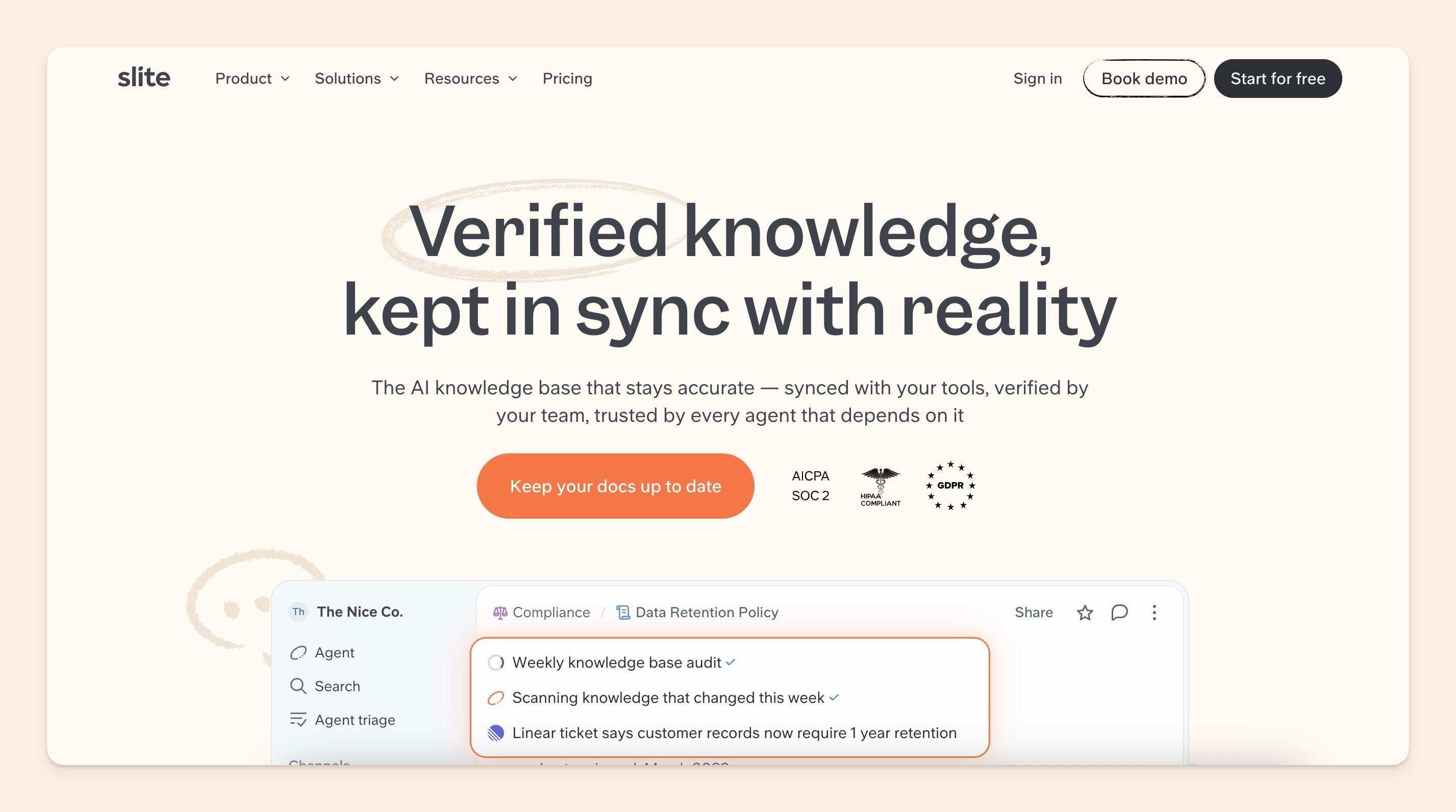
If you're tired of getting lost in Notion's endless possibilities and you want one of the best knowledge base apps out there, Slite might be your new best friend. It's like Notion's more organised cousin who makes sure everything stays up to date.
Slite has been built with one specific goal in mind: to enable team knowledge management at scale. It pairs AI search with Slite Agent, launched in June 2026, which keeps your knowledge base current, and it does all this while staying refreshingly simple.
What makes Slite so simple to use? An opinionated feature set. Slite has features that Notion, Coda, and other apps don't, and every one of them exists to help you build a single source of company truth.
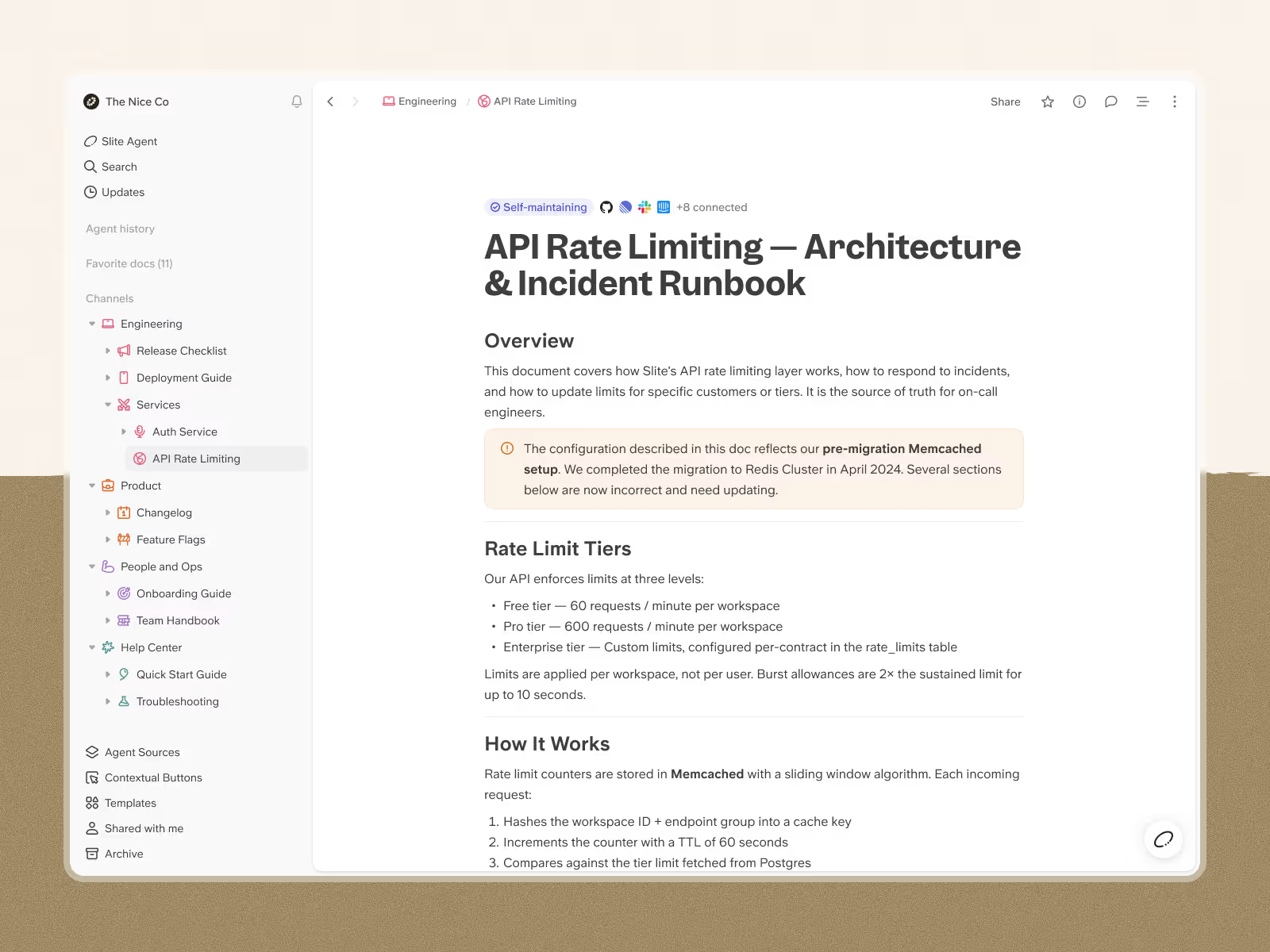
Here's the part that sets Slite apart from Notion: it’s a purpose-built knowledge base that maintains itself.
Most knowledge bases rot because docs drift from reality and nobody keeps them current. Slite is built to do that work for you, so your single source of truth stays trustworthy as your team and tools change.
Even the best knowledge base only captures part of your team's critical information - the real context often lives in Slack discussions, Linear ticket comments, GitHub issues, and Google Drive brainstorms.
Your official docs tell the "what," but the rest of the information, the “why” and “when” actually live in the rest of the tool stack.
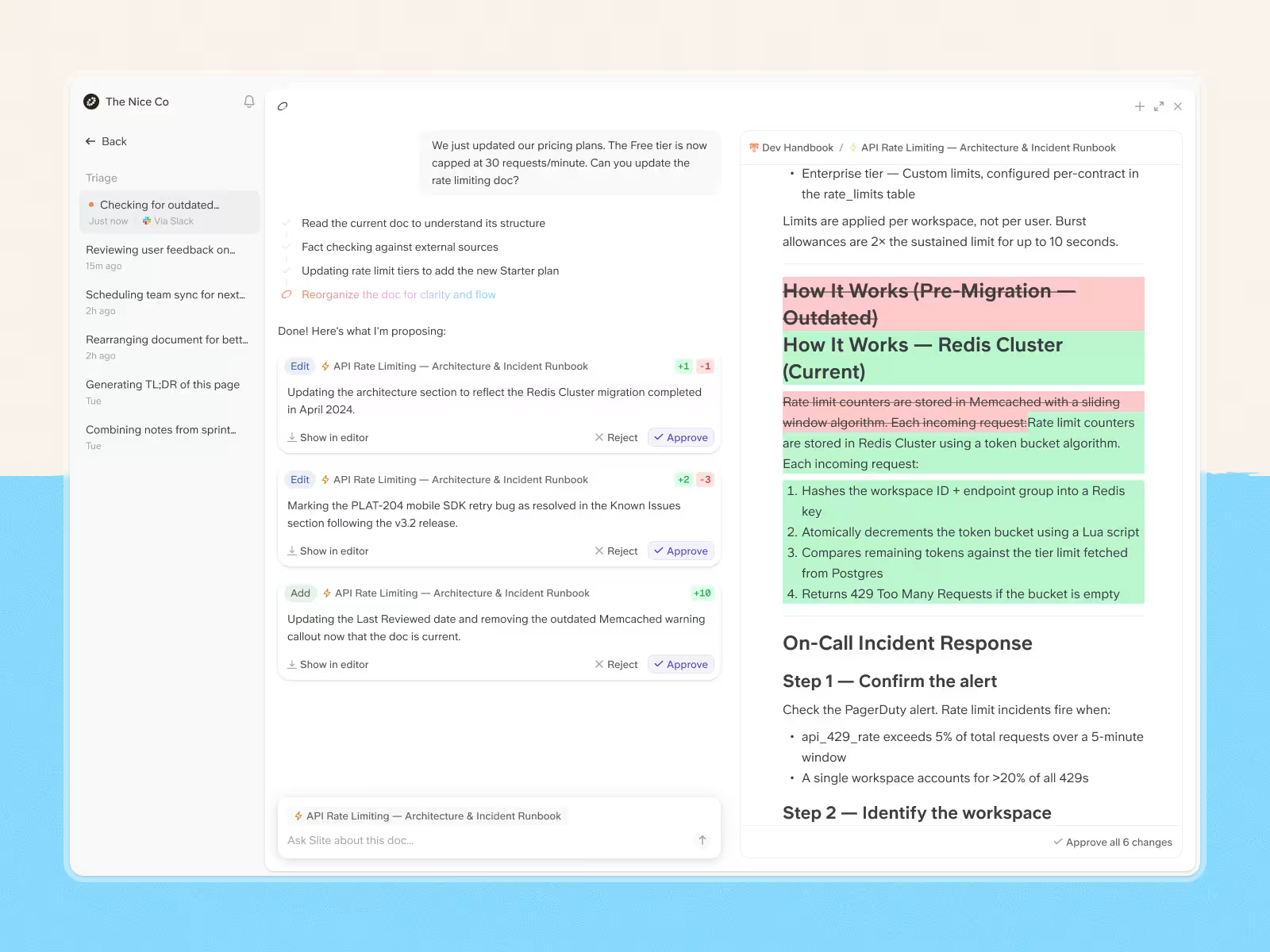
That's why our team also built Slite Agent, an AI agent that bridges the gap between your structured docs and the scattered information in your entire tool stack.
It detects when knowledge has drifted, drafts the fix, and routes every change through human approval.
Besides fixing the stale docs, Slite agent also helps you discover information with cited answers with powerful AI enterprise search.
So, when someone searches for "our mobile deployment process," they get:
- your Slite documentation ,
- the recent engineering discussion about deployment challenges,
- the Slack thread where the team debugged the latest issue,
- and the Linear ticket tracking the infrastructure updates.
Think of it as extending Slite's single source of truth across your entire digital workspace. Your knowledge base becomes the foundation, and Slite Agent makes sure no critical context gets lost in the tools where work actually happens.
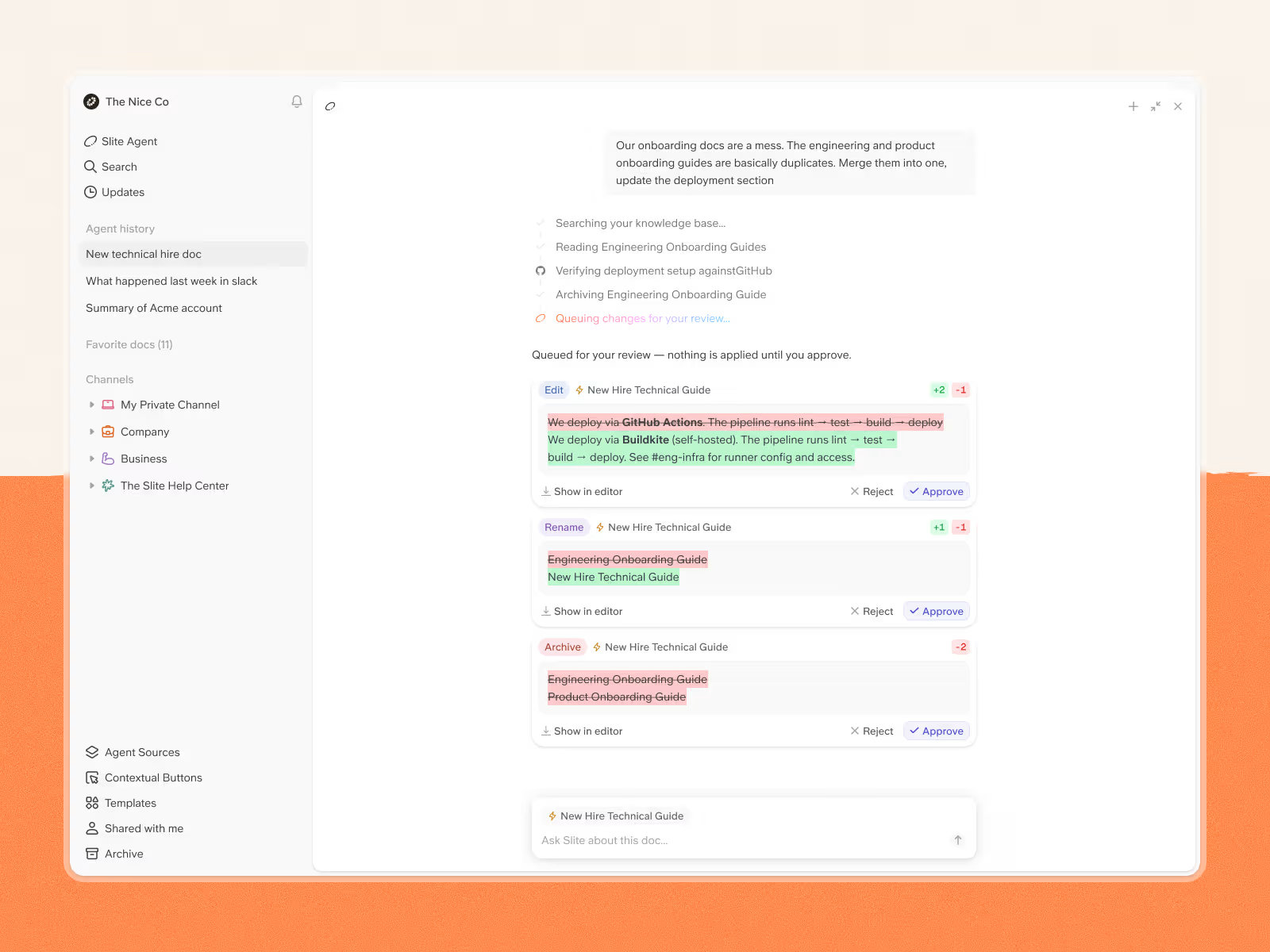
The day-to-day basics are handled too:
- A fast, minimal editor for your knowledge base that works just like Notion's, with inline embeds and databases so you keep the rest of your stack
- Team-wide adoption: people across departments and generations find it user-friendly, no PhD in wiki structure required
- Doc verification: verify any doc for as long as you want, and Slite flags it when it goes outdated
- Knowledge Management Panel: prompt "Show me all empty and unverified docs by me," select all, and archive to declutter hundreds of docs in minutes
Price-wise, Slite won't break the bank at $10 per user per month, and $20 per user per month on the Pro plan, which includes Slite Agent. And with a G2 score of 4.6, it seems like most users are pretty happy with what they're getting.
Slite also ships an MCP connector on every plan, so AI agents like Claude and ChatGPT can create and edit your docs directly. And in our own benchmark, Slite's connector ran roughly 5–7× faster than Notion's at that kind of document work.
If you’re looking for Notion alternatives that won’t make you want to pull your hair out, Slite’s worth a shot.
Keep reading: Compare Notion VS Slite in detail
Ninety
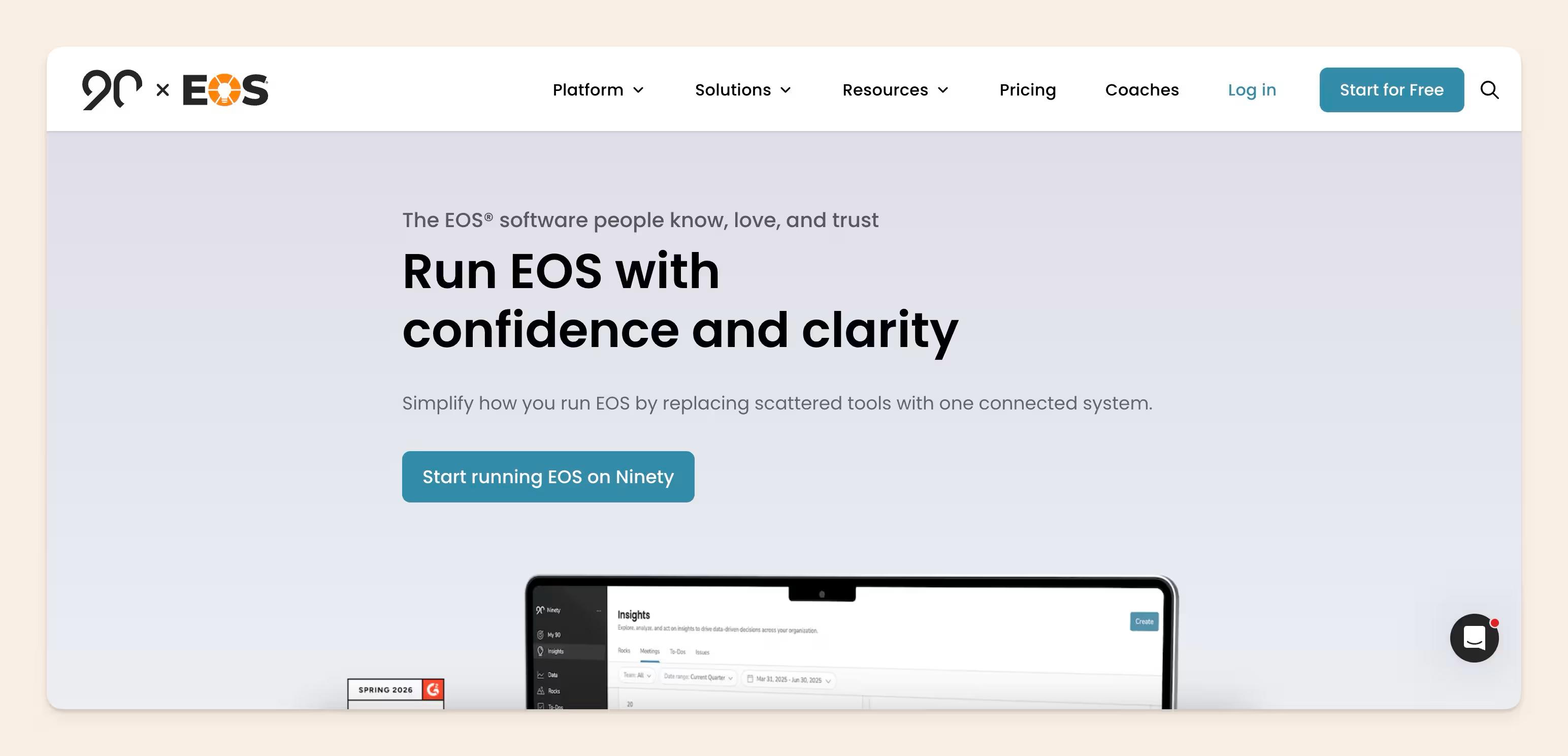
If Notion is designed to adapt to almost any workflow, Ninety offers a structured business operating system that brings planning, meetings, documentation, and accountability together in one place.
The platform is built for leadership teams that want visibility across their organization and day-to-day execution in the same workspace. Ninety includes tools for scorecards, quarterly Rocks, Issues, To-Dos, recurring meeting agendas, and process documentation, helping teams keep everything connected.
The standout feature is its built-in operating framework. Instead of starting with a blank workspace, teams get dedicated tools for planning, meetings, documentation, and accountability from day one. This gives everyone a shared structure without spending time building workflows from scratch.
Ninety also includes Ask Maz, an AI assistant that helps teams search company knowledge, prepare for meetings, and find information across the workspace. Higher-tier plans add AI tools for meeting preparation and planning.
The trade-off is flexibility. Teams that enjoy creating highly customized workspaces may prefer Notion's open-ended setup. Ninety is a better fit for organizations that prefer a structured way to manage meetings, goals, documentation, and company operations.
Ninety offers a free plan for small teams. Paid plans start at just $12 per user per month, with additional features available on higher tiers.
If your team wants a more structured alternative to Notion for meetings, planning, documentation, and accountability, Ninety is worth considering.
Monday.com
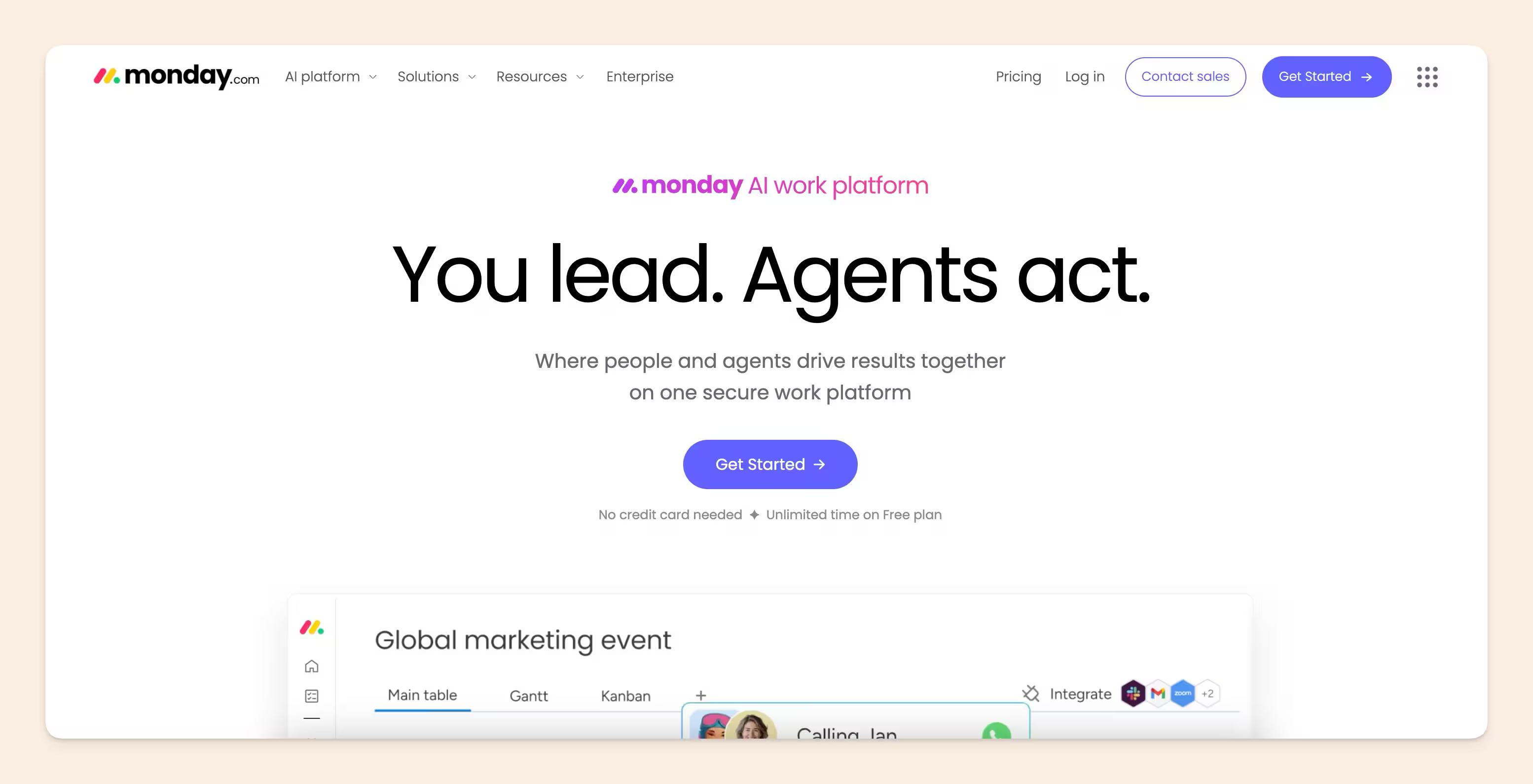
Monday.com is the project management tool that took a look at Notion's "all-in-one" approach and said, "hold my beer, but let’s make it enterprise-ready."
This platform has come a long way from just basic task boards. Now, it offers four distinct products:
- Work Management for general project tracking,
- CRM for managing sales pipelines,
- Dev for sprint planning,
- and Service for handling support tickets.
You can purchase them individually or bundle them together. It’s a bold move, and for the most part, it really delivers.
The highlight here is the visual workflow engine.
Monday.com’s boards are incredibly customizable. Whether you prefer Kanban, Gantt, timeline, calendar, or dashboard views, they’ve got you covered.
Plus, the automations are genuinely impressive. Setting up something like, "When the status changes to Done, notify the team lead and move the item to the Completed group," takes about 30 seconds and requires no coding skills.
But there’s a catch: automation limits.
The Standard plan restricts you to 250 automation actions per month, which might sound like a lot until your team starts automating tasks.
A busy team of 10 can burn through that in just a week. And with a minimum requirement of 3 seats for all paid plans, solo users or pairs end up paying for a ghost seat.
Monday.com does offer a free plan for up to 2 users. Paid plans start at $9 per seat per month for the Basic plan, with the Standard at $12 and Pro at $19, all billed annually. Enterprise pricing is customized.
With a G2 score of 4.7, it stands out as one of the highest-rated project management tools available.
If your team is looking for robust, visual project management with powerful automation features and doesn’t mind paying per seat, Monday.com is definitely a top choice.
Obsidian
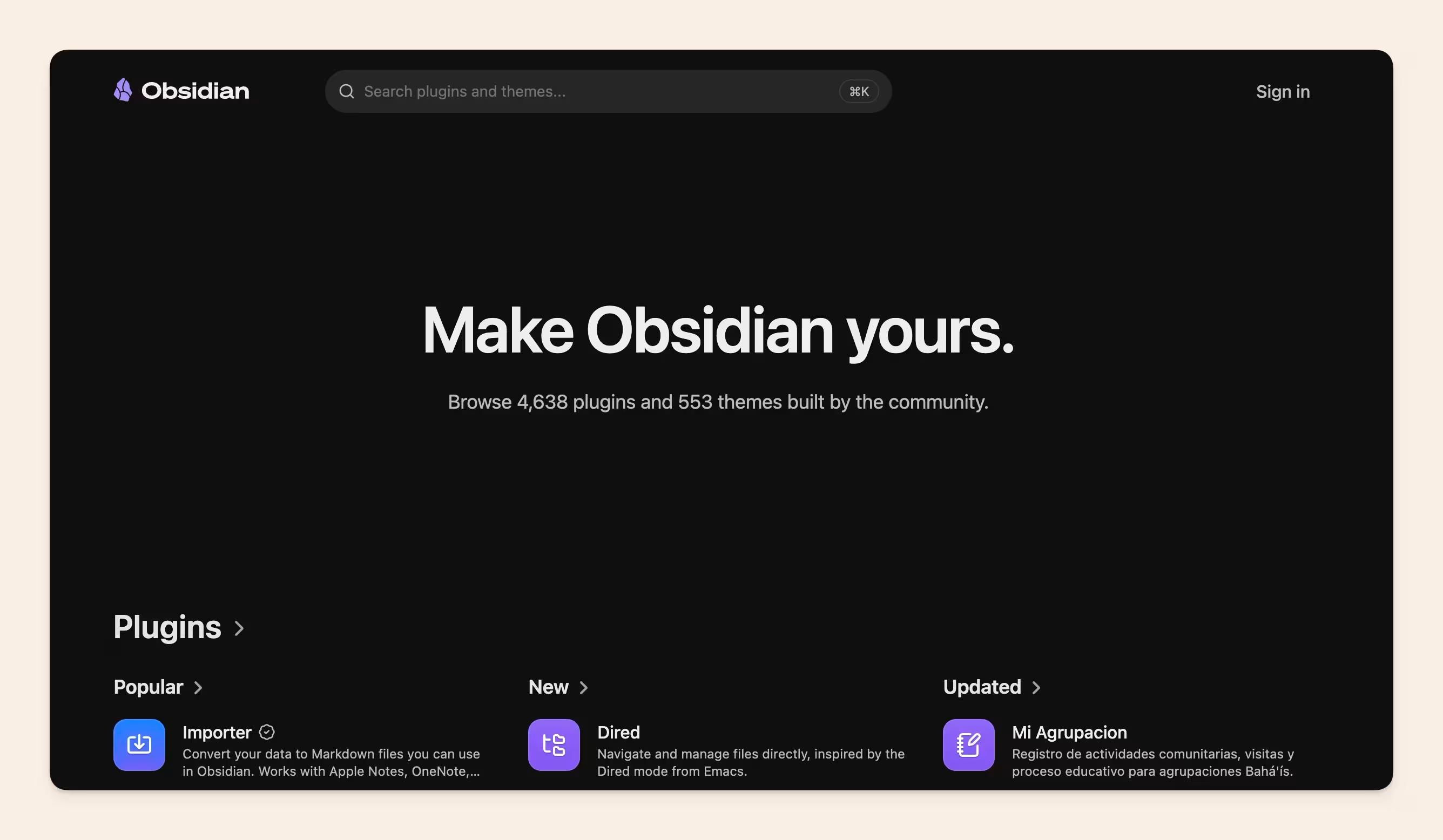
If every other tool on this list is trying to be your team's second brain, Obsidian is trying to be your second brain. Personally.
Obsidian keeps everything stored locally on your device as simple Markdown files.
No cloud storage, no vendor lock-in, and no worries about who might be peeking at your notes. Your data lives in a folder right on your computer, and that’s the end of it.
What really sets it apart? The knowledge graph.
Obsidian allows you to link your notes and visualize those connections as an interactive web. It’s like a mind map that evolves as you write. For researchers, writers, and anyone who thinks in terms of connections rather than just folders, it’s truly a game changer.
That’s where it competes with Notion the best - the individual use for people looking to organize their personal work and information.
The plugin ecosystem is where Obsidian really shines. There are tons of community-created plugins that can transform it into a task manager, a daily planner, a Kanban board, or even a publishing platform. It’s the kind of tool that rewards experimentation — the more effort you put into customizing it, the more it pays off.
However, there’s a catch: Obsidian is designed for individuals, not teams. You won’t find real-time collaboration, shared workspaces, or an admin dashboard here. You can share a vault with a colleague using Obsidian Sync, but don’t expect the co-editing experience you get with Google Docs.
The core app is completely free, with no hidden fees.
Obsidian Sync (for syncing across devices with end-to-end encryption) costs about $4–5 per user each month, and Obsidian Publish (to turn your notes into a website) is priced at $8–10 per site monthly. With a Capterra score of 4.8, it’s one of the top-rated tools in the knowledge management arena.
If you’re a solo operator, a researcher, or someone who prioritizes privacy and ownership over team features, Obsidian is definitely worth considering.
Coda
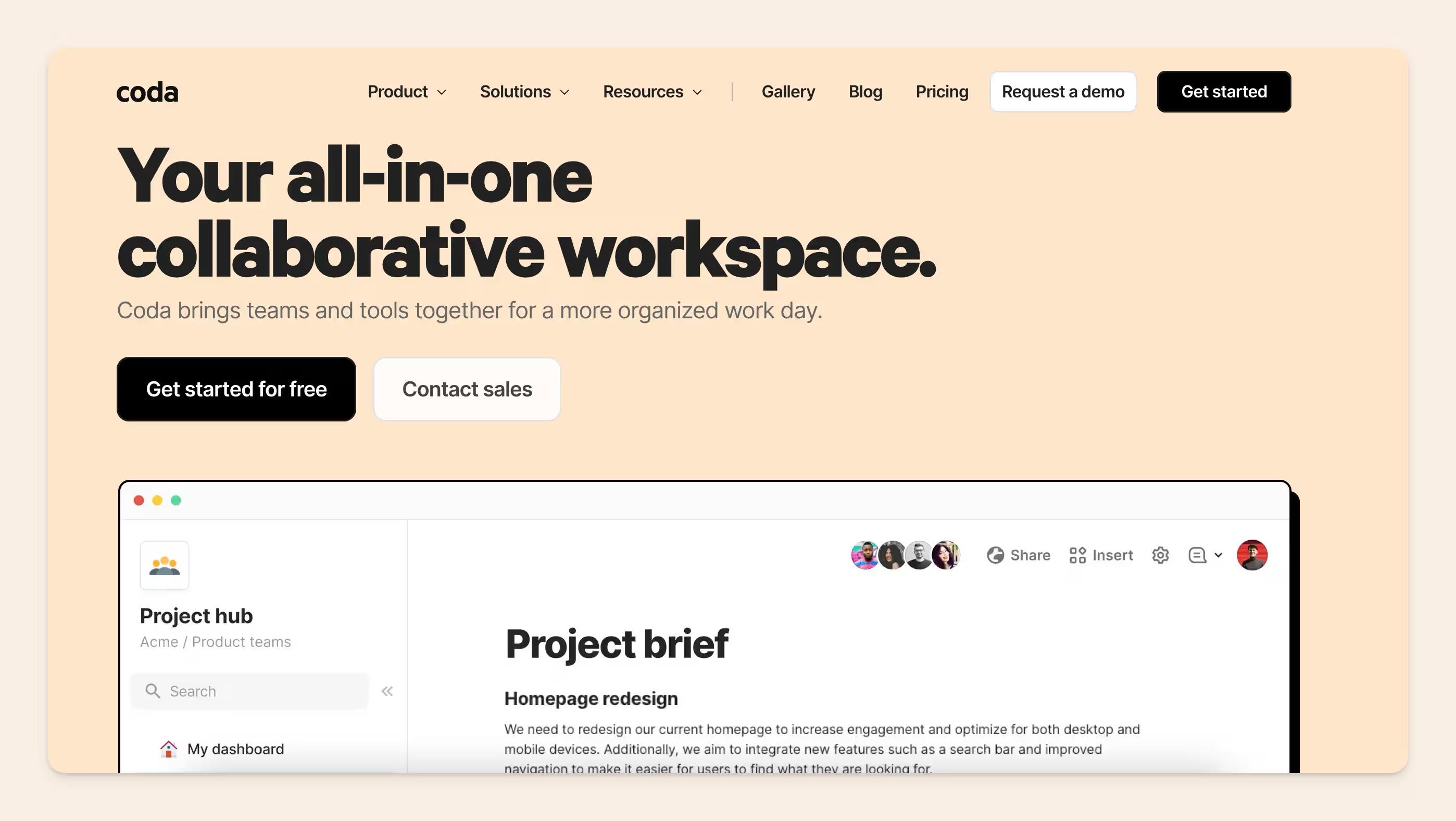
If Notion is the Swiss Army knife of productivity tools, Coda is trying to be the entire toolbox.
Coda’s standout feature? Apps called Packs. While other tools are playing catch-up, Coda’s built-in application capabilities let you create custom solutions that could potentially replace tools like Monday.com or Productboard.
Where Notion relies on external tools like Zapier for most integrations, Coda has this native, inside-the-doc integration layer. Packs connect Coda to tools like Figma, Jira, Salesforce, Slack, Google Workspace, Microsoft 365, and hundreds of others.
But with great power comes great complexity.
Coda’s learning curve is steep. It’s packed with features, which is great if you know what you’re doing, but can be overwhelming if you don’t. It’s one of the most mentioned cons of Coda on G2.
Coda breaks down into four main components:
- Trackers (supercharged spreadsheets)
- Applications (build buttons, formulae, visualisations on top of your docs/spreadsheets)
- Hubs (for organizing your docs)
- Writeups (their version of collaborative docs)
It’s trying to be your one-stop-shop for all things productivity.
Coda AI launched in June 2023 with three core tools: AI assistant, AI column, and AI block. Since then, it's been steadily refined rather than radically expanded. There hasn’t been significant AI implementations since then, but it’s a steady and robust layer that its users appreciate.
Performance at scale is Coda’s Achilles’ heel. The learning curve is steep, making it challenging to implement in mid-sized to large enterprises without significant onboarding. Users often struggle to figure out the optimal way to use the tool due to its complexity.
Performance at scale is another issue. As projects grow and more data is added, users report slowdowns and difficulties managing larger workspaces.
Coda’s pricing model is unique. They use ‘Maker’ billing, where you only pay for users who create and edit docs. This can be cost-effective for teams with many viewers but few content creators.
With a G2 score of 4.7, Coda is well-regarded by those who’ve mastered its complexities. It’s best suited for small teams of tech-savvy builders or larger teams with dedicated Coda experts to manage the infrastructure.
ClickUp
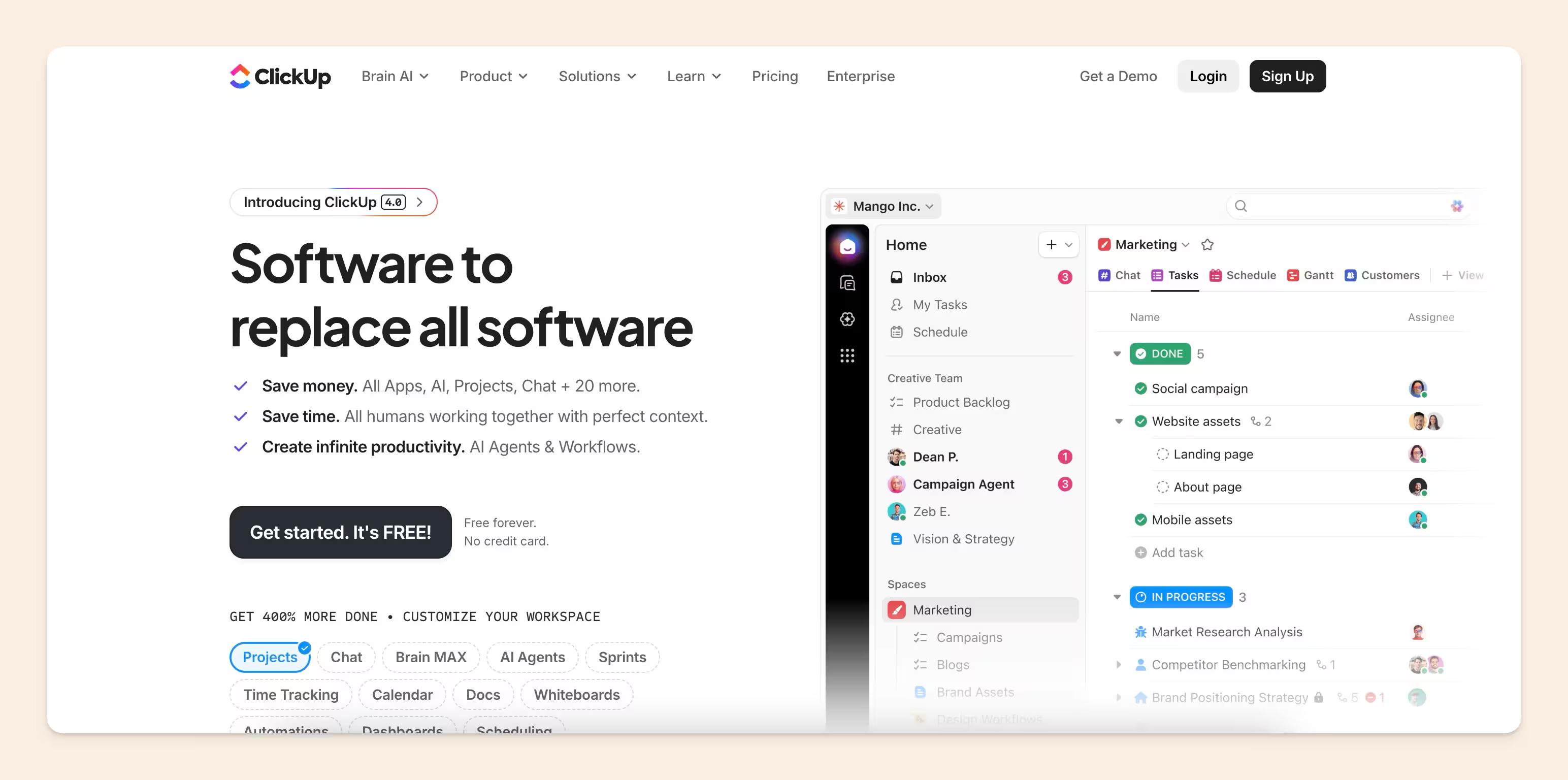
ClickUp started as a project management tool but has evolved into “one tool to replace them all” (their words).
It offers a wide range of features including docs, projects, chats, AI, whiteboards, dashboards, forms, and time tracking.
Though, the standout feature of ClickUp is its best-in-class project management automations and workflows. These powerful tools can significantly streamline cross-team collaboration and reduce the busywork of updating and creating tickets. It is a robust project management platform with advanced features.
However, ClickUp’s comprehensive feature set can be overwhelming for beginners. The sheer scope of implementing “one tool to replace them all” is not suitable for every team. Many current customers were initially attracted by ClickUp’s excellent project management capabilities but struggle to adopt its newer features.
For scaling companies, ClickUp isn’t yet stable enough to be the ‘everything work app’ for all employees. The platform’s ambitious goal of replacing multiple tools often leads to complexity that can hinder full adoption across an organization.
Pricing-wise, ClickUp offers a free plan and starts at $7 per user for small teams, making it accessible for various team sizes and budgets. However, ClickUp Brain AI is a separate add-on at $7–9/user/month, not included in any base plan.
With a G2 score of 4.6, ClickUp is well-regarded by many users. It’s particularly suited for managers who want to simplify cross-team collaboration. Project managers or even social media managers can leverage ClickUp to bring different stakeholders together and set up powerful workflows.
Airtable
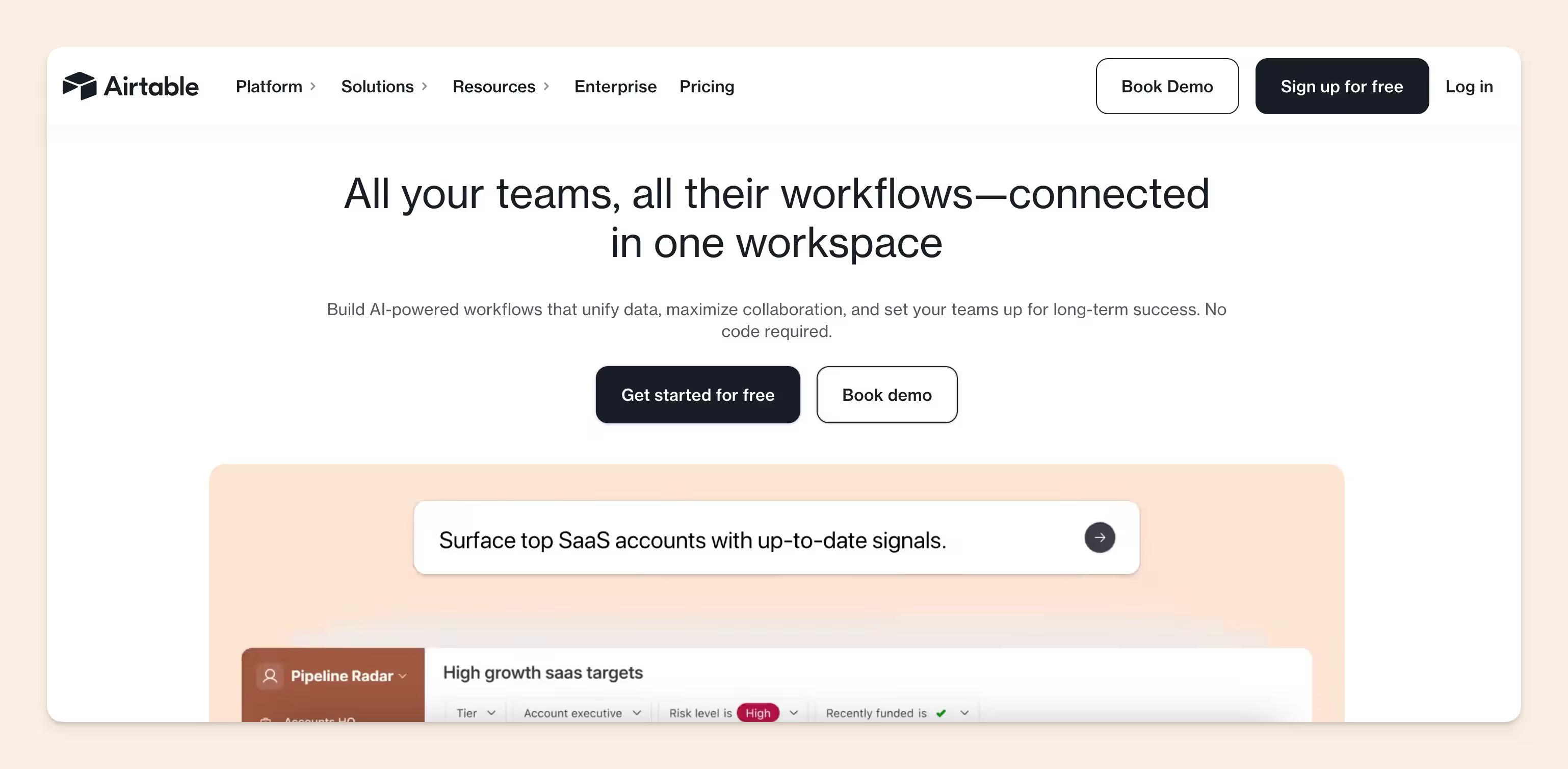
One of the internet’s favourite database tools, Airtable, combines project management databases, offering a unique approach to organising work.
The standout feature of Airtable is its ability to visualise data from tables and databases. This makes it an excellent tool for teams that need to present complex information in an easily digestible format, either natively or in the form of an integration.
It’s especially useful for data-heavy professionals like analysts, performance marketers, finance teams, accounting, etc.
You can quickly create forms, have their data come into Airtable, and build a low-fi dashboard with it.
While Airtable gives a comprehensive feature set, some users find themselves overwhelmed. Sometimes, Airtable can leave users with a nagging feeling of “not knowing what they don’t know,” potentially limiting their ability to fully leverage the tool.
In terms of the pricing structure, there are 4 tiers: Free, Team ($20/seat/month), Business ($45/seat/month), and Enterprise Scale (custom). This pricing structure can make Airtable a significant investment for larger teams, as exceeding 50,000 records or 25,000 automation runs forces an upgrade from Team to Business, a 125% per-seat price increase.
With a G2 score of 4.6, Airtable is well-regarded by many users. It’s particularly suited for client-facing teams managing multiple projects who need to present data in visually appealing ways.
Asana
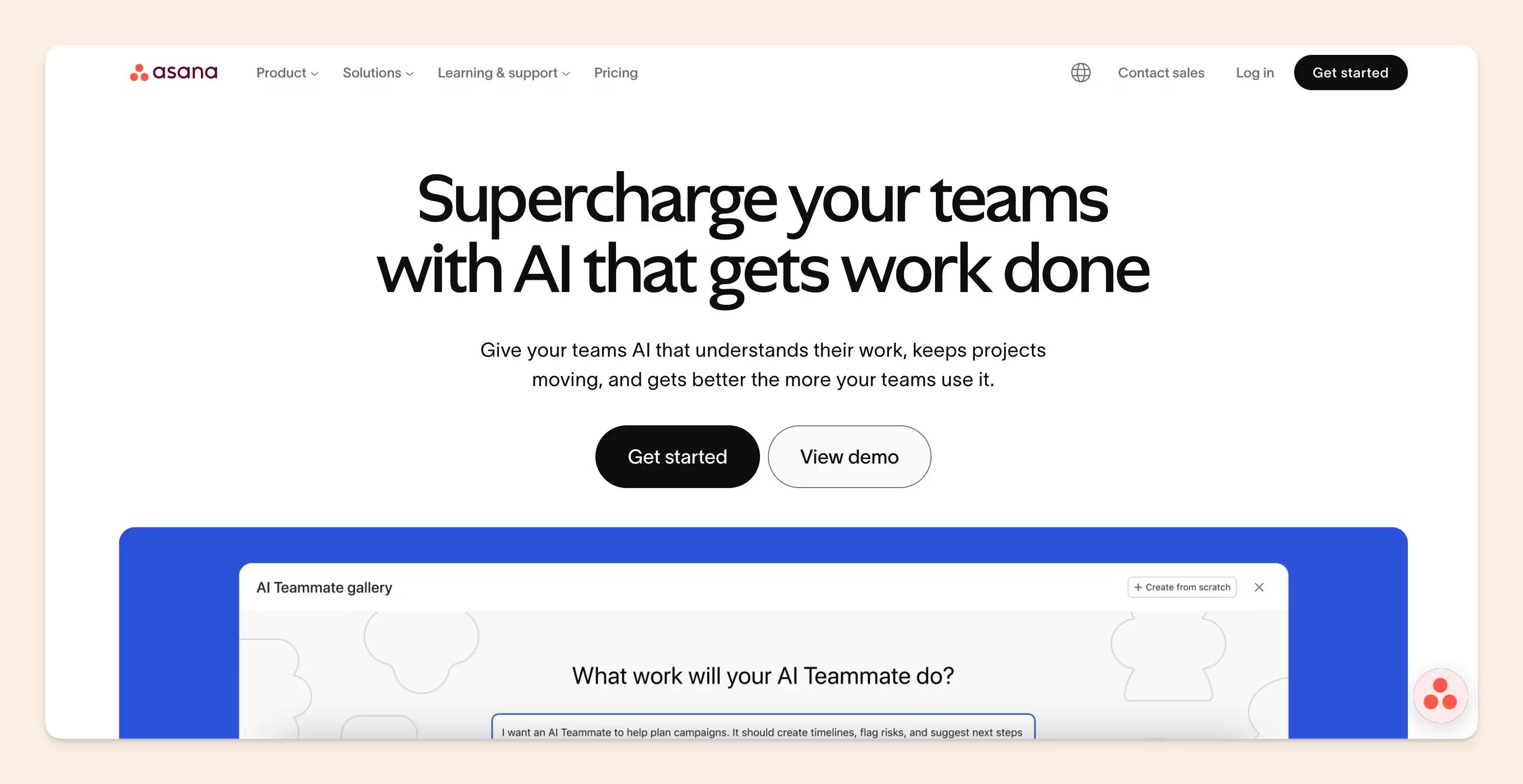
Ah, Asana. For those who don’t know already, Asana is the go-to project management tool for mid-sized and growing companies.
The standout feature of Asana is its reliability. Users consistently praise its dependable performance and intuitive interface, making it a trustworthy choice for teams of all sizes.
Asana is a great tool for teams that need to manage complex projects with lots of moving parts. It’s especially helpful for product managers, marketing teams, and software development groups who need to keep track of multiple tasks and deadlines.
The thing that makes Asana so great is its focus. It doesn’t try to be everything to everyone. Instead, it focuses on providing a clear overview of project progress and making it easy for teams to visualize their work in a way that works for them.
Asana has also added built-in AI (Asana AI) and AI Studio for automated workflows starting at the Starter tier.
That said, Asana isn’t perfect. It doesn’t offer all the features of some all-in-one platforms. But if you’re looking for a tool that’s specifically designed for project management, Asana is a great option.
Asana has a free plan (referred to as “Personal plan”) for 2 users, and paid plans start at $10.99/user/month for the starter plan and $24.99/user/month for advanced (both billed annually). This makes it accessible for small teams while still providing value for larger organizations.
Overall, Asana is a solid choice for enterprise-level teams and huge, long-term projects.
Basecamp
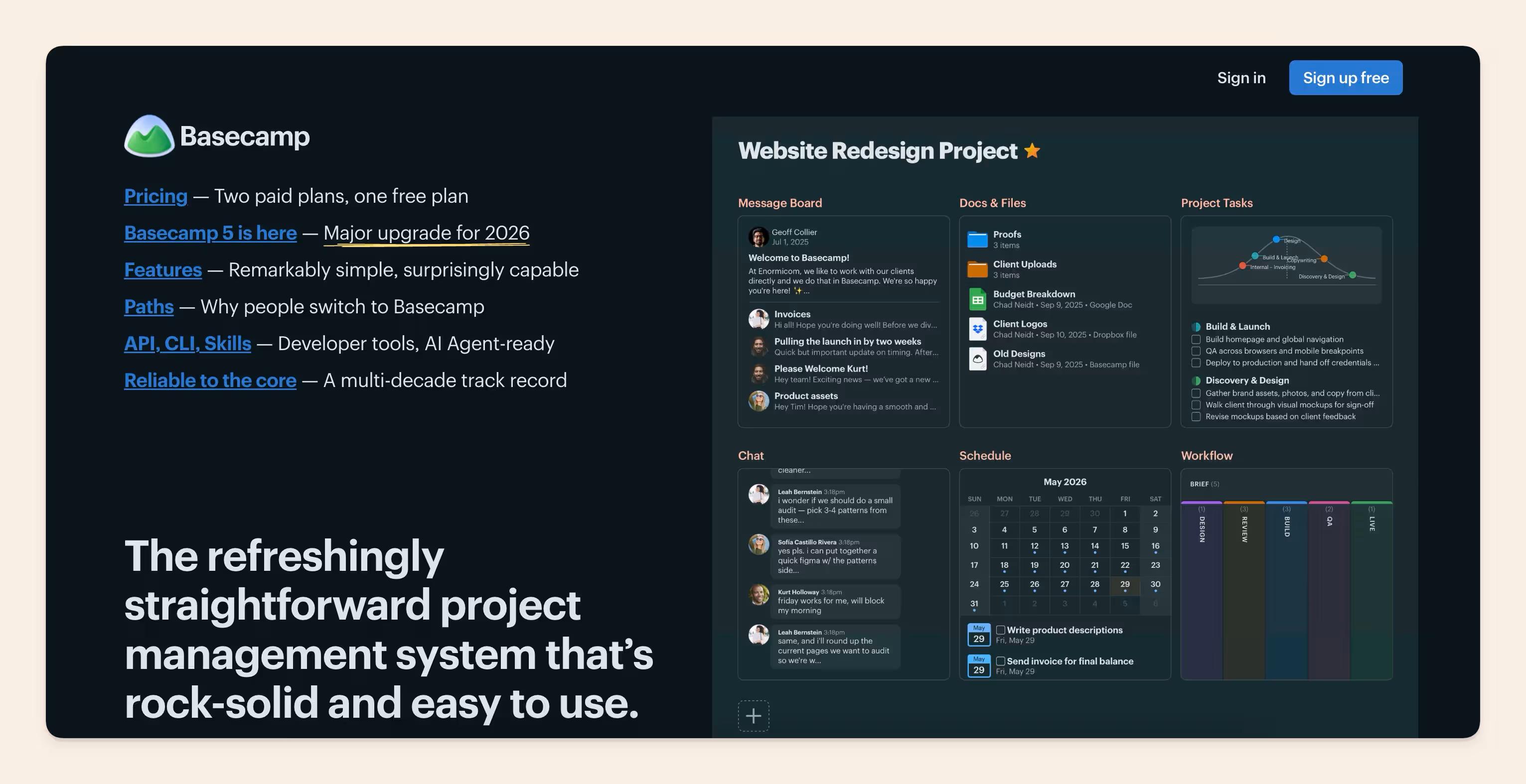
Basecamp is a laid-back project management and chat tool that’s super easy to learn. It’s perfect for teams who want to get up and run fast, without spending a ton of time on training.
It’s not as feature-rich as some other tools out there, but it’s got everything you need to stay organized and communicate effectively with your team. No fancy stuff like advanced document editing or databases, just the basics like to-dos, messages, chat, docs, and automated check-ins.
One thing that is really cool about Basecamp is that it has unlimited users for a flat monthly rate at $299 (billed annually). However, for smaller teams, you can also pay per user $15/month. If you’re looking to run just one project at a time, there is a free plan to get started.
Overall, Basecamp is a great choice for teams who want an easy-to-use, communication-centric project management tool. If you’re looking for something simple and straightforward, without all the bells and whistles, Basecamp is definitely worth checking out.
Confluence
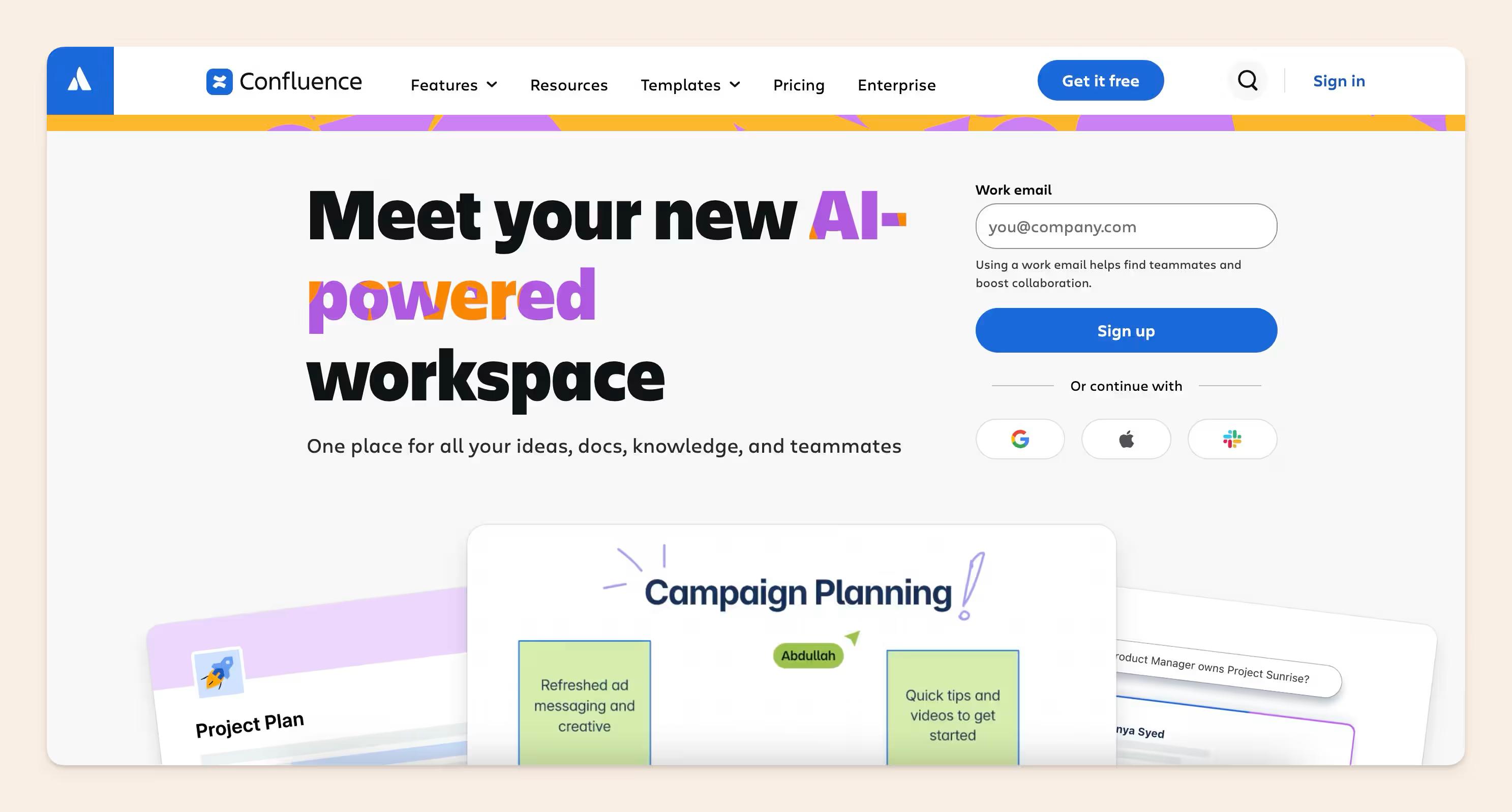
Confluence is a collaborative documentation tool of Atlassian’s “everything business app” suite. Like other ecosystem-focused-apps, it best plays with Atlassian products.
One of the best things about Confluence is how well it works with other Atlassian tools, like Jira. If you’re already using Jira or planning to, Confluence is a great choice.
Confluence has a lot of features that make it easy to create and manage documents. You can work on documents with your team in real-time, keep track of changes, and choose from a bunch of templates to get started.
Confluence now includes Rovo AI, Atlassian's cross-product AI that lets teams search across all their tools, get AI-generated answers from their docs, and deploy agents that automate tasks like drafting pages, summarizing sprints, or triaging service tickets.
Additionally, Atlassian just launched visual AI tools (Remix) and third-party agents in Confluence, including integrations with Lovable, Replit, and Gamma
One thing to keep in mind is that Confluence can be a bit tricky to figure out at first. It might take some time to get the hang of it, especially if you’re not used to other Atlassian tools.
The pricing for Confluence is pretty fair. There’s a free plan for teams up to 10 people, and paid plans start at $5.75 per person per month for the standard plan, and $11 per person per month for the premium plan. If you have a bigger team, you can get a discount.
Confluence is a popular tool, especially for teams that use Atlassian products. It’s particularly useful for software developers, IT departments, and other tech teams that need to keep track of their work and communicate with each other.
Overall, Confluence is a great choice if you’re looking for a collaborative workspace tool that integrates well with Atlassian products.
The best Notion alternatives for different use cases
The ideal Notion alternatives for you will depend on your specific needs and reasons for seeking a replacement. Consider these factors when making your decision:
- Knowledge management: If you're looking for a knowledge base tool that is self-maintained, Slite is your answer. It's dedicated to knowledge management that's easy to use, paired with Slite Agent that keeps your knowledge base always up to date.
- Context layer for your AI agents: If you're looking for a shared single source of truth that both humans and AI agents can work off of, Slite is your best call. The markdown-native docs and MCP included in every plan allow teams to connect Slite to AI tools like Claude, Cursor, and ChatGPT, so those agents read and act on verified company knowledge instead of hallucinating.
- Cost: If pricing is a primary concern, Basecamp offers a flat rate for unlimited users, while Asana provides competitive per-user pricing.
- Features: For those requiring more robust features, ClickUp and Coda offer extensive capabilities that can rival or even surpass Notion in certain areas, including advanced project management.
- Speed: If speed is an issue, Airtable and Asana are known for their performance, especially when handling larger datasets.
- Reliability and user-friendliness: Asana is recognized for its dependability, and Basecamp is easy to learn and implement across teams.
- Ecosystem integration: If you heavily rely on Atlassian products, Confluence is the optimal choice for seamless integration.
- Data visualization: Airtable excels in presenting complex data in a clear and understandable format.
- Project management: ClickUp and Asana provide powerful project management functionalities.
Keep in mind that no single tool is perfect for everyone.
It’s advisable to test a few options that align with your most critical requirements. Prioritize user adoption, as even the most feature-rich tool will be ineffective if your team finds it difficult to use consistently.
FAQ
Is Notion a good option as an internal knowledge base?
Notion is flexible and easy to start with, but it consistently runs into the same ceiling as companies grow. Notion is trying to be an all-in-one tool. Real-world customers switching away from Notion cite the same recurring issues: it lacks robust document verification and maintenance features, doesn't provide adequate cross-platform search capabilities (it searches docs only, not Slack, Drive, or GitHub), and requires significant migration effort as knowledge grows.
Enterprise teams often need more structure, security, and intelligence than Notion provides, specifically: permission-aware search, verifiable information with clear ownership, and AI-powered intelligence as a trusted source of truth.
Slite is purpose-built for knowledge management, where Notion is a general workspace. It offers doc verification, AI search across all your connected tools, and Slite Agent that detects knowledge drift by connecting to your tool stack, then proposes fixes for a human to approve.
How painful is the migration from Notion? Will we lose our content?
Migration is one of the first things leads ask, and the answer is: if you're transferring to Slite, it is handled for you. We take over the migration and import of your Notion workspace, our developers manage it directly. What gets imported includes the full doc structure, headings, bullet points, numbered lists, hint blocks, links between docs, images, videos, and databases, which are automatically converted into Collections in Slite. For large migrations, migration is planned for a weekend after signing, with extended onboarding and training sessions to follow.