Knowledge used to sit still. Then it became searchable, then AI-assisted, and now it is agentic. The way teams store and reach what they know has changed shape every few years, and 2026 is another one of those turns.
With the resurgence of agentic workflows, teams have realized they no longer have to carry the load of manually updating documentation themselves. They can put agentic workflows to work on it instead.
When AI agents arrived, every agent a team builds, for support, ops, or sales, needed current context to do its job, so the knowledge base stopped being just a human wiki. It became the place those agents read from. It is only natural, then, that teams are migrating toward something more self-sustaining.
That sets a new bar for reviewing the best knowledge base softwares in 2026,
AI search, knowledge maintenance and price are the deciding factors buyers go through before deciding on their next KB tool purchase.
Here's our quick rundown of the top contenders for the title of the best knowledge management tool in 2026:
- Slite is perfect for AI-forward teams that need a single source of truth for the humans and AI agents as a self-maintaining knowledge base that keeps your documents always up-to-date.
- Notion is a great all-in-one tool perfect for smaller teams, widely used across the board, which makes the adoption fast, but with reduced scalability.
- Confluence is great for enterprises already deep in the Atlassian ecosystem.
- Nuclino is ideal for small to medium-sized businesses seeking an all-in-one tool that merges knowledge management, project management, and document collaboration.
- Zendesk is tailored for large enterprises and expanding customer support teams that need a scalable, multilingual knowledge base equipped with advanced AI and automation features.
- Document360 is best suited for organizations that emphasize customer-facing knowledge bases, offering strong content organization and AI-assisted search capabilities.
- Guru is built for large or heavily regulated organizations that want a governed, audit-ready knowledge layer with deep controls and hands-on implementation support; it detects stale content but leaves the actual fix to a person.
- Bloomfire is designed for larger teams that work with various content formats (like video, audio, and PDFs) and need automated deep indexing along with custom analytics.
- Tettra is a great option for small and medium-sized businesses looking for a budget-friendly, Q&A-driven knowledge base that turns frequently asked questions into reusable knowledge.
- Stonly is built for high-volume customer service teams that need their knowledge and AI to execute real processes, guide agents, and resolve complex support scenarios reliably.
- Obsidian is a personal knowledge management tool for individual contributors.
- Onyx is for technical teams with engineering resources who need self-hosted, cross-tool AI search and full control over their data.
At a glance: 12 knowledge base tools compared
| Tool | Best for | Standout AI / freshness capability | Starting price |
|---|---|---|---|
| Slite | AI-forward teams wanting a focused, self-maintaining KB | Slite Agent detects doc drift, proposes fixes, routes through human approval | $10/user/mo (Basic, annual) |
| Notion | Teams wanting knowledge, projects, and databases in one tool | Notion AI bundled into Business and above | $10/user/mo (Plus, annual) |
| Confluence | Organizations already deep in the Atlassian ecosystem | Atlassian Intelligence writing assistance on Premium and above | ~$5.42/user/mo (Standard, annual) |
| Obsidian | Individual contributors wanting an offline-first thinking tool | No team AI; local graph view and backlinks | Free (Sync $4, Publish $8) |
| Document360 | Customer-facing knowledge bases | Ask Eddy AI assistant for customers and staff | Custom pricing |
| Guru | Large or regulated teams wanting a governed, audit-ready knowledge layer | Daily trust-signal checks flag stale or unverified content (detection, leaves the fix to a person) | Custom / contact sales |
| Bloomfire | Larger teams with mixed content formats | Content Reliability flags outdated or conflicting content | Custom (team/department/company tiers) |
| Tettra | SMBs wanting a Q&A-driven KB | Kai AI bot plus scheduled content verification | $8/user/mo (Scaling, 10-user minimum) |
| Stonly | Mid-market and enterprise customer service teams | Knowledge Agents monitor sources 24/7 and suggest updates | Pricing on request |
| Nuclino | Small to medium-sized businesses | Sidekick AI for drafting and summarizing | $6/user/mo (Starter, annual) |
| Zendesk | Growing customer support teams needing scale | Resolution Learning Loop connects AI, agents, and knowledge | $55/agent/mo (Suite Team) |
| Onyx | Technical teams needing self-hosted cross-tool search | Permission-aware natural-language Q&A across connected tools | Free to self-host (MIT) |
Why use knowledge base software? Benefits and ROI
At 100+ people, a knowledge base is one of the highest-ROI investments you can make, and the cost of doing nothing is measurable.
Employees spend an average of 3.2 hours daily searching for and gathering information, effectively consuming one full workday per week in unproductive search activities.
Organizations that implement the right KM tools report productivity gains of up to 25%, while those without proper systems lose valuable time and institutional knowledge with every employee departure or departmental reorganization.
For multi-department teams specifically, an AI knowledge base serves as a unified hub that breaks down silos and enables cross-functional collaboration, as users with AI access create 55% more docs per month than users without it.
Basic features to look for in a knowledge base
These are table stakes: the basic purpose of your knowledge base is to help people across sales, IT, accounting, and operations find answers fast. Make sure any tool you shortlist covers them, as the documentation quality rests upon these foundations:
- Customizable structure: categories, subcategories, and tags you can shape to your brand and your team's logic.
- Intuitive search: quick results, filters for precision, and real-time autosuggestions that handle misspellings.
- AI content assistance: drafting and summarizing built in, but check what it costs before you assume it's worth it.
- User-friendly interface: clean, easy to navigate, and mobile-responsive for on-the-go search.
- Integration capabilities: native connections to Slack, Asana, and the other tools where your knowledge already lives.
- Permissions and analytics: role-based access controls plus reporting on what people search for, so you can find and close gaps.
AI search and self-maintaining knowledge: what to look for in 2026
Nowadays AI-driven teams don't use a knowledge base solely as a wiki. They also use it as a context layer for their AI agents, and they treat documentation as infrastructure rather than an afterthought to the work.
When an outdated doc never gets archived, it doesn't just waste a person's time, it feeds the wrong answer to the AI agents now reading your knowledge base.
People can sense a stale page, but an AI agent treats it as fact. That raises the bar for what a knowledge base has to do.
And the crux is a maintenance gap.
Closing that gap is the whole point, and it changes what you should weigh most heavily:
- Agents that act on knowledge, not just store it. The cutting edge tools like Slite don't only answer questions; they detect when a doc has drifted from reality and propose the fix for a human to approve.
- AI search across all your tools, not just the wiki. Real answers live in Slack threads, tickets, and drives. Search that only reads the wiki misses most of where knowledge actually accumulates, and so do the agents that depend on it.
- Self-maintaining freshness. Look for verification deadlines, drift detection, and ownership so content doesn't quietly rot between audits. A self-maintaining knowledge base is the difference between a KB you trust and one you second-guess.
Use these as evaluation criteria as you read the tool list below, then see which entries actually deliver against them.
How did I test each tool for it to make it to the list?
Each tool here earned its place through hands-on testing of the same capabilities:
- how easy it is to navigate for human users,
- how well search handles real questions for real users,
- how cleanly it integrates with an existing AI tool stack through MCP and API,
- and what it costs against what it delivers.
Before adding a tool to this list, I extensively played with each one to analyze its different features and add accurate descriptions.
I tested each tool's search with real, natural-language queries, checking that it handled synonyms and returned step-by-step answers rather than just summaries, and I timed how slow it was. One tool's 25-second query time would be a dealbreaker on its own.
Based on the features mentioned above, here's how I went about testing the tools.
Testing the capabilities
This step was time-consuming but worth every second. I tested key functions and capabilities, like:
- Navigation: how easy it is to navigate through the tool's interface and find relevant information through simple search.
- Search functionality: performing keyword research for common queries and phrases and checking whether it gives accurate top results.
- Integration capabilities: testing integrations with existing tools and API functionalities, and seeing whether the KB functions smoothly or lags.
- Customization: checking whether customizing templates and layouts was possible to test the flexibility of adding custom features.
- Support and security: checking whether the tool offered multi-lingual support and required security features.
Evaluating the company's support service
You may need to contact the support team for help with the setup or other queries.
So, I spent some time testing the software's customer support service by reaching out to them via email, live chat, and phone. I evaluated their response time and the quality of their answers, how helpful and knowledgeable they were in answering my questions.
I also checked if these tools themselves had a good knowledge base and self-help resources, like documentation, FAQ sections, and blogs you can refer to for guidance and more information.
Comparing costs and ROI
Many knowledge base tools I checked offered AI features but charged high prices for basic features. Considering these aspects, I evaluated subscription costs for each tool, comparing them to the value and features offered with those plans.
So, based on my analysis and testing, here is a list of the top knowledge base software you can try for your enterprise.
1. Slite
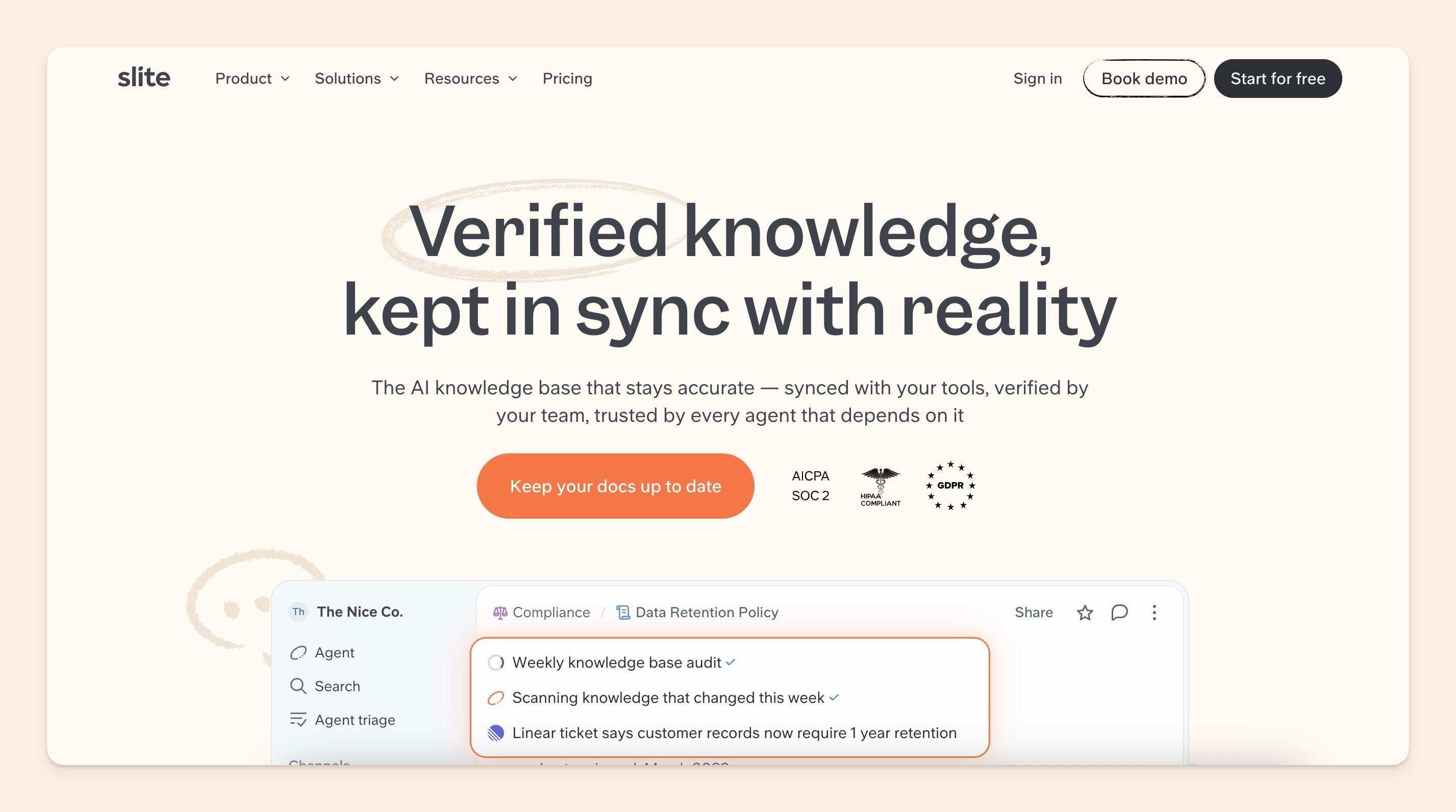
Slite is the first self-maintaining knowledge base: a structured, verified wiki paired with an AI agent that keeps documentation in sync with reality.
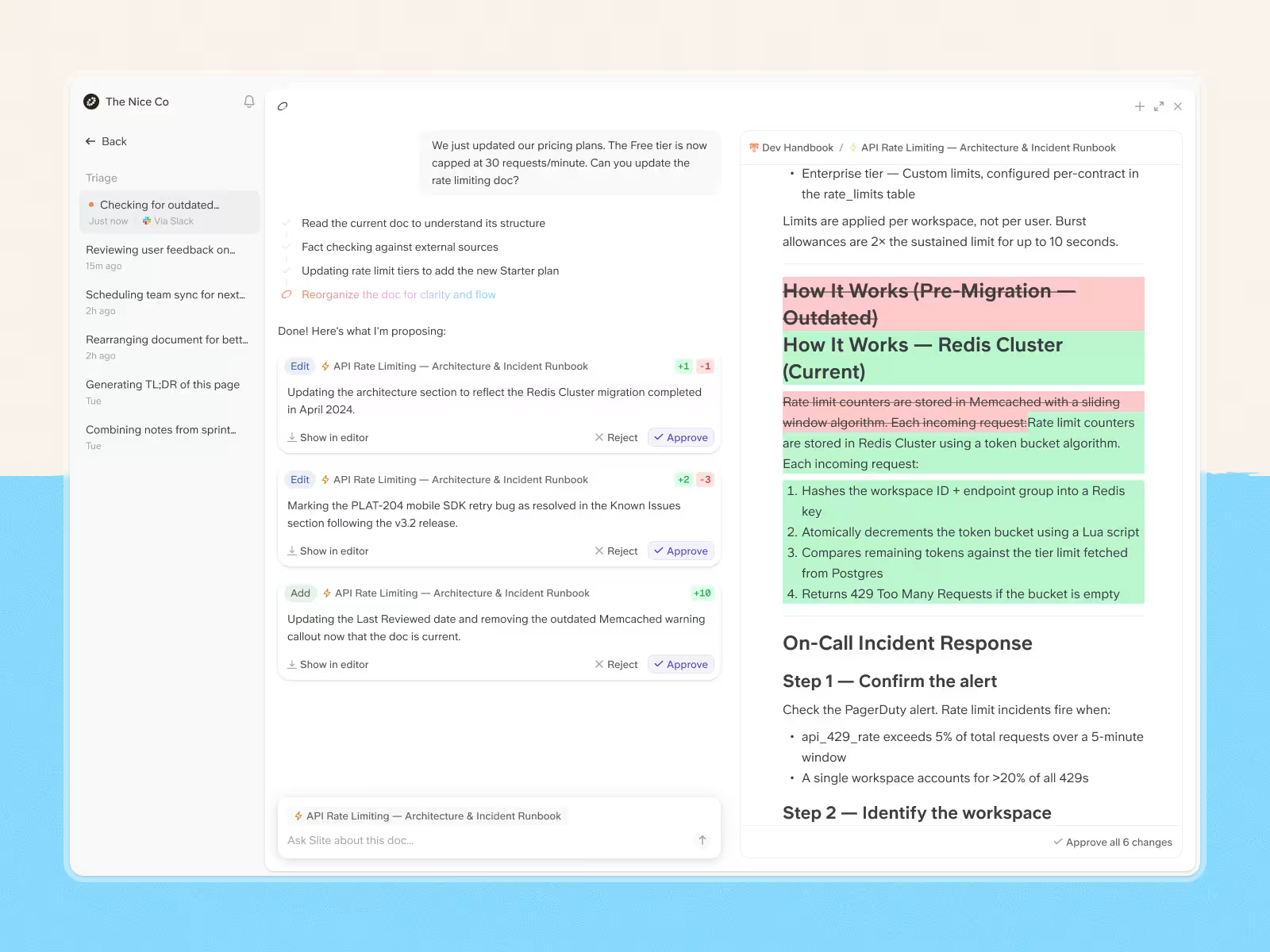
Slite Agent detects when docs have drifted, proposes the fix, and routes every change through human approval before anything is applied. The result is a company brain your team can trust and your AI agents can act on.
It works for growing teams looking to organize scattered information and for mature enterprise teams scaling their knowledge management. Across both, Slite has shown strong gains in employee experience and day-to-day productivity.
Slite has a low learning curve, and its simplicity and ease of use are a common feedback given by its customers.
If you have existing documents stored in Google Drive, Notion, or other apps, Slite makes it incredibly easy to import everything with just a few clicks. This hassle-free onboarding can be a game-changer, especially for teams that are fed up with the friction of switching knowledge management tools. That move is common: most teams adopting a dedicated KB migrate from shared drives and general-purpose tools rather than from another dedicated KB.
For teams whose knowledge is scattered across tools (which is every team), Slite Agent searches across the whole stack from one natural-language interface inside Slite. It reaches into Slack conversations, Google Drive, Linear tickets, GitHub discussions, Jira, Intercom, and 20+ connected tools.
That means people ask one question and get a sourced answer, whether the knowledge lives in a Slite doc or in a tool three apps away.
Users on G2 consistently highlight how fast teams get up and running, and how much lower the learning curve is compared to Confluence or Notion. If you have existing docs in Google Drive or Notion, Slite's dedicated importers bring them over in minutes with structure and formatting preserved.
Key features
- AI search (Ask): semantic search with sourced answers, so employees see exactly which documents back each result and can dig deeper from there
- Doc verification and stale content detection: AI flags documents that need review, are outdated, or should be archived, removing the need for manual content audits
- Slite Agent (detect / act / control): cross-references your docs against Slack, Linear, GitHub, Intercom and 20+ tools to flag what's gone stale, proposes the fix from a natural-language instruction, and routes every change through a Triage UI for human approval, so nothing is auto-applied
- MCP + API access on every plan: connect Slite as a knowledge source to Claude and other AI agents from the Basic tier up, where most competitors gate this behind enterprise pricing
- 20+ native integrations
- Import from Google Drive, Notion, and Confluence: migration takes minutes with automated mapping of folder and page structures
Pricing
Slite offers tiered pricing:
- Basic plan at $10/user/month (billed annually), a full knowledge base with AI search, doc verification, and MCP + API access
- Pro plan at $20/user/month (billed annually), which adds Slite Agent, cross-tool search across 20+ integrations, doc fact-checking with suggested fixes, and agent workflows, plus 50 monthly agent credits per seat with the option to buy more if your team needs them
- The Enterprise plan offers custom pricing for large organizations that need reader-only roles, SCIM provisioning, audit logs, and advanced security and controls.
Final verdict
Best for: AI-driven companies that want a single source of truth for their humans and their AI agents, kept current without manual upkeep.
Notable feature: Slite Agent, which detects when docs drift from reality, proposes fixes, and routes every change through human approval, paired with Ask, the cited in-doc AI search on Basic.
Limitations: Intentionally focused on knowledge management, so it won't replace project management or CRM tools.
Would you like a guided tour? We'd love to chat.
2. Notion
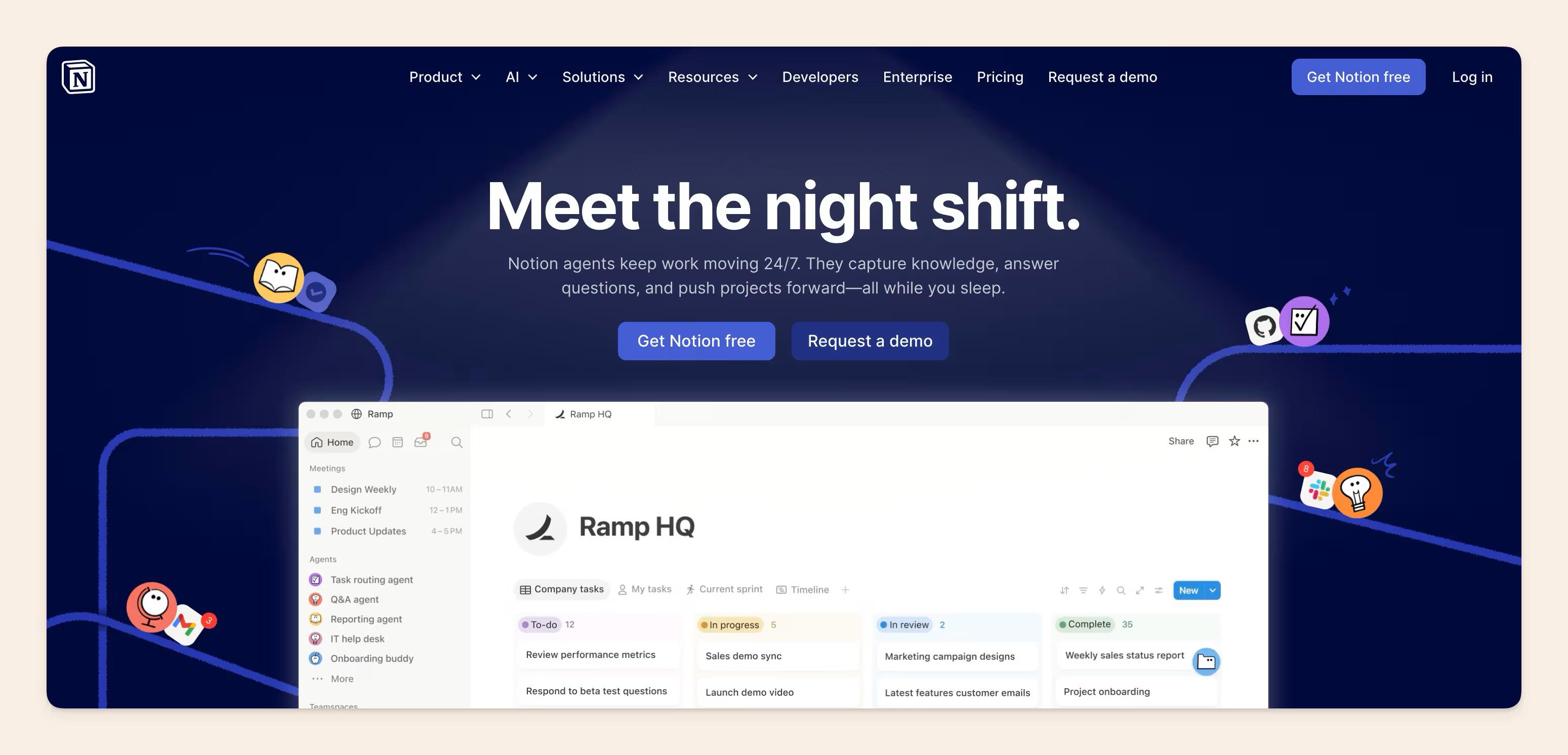
Notion is a flexible, all-in-one workspace for teams to collaborate, organize information, and streamline their workflows beyond traditional knowledge management.
One of Notion's biggest strengths is its blank-slate approach (and potentially downfall as teams start scaling), which allows users to mold the tool to fit their unique needs and preferences.
Whether you're looking to build a knowledge base, manage projects, or simply take notes, Notion provides the building blocks to create a tailored solution.
The platform's robust database capabilities enable teams to structure and store information in a highly organized manner, making it easy to find and retrieve critical knowledge.
Notion also has extensive integration capabilities, so users can connect with a wide range of popular productivity and business tools, such as Trello, Figma, and Google Calendar.
This helps teams avoid the need to constantly switch between different applications, keeping everything centralized within the Notion workspace.
While Notion may not be as laser-focused on traditional knowledge management as some of the other solutions on this list, its versatile approach makes it a compelling option for smaller teams of people that value customization and the ability to tailor their workspace to their unique requirements.
However, without a dedicated Notion admin maintaining taxonomy, enforcing page templates, and archiving stale content, wikis can become information graveyards.
Reviews on Capterra reflect this pattern repeatedly: teams love it early, then find it increasingly hard to maintain as headcount grows.
Key Features
- Flexible page and block structure: databases, boards, timelines, galleries, and document pages all coexist in one workspace without forcing you into a single format
- Custom database views: the same dataset renders as a table, kanban board, calendar, or gallery depending on context
- Real-time collaborative editing with inline comments, @mentions, and version history across all pages
- Extensive third-party integrations: Figma, GitHub, Slack, Google Drive, Zapier, and hundreds more via API
- Notion AI: drafting, summarizing, translating, AI search, and AI Meeting Notes, now included in the paid Business and Enterprise tiers rather than sold separately
Pricing
Notion offers a range of pricing plans to suit different team sizes and needs. The Personal plan is free for individual users, while the Plus plan starts at $10 per member per month (billed annually).
For larger organizations, the Business plan is $20 per member per month and includes Notion AI (Notion Agent, AI search, AI Meeting Notes, and Enterprise Search) as part of the plan. The Enterprise plan adds further security controls, support, and Notion AI, with pricing that scales accordingly.
Best for: Teams that want a single tool for knowledge, projects, and databases, and have someone willing to maintain their own structure.
Notable feature: Relational databases with multiple view types, the same content rendered differently for different use cases.
Limitations: No built-in content verification or stale content detection; wiki quality at 100 plus employees degrades predictably without a dedicated admin. Teams that switch out often say it serves the 2% of power users well but overwhelms the other 98%.
Further reading: Notion VS Slite - the full comparison for 2026.
3. Confluence
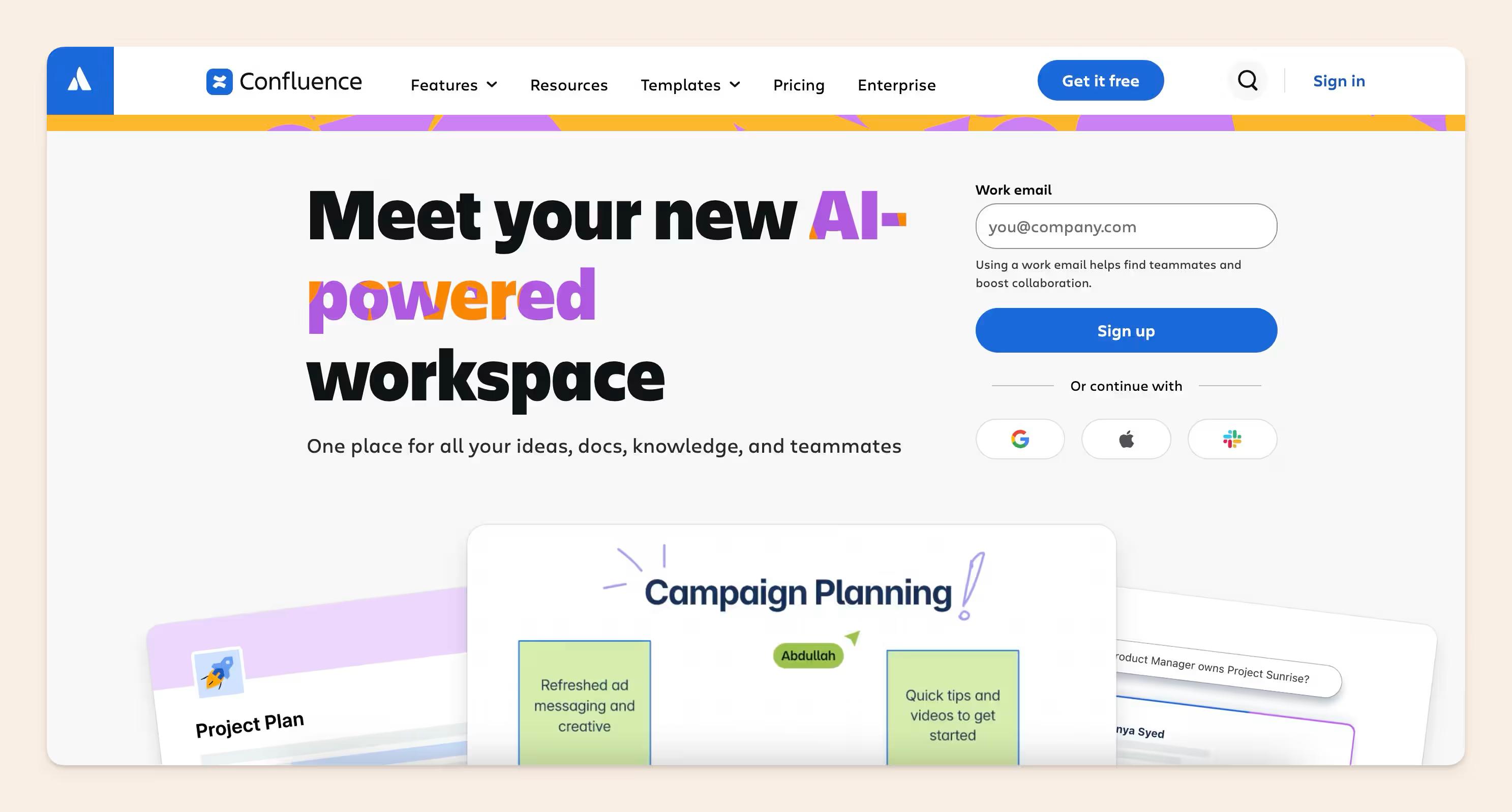
Confluence is an AI-driven knowledge management platform built for large enterprises and organizations with complex collaboration needs.
As one of the leading knowledge management systems, often going head to head with Notion, Confluence helps transform service delivery and decision-making in companies already all-in on Atlassian.
One of Confluence's key strengths is its integration with other Atlassian products, such as Jira and Trello. It also brings enterprise-level security, governance, and customization.
This allows teams to bring together project management, task tracking, and knowledge management into a cohesive ecosystem. Employees can easily access relevant documents, SOPs, and other critical information directly within their existing workflows.
Rovo is Atlassian’s answer to the AI-driven knowledge base landscape in 2026, which offers an AI workspace assistant that searches across your tool stack and third party tools, learns from your organizational knowledge and includes shipping custom AI agents for routine tasks.
That said, it does offer options to when it comes to updating your stale docs using agentic workflows, but they are mostly manual - Rovo can surface when knowledge has drifted, but it’s triggered by the doc owner. Additionally, there is an option to have Rovo propose a change to the document, but again after a human triggered action.
Its deep integration with the broader Atlassian ecosystem makes it a compelling option for organizations that are already invested in the Atlassian suite of tools.
However, the honest gap we see reported across the board is adoption, as G2 reviews consistently surface it as the top complaint.
Overall, Confluence is a strong choice for enterprises and teams that require an enterprise-grade knowledge management solution with collaboration, security, and customization capabilities.
Key Features
- Atlassian Rovo: Built on the Teamwork Graph, Rovo is the AI layer of the Atlassian family that includes Rovo Chat, Rovo Search and Rovo Studio and Agents.
- Jira integration: bi-directional linking between Confluence pages and Jira issues, so requirements docs live next to the tickets they describe
- Spaces and page trees: hierarchical content organization with nested pages, labels, and macros for structured documentation
- Granular permission model: space-level, page-level, and user-group permissions suited to enterprise security requirements
- Templates library: hundreds of pre-built page templates for meeting notes, project plans, product specs, and runbooks
- Atlassian Intelligence: AI-powered writing assistance and content summaries built into the editor, available on Premium and Enterprise plans
Pricing
Confluence pricing starts at roughly $5.42 per user per month for the Standard plan (annual, small-team tier; per-user cost decreases at higher seat counts). This includes the core knowledge management and collaboration features. For larger organizations, the Premium and Enterprise plans add functionality, support, and administrative controls, with pricing that scales accordingly.
Best for: Organizations already deep in the Atlassian ecosystem where Jira integration is operationally non-negotiable.
Notable feature: Native bi-directional Jira integration, the only knowledge base where engineering docs and project tickets genuinely coexist in one place.
Limitations: Dated editor experience and persistent adoption challenges; page sprawl without active governance is a well-documented failure mode at scale. A common switch reason: you find four different versions of a page and are never sure which is the most recent.
4. Obsidian
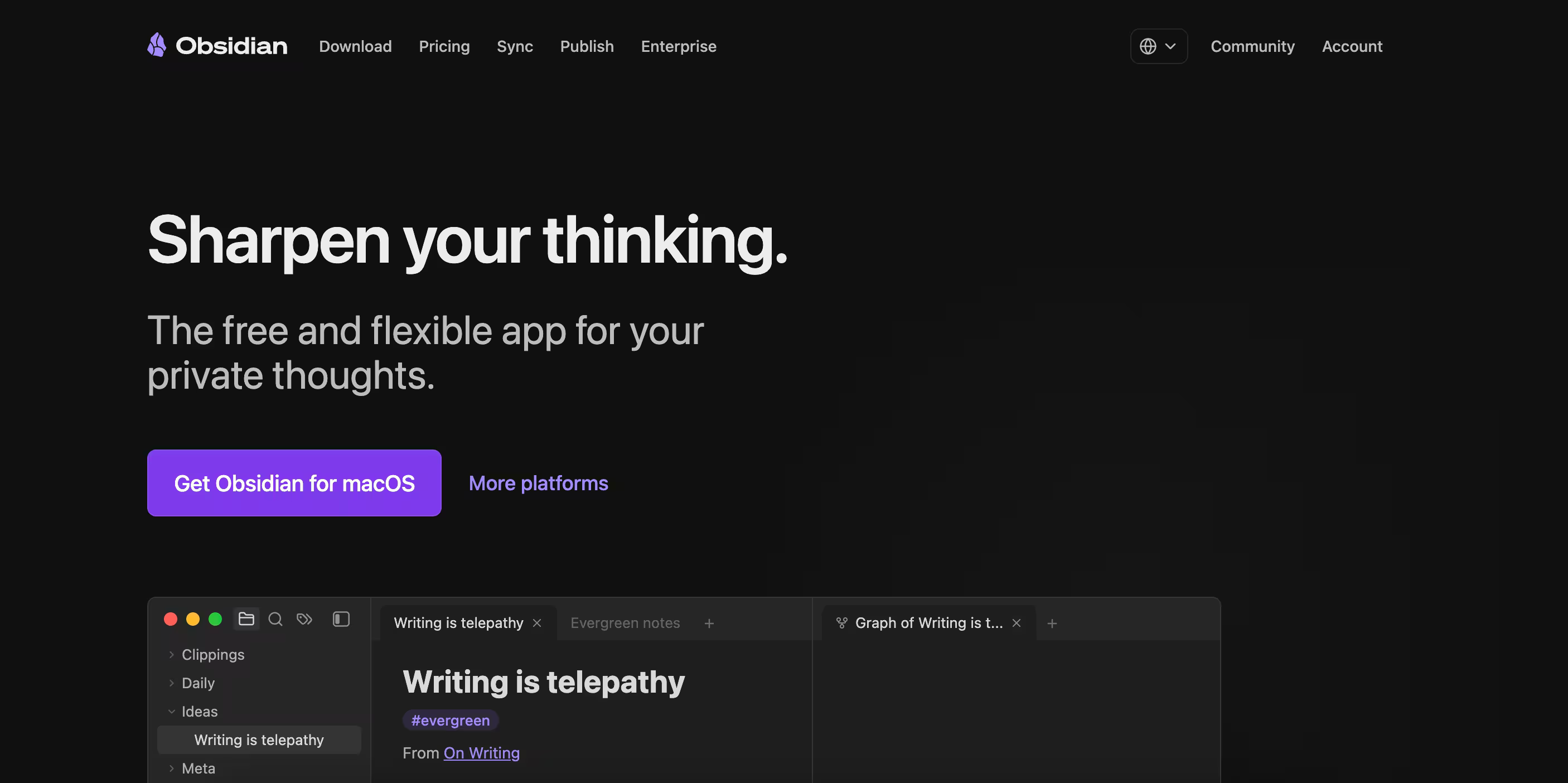
While most of the tools on this list are designed for team-based knowledge management, Obsidian stands out as a great solution for individuals looking to supercharge their personal productivity and information organization.
We can see incredible case studies of people creating PKMS (personal knowledge management systems) with over 8000 notes 64000 links.
This open-source self-hosted platform uses Markdown-based notes to create a "second brain" that links together all your thoughts, ideas, and research, which we flesh out in our comparison of Notion against Obsidian.
The built-in graph view and backlinks make it easy to navigate and discover connections between your notes, fostering a deeper understanding of the information you've curated.
However, if you are evaluating tools for a team of more than a handful of people, you should pass on Obsidian. There are no shared workspaces in the traditional sense, nor permissions model for organizations.
Key Features
- Local Markdown files: notes live on your machine, not a cloud server, with full offline access and portability across devices
- Bidirectional linking: link between notes with wiki-style links that automatically create backlinks, making connections between ideas explicit
- Graph view: visual map of note relationships across your entire vault
- Plugin ecosystem: 400 plus community plugins for Kanban boards, templates, spaced repetition, and more
- Publish tool: optional paid add-on to share vaults publicly as a website
Pricing
Obsidian is an open-source project, so the core platform is available for free. There are also paid plugins and themes available, but the base application can be used without any financial investment.
There are optional add-on services that are available in the 2 paid tiers:
- Sync: $4 per user, per month, billed annually
- Publish: $8 per user, per month, billed annually
Best for: Individual contributors such as researchers, writers, and engineers who want a private, offline-first, permanently structured thinking tool.
Notable feature: Bidirectional linking with graph view, revealing connections between notes that linear folder structures make invisible.
Limitations: Not built for teams: no organizational permissions model, no shared workspaces, no content governance.
5. Document360
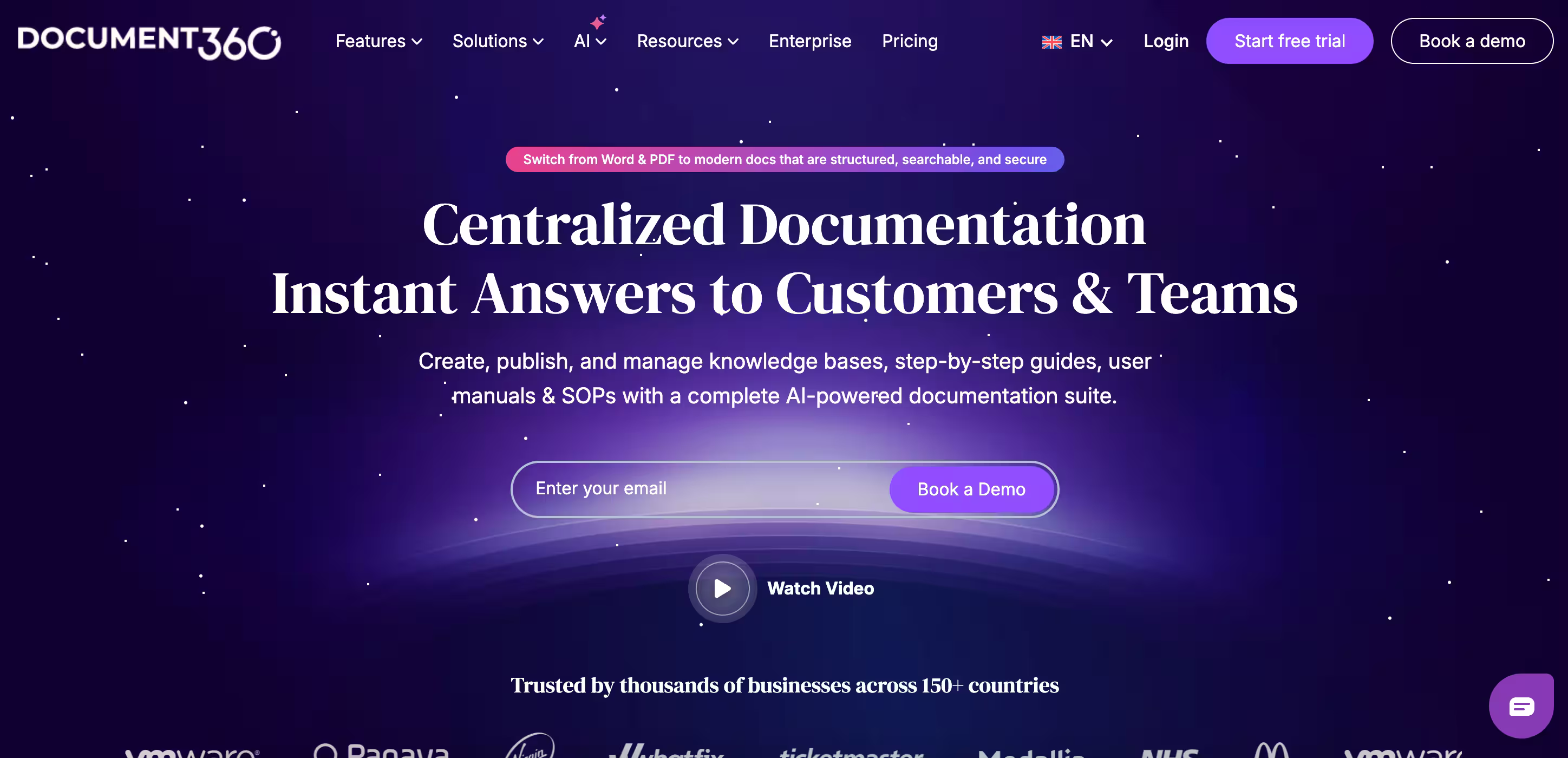
Document360 is dedicated AI-powered knowledge base software with an intuitive interface that helps you create both public and private knowledge bases.
Besides offering AI search for employees, Document360's AI agent Ask Eddy also allows customers to find answers to their complex questions instantly.
Team members can use this AI assistant for several purposes, including writing.
You can create, edit, and format articles using either the powerful markdown or the WYSIWYG editor. Both editors allow you to add visual components like images, videos, and code snippets.
While Document360 adapts to the needs of both smaller and larger organizations with its extensive content libraries, the cost may be a bit pricey for small organizations with a limited budget.
It is also more suitable for organizations that prioritize customer support than tools like Slite and Nuclino, which are more inclined to be an internal knowledge base.
Key features
- Category manager that helps you efficiently organize and categorize content
- Track article changes through version control and revert to previous versions if needed
- Key insights into user interaction with the knowledge base to identify content gaps and search trends
Pricing
Document360 offers 3-tiered pricing, but does not display official prices per seat on a monthly or yearly basis.
Final verdict
Best for: Organizations that prioritize customer-facing knowledge bases with strong content organization and AI-assisted search.
Notable feature: "Ask Eddy" AI assistant that instantly answers complex questions.
Limitations: Custom pricing implies that it might be pricey for smaller organizations, and more suitable for customer support use cases than internal knowledge management.
6. Guru
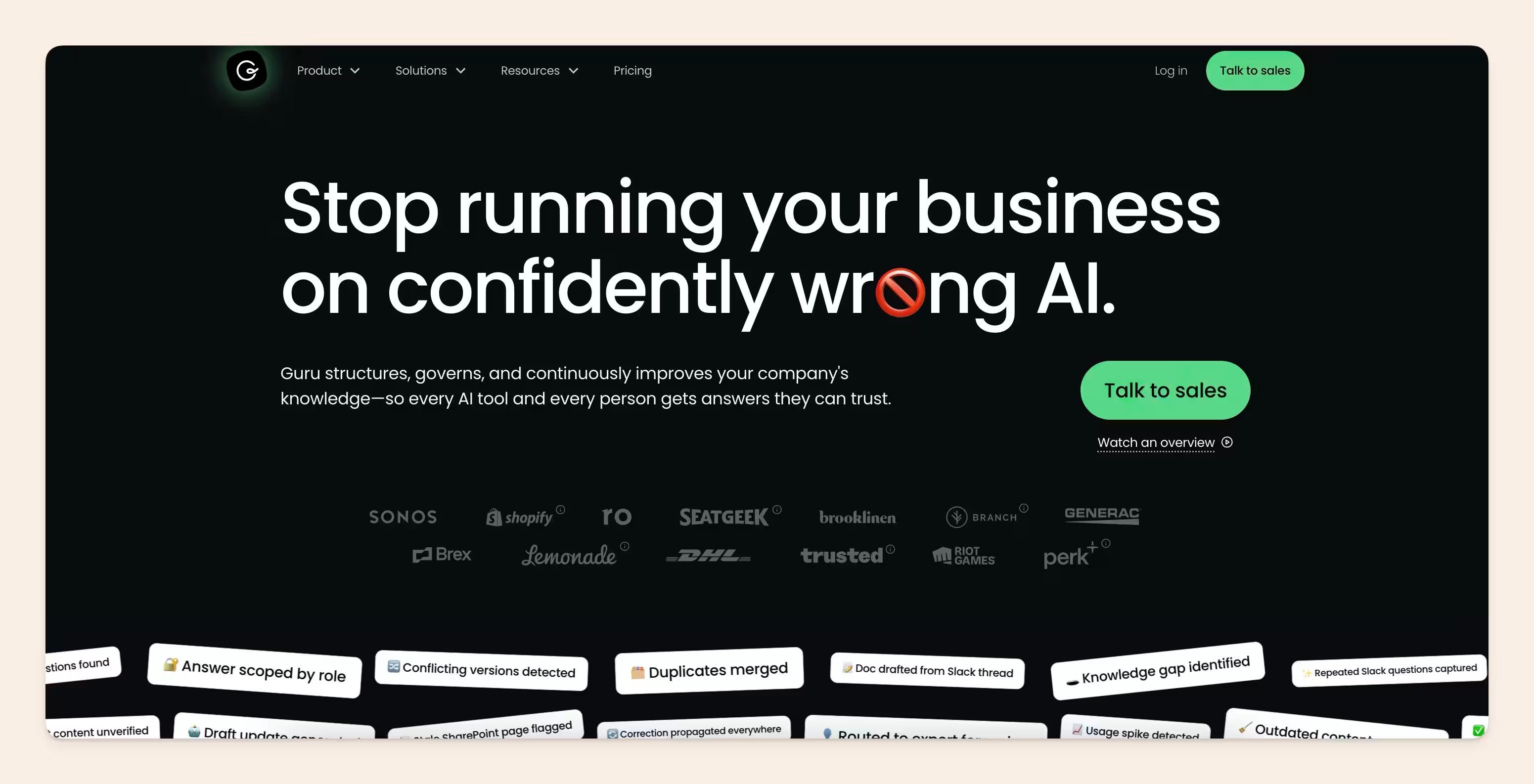
Guru is one of the leading AI knowledge base tools that offers verified answers, cited sources, and automated upkeep.
In the comparison we run for this year, Guru and Slite both clear that bar. Both tools’ AI can find and flag your stale docs.
But: when something changes, does the tool just tell you a doc is out of date, or does it actually fix it?
Guru runs daily checks and adjusts a trust signal, marking content verified or unverified based on how it is used, flagging what needs attention, and logging every call. It is a mature, governed system for knowing what you can trust. The correction it surfaces still lands on the doc owner’s plate to fix.
Key features
- AI answers, cited and permission-aware: surfaces verified answers with sources and respects access controls.
- Trust signals and daily verification: runs daily checks and marks content verified or unverified based on how it is used, flagging what needs attention and logging every call.
- Stale-content detection via usage signals and content rules: flags content that may be out of date for a person to review
- Enterprise governance and audit depth: advanced controls and audit trails.
- Dedicated implementation and strategy services for rollout and knowledge ops.
Pricing
Guru does not publish list pricing, so testing is sales-lead. Plans are quote-based, oriented to larger and regulated buyers with a sales cycle.
Final verdict
Best for: large or heavily regulated organization that wants a governed knowledge layer with deep audit controls and hands-on implementation support, and you are comfortable with enterprise pricing and a sales cycle.
Notable feature: Stale-content detection.
Limitations: Guru performs best when it functions in “cards” (smaller pieces of information), so long-form content can present challenge. Additionally, its search becomes messy as the KB scales, as it struggles to offer precise answers on topics where there are similar articles or duplicates.
Further reading: Best Guru alternatives for team knowledge management
7. Bloomfire
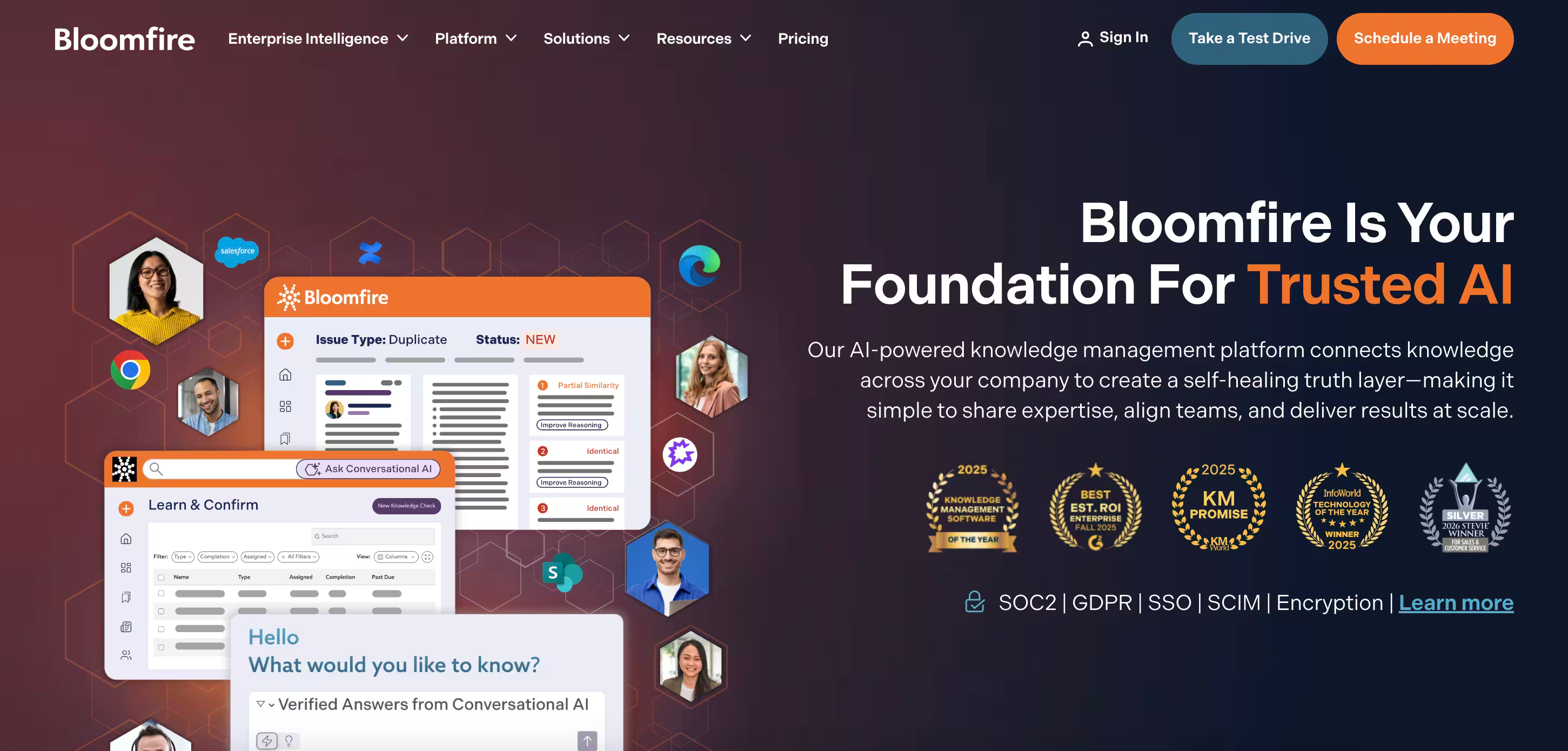
Bloomfire is an AI knowledge management tool that prides itself on productivity with intelligent tagging, content analytics and AI-powered search.
Their use cases span across many industries, serving their AI search tool as their standout feature to their enterprise clients.
Thus, Bloomfire has multiple use cases besides an internal knowledge base, such as customer self-service and training, employee onboarding, knowledge sharing, and sales enablement.
Bloomfire also markets itself as a "self-healing knowledge base”, meaning it flags or surfaces content that may be outdated, but it doesn't propose the fix or perform the maintenance itself.
However, its expensive pricing, high learning curve, and advanced features make it suitable for larger teams with diverse content needs rather than smaller organizations with simple knowledge management needs.
Key features
- Synapse Conversational AI that answers questions in plain language with accurate, cited responses drawn from your trusted knowledge base
- Content Reliability that automatically detects outdated, redundant, or conflicting content
- AI-powered enterprise search that surfaces the most relevant content across both structured and unstructured sources
- Q&A Collective Knowledge Engine that captures institutional expertise through structured questions and answers, turning individual insights into searchable organizational knowledge
- Analytics Suite that measures engagement, search behavior, content performance, and knowledge gaps with advanced reporting tied to business impact
Pricing
Bloomfire flips the standard cost of seat-per-month model, and instead offers licensing based on a team/department/company-wide model with 3 tiers:
- Single team access
- Department-wide access
- Company-wide access
Though, their prices per model are not openly displayed in their official materials.
Final verdict
Best for: Larger teams with diverse content formats (video, audio, PDFs) who need automated deep indexing and custom analytics.
Notable feature: Automated deep indexing that indexes all company content across storage locations and file types, including audio and video.
Limitations: Implied expensive pricing and a high learning curve make it less ideal for smaller organizations with simple knowledge management needs.
8. Tettra
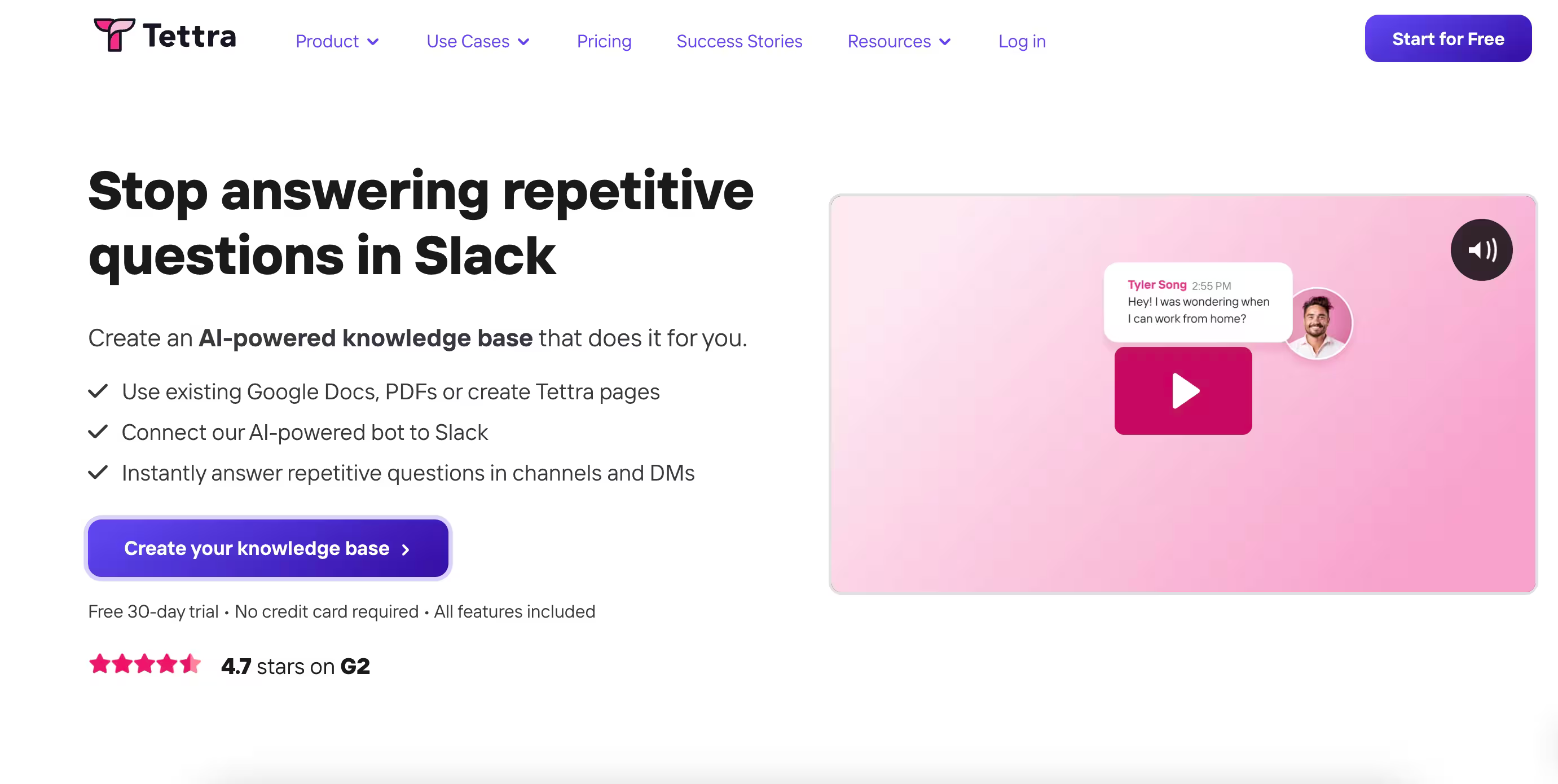
Tettra is an AI-driven internal knowledge base software that claims to reduce the time required to search company information by 35%.
Tettra's approach and interface are more driven towards a question-and-answer workflow, encouraging team members to ask and answer questions in the platform. This turns responses to commonly asked questions into reusable knowledge.
You can either add new content to the knowledge base using Tettra's simple, clutter-free editor or import content from Google Docs or Markdown files.
Tettra focuses on content accuracy through the content verification feature, where you can verify your content from experts, knowledge managers, or team leads keeping the content accurate and up-to-date.
Key Features
- Kai AI bot that instantly answers questions asked in Tettra or Slack, and routes unanswered questions to the right person
- Q&A workflow that turns repetitive questions into reusable, searchable answers directly within Slack
- Content verification that lets subject matter experts confirm pages are up to date on a set schedule
- AI-powered tagging and semantic search that makes finding clutter-free, verified content fast and accurate
- Knowledge gap identification that allows teammates to request new pages or updates to keep the knowledge base complete
Pricing
There are two pricing tiers:
- Scaling: starting at $8 per user/month with a 10 user minimum
- Enterprise: custom pricing available on request
Final verdict
Best for: Small and medium-sized businesses with its minimalist interface and cost-effective pricing.
Notable feature: Q&A workflow powered by Kai, its AI assistant.
Limitations: Limited scalability, lack of advanced analytics and AI-driven features, and basic custom branding features.
9. Stonly
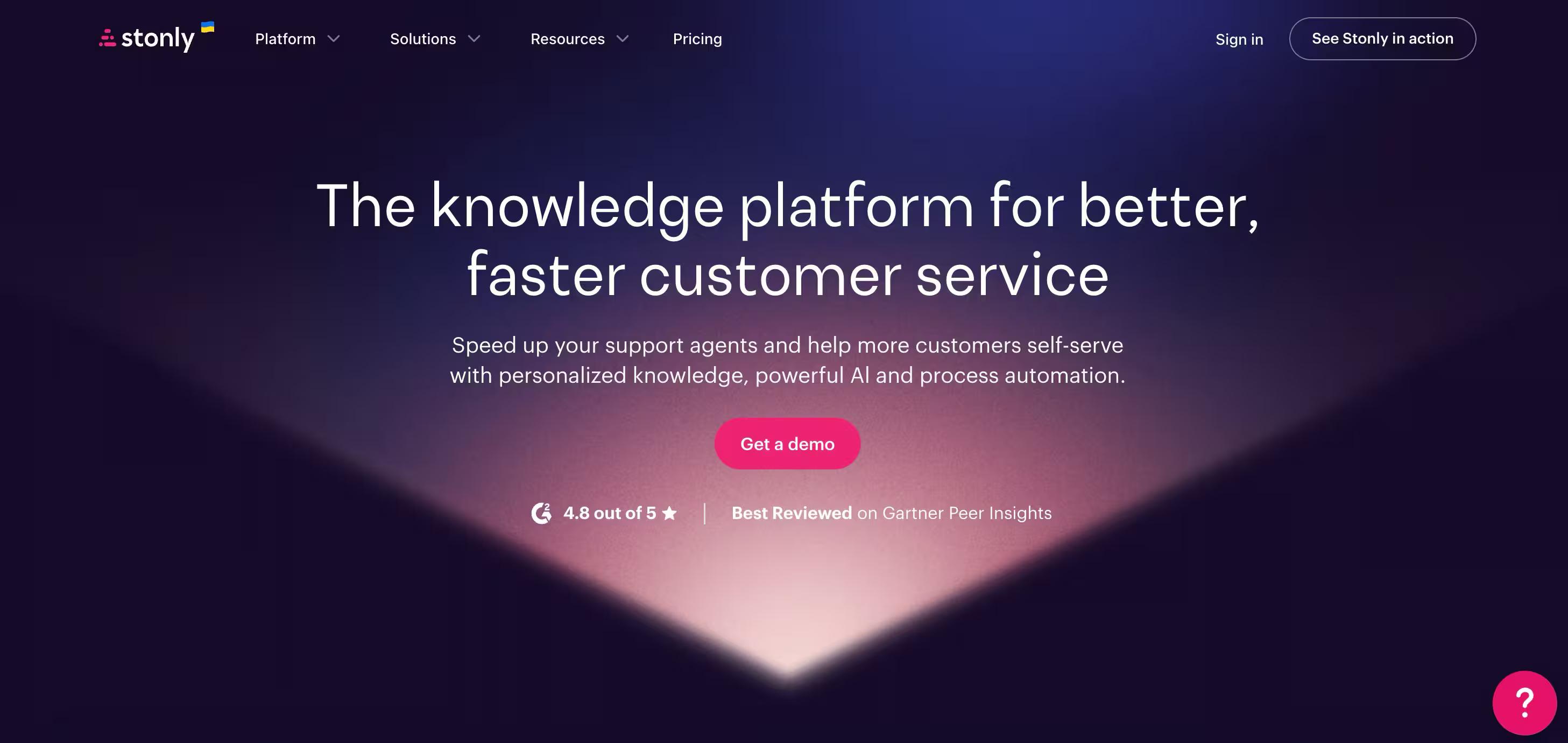
Stonly is a knowledge platform built for customer service. Companies use Stonly for both agent-facing and external customer knowledge, making information instantly accessible and personalized so people get the right help exactly when they need it.
Stonly helps teams create the absolute best knowledge for customer support, including standard articles and interactive step-by-step guides that adapt to each user's situation. This makes it easier for people to find answers, follow processes correctly, and resolve issues without confusion or extra support requests.
For support agents, direct integrations inside the ticketing system surface the right knowledge for each ticket automatically. For customers, no-code triggers push the right knowledge when and where they need help.
Stonly's search drills down to the step level, getting people to the information they need faster, and includes an integrated AI experience to provide instant answers.
Keeping all of that knowledge current is where Knowledge Agents come in.
These are AI agents that monitor your knowledge sources 24/7, spot opportunities to improve, and help teams create new content and update existing knowledge continuously, so the knowledge layer stays aligned to reality over time.
Key Features
- Interactive guides that adapt based on customer or support agent context, inputs, and choices rather than presenting static content
- Proactive in-app and embedded support that delivers help at the point of need before a ticket is ever created
- Advanced Knowledge Agents, including review workflows, version history, rights management, and granular targeting
- Deep integrations with leading help desks, CRMs, and support platforms
Pricing
Stonly offers plans for mid-market and enterprise teams. Pricing is available on request and scales based on team size and use case. You can request a demo or get pricing details at stonly.com.
Final verdict
Best for: Mid-market and enterprise customer service teams that need a knowledge platform that works equally well for support agents and customers, and pairs with AI to deliver more reliable, consistent support at scale.
Notable feature: Knowledge Agents: AI agents that monitor your knowledge base around the clock, spot gaps and improvement opportunities, and help teams create and update content continuously so knowledge never goes stale.
Limitations: Stonly is designed for mid-market and enterprise support teams, so smaller teams or startups with lightweight knowledge needs may find it more than they require.
10. Nuclino
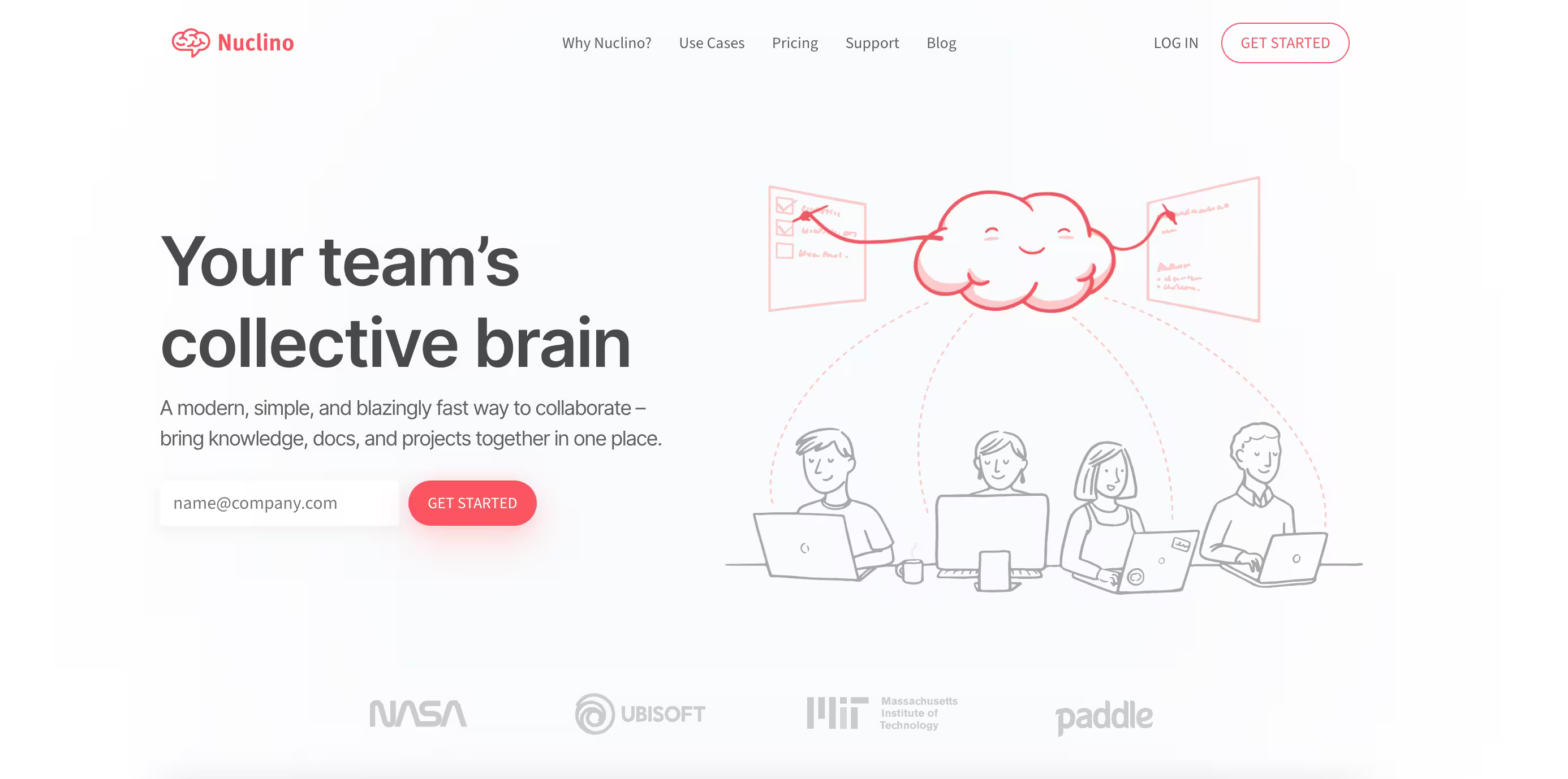
Nuclino is an all-in-one intuitive and modern platform that not only helps you with knowledge base but combines project management and document collaboration to reduce context switching.
Their standout feature is 'Graph View,' which allows users to see how different content pieces are related and interconnected, bringing simplified information retrieval and navigation with a visual knowledge base.
For instance, an HR team can create a graph view for 'Employee Policies' to link documents like leave policies, remote-work policies, training programs, and compensation policies to the main hub.
What's unique about this tool is that you can export all your knowledge base data in various formats anytime, allowing you to save a copy in unexpected cases and get offline access to your data.
You can also view the version history to track changes made to the documents within your KB.
Key Features
- AI-powered search with lightning-fast results and flexible filters
- Multiple views (list, board, table, and graph) to cover every task and workflow
- Built-in canvas for whiteboards and diagrams
- Sidekick AI assistant for drafting, summarizing, and image generation
- Cross-platform availability across browser, desktop, and mobile
Pricing
Nuclino's free plan supports up to 50 items. The Starter plan is $6/user/month (billed annually) and the Business plan is $10/user/month, with advanced permissions, version history, AI (Sidekick), and priority support. Guest users count toward billing on paid plans, which adds up faster than expected.
Final verdict
Best for: Small to medium-sized businesses. Due to limited scalability and customization, large enterprises may not benefit as much.
Notable feature: 'Graph View' allows you to see how different content pieces are related and interconnected, simplifying information retrieval with a visual knowledge base.
Limitation: Guest users count toward billing, which can get expensive for teams that frequently collaborate with external partners or clients.
11. Zendesk
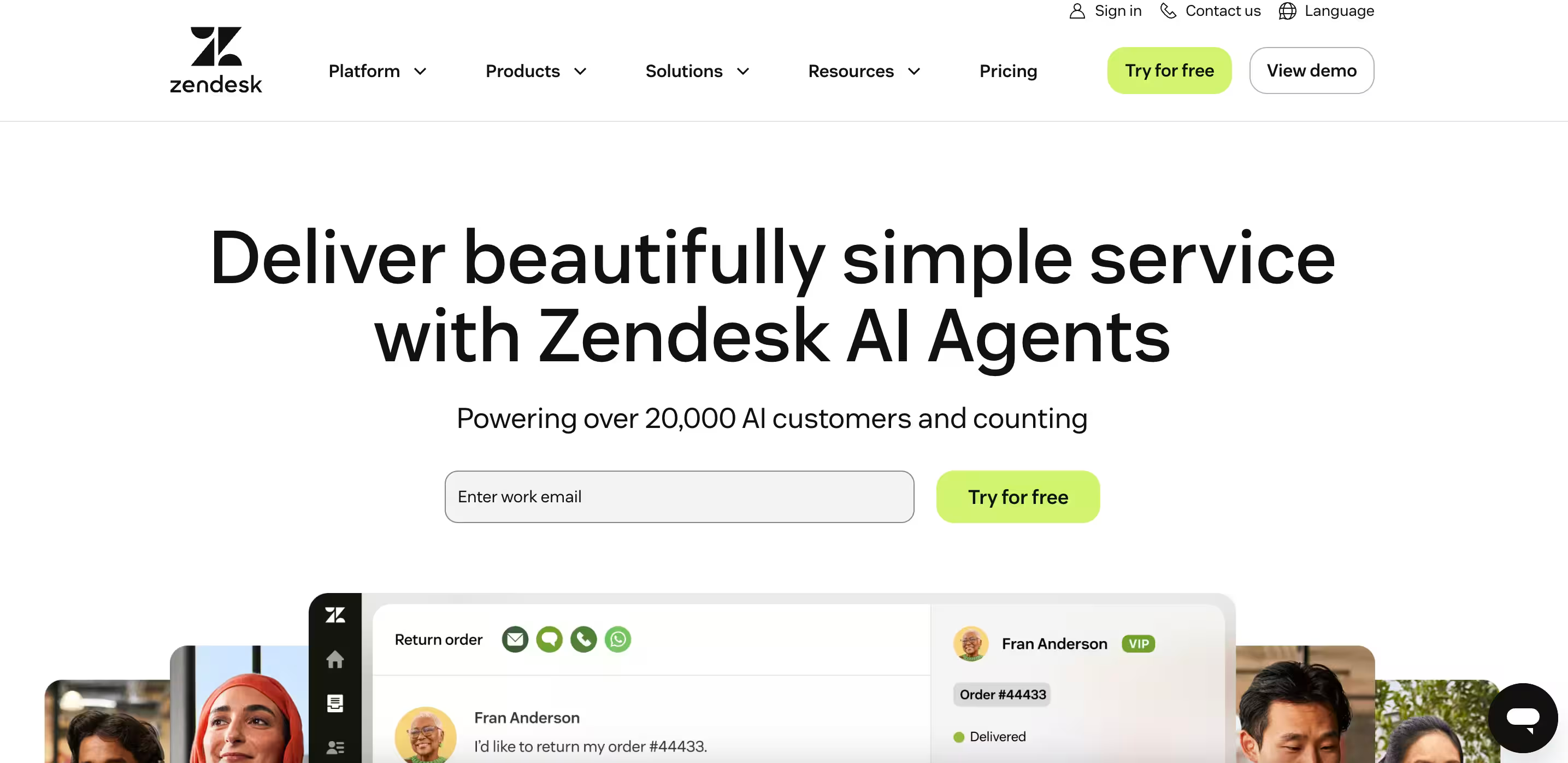
Zendesk is a robust customer support solution that offers a knowledge base platform as part of its offering.
Its knowledge base helps teams organize, manage, and create content for both customers and internal teams.
Whether you want to create customizable help centers or internal knowledge base hubs for employees, Zendesk is equipped with advanced features, like AI-powered search, built-in reports and analytics, AI bots and automation integration, and support for over 40 languages.
While it supports scalability, making it ideal for large enterprises, Zendesk has a learning curve for deeper customization, a high price for its advanced features, and a lack of visual tools.
Key Features
- Resolution Learning Loop™ that automates the majority of interactions by connecting AI, human agents, and knowledge on one platform
- AI agents that handle complex requests and backend tasks across any channel
- Knowledge graph that centralizes content from tickets, help centers, and third-party systems in a single workspace
- No-code flow builder to orchestrate multi-system workflows and automate business rules
- AI-powered analytics dashboards with cross-system visibility to turn insights into action
- Voice AI Agents, an Admin Copilot, Action Builder (low/no-code workflow tool), and Knowledge Connectors that integrate external sources like Confluence, Google Drive, and SharePoint without migrating data.
Pricing
The pricing is broken down into various use cases and tiers. For their standard plans for customer support agents, they have:
- Suite Team: $55/agent/month (AI agents, messaging, 1 help center)
- Suite Growth: $89/agent/month (Multiple help centers, community portal)
- Suite Professional: $115/agent/month (CSAT, SLAs, skills-based routing)
- Suite Enterprise: custom pricing
Copilot is now a separate add-on at roughly $50/agent/month on top of any Suite plan rather than a bundled tier, and AI agents bill per resolution (outcome-based) rather than per seat.
Final verdict
Best for: Growing customer support teams that need a scalable, multilingual knowledge base with advanced AI and automation.
Notable feature: Resolution Learning Loop™ that continuously improves automation rates by connecting AI, human agents, and knowledge on one platform.
Limitation: Steep learning curve for deeper customization, high price for advanced features, and most implementations require 3–6 months and a dedicated admin to configure.
12. Onyx (formerly Danswer)
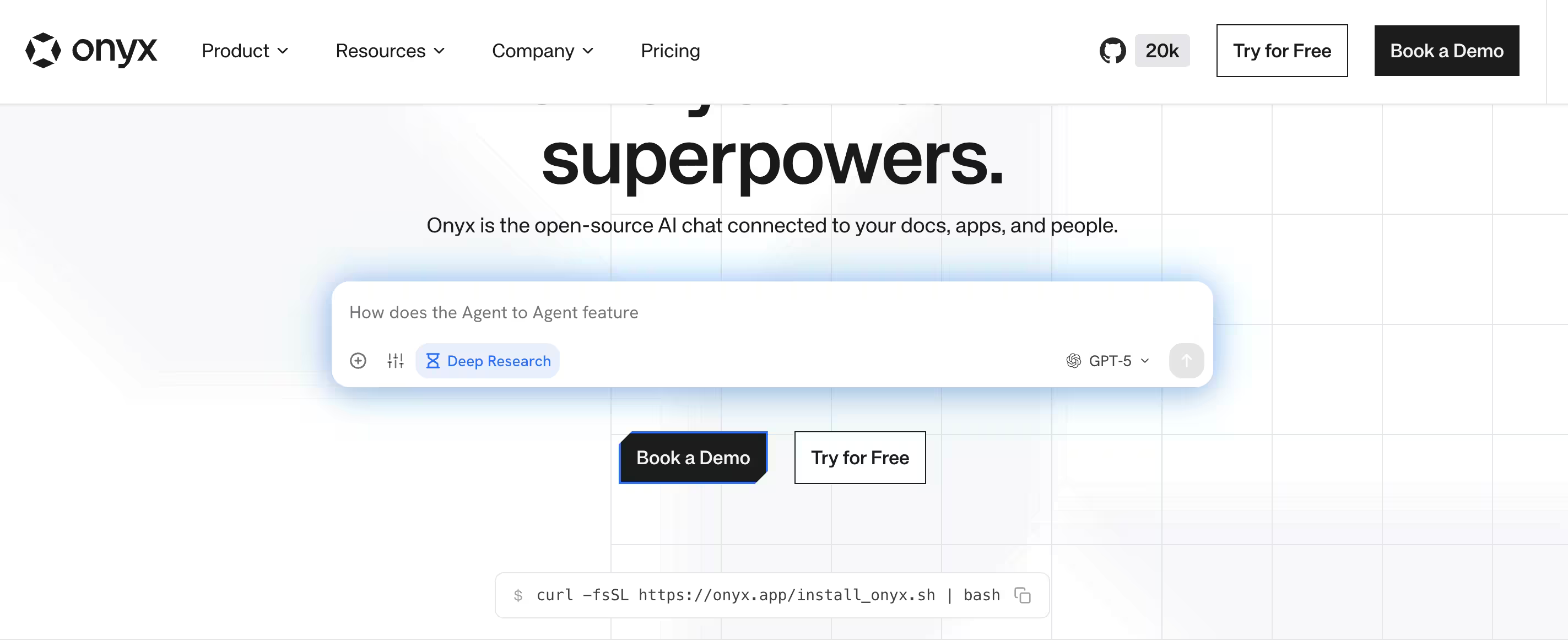
Onyx is an open-source AI-powered search and knowledge assistant that connects to your existing tools such as Slack, Confluence, Google Drive, Notion, GitHub, Linear, Jira, and others and lets teams ask natural language questions across all of them simultaneously.
The key differentiator is self-hostability: Onyx can run on your own infrastructure, which matters significantly for organizations with data residency requirements, air-gapped environments, or security requirements that rule out third-party SaaS products.
The Onyx GitHub community is active and the project is well-maintained, which matters for a self-hosted tool.
When looking strictly for knowledge base tools, Onyx doesn't offer a wide enough spectrum of features to help with sorting, creating or verifying documentation in your existing tool stack.
Onyx surfaces and synthesizes content from wherever knowledge already lives. It does not author, structure, or maintain the docs themselves.
If your problem is that knowledge is scattered across eight tools and nobody can find anything, Onyx addresses that directly.
However, if your problem is that documentation is outdated and nobody trusts it, Onyx can provide little to no help.
Key Features
- Self-hostable architecture: runs on your own infrastructure with full data control and no third-party access to company knowledge
- Connector library: integrates with Slack, Confluence, Notion, Google Drive, GitHub, Linear, Jira, Salesforce, and more
- Natural language Q&A: ask questions across all connected sources and receive synthesized answers with source citations
- Permission-aware search: respects the access permissions of connected tools so users only see results they are authorized to access
- Onyx Cloud: managed hosting option for teams that want the OSS functionality without self-hosting overhead
Pricing
Onyx is free to self-host under MIT license. Onyx Cloud managed hosting is available on a paid tier with pricing available on request. Self-hosting costs are infrastructure plus internal engineering time for setup and ongoing maintenance.
Best for: Technical teams with DevOps or platform engineering resources who need full data control and cross-tool AI search without vendor lock-in.
Notable feature: Self-hostable deployment with permission-aware search across every connected tool, respecting the access controls of their source systems.
Limitations: Requires engineering resources for setup and ongoing maintenance; does not help with knowledge creation, structure, or content governance.
How to pick the right knowledge base software for your company
Start by matching the tool to your primary use case, then pressure-test it on search quality, MCP options, freshness controls, integrations, pricing model, and migration path.
Here are a few questions to ask yourself that will guide you toward the right knowledge base tool for your organization.
- What is the primary purpose? Do you need the knowledge base for internal documentation, customer assistance, sales enablement, or as an internal context layer for your AI agents? For instance, while Slite is fully dedicated to enterprise knowledge base software, Zendesk and Document360 follow a customer-centric approach to knowledge management.
- What kind of search do you need? Are you looking for basic search, or advanced AI search functionality?
- Do team collaboration and authoring features, like real-time editing or approval workflows, matter, or do you simply need a solution for knowledge storage and access?
- What software and application integrations do you need and prioritize?
- Do you need advanced analytics and reporting features to track content usage and gain key insights?
- What are your knowledge base security and scalability requirements?
- Lastly, what is your company budget, and can you find a tool whose features match the answers above within your constraints?
In practice, the decision factors that separate finalists tend to be:
- Search quality, measured in a live test with your own questions.
- Integration with where your team already communicates.
- Editor-versus-reader pricing as your team grows.
- Verification and freshness controls.
- A believable migration path off your current tools.
- SOC 2, SSO, and data-residency support.
- Ease of use for non-technical contributors.
The buying committee usually consists of a technical evaluator, an internal champion, and a budget approver, and they run the above checklist against their own priorities.
Conclusion
The throughline across all twelve tools is the same: the version that wins is the one your team actually trusts and keeps using. In 2026 that increasingly means a self-maintaining knowledge base, one that humans can trust and AI agents can act on, because the content stays in sync with reality instead of rotting between audits.
That is the bar Slite is built to clear. If you want to see effortless search, Slite Agent, and the integrations working on your own content, the easiest next step is to try it on a real use case.
Want to talk it through with us first? We'd love to chat.
FAQ
1. How do I compare knowledge base tools outside of sales demos?
Run a structured trial with real content and real questions. Set up a free trial for each shortlisted tool, connect the same sources (Slack, Google Drive, your existing docs), and ask the same 10–15 questions you actually get asked at work. Then grade each answer on accuracy, citation quality, and speed. Those two factors, answer accuracy and response time, are what decide whether a tool gets adopted or quietly abandoned.
2. What should I actually evaluate when choosing an AI-powered KM tool?
Beyond the feature checklist, four things matter most: AI search that understands context and intent rather than keywords, content verification and governance so information stays trustworthy, enterprise-grade security and permissions so the AI only surfaces what each user is allowed to see, and analytics into what knowledge gets used. Insist that every AI answer carries citations, so you can trace and verify it. Finally, check that the tool works where your team already works; AI that forces a context switch gets used less.
3. We are 100+ people across multiple departments. Is a knowledge base tool even worth it?
Yes. At this scale a knowledge base is one of the highest-ROI investments you can make, because unproductive search and duplicated work compound with headcount (the full numbers are in the benefits section above). Slite is purpose-built for it: department-level Channels with separate permissions, doc ownership and verification, and Slite Agent to answer questions across all your connected tools without anyone having to know where things live.
4. We have 5 different tools for knowledge management. How do we consolidate without rebellion?
Go slow to go fast: don't mandate a switch overnight. Resistance usually traces back to past transitions that promised improvement and didn't deliver, so bring employees in from the start, spell out the day-to-day benefits, and pair the rollout with training. Start with a single high-impact use case like onboarding or support FAQs, assign clear content owners, and roll out in phases. With Slite, the migration friction is low: import existing content from Google Drive or Notion on day one, and Slite Agent connects to your other tools so teams keep getting answers from their existing sources while the consolidation is underway.